
ATTACK SHARK G3PRO Gaming Mouse with Magnetic Charging Dock, PixArt PAW3311 Gaming Sensor, BT/2.4G Wireless/Wired Gaming Mouse with Grip Tape, 25000 DPI, Gamer Mice for Win11/Xbox/PS/Mac (Black)
Brand: ATTACK SHARK
【Charging Dock】Featuring a magnetic snap-on design for quick and easy charging. Simply place the G3PRO mouse on the dock to keep it fully charged and ready for your next adventure. The dock also includes a touch-sensitive switch—lightly tap to toggle between different lighting effects.
- Height
- 7 cm
- Length
- 17 cm
- Width
- 11 cm
- Colour
- B-Black
About this product
For gamers who need a mouse that offers both precision and comfort, the ATTACK SHARK G3PRO is an excellent choice. Designed for those looking to enhance their gaming experience across various platforms including Windows 11, Xbox, PS, and Mac, this mouse features a high DPI of 25000, making it perfect for fast-paced games where accuracy matters. Equipped with a PixArt PAW3311 sensor and offering both wireless and wired options via BT/2.4G technology, the G3PRO ensures you can switch between modes seamlessly depending on your setup or preference. The magnetic charging dock adds to its convenience, allowing for quick and easy recharging without needing to plug in each time.
Specifications
- Height
- 7 cm
- Length
- 17 cm
- Width
- 11 cm
- Colour
- B-Black
- Amazon Bestseller Rank
- #1,236
Frequently asked questions
Is this mouse compatible with Windows 11?
Yes, the ATTACK SHARK G3PRO is compatible with Windows 11. Check the manufacturer's listing for any specific requirements or updates that might be necessary.
Does it work on Xbox consoles?
The mouse should work on Xbox consoles as long as they support wireless mice via Bluetooth or 2.4G. Ensure your console supports these technologies before purchasing.
Can I use this mouse with a Mac computer?
Yes, the G3PRO is designed to be compatible with Mac computers using either wired or wireless connection methods. Make sure your Mac supports Bluetooth or USB for connectivity.
You might also like
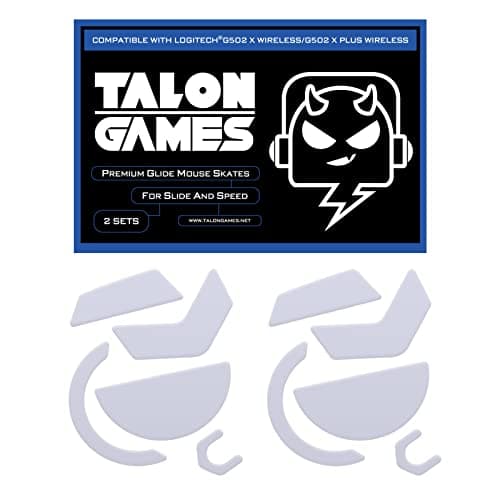
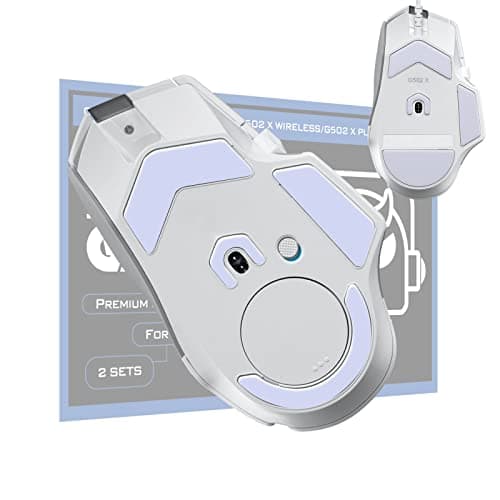
2Sets of TALONGAMES Rounded Curved Edges Mouse Feet Skates Compatible with Logitech G502 X Wired, G502 X Wireless Gaming Mouse Feet Replacement, 0.8mm, Pure PTFE Material with Super Smooth Glide Pads
TALONGAMES
£11.99
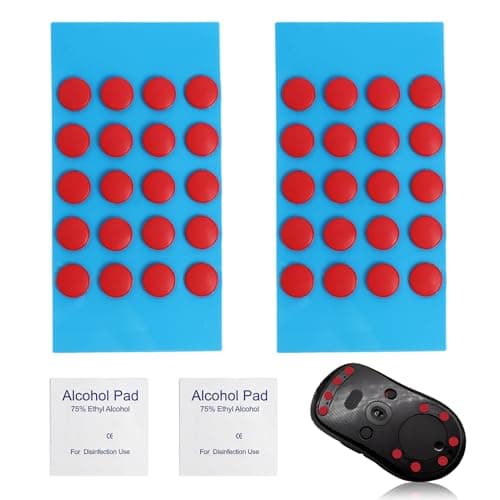
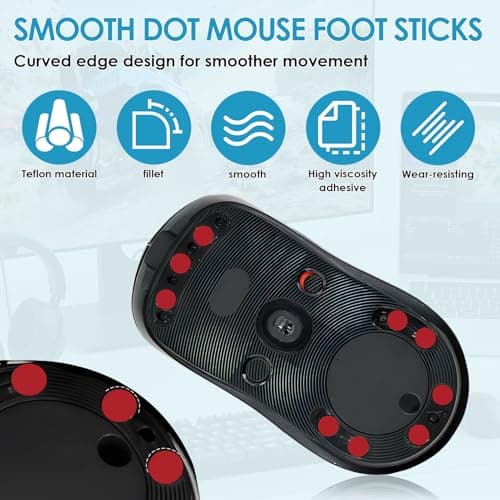
40 PCS Dot Mouse Skates for Glass Mouse Pad, 6mm Self-Adhesive Mouse Feet Skates Rounded Universal, High-Density PTFE, Compatible with Gaming Mouse Feet Replacement, Curved Edges Smooth Glide Fast
SMCEHEYA
£5.49
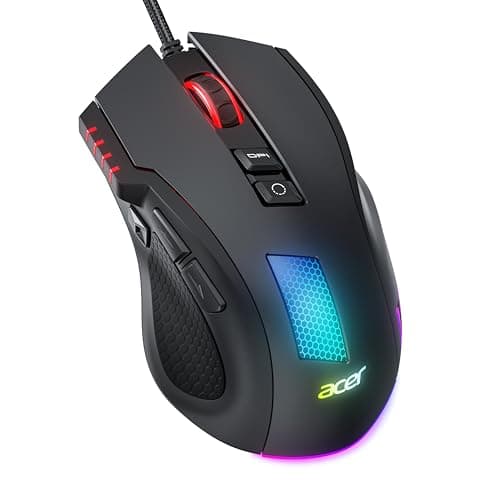
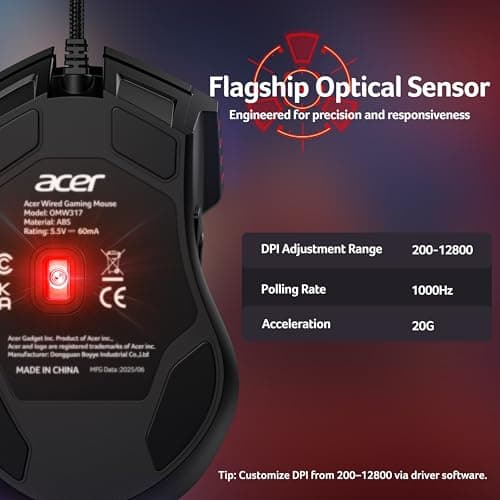
Acer Wired Gaming Mouse, 12,800 DPI RGB Ergonomic Computer Mouse for PC
Acer
£21.99
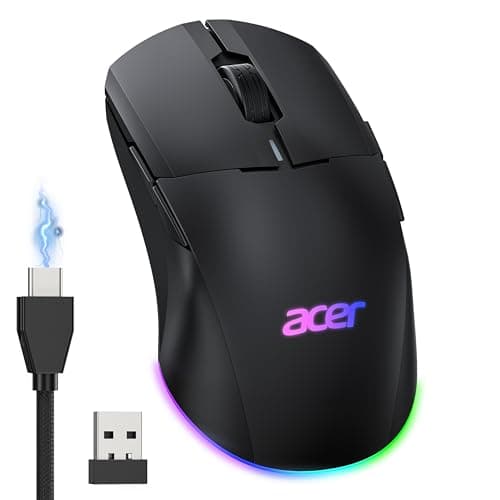
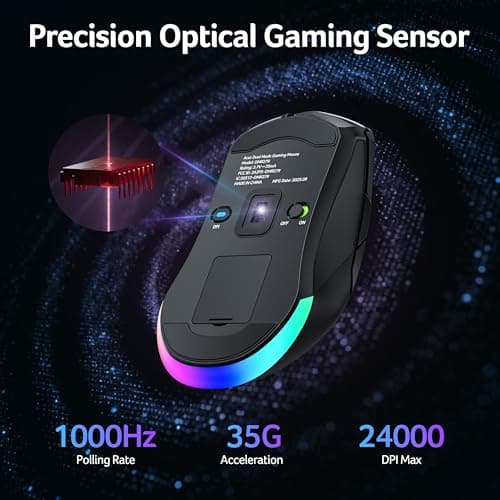
Acer Wireless Gaming Mouse for Laptop, 24K DPI Wired Computer Gaming Mouse
Acer
£38.99
