
2Sets of TALONGAMES Rounded Curved Edges Mouse Feet Skates Compatible with Logitech G502 X Wired, G502 X Wireless Gaming Mouse Feet Replacement, 0.8mm, Pure PTFE Material with Super Smooth Glide Pads
Brand: TALONGAMES
✔️ [UNRIVALED QUALITY] - Using Special Teflon,Specially designed for G502 X Wired / G502 X Wireless Gaming Mouse,Specially calibrated thickness,Replacement mouse feet that increases your control and accuracy by providing the smoothest and most consistent slide.[Note: Mouse are Not Included].
- Pack size
- 1
- Colour
- For G502 X Wired / G502 X Wireless
- Amazon Bestseller Rank
- #2,396
About this product
Are you looking for a way to enhance the performance of your Logitech G502 X mouse? TALONGAMES Rounded Curved Edges Mouse Feet Skates could be just what you need. These replacement feet offer super smooth glide pads made from pure PTFE material, ensuring that your mouse moves with precision and speed across your gaming surface. With a thickness of 0.8mm, these skates are designed to fit perfectly on both the wired and wireless versions of the Logitech G502 X, providing an immediate boost in control and responsiveness for your gaming sessions.
Specifications
- Pack size
- 1
- Colour
- For G502 X Wired / G502 X Wireless
- Amazon Bestseller Rank
- #2,396
Frequently asked questions
Are these mouse feet compatible with both wired and wireless Logitech G502 X mice?
These mouse feet are designed to be compatible with the Logitech G502 X both when it is connected via a cable or wirelessly. Ensure your mouse model matches the description provided by TALONGAMES for precise compatibility.
What is the material used in these mouse feet, and how does it affect performance?
These mouse feet are made from pure PTFE (Teflon) material, known for its super smooth glide properties. This ensures that your mouse moves smoothly across surfaces with minimal friction, enhancing precision during gaming sessions.
How do I install these mouse feet on my Logitech G502 X?
To install the new mouse feet, you will need to remove the existing ones from your Logitech G502 X. Carefully follow the instructions provided by TALONGAMES, which typically involve prying off the old feet and attaching the new ones with adhesive or clips.
You might also like
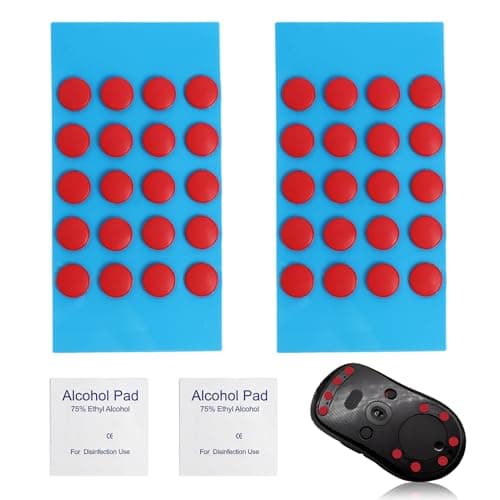
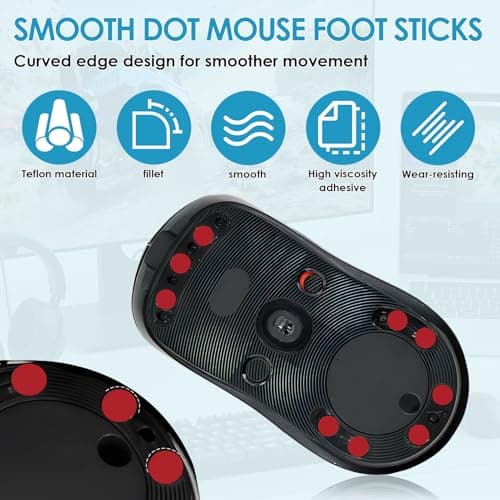
40 PCS Dot Mouse Skates for Glass Mouse Pad, 6mm Self-Adhesive Mouse Feet Skates Rounded Universal, High-Density PTFE, Compatible with Gaming Mouse Feet Replacement, Curved Edges Smooth Glide Fast
SMCEHEYA
£5.49
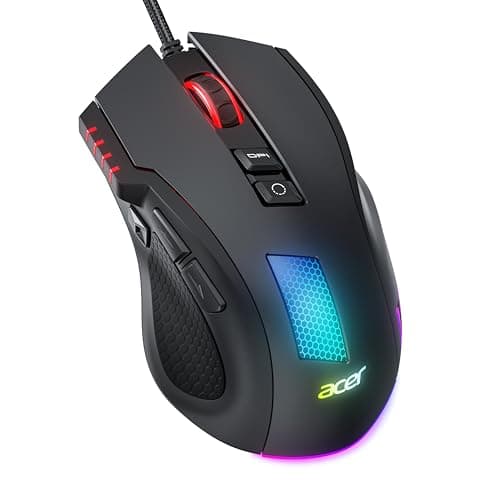

Acer Wired Gaming Mouse, 12,800 DPI RGB Ergonomic Computer Mouse for PC
Acer
£21.99
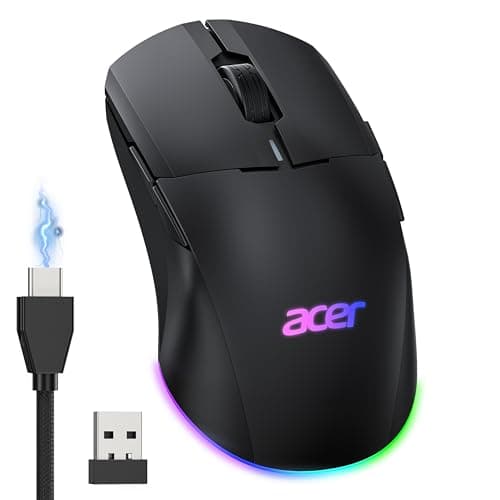

Acer Wireless Gaming Mouse for Laptop, 24K DPI Wired Computer Gaming Mouse
Acer
£38.99
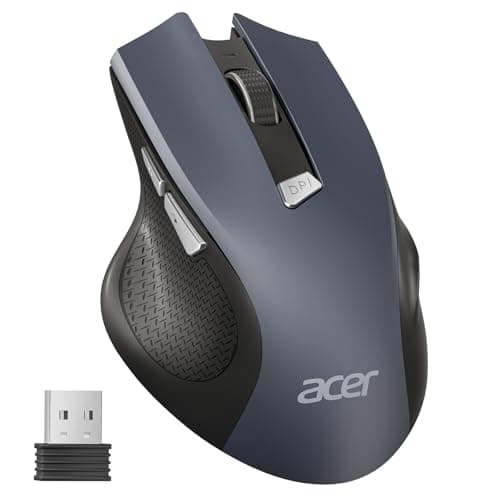

Acer Wireless Mouse, 1600 DPI Ergonomic Computer Mouse, 2.4GHz USB Receiver
Acer
£13.99
