
ELECOM HUGE Trackball Mouse, Wired, Finger-Operated, 8-Button Function, Palm Rest Attached, 52mm Smooth Red Ball Windows11, macOS (M-HT1URBK)
Brand: エレコム(ELECOM)
✅《Optical Tracking Technology》The ELECOM trackball provides precise cursor movement for superior accuracy so you can get where you want on the screen quickly with less hand movement, improving productivity and efficiency.
- Height
- 5.7 cm
- Length
- 18 cm
- Width
- 11 cm
- Weight
- 268 g
About this product
Ideal for users who prefer a more ergonomic and precise input method, the ELECOM HUGE Trackball Mouse stands out as an excellent choice. Designed with both comfort and functionality in mind, it features a large palm rest attached to its sleek design, making it perfect for those who spend long hours typing or gaming. This wired mouse is specifically tailored for individuals seeking a finger-operated trackball solution that offers 8-button functions, enhancing productivity and control in various applications. Tailored for modern operating systems like Windows11 and macOS, this trackball mouse seamlessly integrates into today’s digital landscape. Its smooth red ball ensures precise movement and accuracy, making it an ideal companion for detailed work or gaming sessions where every click counts.
Specifications
- Height
- 5.7 cm
- Length
- 18 cm
- Width
- 11 cm
- Weight
- 268 g
- Pack size
- 1
- Colour
- Black & Red
- Amazon Bestseller Rank
- #4,344
Frequently asked questions
Is this mouse compatible with Windows 11 and macOS?
Yes, the ELECOM HUGE Trackball Mouse is designed to be compatible with both Windows 11 and macOS. Always check the manufacturer's listing for exact compatibility details if you have specific operating system requirements.
Can I use this mouse on a laptop or desktop computer?
Absolutely, this trackball mouse can be used on both laptop and desktop computers as it is wired and does not require any additional drivers or software. It’s versatile enough to fit into various setups without issues.
What functions do the 8 buttons offer?
The 8 buttons provide a wide range of functionalities, including customizable actions such as adjusting volume, launching applications quickly, or navigating through documents. This allows for efficient and personalized control over your computing experience.
You might also like
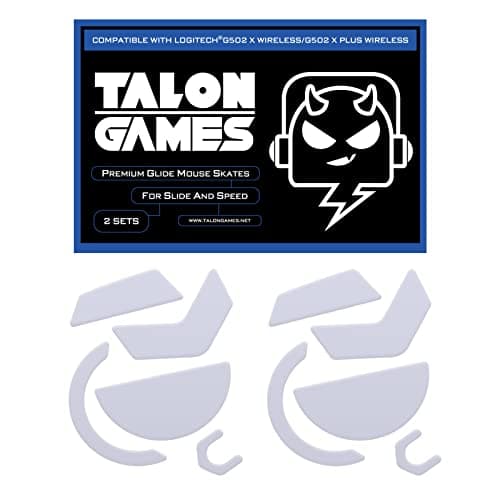
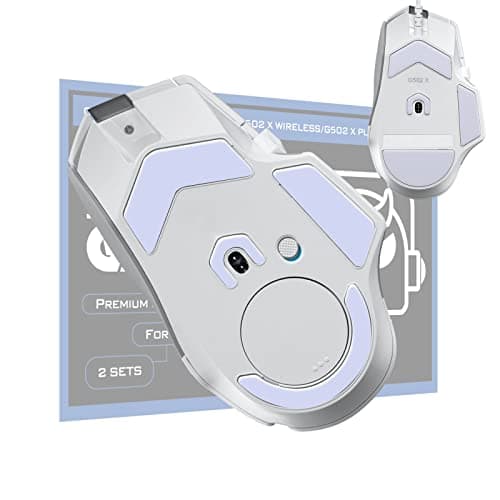
2Sets of TALONGAMES Rounded Curved Edges Mouse Feet Skates Compatible with Logitech G502 X Wired, G502 X Wireless Gaming Mouse Feet Replacement, 0.8mm, Pure PTFE Material with Super Smooth Glide Pads
TALONGAMES
£11.99
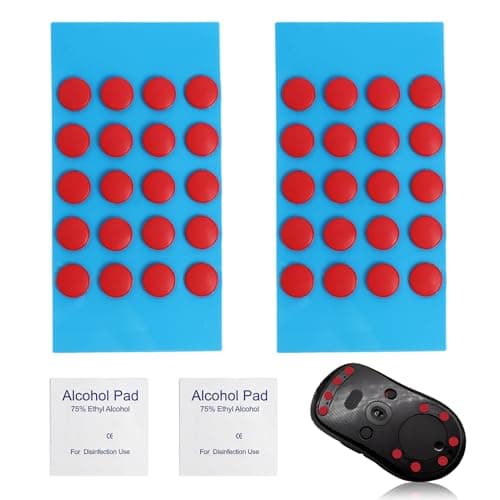
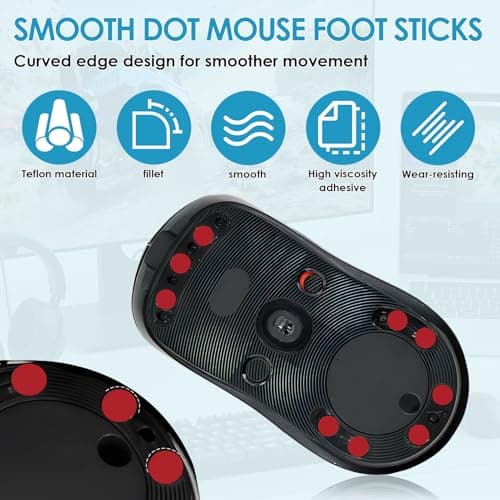
40 PCS Dot Mouse Skates for Glass Mouse Pad, 6mm Self-Adhesive Mouse Feet Skates Rounded Universal, High-Density PTFE, Compatible with Gaming Mouse Feet Replacement, Curved Edges Smooth Glide Fast
SMCEHEYA
£5.49
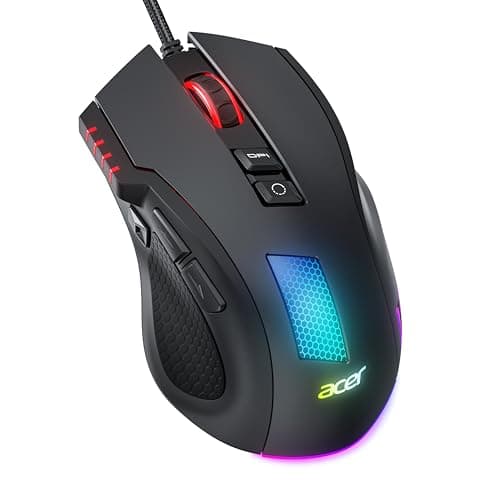

Acer Wired Gaming Mouse, 12,800 DPI RGB Ergonomic Computer Mouse for PC
Acer
£21.99
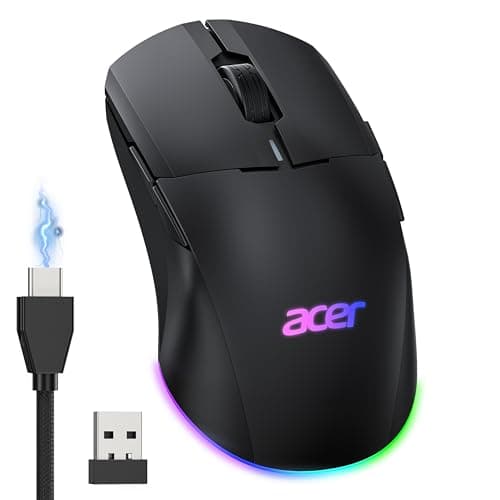
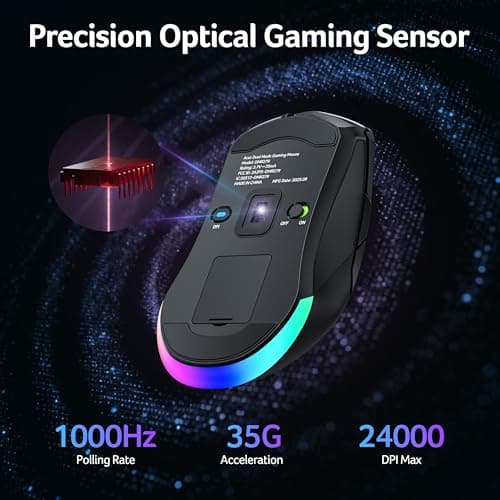
Acer Wireless Gaming Mouse for Laptop, 24K DPI Wired Computer Gaming Mouse
Acer
£38.99
