
MitoDirect Ergonomic Wireless Gaming Mouse - 2.4GHz & Bluetooth, RGB light, Rechargeable Built-in Battery, Adjustable DPI for PC/Laptop
Brand: MitoDirect
About this product
Ergonomically designed for comfort, the MitoDirect Ergonomic Wireless Gaming Mouse stands out with its adjustable DPI settings, allowing you to fine-tune your precision whether you’re gaming or working. This versatile mouse supports both Bluetooth and 2.4GHz wireless modes, making it perfect for a wide range of devices including PCs and laptops. With a rechargeable built-in battery and smart energy management, this mouse ensures long-lasting power without the need for frequent replacements. Its wide compatibility with various operating systems like Windows, macOS, Linux, iOS, and Android further enhances its versatility, catering to users with different needs and preferences.
Highlights
- Dual-Mode Connectivity: Seamlessly switch between Bluetooth and 2.4GHz wireless modes for versatile use with PCs, laptops, and more.
- Adjustable DPI Settings: Customize your precision with 1000, 1600, or 2400 DPI options, perfect for gaming or professional tasks.
- Ergonomic & Stylish Design: Enjoy a comfortable grip with an ergonomic design and sleek appearance, ideal for extended gaming or work sessions.
- Rechargeable Convenience: Built-in lithium battery with included USB-C charging cable for long-lasting power (charging cable not for wired use).
- Smart & Energy Efficient: Intelligent circuit management enhances battery life, while advanced optical positioning ensures accurate performance.
- Wide Compatibility: Works with Windows, macOS, Linux systems, iOS and Android, offering flexibility for various devices.
Is this the right pick for you?
This MitoDirect Ergonomic Wireless Gaming Mouse is a perfect fit for gamers and professionals who require precision and comfort during extended sessions. Its ergonomic design ensures a comfortable grip, making it suitable for long gaming or work sessions without causing strain on your hand. The adjustable DPI settings (1000, 1600, or 2400) allow you to fine-tune the sensitivity of your mouse according to your needs, whether you're playing fast-paced games or working on detailed tasks. The dual-mode connectivity feature is a standout advantage, as it allows seamless switching between Bluetooth and 2.4GHz wireless modes. This versatility ensures compatibility with a wide range of devices, including PCs, laptops, iOS, and Android devices. The built-in rechargeable battery, powered by the included USB-C cable (not for wired use), provides long-lasting power without the need to constantly change batteries or deal with charging ports. For setup and care, it's important to note that while this mouse is compatible with various operating systems like Windows, macOS, Linux, iOS, and Android, you should ensure your device supports 2.4GHz wireless connections if you plan on using that mode. The intelligent circuit management enhances battery life, but regular charging will be necessary to keep the mouse fully operational. Overall, this mouse offers a balanced blend of performance, comfort, and convenience, making it a solid choice for those looking for a reliable gaming or professional tool.
Frequently asked questions
Is this mouse compatible with both PC and laptop?
Yes, the MitoDirect Ergonomic Wireless Gaming Mouse is designed to work seamlessly with both PCs and laptops. Whether you're using a desktop or a notebook, simply connect it via Bluetooth or 2.4GHz wireless mode as needed.
Can I use this mouse on different operating systems?
Absolutely, this mouse supports Windows, macOS, Linux, iOS, and Android. This wide compatibility means you can switch between devices without needing to change your setup, providing flexibility for various users with diverse computing environments.
How do I adjust the DPI settings?
Adjusting the DPI is straightforward; you'll find a dedicated button on the mouse that allows you to toggle between 1000, 1600, or 2400 DPI. This feature lets you fine-tune your precision for different gaming scenarios or professional tasks, ensuring optimal performance.
You might also like
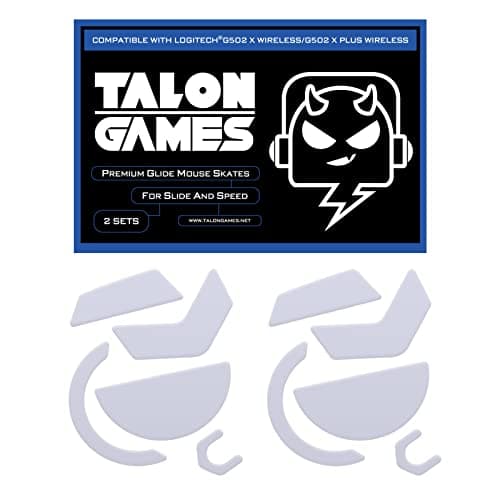
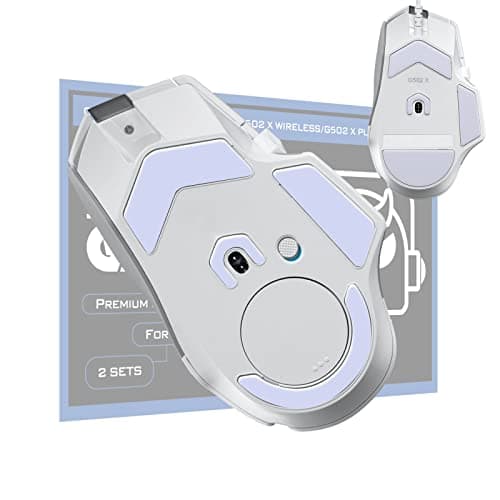
2Sets of TALONGAMES Rounded Curved Edges Mouse Feet Skates Compatible with Logitech G502 X Wired, G502 X Wireless Gaming Mouse Feet Replacement, 0.8mm, Pure PTFE Material with Super Smooth Glide Pads
TALONGAMES
£11.99
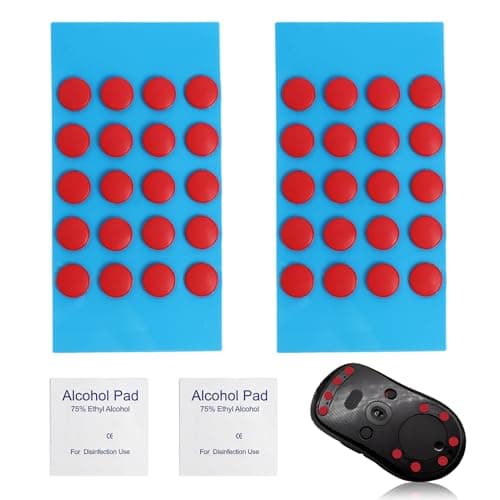
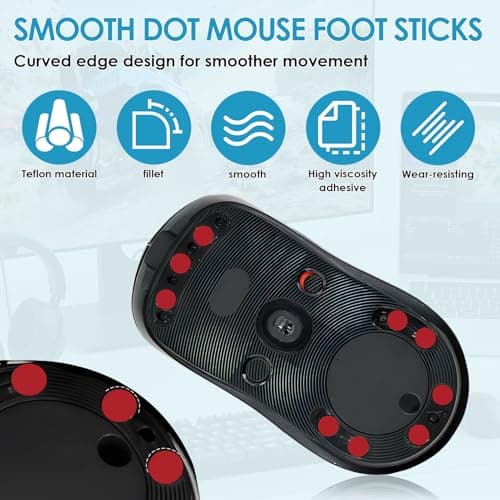
40 PCS Dot Mouse Skates for Glass Mouse Pad, 6mm Self-Adhesive Mouse Feet Skates Rounded Universal, High-Density PTFE, Compatible with Gaming Mouse Feet Replacement, Curved Edges Smooth Glide Fast
SMCEHEYA
£5.49
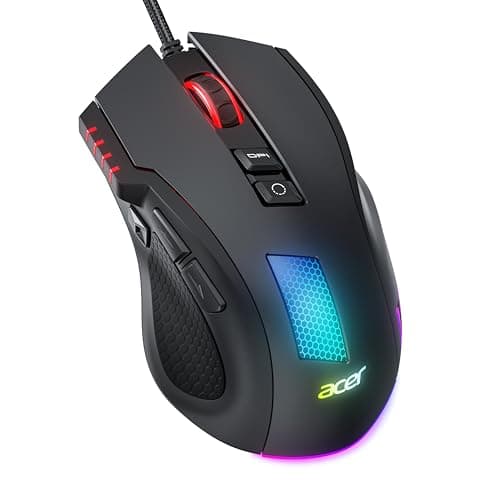
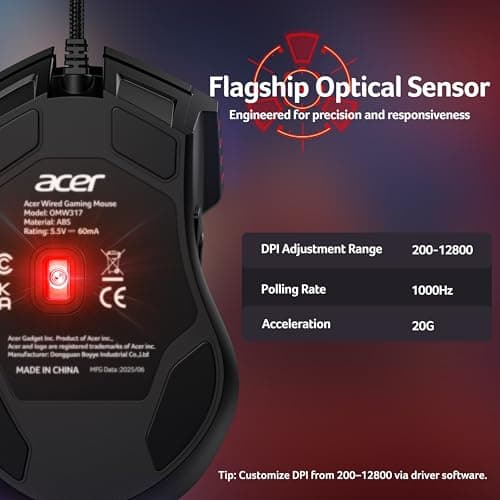
Acer Wired Gaming Mouse, 12,800 DPI RGB Ergonomic Computer Mouse for PC
Acer
£21.99
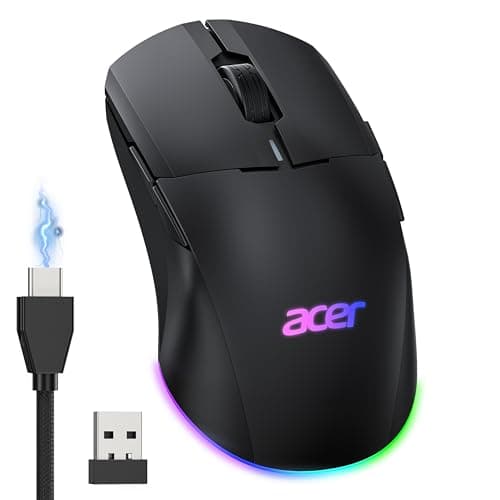
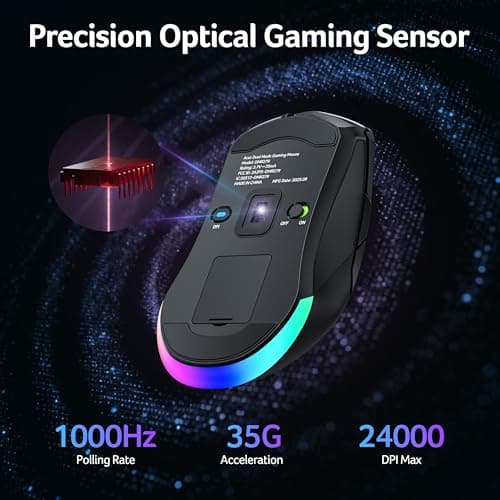
Acer Wireless Gaming Mouse for Laptop, 24K DPI Wired Computer Gaming Mouse
Acer
£38.99
