
kwmobile Mouse Feet Replacement Compatible with Logitech G Pro Wireless Gaming Computer Mouse Skates Sticker - Black
Brand: kwmobile
COMPATIBILITY: Compatible with Logitech G Pro Wireless Gaming
- Height
- 1 mm
- Length
- 4.5 cm
- Width
- 3.5 cm
- Weight
- 7 g
About this product
In the world of gaming mice, precision and control are paramount. The kwmobile Mouse Feet Replacement Compatible with Logitech G Pro Wireless Gaming is a must-have for anyone looking to fine-tune their setup. These replacement feet enhance stability and responsiveness, ensuring that every move feels just right—perfect for competitive gamers who demand top-notch performance from their equipment. These mouse feet offer a precise fit, tailored specifically for the Logitech G Pro Wireless Gaming mouse. By replacing your current skates with these high-quality alternatives, you can enjoy smoother movements and better control during intense gaming sessions or detailed work on your PC.
Specifications
- Height
- 1 mm
- Length
- 4.5 cm
- Width
- 3.5 cm
- Weight
- 7 g
- Colour
- black
- Amazon Bestseller Rank
- #15,439
Frequently asked questions
Is this product compatible with my Logitech G Pro Wireless Gaming mouse?
Yes, this product is specifically designed to be compatible with the Logitech G Pro Wireless Gaming mouse. It replaces the original feet on your mouse to improve stability and control.
Will these feet affect the wireless functionality of my mouse?
No, these replacement feet are not expected to interfere with the wireless or Bluetooth functionality of your Logitech G Pro Wireless Gaming mouse. They focus solely on enhancing the physical performance by improving grip and movement.
How do I install the new feet onto my mouse?
To install the new feet, you'll need to peel off the current ones, clean the area thoroughly, then carefully attach the new rubber feet using tweezers for precision. Be cautious with the strong adhesive; it's recommended to use tweezers to avoid damaging your mouse.
You might also like
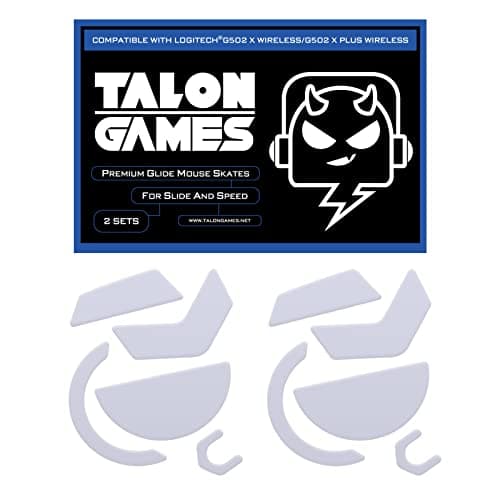
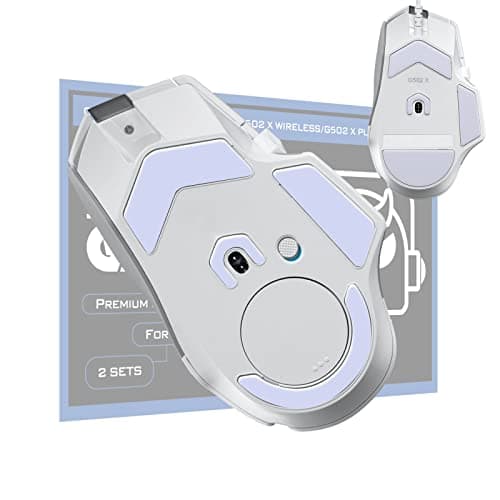
2Sets of TALONGAMES Rounded Curved Edges Mouse Feet Skates Compatible with Logitech G502 X Wired, G502 X Wireless Gaming Mouse Feet Replacement, 0.8mm, Pure PTFE Material with Super Smooth Glide Pads
TALONGAMES
£11.99
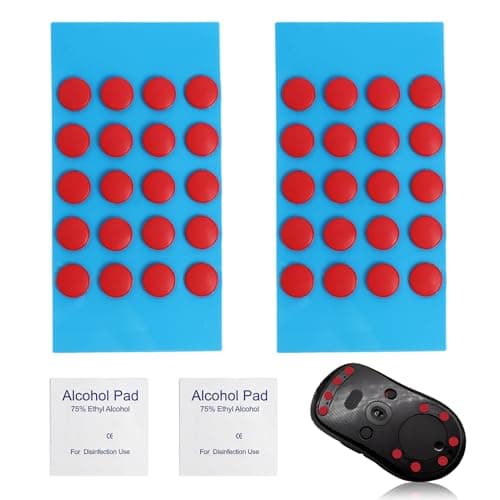
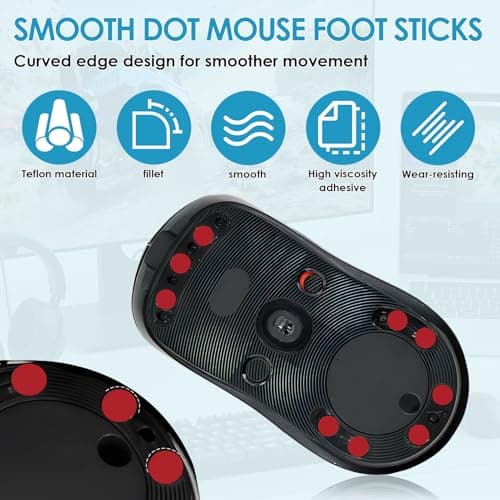
40 PCS Dot Mouse Skates for Glass Mouse Pad, 6mm Self-Adhesive Mouse Feet Skates Rounded Universal, High-Density PTFE, Compatible with Gaming Mouse Feet Replacement, Curved Edges Smooth Glide Fast
SMCEHEYA
£5.49
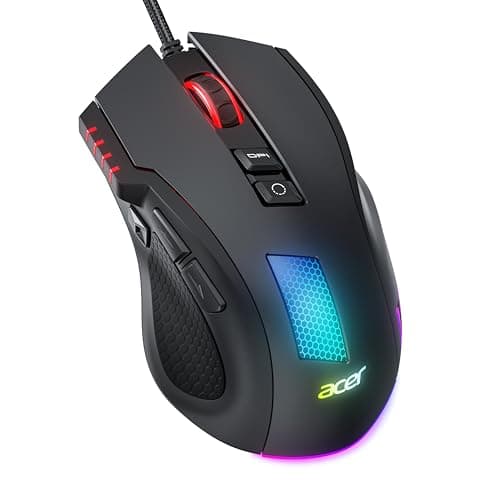

Acer Wired Gaming Mouse, 12,800 DPI RGB Ergonomic Computer Mouse for PC
Acer
£21.99
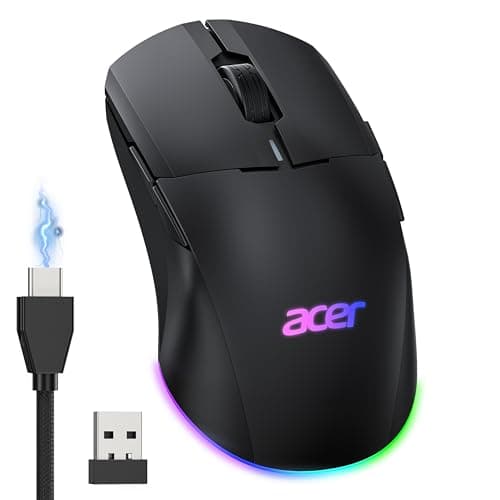

Acer Wireless Gaming Mouse for Laptop, 24K DPI Wired Computer Gaming Mouse
Acer
£38.99
