
Hotline Games 2Sets 3.0 Plus Rounded Curved Edges Mouse Feet Skates Compatible with Razer Viper V3 HyperSpeed Gaming Mouse feet Replacement,Professional Mice Upgrade Kit
Brand: Hotline Games
[First integrated molding Rounded Edges mouse skates] 3.0 Plus Rounded Edges mouse skates were made by Hotline Games' exclusive SYN Technology. The product not only won't scratch mouse pad, but also makes the movement of the mouse smoother and more stable to the Rounded Edges mouse skates of other makers.
- Weight
- 30 g
- Pack size
- 1
- Colour
- For Viper V3 HyperSpeed
- Amazon Bestseller Rank
- #14,655
About this product
If you're looking to enhance the precision and comfort of your gaming experience, especially when using a Razer Viper V3 HyperSpeed Gaming mouse, Hotline Games' 2Sets 3.0 Plus Rounded Curved Edges Mouse Feet Skates are an excellent choice. These skates improve the glide and reduce wear on your mouse pad, making every move smoother and more responsive. Designed for professional gamers who demand top-notch performance, these mouse feet replacement kits offer a subtle yet significant upgrade, ensuring that your gaming sessions remain distraction-free and optimized for speed and accuracy.
Specifications
- Weight
- 30 g
- Pack size
- 1
- Colour
- For Viper V3 HyperSpeed
- Amazon Bestseller Rank
- #14,655
Frequently asked questions
Is this upgrade kit compatible with my Razer Viper V3 HyperSpeed mouse?
This upgrade kit is specifically designed to be compatible with the Razer Viper V3 HyperSpeed gaming mouse. It’s important to ensure that your mouse model matches before purchasing, as compatibility issues can arise with other models.
What does this upgrade kit include?
The Hotline Games 2Sets 3.0 Plus Rounded Curved Edges Mouse Feet Skates upgrade kit includes two sets of replacement feet for your Razer Viper V3 HyperSpeed mouse. These new feet are designed to enhance the performance and feel of your gaming mouse.
How do I install these new feet?
Installing the new feet is a straightforward process. First, remove the old feet from your mouse by gently prying them off with a small tool or your fingernail. Then, carefully apply a small amount of adhesive (if needed) to the bottom of each new foot and press it onto the mouse’s baseplate. Allow time for any adhesive to dry before using your mouse.
You might also like
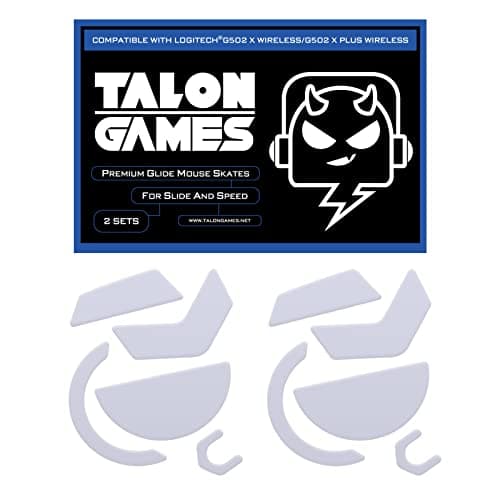
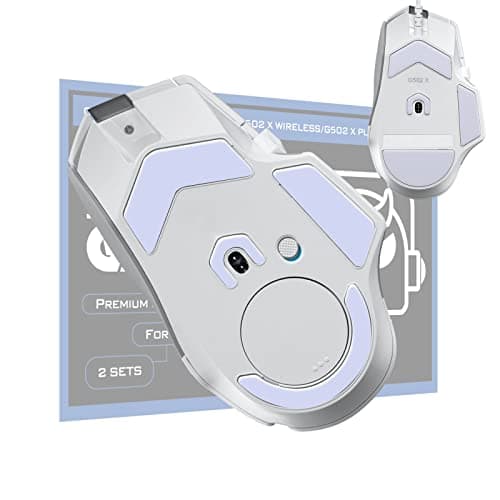
2Sets of TALONGAMES Rounded Curved Edges Mouse Feet Skates Compatible with Logitech G502 X Wired, G502 X Wireless Gaming Mouse Feet Replacement, 0.8mm, Pure PTFE Material with Super Smooth Glide Pads
TALONGAMES
£11.99
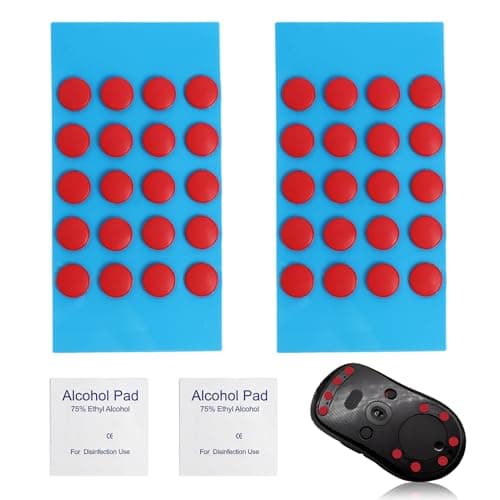
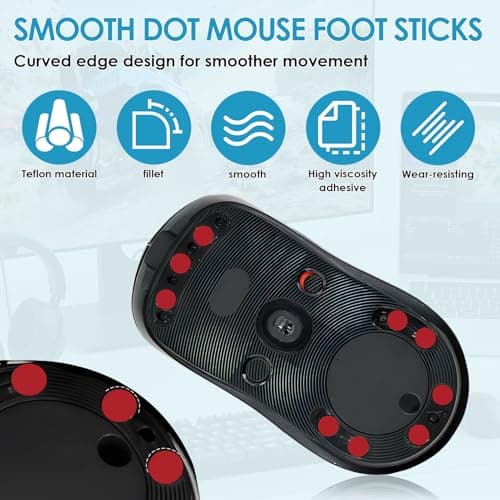
40 PCS Dot Mouse Skates for Glass Mouse Pad, 6mm Self-Adhesive Mouse Feet Skates Rounded Universal, High-Density PTFE, Compatible with Gaming Mouse Feet Replacement, Curved Edges Smooth Glide Fast
SMCEHEYA
£5.49
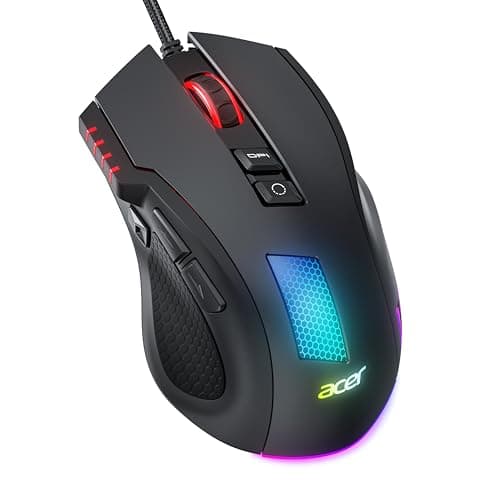

Acer Wired Gaming Mouse, 12,800 DPI RGB Ergonomic Computer Mouse for PC
Acer
£21.99
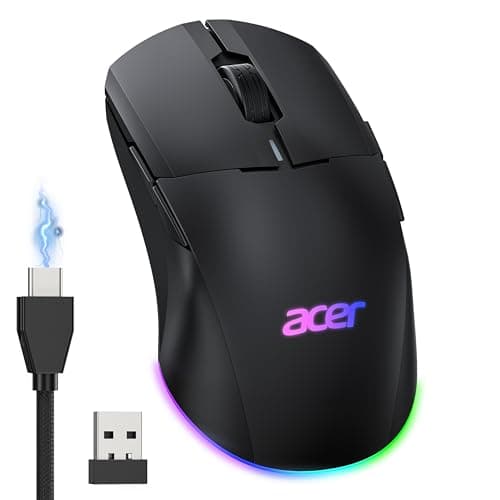

Acer Wireless Gaming Mouse for Laptop, 24K DPI Wired Computer Gaming Mouse
Acer
£38.99
