
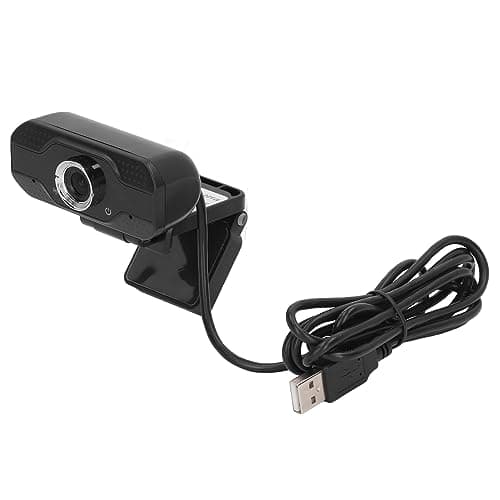
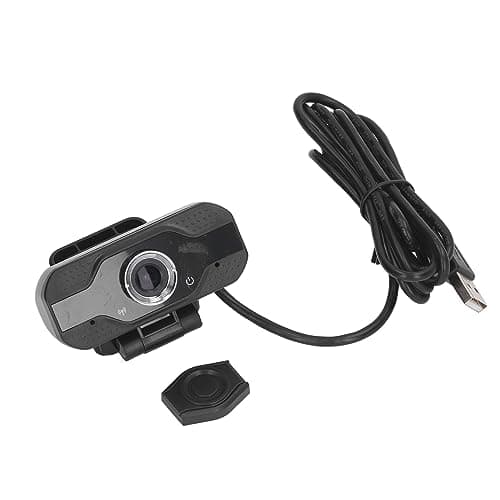
JagFond USB Webcam for PC, 1080P 30fps Full HD Computer Camera for Laptop
Brand: JagFond
Clear 1080P HD Video Quality: This webcam for PC offers crisp 1080P HD resolution, ensuring you look sharp during video calls, meetings, or streaming. Experience enhanced video quality, perfect for professional use or casual chats on your laptop or desktop. This is a practical gift from a daughter or son to their father, stepfather, or grandfather—a perfect gift to help them with their daily routines.
- Height
- 2.5 cm
- Length
- 23 cm
- Width
- 8.3 cm
- Pack size
- 1
About this product
Webcams are a crucial component for anyone looking to enhance their video communication and content creation on PCs. The JagFond USB Webcam stands out in the crowded web of options with its Full HD 1080P resolution at 30fps, ensuring crystal-clear video calls and live streaming sessions. This compact design makes it perfect for both laptops and desktops, fitting seamlessly into your setup. With a simple plug-and-play installation that requires no additional software or drivers, this webcam is incredibly user-friendly. Its 360° rotation and 30° adjustable angles allow you to find the best viewing position, while the wide-angle lens captures a larger field of view for smoother multi-person meetings. Whether you're working from home or streaming content, the JagFond USB Webcam delivers reliable performance and ease of use.
Specifications
- Height
- 2.5 cm
- Length
- 23 cm
- Width
- 8.3 cm
- Pack size
- 1
- Colour
- Black
- Amazon Bestseller Rank
- #8,751
Frequently asked questions
Is this webcam compatible with both laptops and desktops?
Yes, the compact design of this JagFond USB Webcam makes it suitable for both laptops and desktops. It can be easily plugged into any available USB port on your device.
Can I use this webcam for video calls or live streaming?
Absolutely! This Full HD 1080P webcam is perfect for video calls, live streaming, online meetings, and content creation. Its built-in microphone ensures clear audio during your sessions.
How do I install the webcam on my PC or laptop?
Installation is straightforward; simply plug the webcam into any USB port on your device. No additional software or drivers are required as it's a plug-and-play solution, ready to use immediately after connection.
You might also like
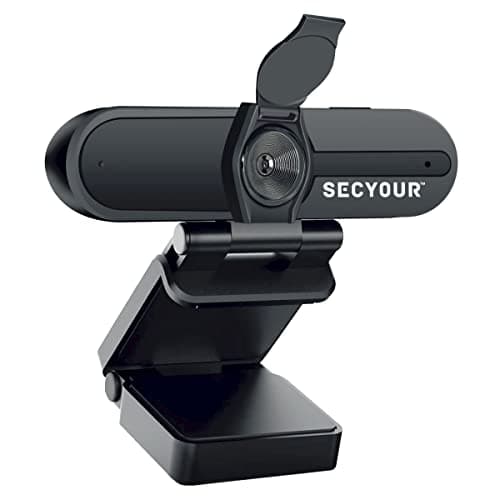
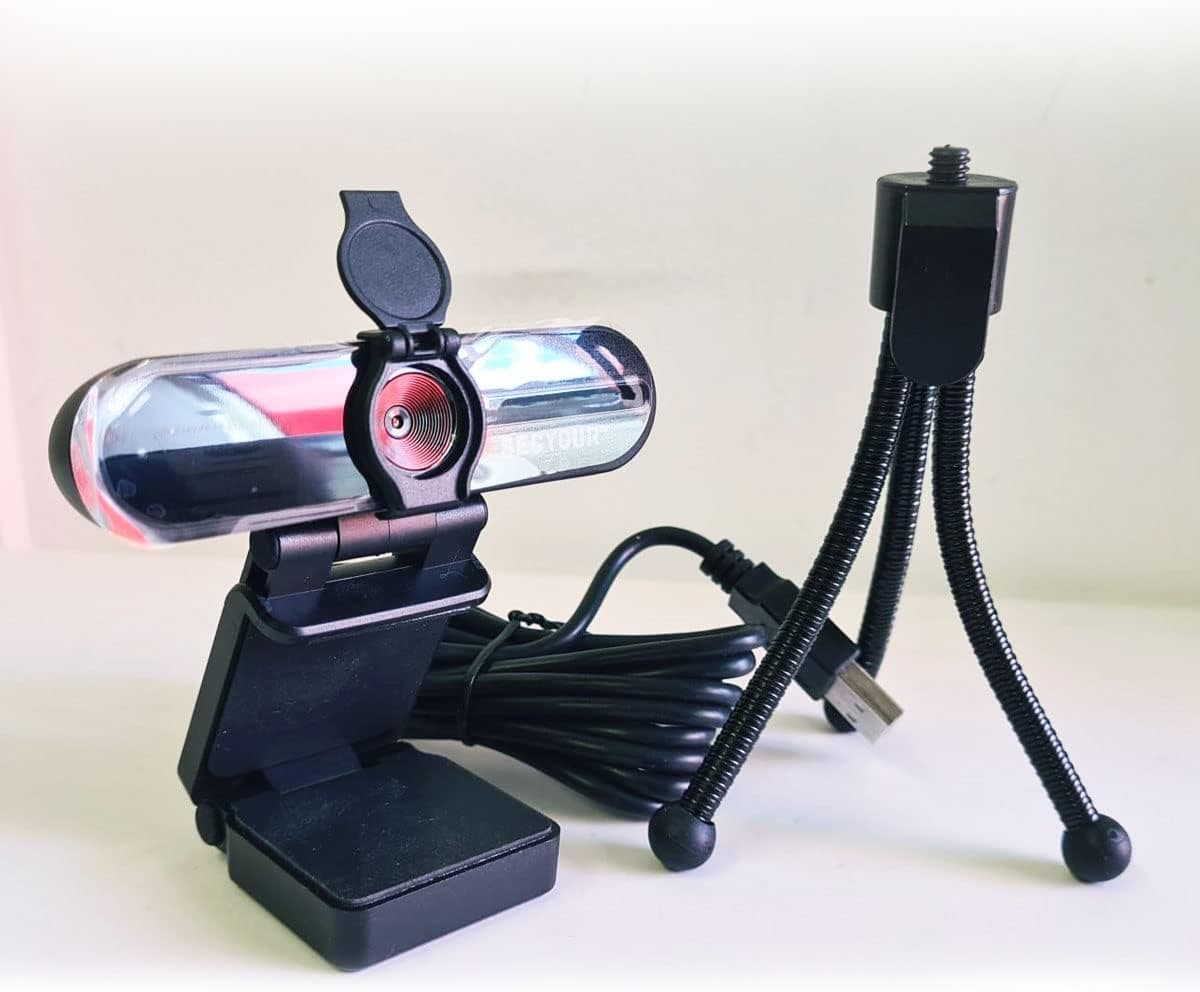
1080p HD USB Webcam Camera with Microphone for PC, Desktop, Laptop, Macbook, Live Streaming, Gaming, YouTube, Video Call Conference Web cam - Noise cancellation 30FPS with mini Tripod
SECYOUR
£8.50
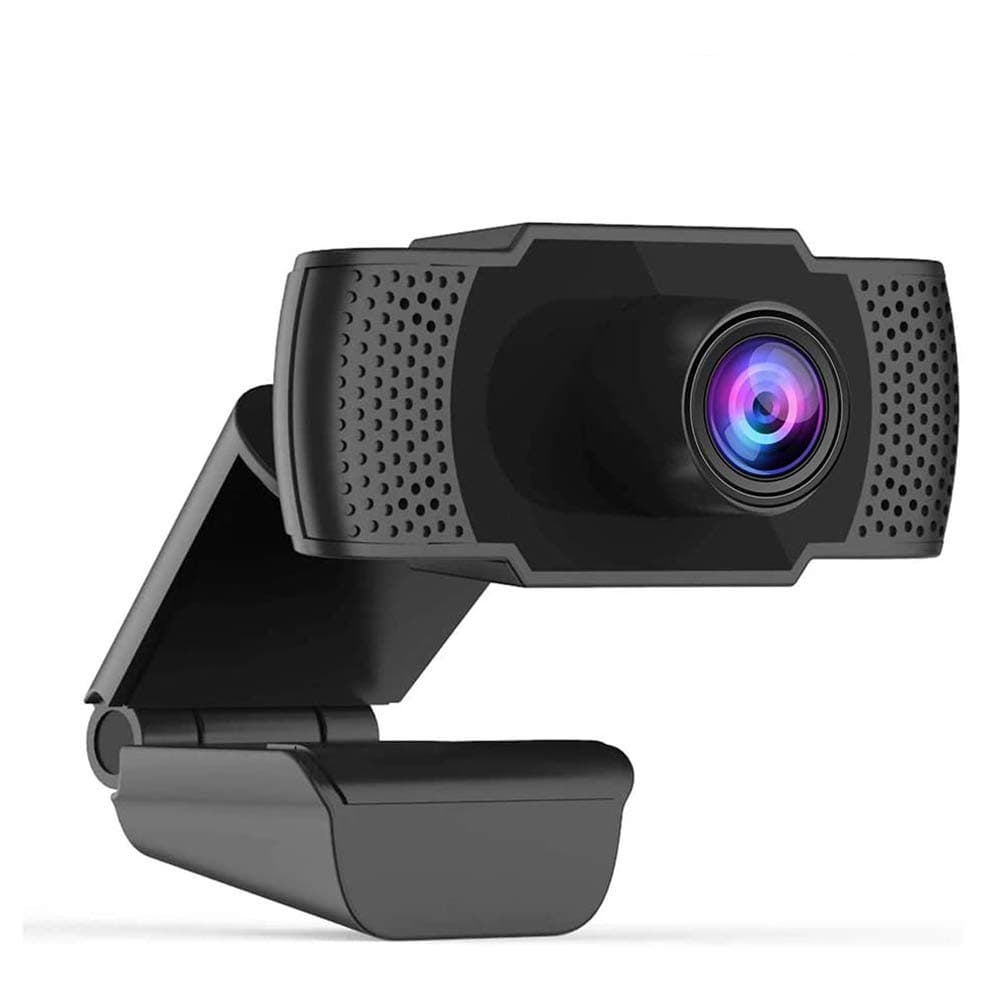
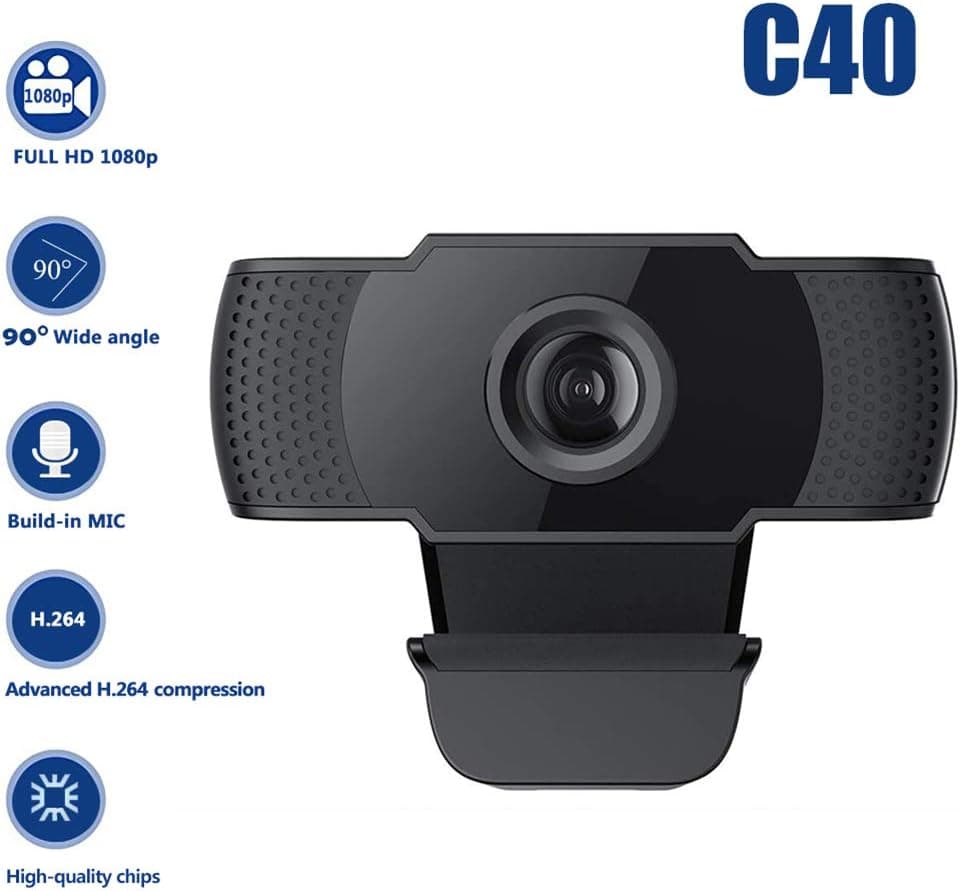
1080P HD Webcam USB Plug and Play Widescreen Built-in MIC Web Camera for PC
Aoewise
£79.99
1080P HD Webcam with Dual Noise Canceling Microphone, Auto Light Color Correction, Wide Viewing Angle Plug and Play USB Camera for Video Calling, Recording
ciciglow
£6.33
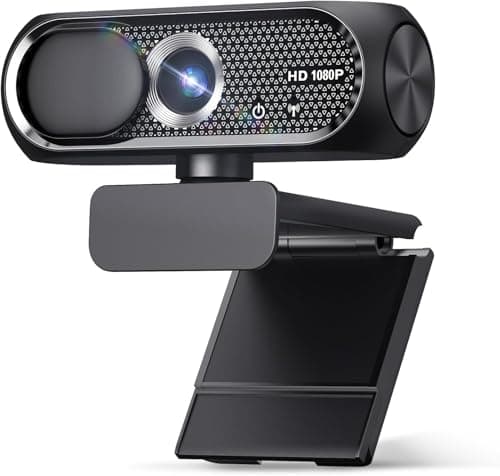
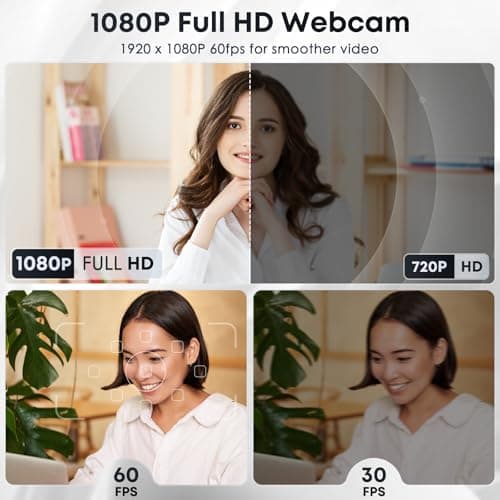
1080P HD Webcam with Microphone, Noise Cancellation, Privacy Cover, Wide-Angle Lens, Auto Light Correction, Plug & Play USB Web Camera for Laptop, Desktop, PC, Mac, Zoom, Skype, Streaming (Black)
Shcngqio
£19.99
