
Z-Edge 24 Inch 240Hz Gaming Monitor 1ms IPS Full HD 1080P 99% sRGB HDMI DP
Brand: Z Z-Edge
240Hz & 1ms : This 24 inch monitor is born for gaming. With up to 240Hz refresh rate, every frame is presented clearly, sharply and smoothly. Response time of MPRT 1ms means speed without the smear for an enhanced experience that brings unprecedented smoothness and fluidity to your games and action movies.
- Height
- 40 cm
- Length
- 14 cm
- Width
- 54 cm
- Weight
- 3 kg
About this product
This Z-Edge 24 Inch 240Hz Gaming Monitor is a standout choice for gamers seeking an ultra-responsive display. With its lightning-fast 1ms response time and high refresh rate, it ensures smooth gameplay even in fast-paced action scenes, making it perfect for competitive gaming sessions. Fitted into the gaming monitors category, this monitor delivers vibrant colors with 99% sRGB coverage, offering a vivid visual experience that enhances every moment of your game.
Specifications
- Height
- 40 cm
- Length
- 14 cm
- Width
- 54 cm
- Weight
- 3 kg
- Pack size
- 1
- Colour
- White
- Amazon Bestseller Rank
- #14,450
Frequently asked questions
What is the refresh rate of this monitor and how does it affect gaming performance?
This Z-Edge 24 Inch monitor operates at a 240Hz refresh rate. A higher refresh rate means smoother visuals and faster response times, which can significantly enhance your gaming experience by reducing motion blur and input lag.
Is the screen suitable for competitive gaming?
The 1ms response time of this monitor makes it ideal for competitive gaming. Quick response times are crucial for fast-paced games where split-second reactions matter, ensuring that movements on the screen are as quick and sharp as possible.
Can I connect multiple devices to this monitor simultaneously?
This monitor supports HDMI and DisplayPort (DP) connections. While you can connect one device at a time directly to these ports, using an HDMI splitter or similar device might allow you to connect additional devices for multi-monitor setups, though it’s recommended to check the specifications of such accessories.
You might also like
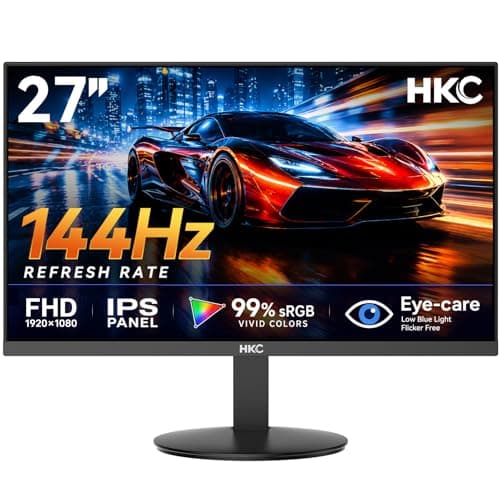
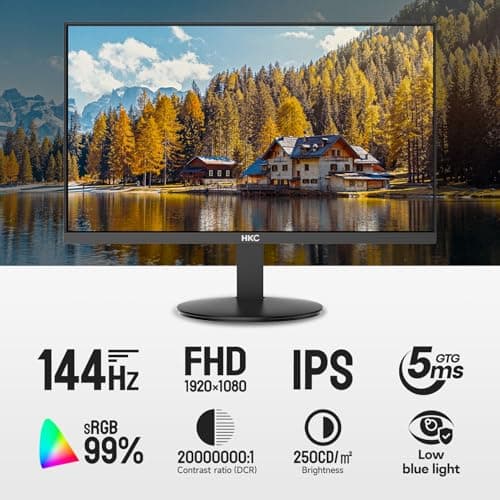
27 inch Gaming Monitor 144Hz, FHD 1080P IPS Display with 99% sRGB, FreeSync, Tilt Adjustable, lowblue mode, HDMI/VGA Ports for Home Office and computer monitor V2718S
HKC
£84.98
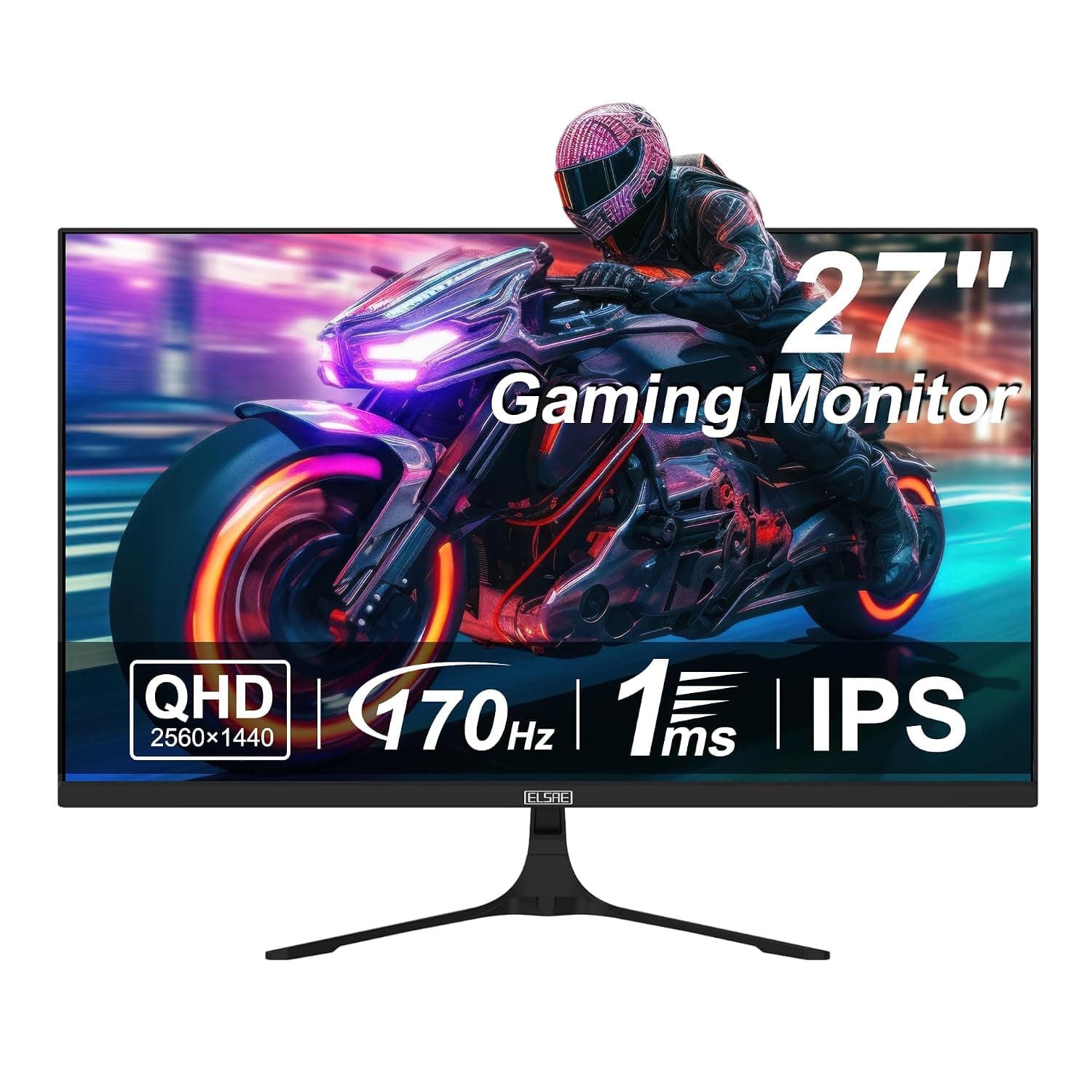
27 Inch QHD 1440P Gaming Monitor, 170Hz 144Hz IPS Computer Monitor, FreeSync, HDR 113% sRGB, Low Blue Light, HDMI & Display Port x2, VESA Mountable
ELSAE
£415.70
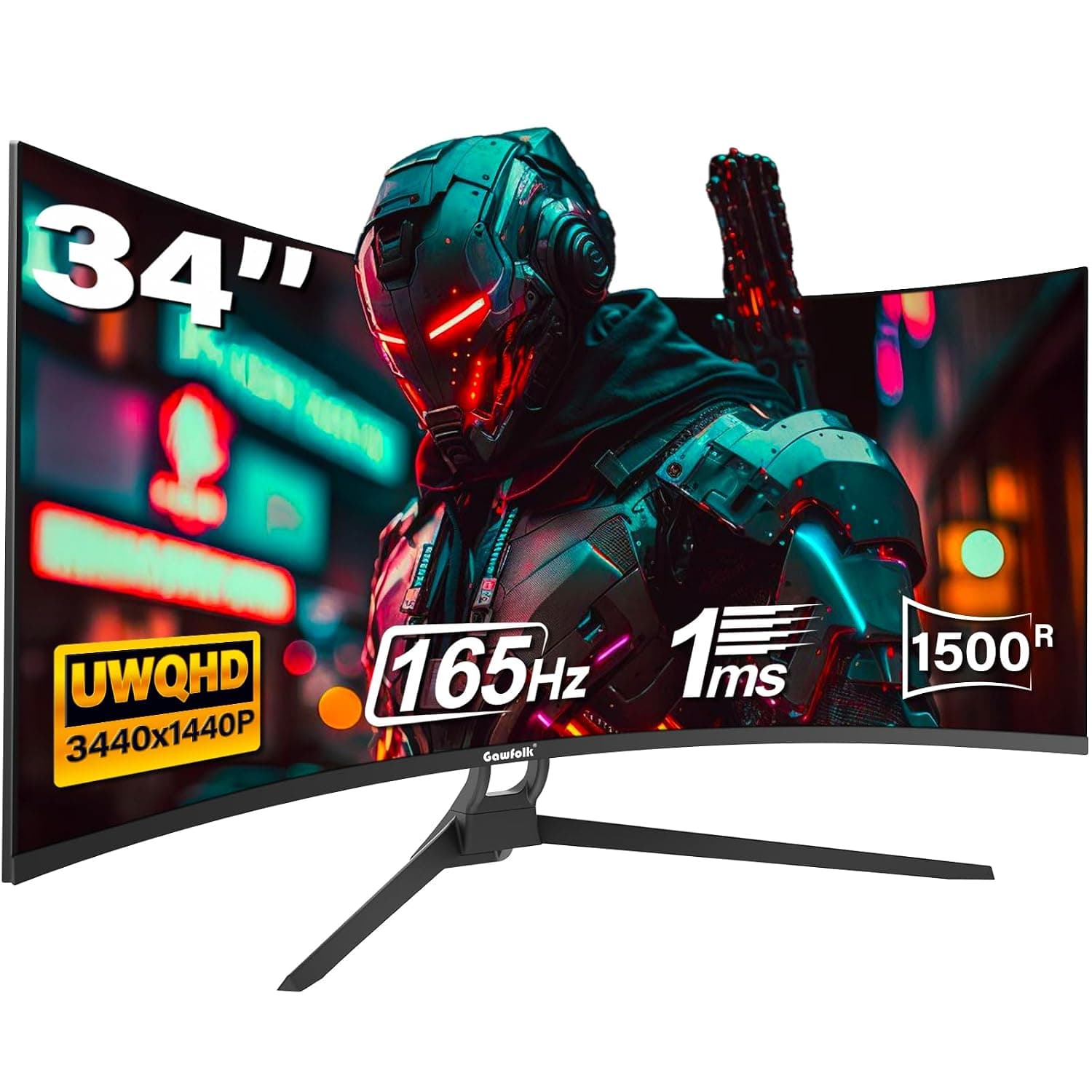
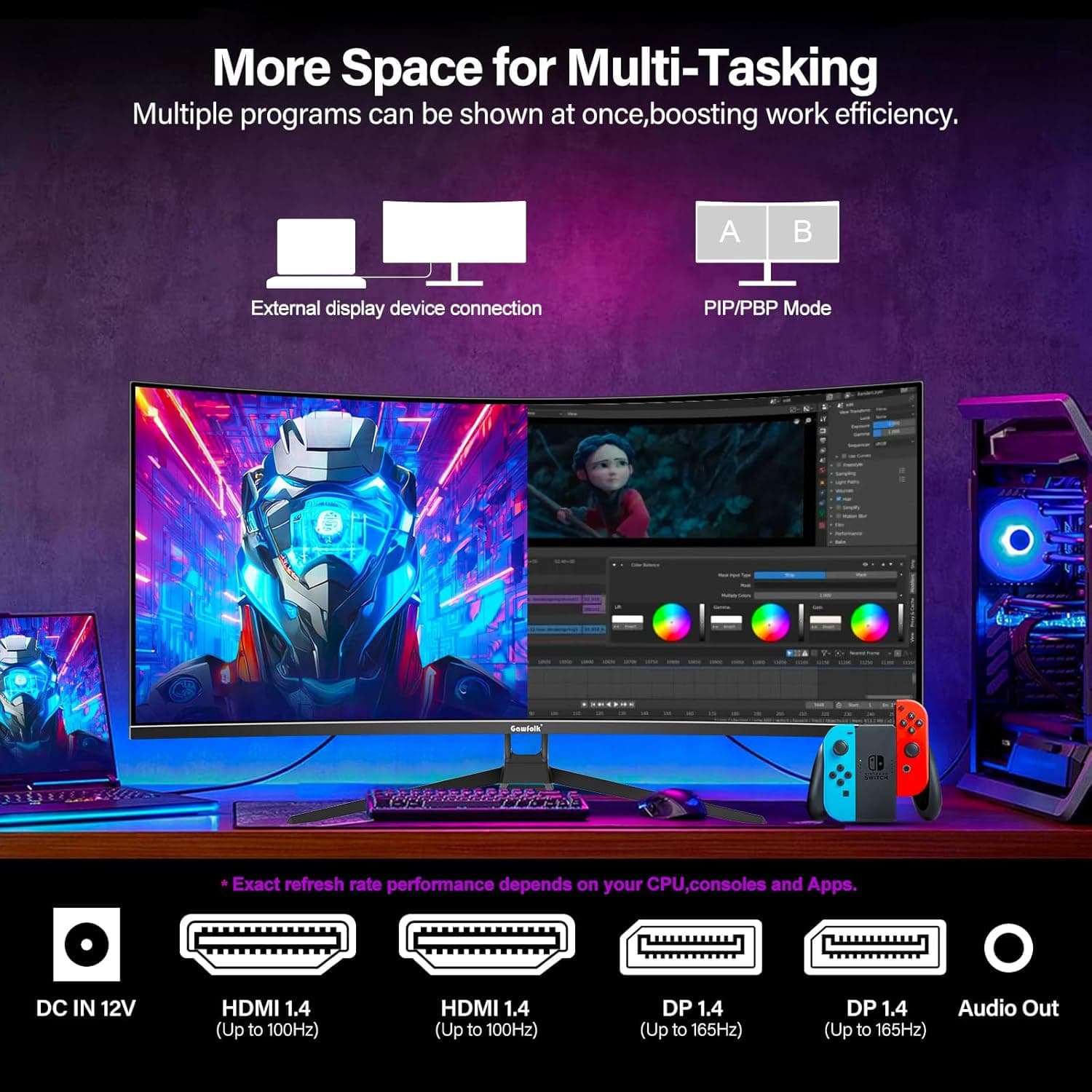
34 Inch Ultrawide Curved Gaming Monitor, 1500R PC Screen 165hz WQHD 3440x1440p Monitor, Curved Computer Display with FreeSync & Eye-Care Technology, DP, HDMI
Gawfolk
£189.99
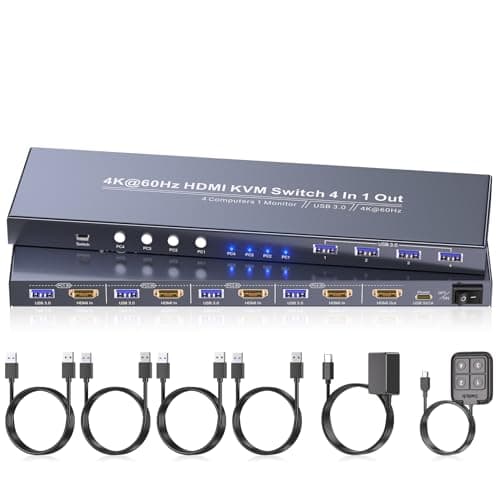
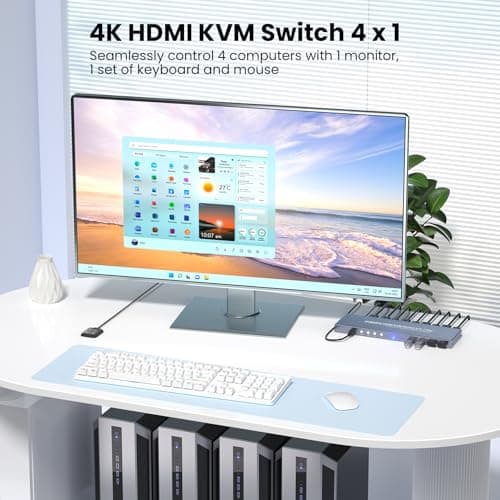
4K60Hz HDMI KVM Switch 1 Monitor 4 Computers, 4 Port KVM Switch for 4 PCs Share 1 Monitor and 1 Set of Keyboard Mouse, 4 Port USB 3.0 Hub Integrated, Dual Switching Methods
Generic
£42.49
