
ProtoArc EK01 Plus Backlit Wireless Ergonomic Keyboard with Wrist Rest
Brand: ProtoArc
Full-size Ergonomic Design: Compared to standard keyboards, ProtoArc Ergonomic Keyboard features a full-size layout, curved and split keyframes to minimize reduce muscle strain on the wrists and forearms, promote proper posture. The scooped keys are designed to fit perfectly on your fingertips for easy typing.
- Weight
- 1.6 kg
- Pack size
- 1
- Colour
- Space Gray
- Amazon Bestseller Rank
- #7,677
About this product
If you're looking for a keyboard that not only fits your gaming setup but also enhances comfort during extended play sessions, the ProtoArc EK01 Plus Backlit Wireless Ergonomic Keyboard with Wrist Rest is an excellent choice. Designed to support long hours of typing and gaming, this keyboard features a unique ergonomic design that promotes better posture and reduces strain on wrists and hands. This backlit wireless keyboard stands out for its thoughtful layout and extra wrist rest, making it perfect for gamers and professionals alike who need a reliable input device without sacrificing comfort or aesthetics.
Specifications
- Weight
- 1.6 kg
- Pack size
- 1
- Colour
- Space Gray
- Amazon Bestseller Rank
- #7,677
Frequently asked questions
Is this keyboard compatible with both Windows and Mac operating systems?
This keyboard should work on most modern computers running either a Windows or macOS. However, it’s always best to check the manufacturer's listing for specific compatibility details.
Who would benefit from using an ergonomic keyboard like this one?
Ergonomic keyboards are particularly beneficial for users who spend long hours typing, as they can reduce strain and discomfort in the wrists and arms. They are ideal for gamers, writers, and anyone needing a more comfortable typing experience.
Can I use this keyboard with my gaming mouse without any issues?
The ProtoArc EK01 Plus is designed to be used independently of your mouse, but it should work seamlessly alongside most gaming mice if you have a multi-device setup. Ensure there's enough space on your desk for both devices.
You might also like

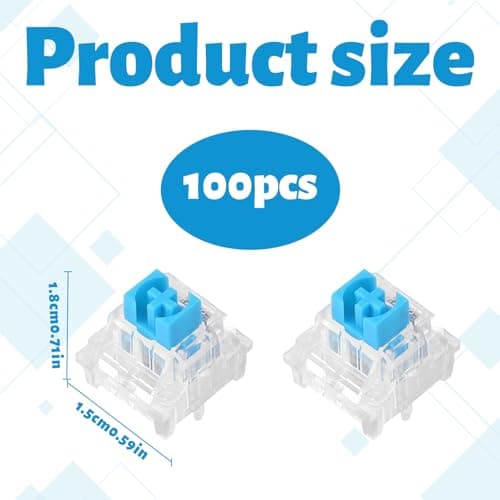
100 Mechanical Keyboard Switches,Blue Switches with 3-Pin Transparent Caps,Dustproof and Waterproof,Kkeyboard Keys Suitable for DIY Kits,LED Keyboards,Gaming Keyboards,Etc
Othrion
£8.95
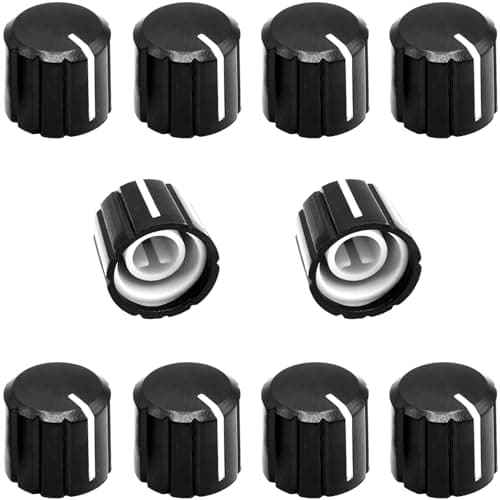
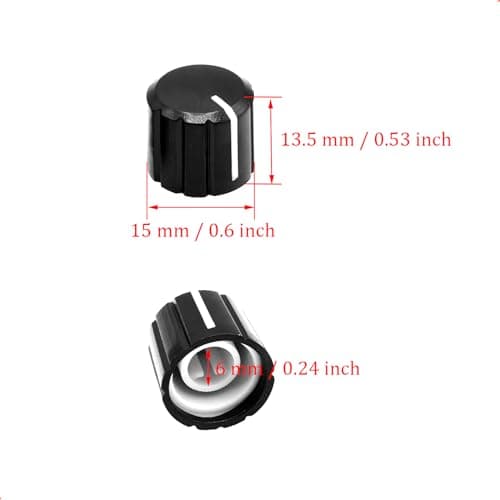
10Pcs 6mm D Type Potentiometer Control Knobs, Plastic Volume Audio Mixer Bass Tone Rotary Knob,for Encoder Electric Guitar Speaker Board DJ Controller Console Control Knob Replacement,Black 15x13.5mm
ZXUEZHENG
£3.99
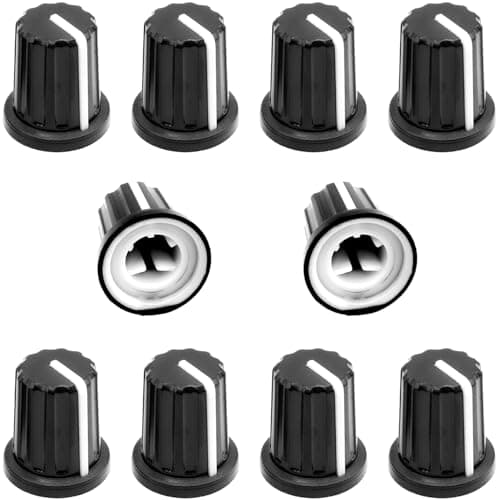
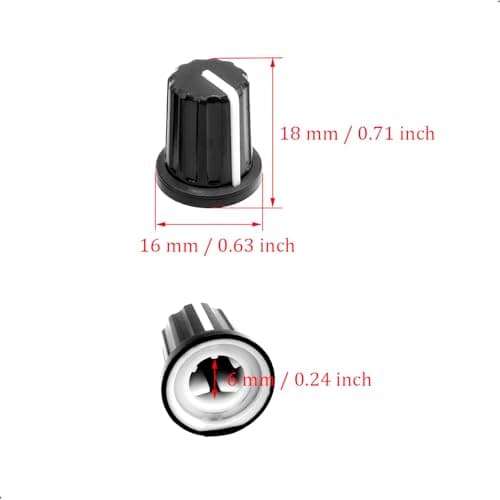
10Pcs 6mm D Type Potentiometer Control Knobs, Plastic Volume Audio Mixer Bass Tone Rotary Knob, for Encoder Electric Guitar Speaker Board DJ Controller Console Control Knob Replacement,Black,16 x 18mm
ZXUEZHENG
£3.99
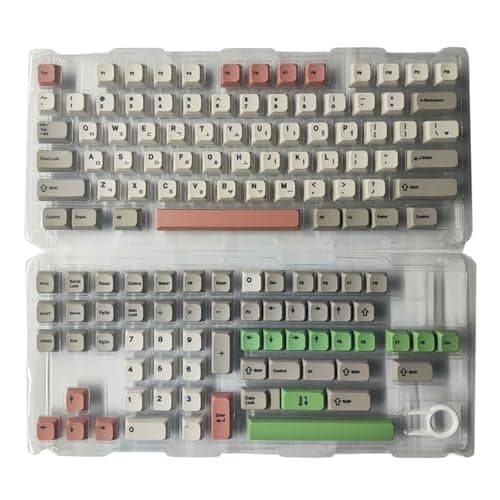
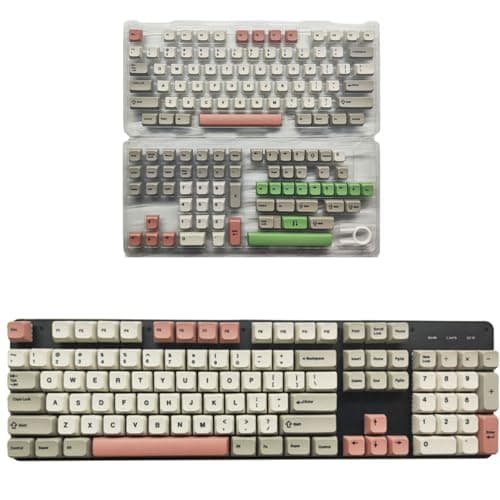
138Key 9009 Retro Theme Key Cap Set XDA Height PBT, Korea
Cosqeae
£21.29
