
AVerMedia Live Gamer Ultra GC553 – 4K60 HDR Pass-Through, 4K30 Capture, Low Latency for Xbox Series X/S, PS5, Switch, Windows 11/macOS 10.13
Brand: AVerMedia
About this product
Capture and record your gaming moments in stunning 4K HDR with the AVerMedia Live Gamer Ultra GC553 capture card. This device is perfect for gamers who want to experience the full potential of their consoles and PC games on a 4K display while capturing every detail at up to 60 frames per second. Whether you're streaming your gameplay or editing highlights, this card ensures smooth motion and low latency, making it an ideal companion for both Xbox Series X/S, PS5, Switch, Windows 11, and macOS 10.13. The GC553 offers more than just 4K capture; its pass-through capability supports up to 240 Hz on Full HD signals, allowing you to experience high refresh rates without missing a beat. With simple plug-and-play setup and compatibility across multiple platforms, it’s easy to get started while enjoying top-notch performance for your gaming content creation needs.
Highlights
- Elevate your recording and streaming experience with the AVerMedia Live Gamer ULTRA GC553 capture card.
- Capture and record 4Kp60 HDR gameplay with ultra-low latency for an immersive experience on Xbox Series X/S, PS5, Switch, Windows 11, and macOS 10.13.
- Up to 120 fps for Full HD signals delivers smooth and crisp motion for both console and PC gameplay recordings.
- VRR support enables Variable Refresh Rate through RECentral 4 software for capturing and pass-through for Windows users.
- Simple plug-and-play design with included cables and CyberLink PowerDirector 15 Product Key Card for easy setup and editing.
Is this the right pick for you?
The AVerMedia Live Gamer Ultra GC553 is an excellent choice for gamers who want to capture and stream their 4K HDR gameplay with ultra-low latency. It's particularly suited for those using Xbox Series X/S, PS5, Switch, Windows 11, or macOS 10.13, as it supports these platforms natively without needing additional software or hardware. This card is ideal if you're looking to enjoy the full benefits of 4K HDR while recording your gameplay, ensuring that every detail and color in your game is captured with stunning clarity. However, this capture card isn't just for high-end gaming setups. It also supports Full HD signals up to 120 fps, making it a versatile option for both console and PC gamers. The VRR support through RECentral 4 software allows Windows users to capture and pass-through high refresh rates, which is crucial for maintaining smooth gameplay during recordings. For Mac users, the card requires an Apple Thunderbolt 3 (USB-C) cable and does not support M1 systems for 2K or 4K video capture, but it can handle 1080p60 content. When setting up the Live Gamer Ultra GC553, you'll appreciate its simple plug-and-play design. The included cables make connecting your console or PC straightforward, and the CyberLink PowerDirector 15 Product Key Card provides easy access to powerful editing tools right out of the box. However, ensure that your system meets the minimum requirements for both desktops and laptops, especially if you're planning to use it with a high-end graphics card like an NVIDIA GeForce GTX 1060 or above. Setting up dual-channel memory on your computer is also necessary for optimal performance, as indicated by the manufacturer's guidelines.
Frequently asked questions
What consoles and operating systems is the AVerMedia Live Gamer Ultra GC553 compatible with?
The GC553 supports Xbox Series X/S, PS5, Switch, Windows 11, and macOS 10.13 for both capture and pass-through functionality. It ensures compatibility across a wide range of platforms to cater to various gaming setups.
Can I use this capture card with my Mac?
Yes, the GC553 supports macOS 10.13 but requires an Apple Thunderbolt 3 (USB-C) cable for connection. Note that it does not support M1 systems for 2K/4K video capture.
What are the system requirements for using this capture card on a desktop?
For optimal performance, your desktop should have at least an Intel Core i5-6XXX or above processor and NVIDIA GeForce GTX 1060 or above graphics. Ensure you have 8 GB RAM in dual-channel mode to avoid any compatibility issues.
You might also like
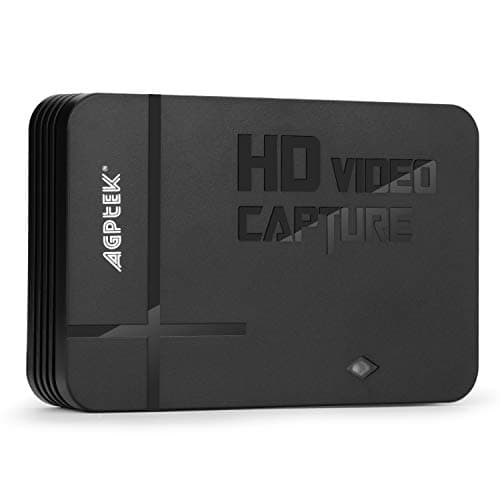
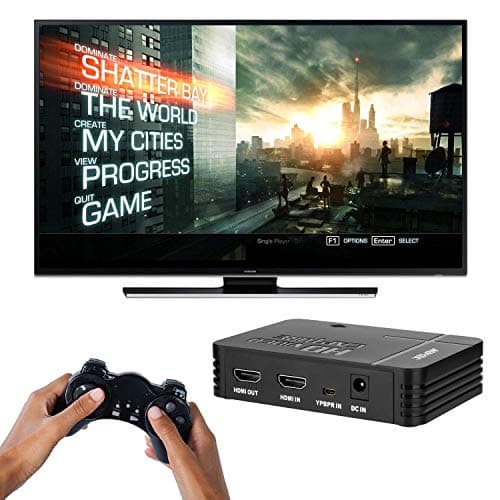
1080P Game Video Capture Card with HDMI and YpbPr Input, Mic-in Video Recorder Compatible with Xbox 360/One/ PS3 /PS4 etc
AGPTEK
£64.18
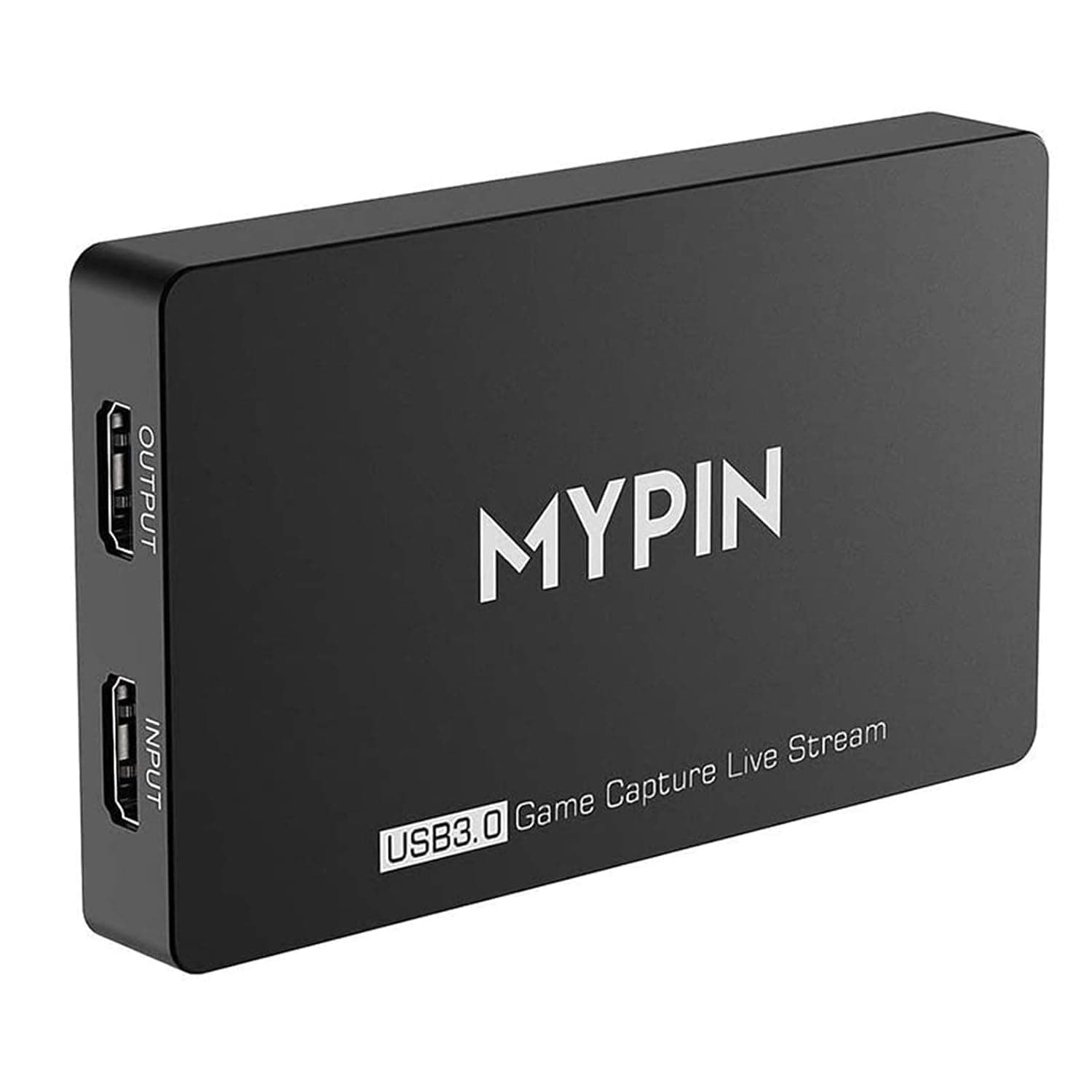
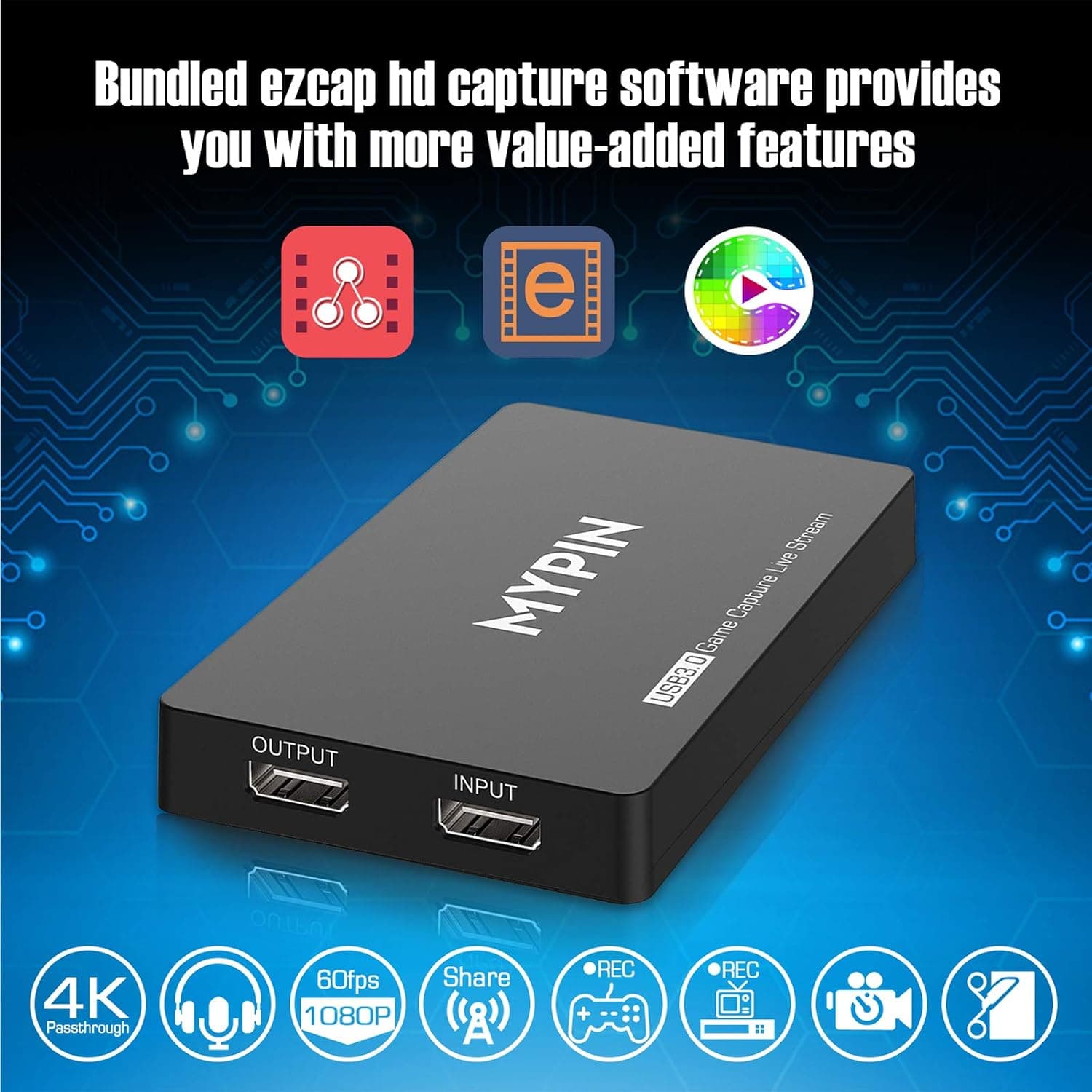
4K Capture Card for Live Streaming, MYPIN USB3.0 HDR Capture 1080P@60fps Support Microphone and Gamepad Party Chat for Nintendo Switch/ PS4 /Xbox One 360 /Wii U/Action Camera/DSLR Camcorder
MYPIN
£19.99
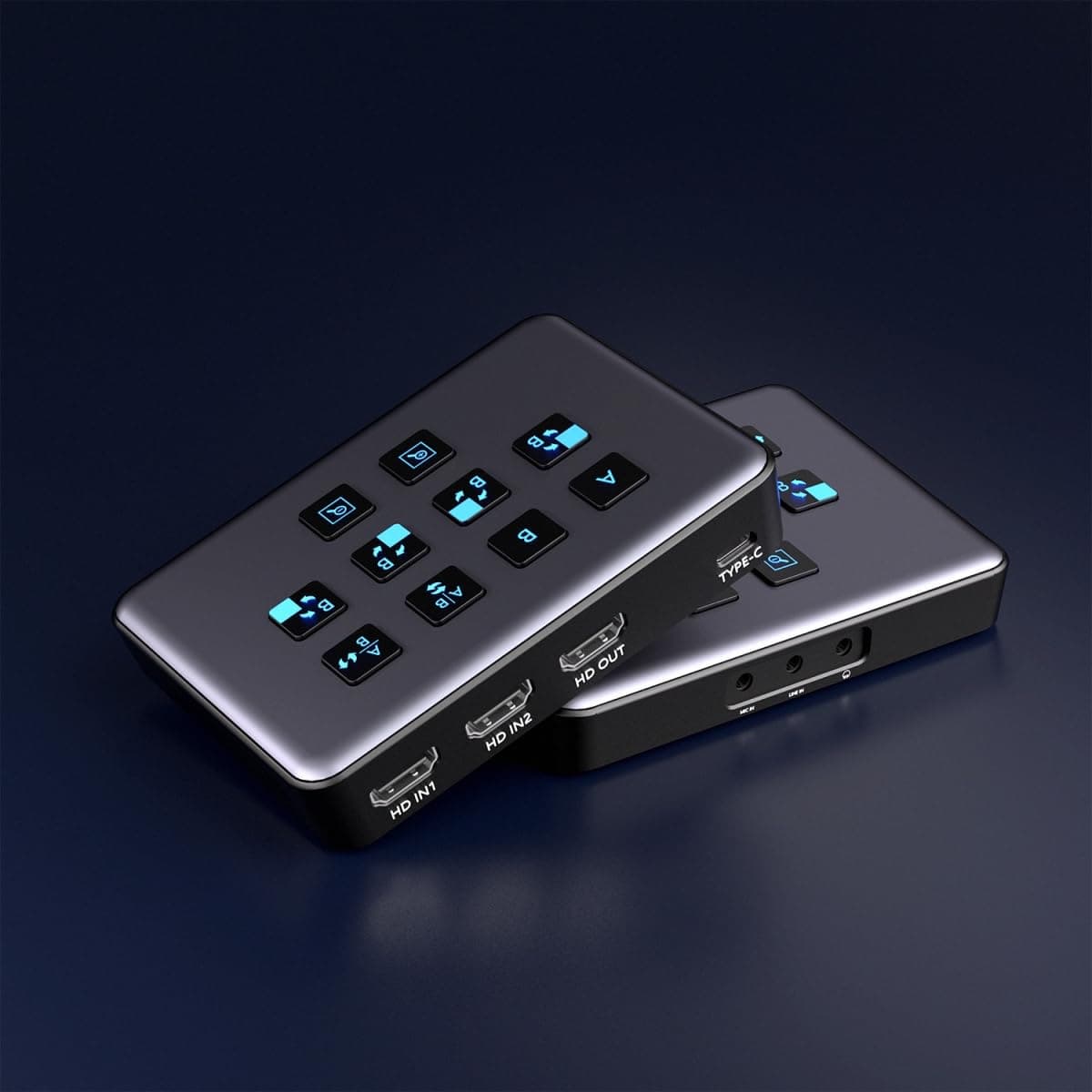
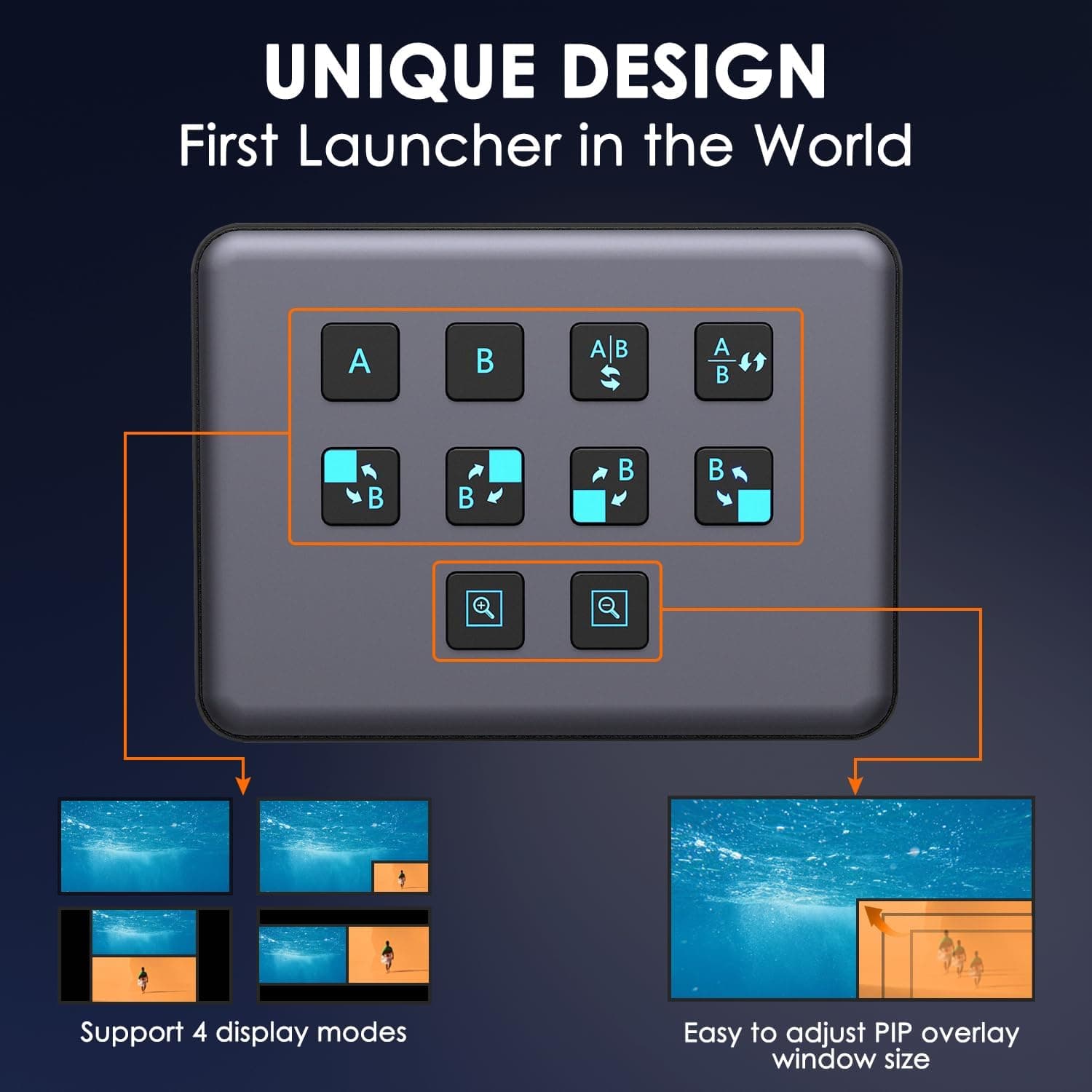
4K Dual HDMI Audio Video Capture Card, USB3.0 1080P 60FPS Equipment for Live Streaming,Capture Card with Loop Camera Link to Type-C Recording Game Video Mixer,Passthrough for Xbox PS5 PS4 Etc
EDISTEC
£25.99
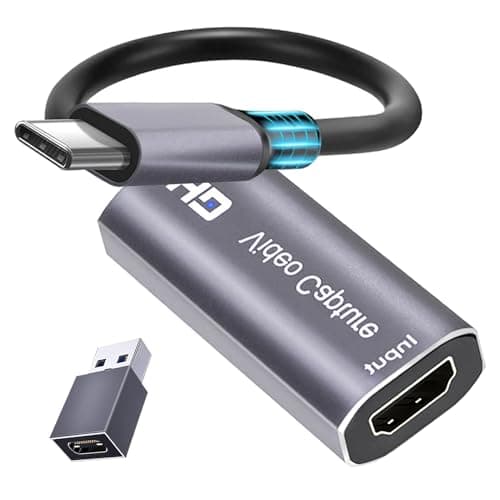
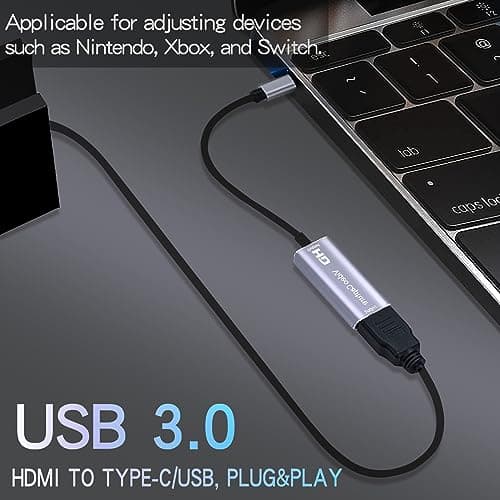
4K HDMI Capture Card, Cam Link Video Capture Card HDMI to 1080P Type-C for Windows Mac OS System for Streaming Gaming Meeting with USB C Adapter to Adjust PS3 4, Switch, Xbox
Extenuating Threads
£12.99
