
Gigabyte MO34WQC2 34" OLED WQHD Curved Gaming Monitor - 3440 x 1440, 240Hz, 0.03ms, KVM, 250 cd/m², FreeSync Premium Pro, DisplayHDR True Black 400, HDMI 2.1, DisplayPort 1.4
Brand: Gigabyte
34-inch 1800R OLED panel with 3440x1440 WQHD resolution
- Height
- 60 cm
- Length
- 24 cm
- Width
- 81 cm
- Weight
- 9.86 kg
About this product
For gamers seeking a top-tier visual experience, the Gigabyte MO34WQC2 stands out as an exceptional choice. This 34-inch OLED WQHD monitor is perfect for those who demand seamless gameplay and immersive visuals, with its 240Hz refresh rate ensuring smooth motion and minimal lag. The ultra-fast 0.03ms response time guarantees crisp, clear images even during fast-paced action. KVM functionality allows you to switch between multiple devices effortlessly, while FreeSync Premium Pro ensures a tear-free experience for gamers. With a brightness of 250 cd/m², the monitor delivers vibrant colors and deep blacks, complemented by DisplayHDR True Black 400 certification. Ideal for both gaming and content creation, it supports HDMI 2.1 and DisplayPort 1.4, making it versatile for various uses.
Specifications
- Height
- 60 cm
- Length
- 24 cm
- Width
- 81 cm
- Weight
- 9.86 kg
- Pack size
- 1
- Colour
- Black
- Amazon Bestseller Rank
- #55,540
Frequently asked questions
What is the resolution of this monitor?
The Gigabyte MO34WQC2 has a WQHD (2560 x 1440) resolution. This high-resolution display provides more pixels than Full HD, offering sharper and clearer visuals, which can be particularly beneficial for gaming where fine details matter.
How does the KVM switch work on this monitor?
The KVM (Keyboard Video Mouse) feature allows you to control multiple computers from a single set of keyboard and mouse. When you connect your devices to the Gigabyte MO34WQC2, it switches between them seamlessly via the included remote or hotkeys, making it ideal for users who need to switch between gaming and work stations without changing peripherals.
Is this monitor compatible with my current setup?
Check the manufacturer's listing for exact compatibility/measurements. This monitor supports HDMI 2.1 and DisplayPort 1.4, which should be compatible with most modern devices. However, ensure your graphics card can handle the 240Hz refresh rate and WQHD resolution to get the best performance.
You might also like
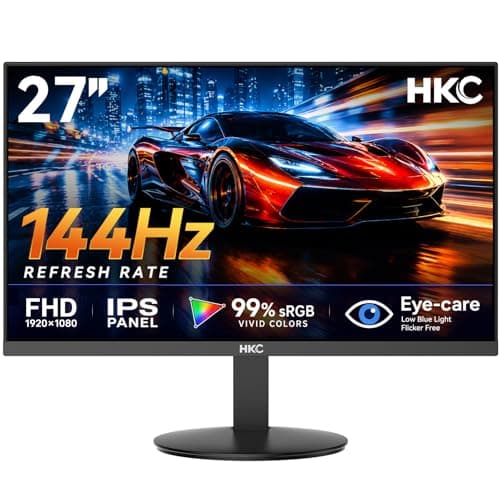
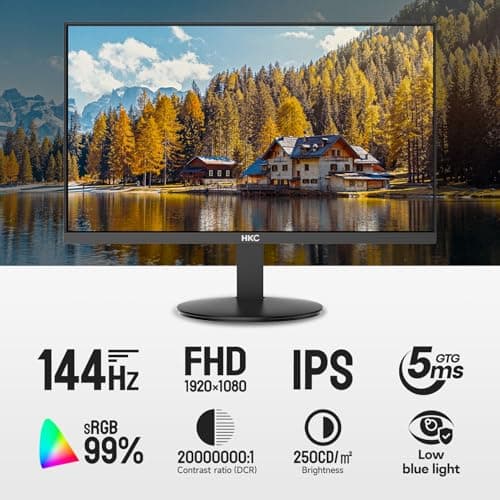
27 inch Gaming Monitor 144Hz, FHD 1080P IPS Display with 99% sRGB, FreeSync, Tilt Adjustable, lowblue mode, HDMI/VGA Ports for Home Office and computer monitor V2718S
HKC
£84.98
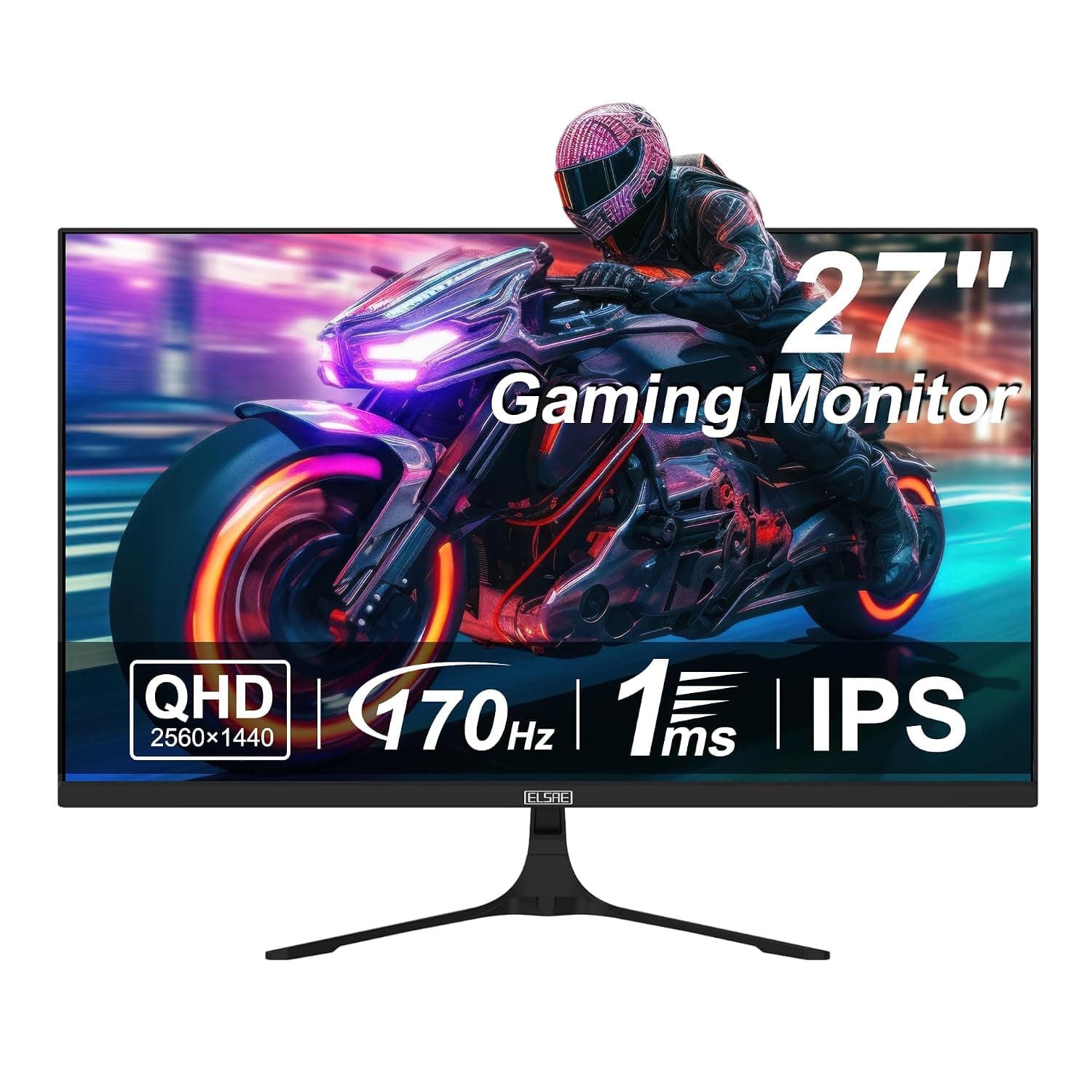
27 Inch QHD 1440P Gaming Monitor, 170Hz 144Hz IPS Computer Monitor, FreeSync, HDR 113% sRGB, Low Blue Light, HDMI & Display Port x2, VESA Mountable
ELSAE
£415.70
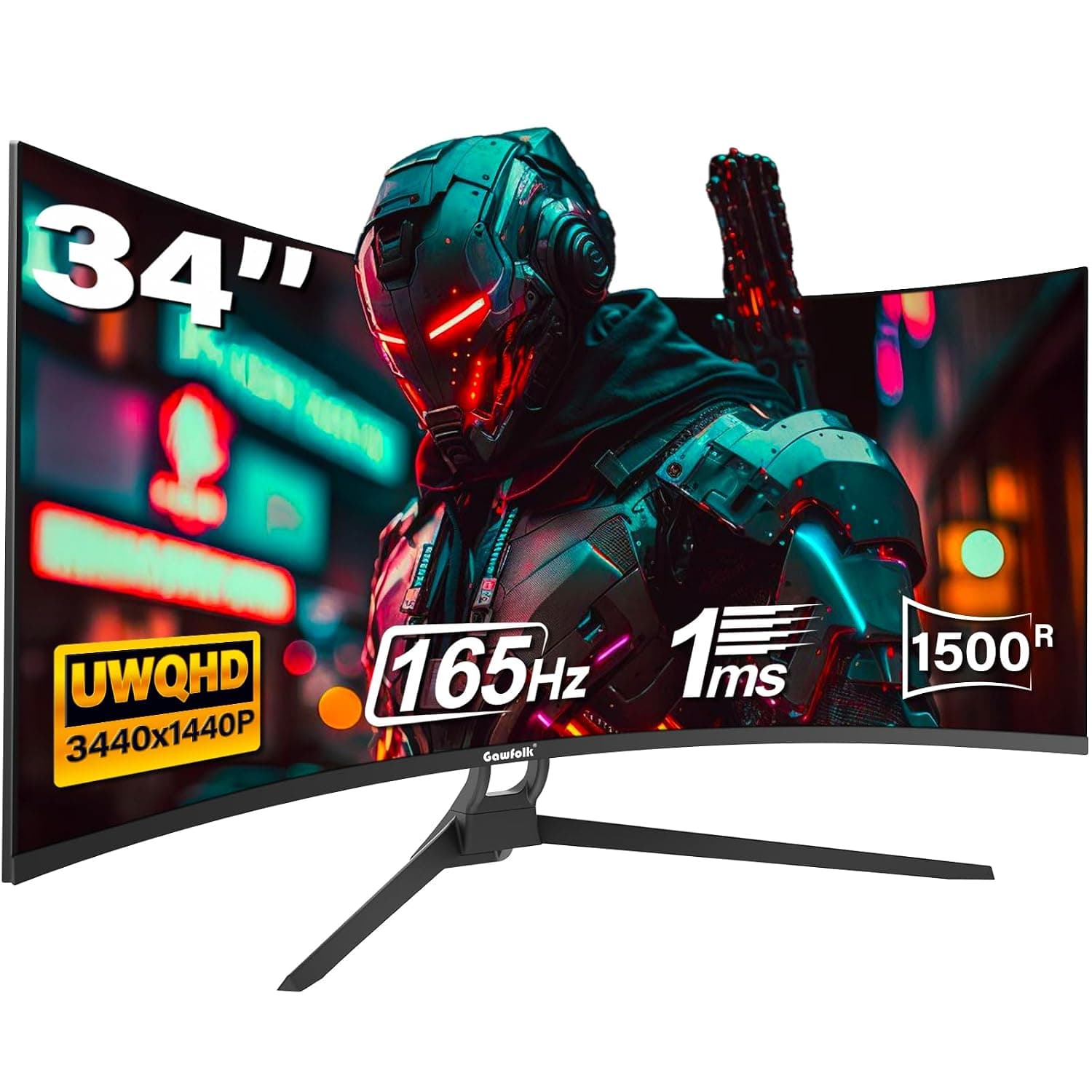
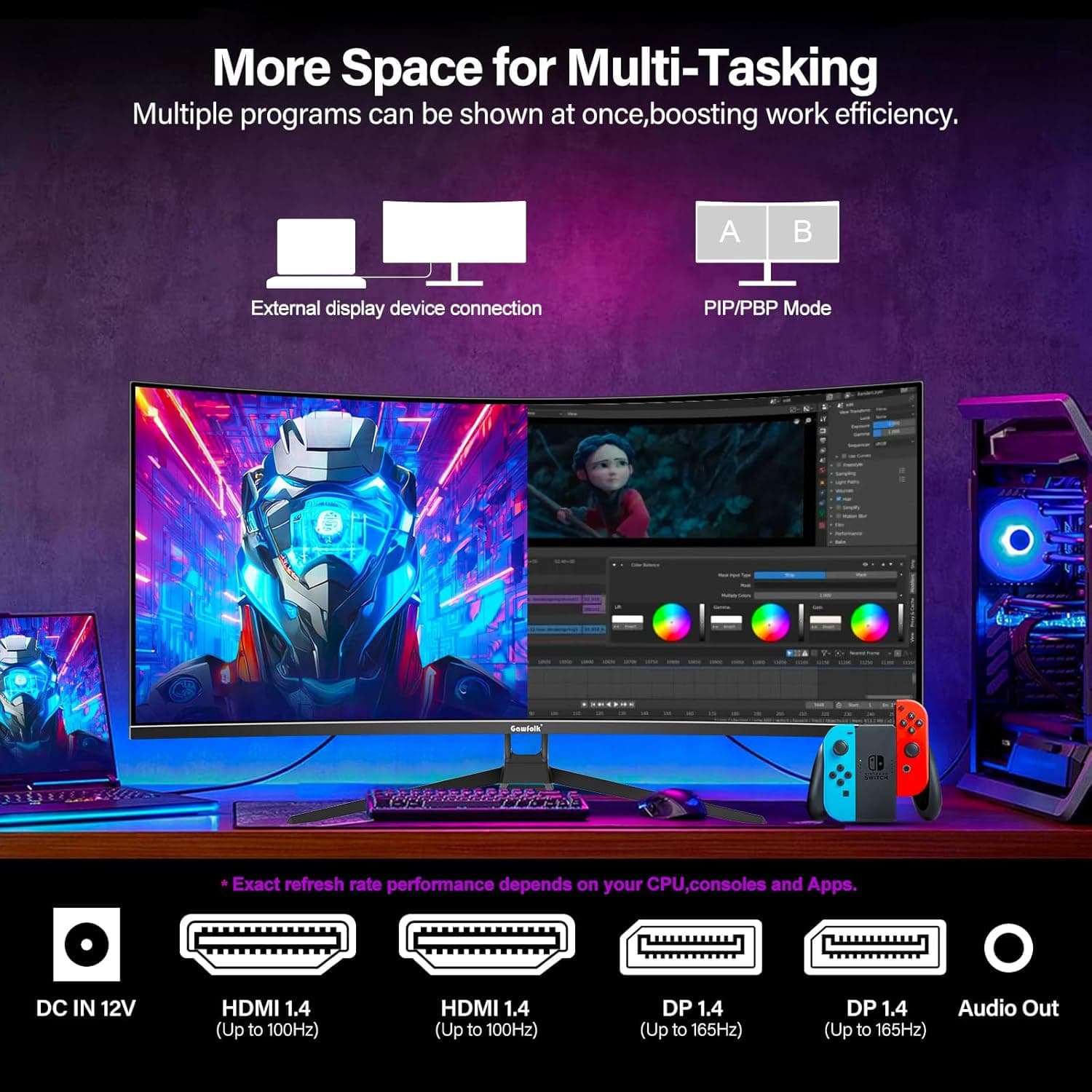
34 Inch Ultrawide Curved Gaming Monitor, 1500R PC Screen 165hz WQHD 3440x1440p Monitor, Curved Computer Display with FreeSync & Eye-Care Technology, DP, HDMI
Gawfolk
£189.99
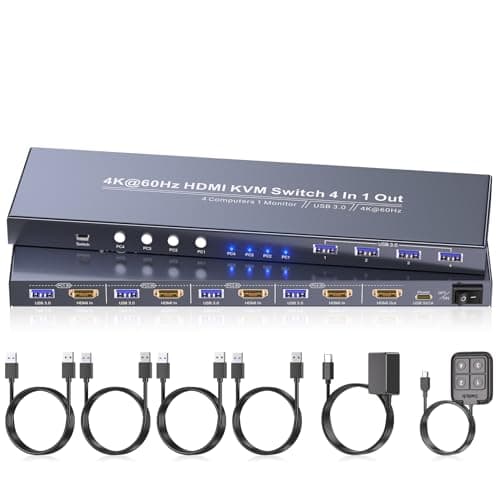
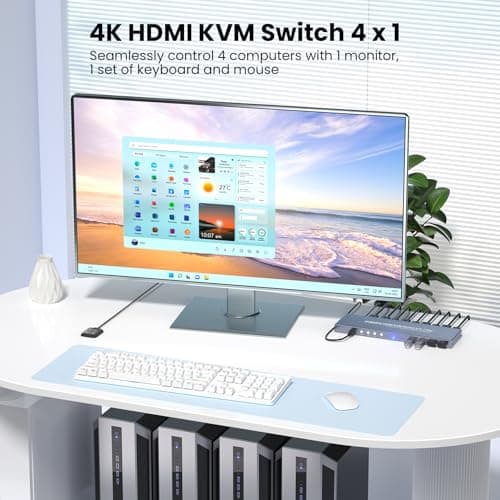
4K60Hz HDMI KVM Switch 1 Monitor 4 Computers, 4 Port KVM Switch for 4 PCs Share 1 Monitor and 1 Set of Keyboard Mouse, 4 Port USB 3.0 Hub Integrated, Dual Switching Methods
Generic
£42.49
