
KOORUI E2412F 24 Inch FHD Monitor, Gaming 100Hz, Eye Care, HDMI, VGA
Brand: KOORUI
【Visual Enjoyment】The pc monitor with a three-sided ultra-thin bezel delivers stunning visuals. Its 178° wide viewing angle offers clear, sharp images from any perspective
- Height
- 42 cm
- Length
- 18 cm
- Width
- 54 cm
- Weight
- 2.75 kg
About this product
When you're looking for a gaming monitor that delivers sharp visuals and smooth gameplay, the KOORUI E2412F stands out in the Gaming Monitors category. This 24-inch FHD display is built specifically with gamers in mind, offering a responsive refresh rate of 100Hz to ensure your movements are fluid on screen. What really sets it apart is its eye care feature, which helps reduce eye strain during long gaming sessions—a crucial consideration for dedicated players. With both HDMI and VGA ports, this monitor ensures compatibility across various devices, making it a versatile addition to any setup.
Specifications
- Height
- 42 cm
- Length
- 18 cm
- Width
- 54 cm
- Weight
- 2.75 kg
- Pack size
- 1
- Colour
- Black
- Amazon Bestseller Rank
- #737
Frequently asked questions
What does the KOORUI E2412F monitor support in terms of connectivity?
The KOORUI E2412F supports both HDMI and VGA connections. This means it can be easily connected to a variety of devices such as gaming consoles, laptops, or older computers that have these ports available.
Is this monitor suitable for professional use besides gaming?
While the KOORUI E2412F is marketed primarily for gaming with its 100Hz refresh rate and eye care features, it can also be used for general work tasks like watching videos or browsing the internet. However, it may not offer the same level of color accuracy as monitors designed specifically for professional use.
Can I connect multiple devices to this monitor simultaneously?
The KOORUI E2412F only has one HDMI and one VGA port, so you would need to daisy-chain or use a device like a KVM switch if you want to connect more than one device. Check the manufacturer’s listing for exact compatibility with such devices.
You might also like
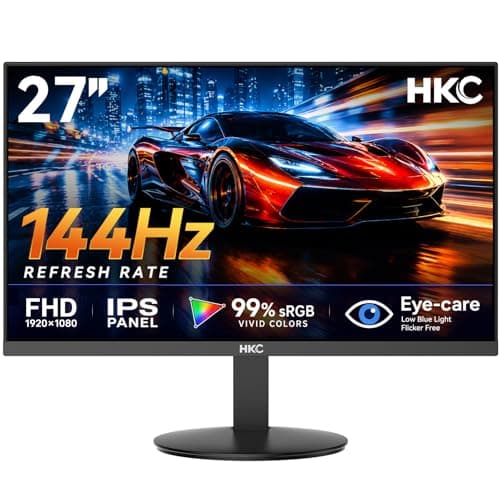
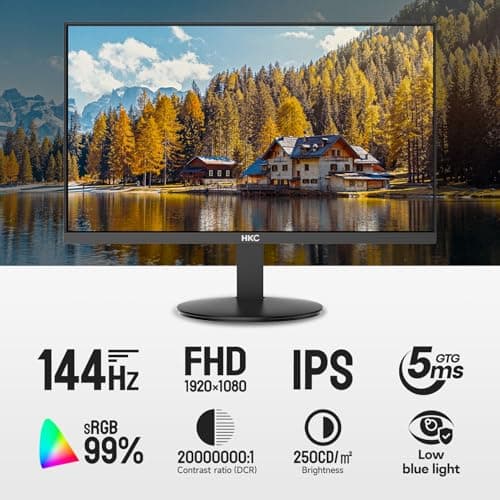
27 inch Gaming Monitor 144Hz, FHD 1080P IPS Display with 99% sRGB, FreeSync, Tilt Adjustable, lowblue mode, HDMI/VGA Ports for Home Office and computer monitor V2718S
HKC
£84.98
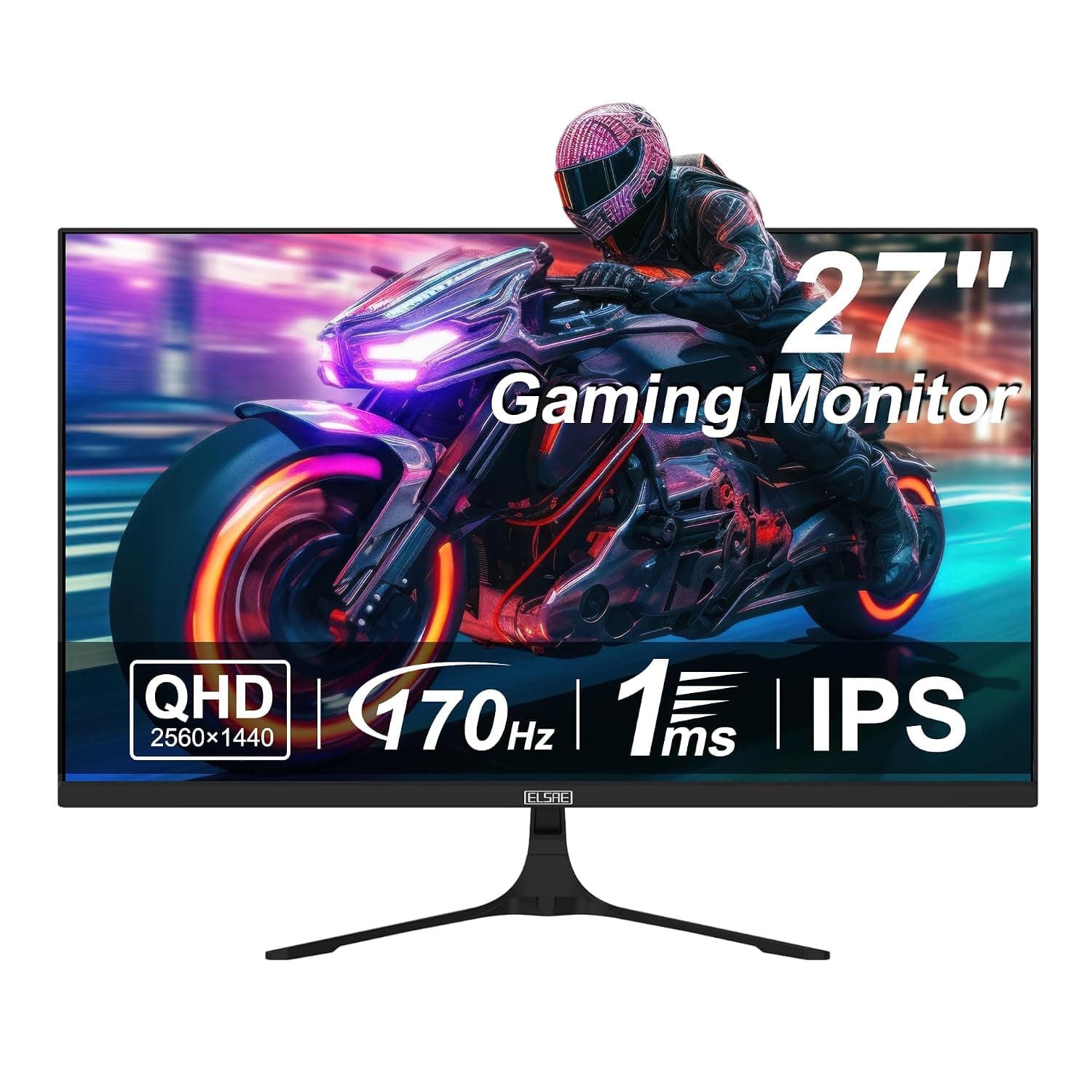
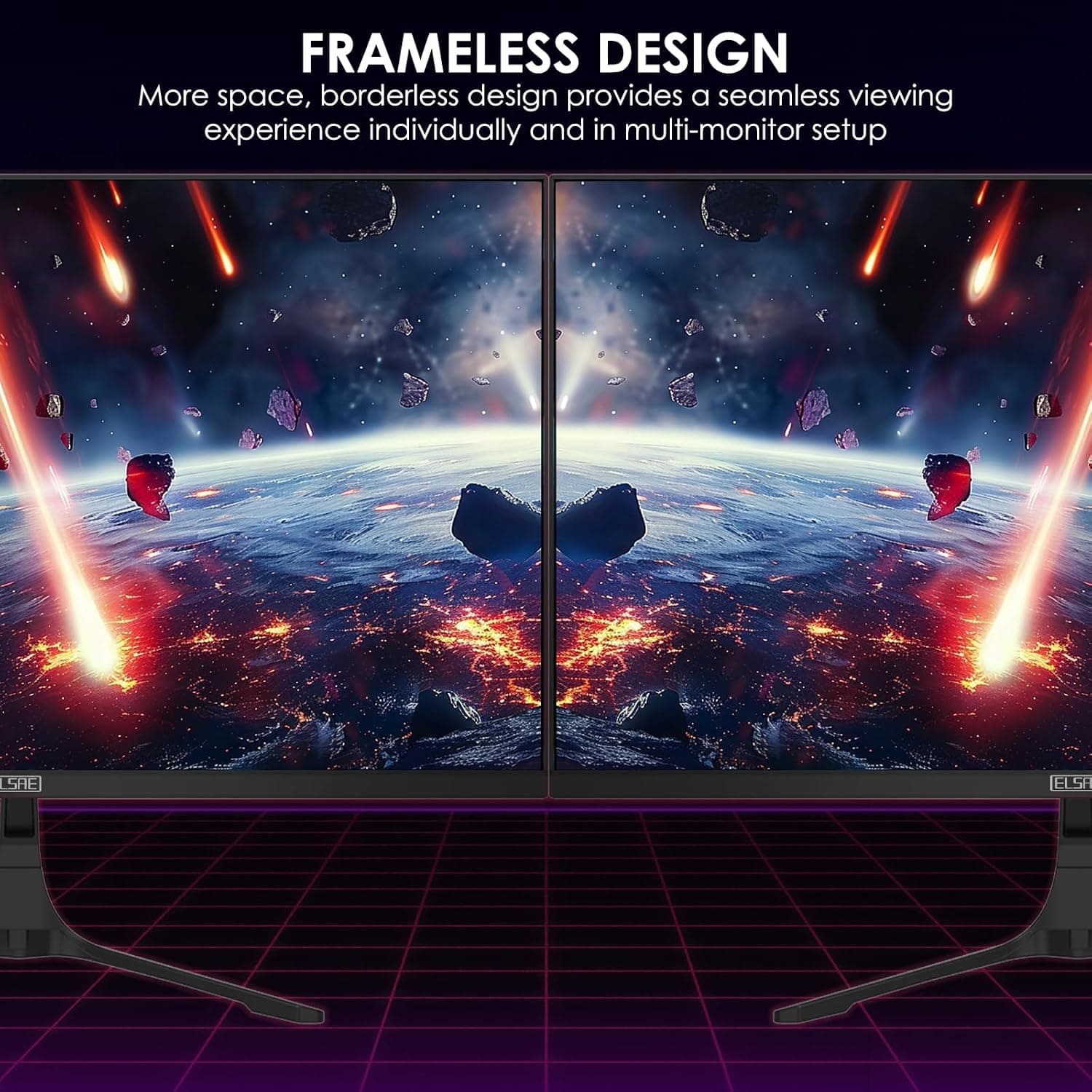
27 Inch QHD 1440P Gaming Monitor, 170Hz 144Hz IPS Computer Monitor, FreeSync, HDR 113% sRGB, Low Blue Light, HDMI & Display Port x2, VESA Mountable
ELSAE
£415.70
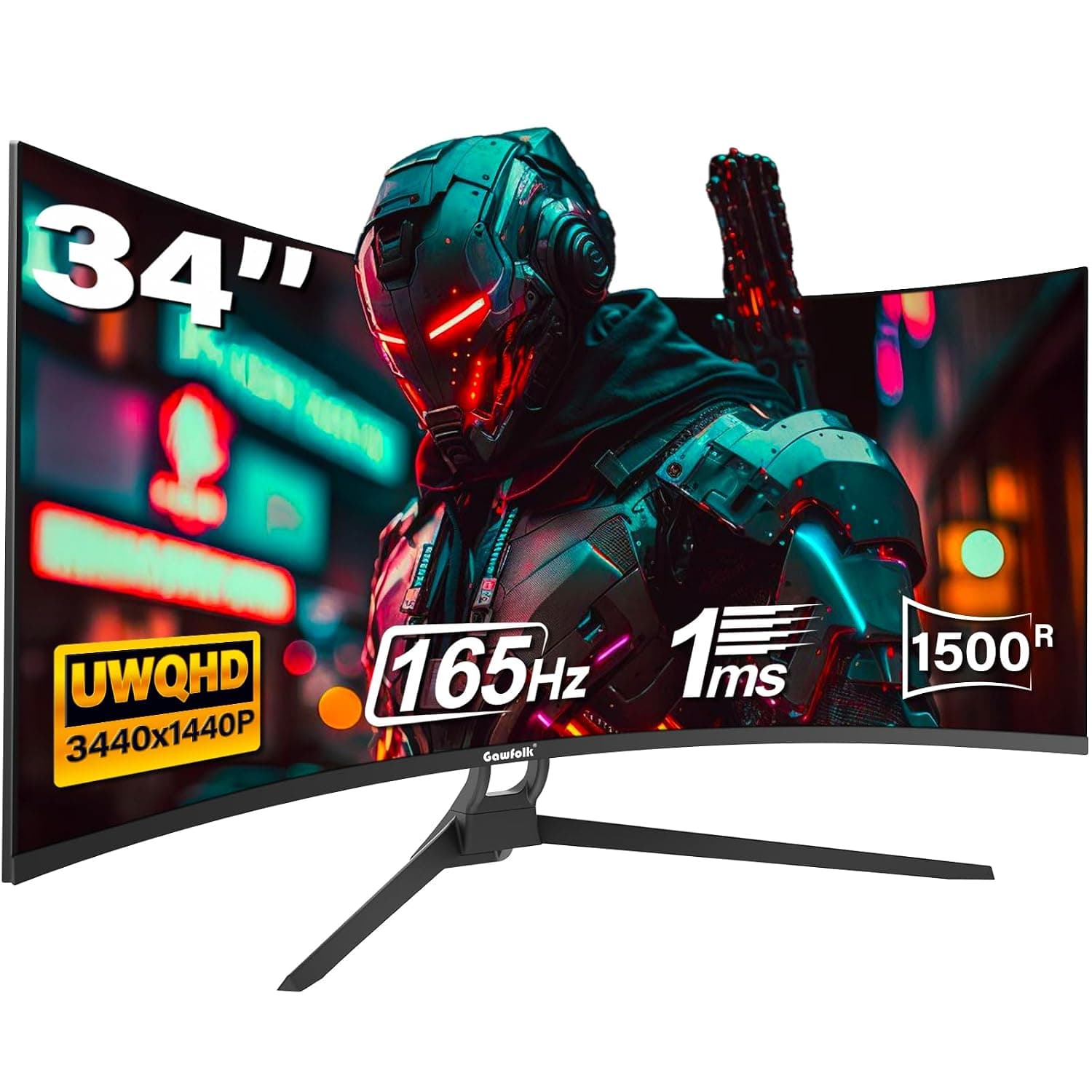
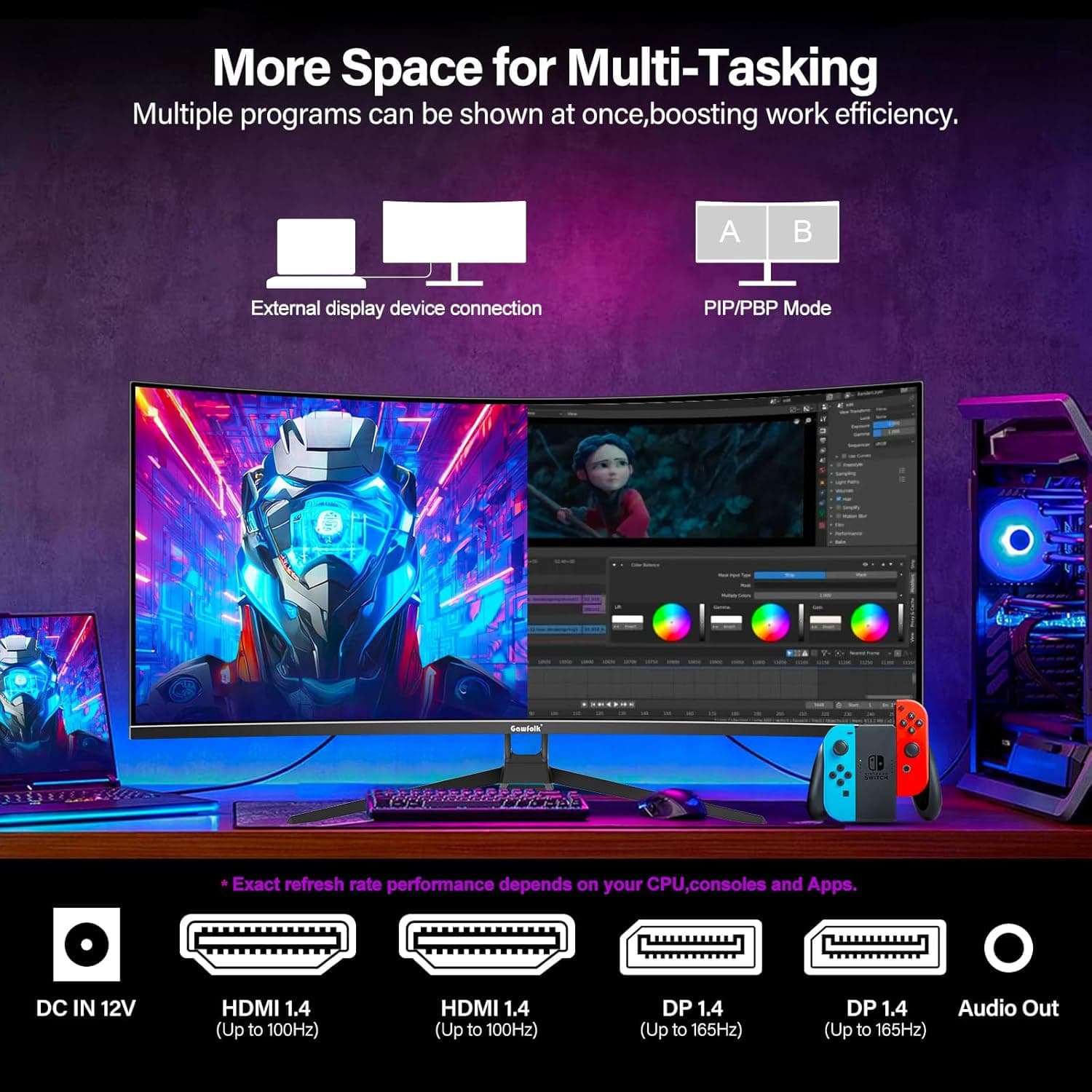
34 Inch Ultrawide Curved Gaming Monitor, 1500R PC Screen 165hz WQHD 3440x1440p Monitor, Curved Computer Display with FreeSync & Eye-Care Technology, DP, HDMI
Gawfolk
£189.99
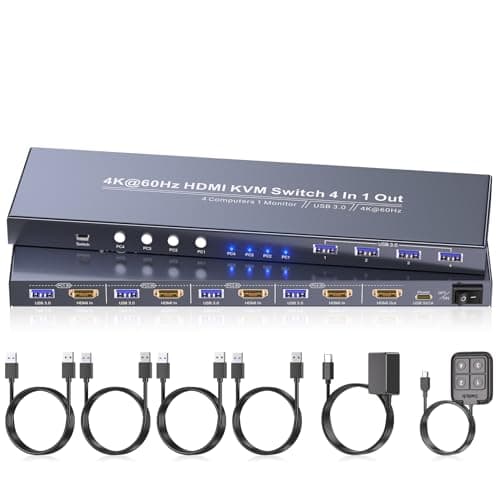
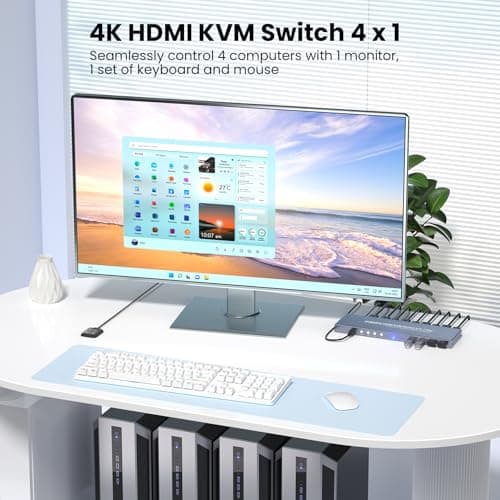
4K60Hz HDMI KVM Switch 1 Monitor 4 Computers, 4 Port KVM Switch for 4 PCs Share 1 Monitor and 1 Set of Keyboard Mouse, 4 Port USB 3.0 Hub Integrated, Dual Switching Methods
Generic
£42.49
