
Silicone Cover Case for Logitech G Cloud Gaming Handheld, Protective Skin Sleeve for Logitech G Cloud Gaming Console Screen Film Protector Accessories (Black Case and Screen Film)
Brand: JCHPINE
Silicone Case for Logitech G Cloud Gaming Console-Protective silicone cover for Logitech G Cloud Game Handheld, soft silicone cover for G Cloud Game Console, Protective case shell for Logitech G Cloud Gaming controller, the G Cloud controller silicone case for Logitech G Cloud will effectively absorb impacts caused by accidentally bumping, which will protect your G cloud handheld and decorate it as well.
- Height
- 2.3 cm
- Length
- 26 cm
- Width
- 12 cm
- Weight
- 82 g
About this product
When looking for ways to enhance your gaming experience on a portable console like the Logitech G Cloud Gaming Handheld, what can you do to protect it while still enjoying its portability? The Silicone Cover Case from JCHPINE offers an excellent solution. This protective skin sleeve not only adds a layer of defense against scratches and drops but also ensures that you maintain a comfortable grip and feel when using your device. Perfect for those who want to keep their Logitech G Cloud Gaming Console in top condition without sacrificing the convenience of on-the-go gaming, this case is an essential accessory for any serious gamer looking to extend the life of their console while enhancing its usability.
Specifications
- Height
- 2.3 cm
- Length
- 26 cm
- Width
- 12 cm
- Weight
- 82 g
- Colour
- Black
Frequently asked questions
Is this case compatible with the Logitech G Cloud Gaming Handheld?
Yes, this Silicone Cover Case is specifically designed for the Logitech G Cloud Gaming Handheld. Make sure to check that your device matches the model mentioned in the product description.
What does the package include?
The package includes a flexible silicone cover and screen film protectors. Note that the Logitech G Cloud Gaming Handheld itself is not included; only the accessories for protecting it are provided.
How do I apply the screen film protector?
To apply the screen film, first clean your device’s screen with an alcohol wipe to remove any dust or oils. Follow the instructions carefully and ensure no bubbles form during application. Allow it to dry completely before use.
You might also like
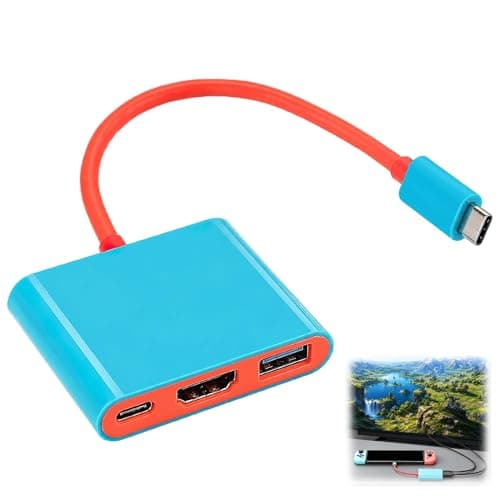
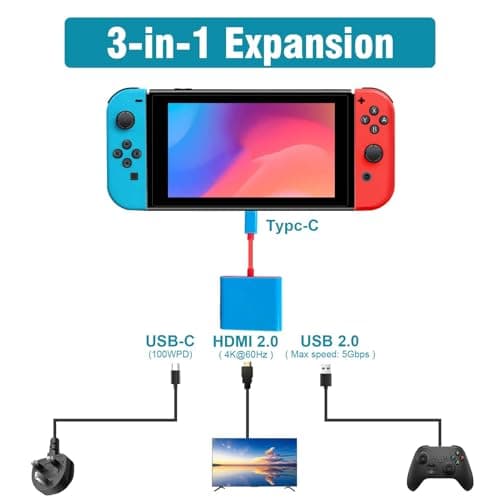
3-in-1 TV Docking Station Switch Dock for Nintendo Switch OLED Portable
Benvexa
£7.99
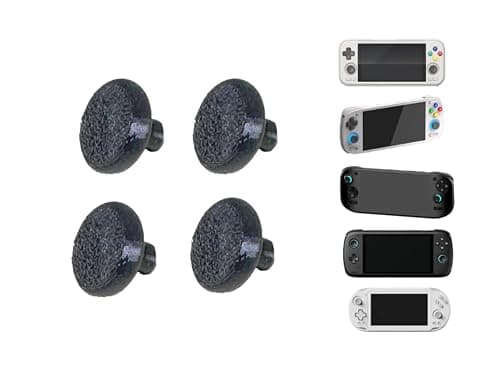
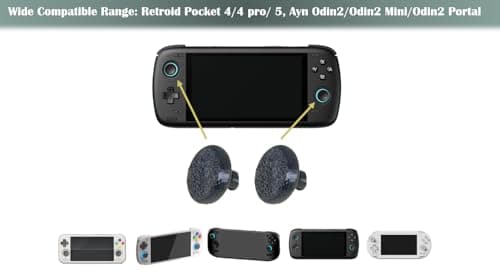
4-Pack Black Larger Thumbsticks for Ayn Odin 2, Portal, Retroid Pocket G2/6/5/4/4 Pro – 2 Pairs Taller Joystick Caps for Enhanced Precision & Comfort Compatible with Ayn & Retroid Handheld Consoles
Kimalab
£15.24
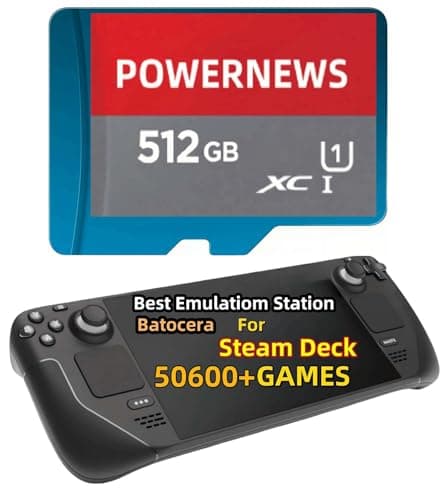
512GB Retro Game Card for Steam Deck - 50600+ Plug and Play Video Games, Included Emulator Console, Batocera 39 Game System Compatible
POWERNEWS
£152.86
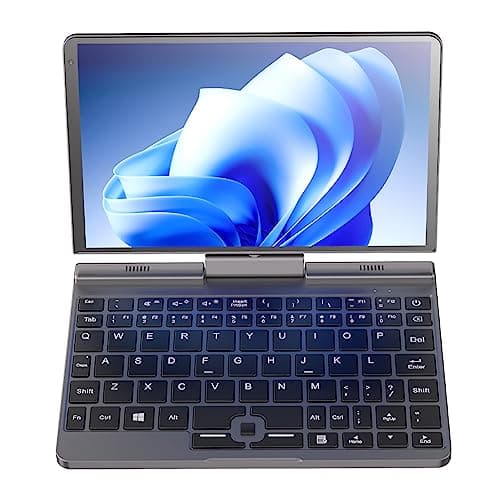
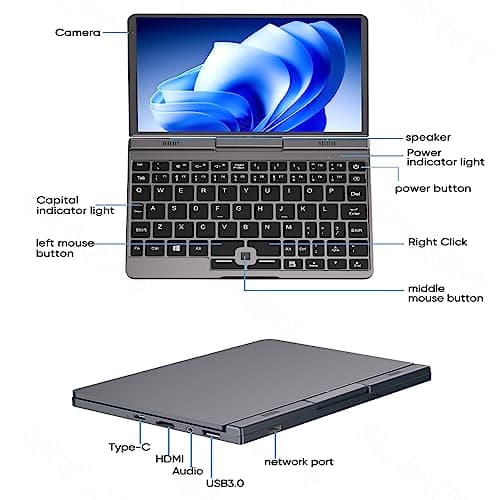
8 inch Mini Laptop Windows 11, 2 in 1 Touch IPS Screen Handheld Computer, Intel N100, 12G DDR5 RAM 2TB SSD Micro PC, Gaming Notebook Tablet with Stylus, WiFi6 BT5.2
Ttfzzztech
£516.08
