
SABRENT M.2 NVMe to PCIe x16 Adapter for Gen5 SSDs PCIe 5.0, Tool-Free Add-on Card with Aluminium Heatsink (EC-TFPE)
Brand: SABRENT
Add-In Fast NVMe: Our popular NVMe M.2 SSD to PCIe Card (EC-PCIE) pcie m.2 adapter just got better. This new tool-free PCIe to m.2 card (EC-TFPE) operates similarly but is able to handle the newest Gen5 SSDs. This pcie nvme adapter AIC is designed to be easy to use, but also to keep your SSDs running cool and quiet.
- Height
- 1.7 cm
- Length
- 11 cm
- Width
- 4.3 cm
- Weight
- 88 g
About this product
Gaming SSDs have become a must-have for anyone looking to boost their system's performance. The SABRENT M.2 NVMe to PCIe x16 Adapter for Gen5 SSDs PCIe 5.0 stands out in this category with its ability to handle the latest Gen5 speeds while keeping your drives cool and quiet thanks to its built-in aluminum heatsink and thermal padding. Designed for maximum flexibility, this tool-free add-on card supports M key NVMe SSDs as well as older B+M key PCIe (AHCI/NVMe) SSDs in various form factors. It connects at x4 PCIe electrically, ensuring optimal performance with your system's existing slots, whether they are from previous or future PCIe generations. This makes it incredibly easy to add another fast storage option to your gaming rig without any fuss, enhancing your overall experience and productivity.
Specifications
- Height
- 1.7 cm
- Length
- 11 cm
- Width
- 4.3 cm
- Weight
- 88 g
- Pack size
- 1
- Colour
- Black
- Amazon Bestseller Rank
- #3,585
Frequently asked questions
Is this adapter compatible with all M.2 NVMe SSDs?
This adapter supports M key NVMe SSDs and older B+M key PCIe (AHCI/NVMe) SSDs in the M.2 2230 / 2242 / 2260 / 2280 form factors, providing flexibility for different types of drives. However, ensure your SSD is compatible with Gen5 speeds and has an M key design.
Can I use this adapter with my existing motherboard?
The adapter works in previous PCIe generation slots at their respective speeds and will support future PCIe 5.0 speeds if your motherboard is compatible. Check your motherboard’s documentation for NVMe support, as full Gen5 compatibility may require a newer motherboard.
How do I install the SSD into this adapter?
Installation is straightforward with the tool-less design. Simply align the M.2 SSD with the adapter and press it firmly until it clicks into place. The heatsink helps keep your SSD cool during operation, ensuring optimal performance without additional noise or complexity.
You might also like
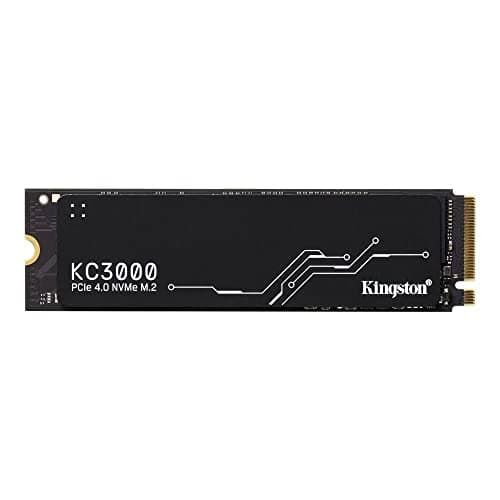
1TB Kingston KC3000, M.2 2280 PCIe, NVMe, SKC3000S/1024G SSD
Kingston
£324.88
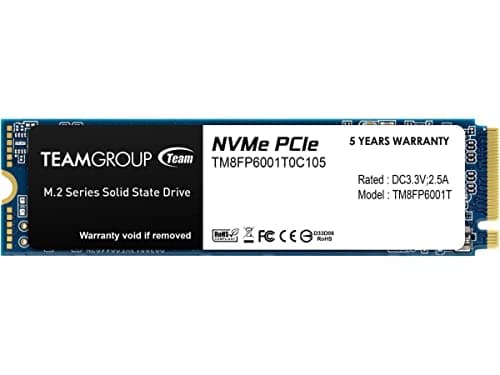
1TB TEAMGROUP MP33 M.2 2280 PCI Express 3.0 x4 NVMe Solid State Drive
TEAMGROUP
£151.43
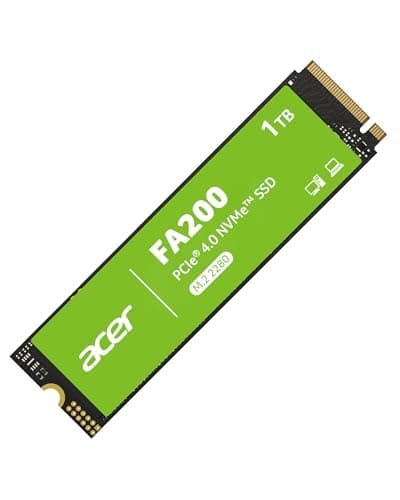

Acer FA200 M.2 2280 SSD 1TB: PCIe 4.0 NVMe Gen4x4 with HMB & SLC, Up to 7200 MB/s Read Speed, Internal Solid State Drive for Laptop, Desktop PC & PS5 Compatible
Acer
£154.69
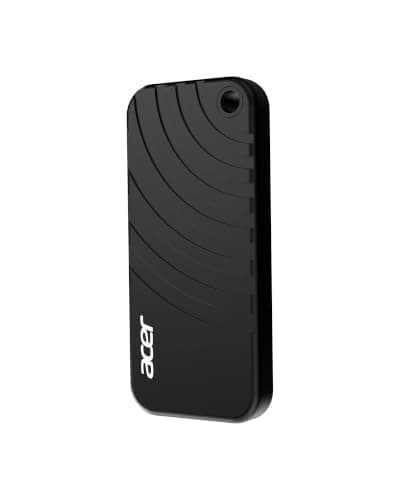

Acer PA100 Portable SSD 500GB, USB 3.2 Gen1 Type-C External Solid State Drive, Read Speed Up to 560MB/s, Ultra-Slim 9mm Design, Compatible with PC/Mac/PS5/Android/iOS
Acer
£82.99
