
StarTech USB-C to VGA Adapter, 1080p, White, Full HD VGA output (CDP2VGAW) | MacBook Pro, Windows and Mac compatible, Thunderbolt 3
Brand: StarTech
- Height
- 1.5 cm
- Length
- 18 cm
- Width
- 3.6 cm
- Weight
- 23 g
About this product
If you're a MacBook Pro user looking to connect your device to an external VGA monitor for presentations or work tasks, the StarTech USB-C to VGA Adapter is perfect. This adapter ensures compatibility with both Windows and Mac systems, making it versatile for various setups. Perfectly fitting into the "Cables & Adapters" category, this adapter allows you to enjoy Full HD 1080p resolution on your external display via Thunderbolt 3 port. With its white color and sleek design, this adapter not only performs its function well but also adds a touch of elegance to your workspace or presentation setup. Whether you're working in a corporate environment or at home, this adapter ensures that your visuals are crisp and clear, enhancing your productivity and meeting all your visual needs.
Specifications
- Height
- 1.5 cm
- Length
- 18 cm
- Width
- 3.6 cm
- Weight
- 23 g
- Pack size
- 1
- Colour
- White
- Amazon Bestseller Rank
- #59,743
Is this the right pick for you?
This USB-C to VGA adapter is a versatile solution for users who need to connect their modern devices to older monitors or projectors that only have VGA ports. It's particularly useful if you're using a MacBook Pro, Windows PC, or any other device with Thunderbolt 3 connectivity and want to output Full HD 1080p video without upgrading your entire setup. The adapter seamlessly integrates into existing workstations, classrooms, or home offices where VGA displays are still in use. However, it's important to note that this adapter does not support audio over the VGA connection, so if you need sound, you'll have to connect a separate audio device. Additionally, while the adapter is compatible with Thunderbolt 3 ports on newer MacBooks and Windows laptops, it requires an active USB-C port for power, which means your device must be plugged in or connected to another power source during use. Before making your purchase, ensure that you have access to a suitable VGA monitor or projector, as well as any necessary cables or adapters for connecting the two. Proper setup involves plugging one end into your Thunderbolt 3 port and the other into the VGA input of your display device. Regular cleaning and handling with care will help maintain the adapter’s functionality over time, especially if it's used frequently in a high-dust environment.
Frequently asked questions
Is this adapter compatible with all USB-C devices?
This StarTech USB-C to VGA Adapter is designed for compatibility with both Windows and Mac computers that have a Thunderbolt 3 port. Always check the manufacturer's listing or your device’s documentation for specific model compatibility.
Can I use this adapter on my MacBook Pro?
Yes, you can use this adapter on your MacBook Pro if it has a Thunderbolt 3 port. It supports full HD VGA output and is compatible with both Windows and Mac systems, making it versatile for various devices.
What does the package include?
The package includes one USB-C to VGA Adapter, which provides a convenient solution for connecting your device to a VGA monitor or projector. No additional cables are included; you will need to have a compatible VGA cable on hand.
You might also like
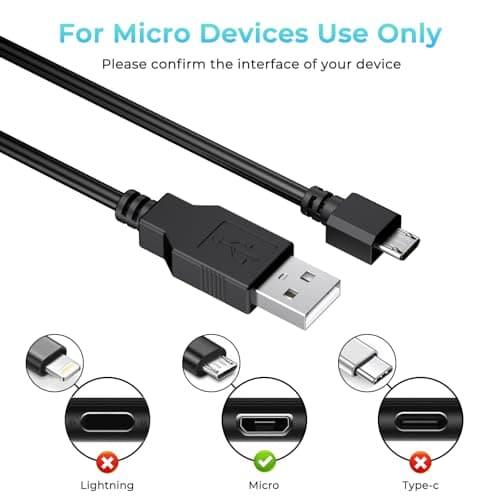
1.8M Charger for PS4 Controller Charger Cable, 5.9FT Micro USB Cable Charging Sync Cord for Sony PlayStation 4/ Dualshock 4/ PS4/ Slim/Pro, Microsoft Xbox One/One S/One X
Yisica
£4.49
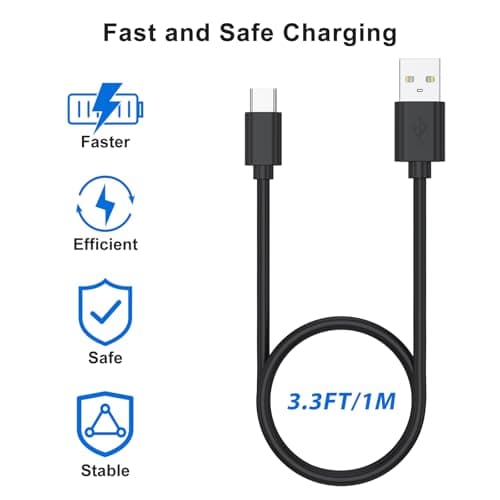
1Meter USB-C Charging Cable Fit for Sony PS5 DualSense Controller, Xbox Series X/S, Switch – Extra Long, Fast Charging Type-C Cord for Gaming, 1/3M Durable Wire (1m)
Zoye
£3.99
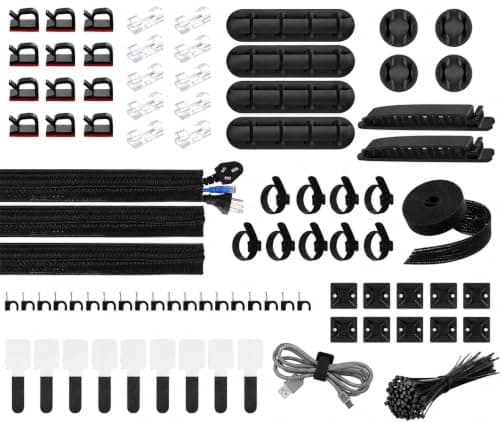
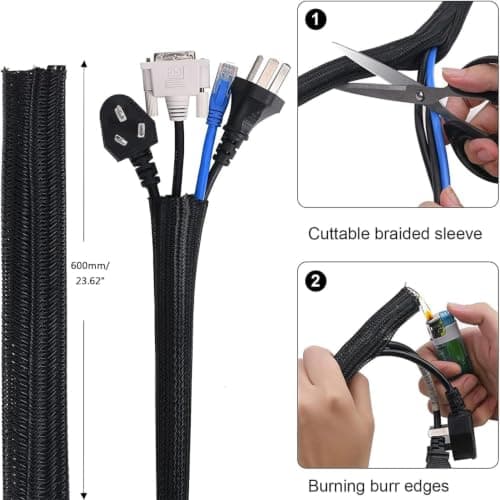
200 PCS Cable Management Kit,4 Wire Organizer Sleeve,7 Cable Holders,10 Zip Tie Mounts,37 Cable Clips,20 Cable Clip Nails,100 Cable Fastening Ties,20+2 Roll Cable Straps for Cable Management
wyevee
£7.99
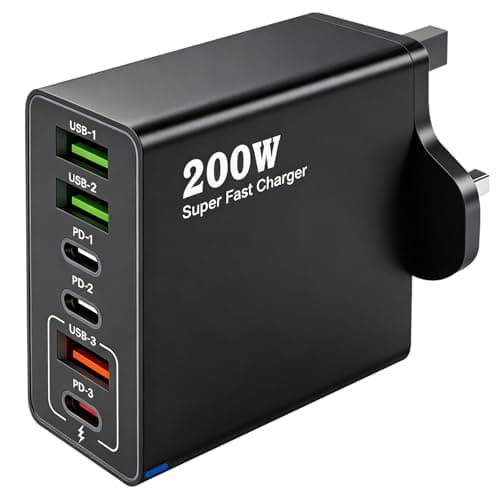
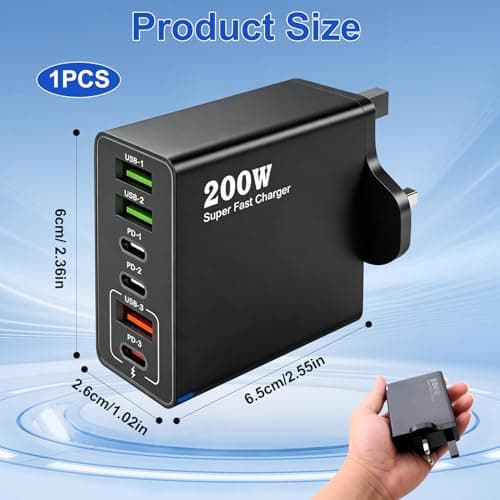
200W USB C Charging Station 6 Port Fast Charger Hub with PD GaN III
ZestEcho
£8.59
