
iiyama G-Master Titan Falcon GOB2701QSC-B1 27 Inch META3 OLED 4th Gen Gaming Monitor WOLED HDMI DP USB3.2 USB-C Dock (65W, v. 3.2 Gen1) 0.03ms 280Hz G-SYNC KVM Switch HDR TB400 Height
Brand: iiyama
Experience unparalleled image depth with the G-Master GOB2701QSC-B1 Titan Falcon OLED monitor
- Height
- 43 cm
- Length
- 21 cm
- Width
- 60 cm
- Weight
- 5.7 kg
About this product
This iiyama G-Master Titan Falcon GOB2701QSC-B1 stands out in the gaming monitor category with its stunning OLED display technology, offering an unparalleled visual experience. Ideal for competitive gamers and enthusiasts, it features a 280Hz refresh rate and 0.03ms response time, ensuring smooth gameplay and minimal motion blur. Designed for ultimate convenience, this monitor includes a USB-C dock with a 65W power delivery, supporting both HDMI and DisplayPort connections. The KVM switch allows you to seamlessly switch between devices without needing additional cables or adapters, making it perfect for multitasking or using the monitor as your primary display.
Specifications
- Height
- 43 cm
- Length
- 21 cm
- Width
- 60 cm
- Weight
- 5.7 kg
- Pack size
- 1
- Colour
- Black
Frequently asked questions
What is the resolution of this monitor?
This monitor offers a 2560 x 1440 (WQHD) resolution, which provides sharp and detailed visuals suitable for gaming and productivity tasks. Higher resolutions can enhance visual clarity but might impact performance with certain games.
Is it compatible with my current setup?
Check the manufacturer's listing for exact compatibility/measurements as this monitor supports HDMI and DisplayPort connections. Ensure your graphics card is capable of driving a WQHD display at 280Hz, which may require a high-end GPU like an NVIDIA RTX series.
What does the KVM switch allow me to do?
The KVM (Keyboard, Video, Mouse) switch lets you control two different computers with one set of input devices. This is particularly useful for switching between work and gaming without needing multiple keyboards or mice, enhancing efficiency in multitasking environments.
You might also like
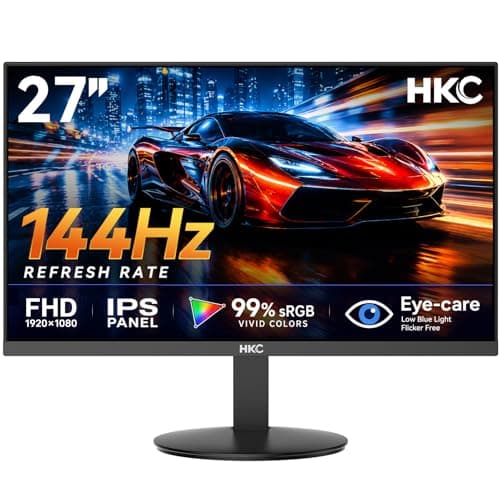
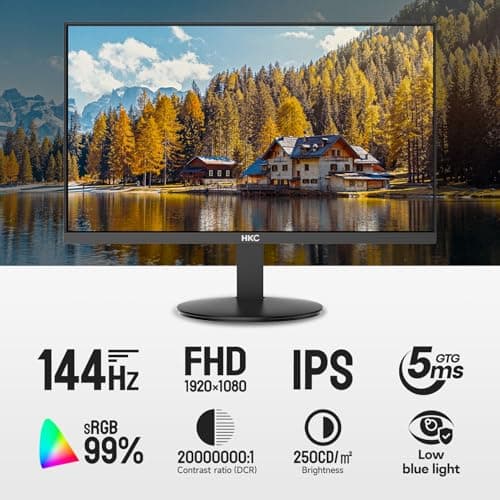
27 inch Gaming Monitor 144Hz, FHD 1080P IPS Display with 99% sRGB, FreeSync, Tilt Adjustable, lowblue mode, HDMI/VGA Ports for Home Office and computer monitor V2718S
HKC
£84.98
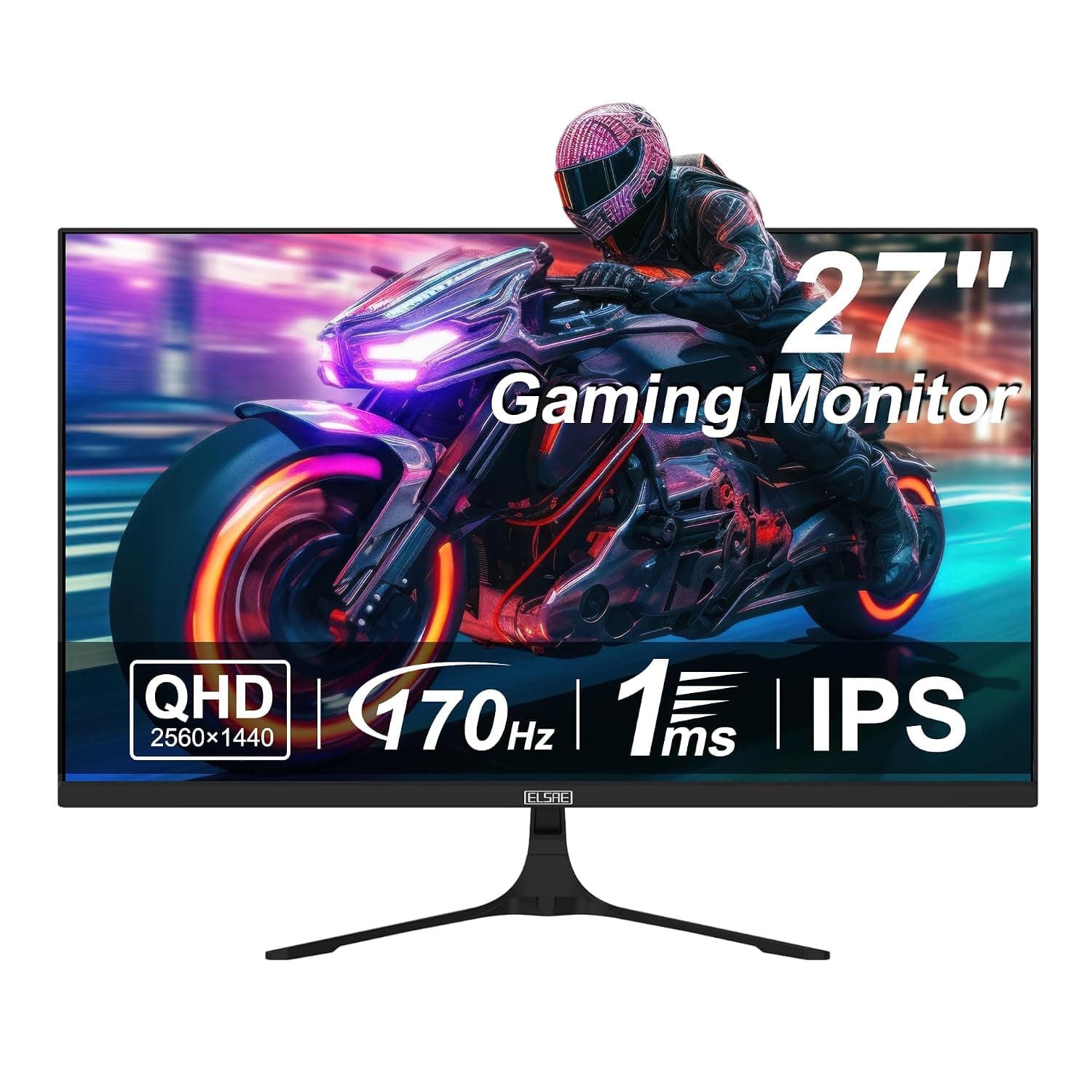
27 Inch QHD 1440P Gaming Monitor, 170Hz 144Hz IPS Computer Monitor, FreeSync, HDR 113% sRGB, Low Blue Light, HDMI & Display Port x2, VESA Mountable
ELSAE
£415.70
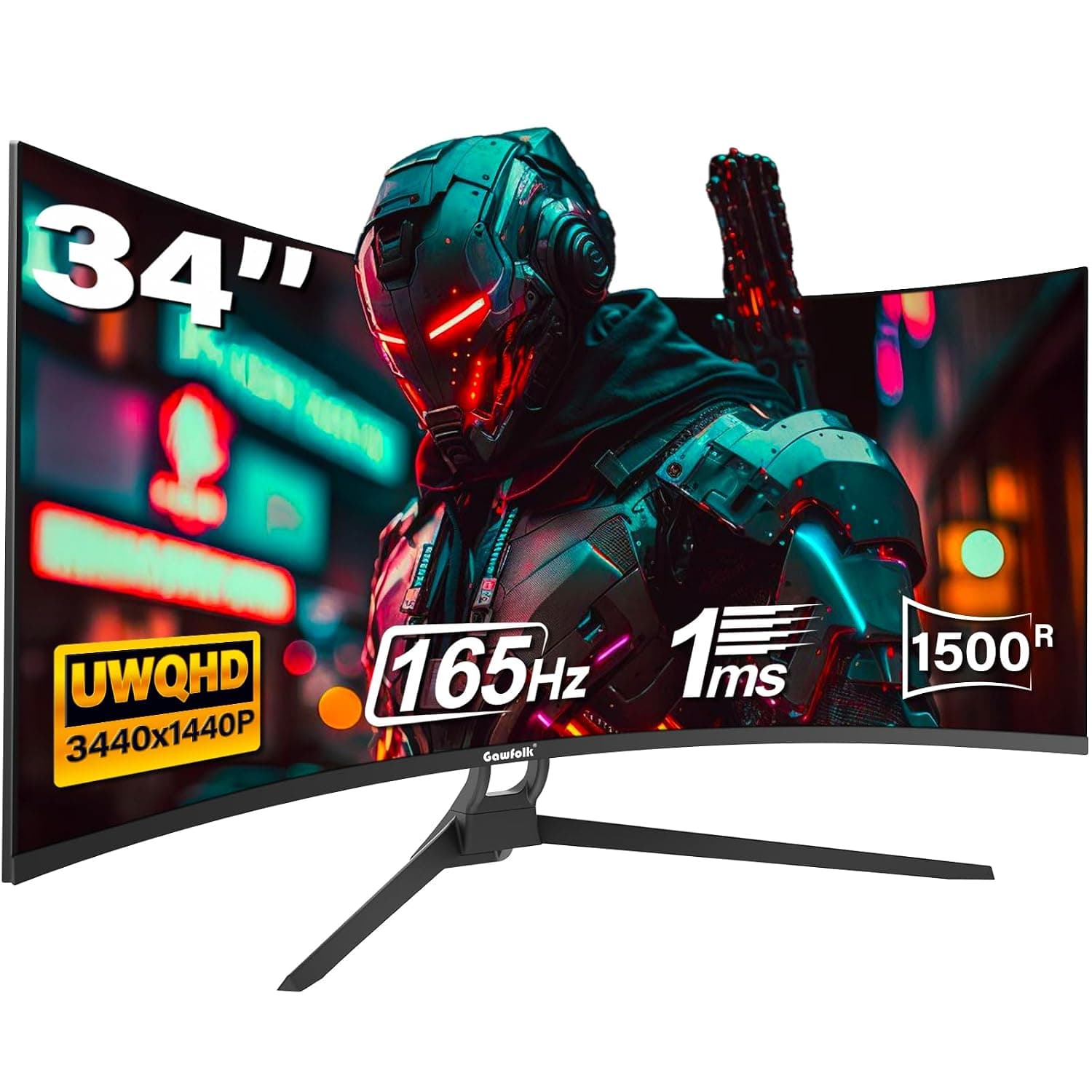
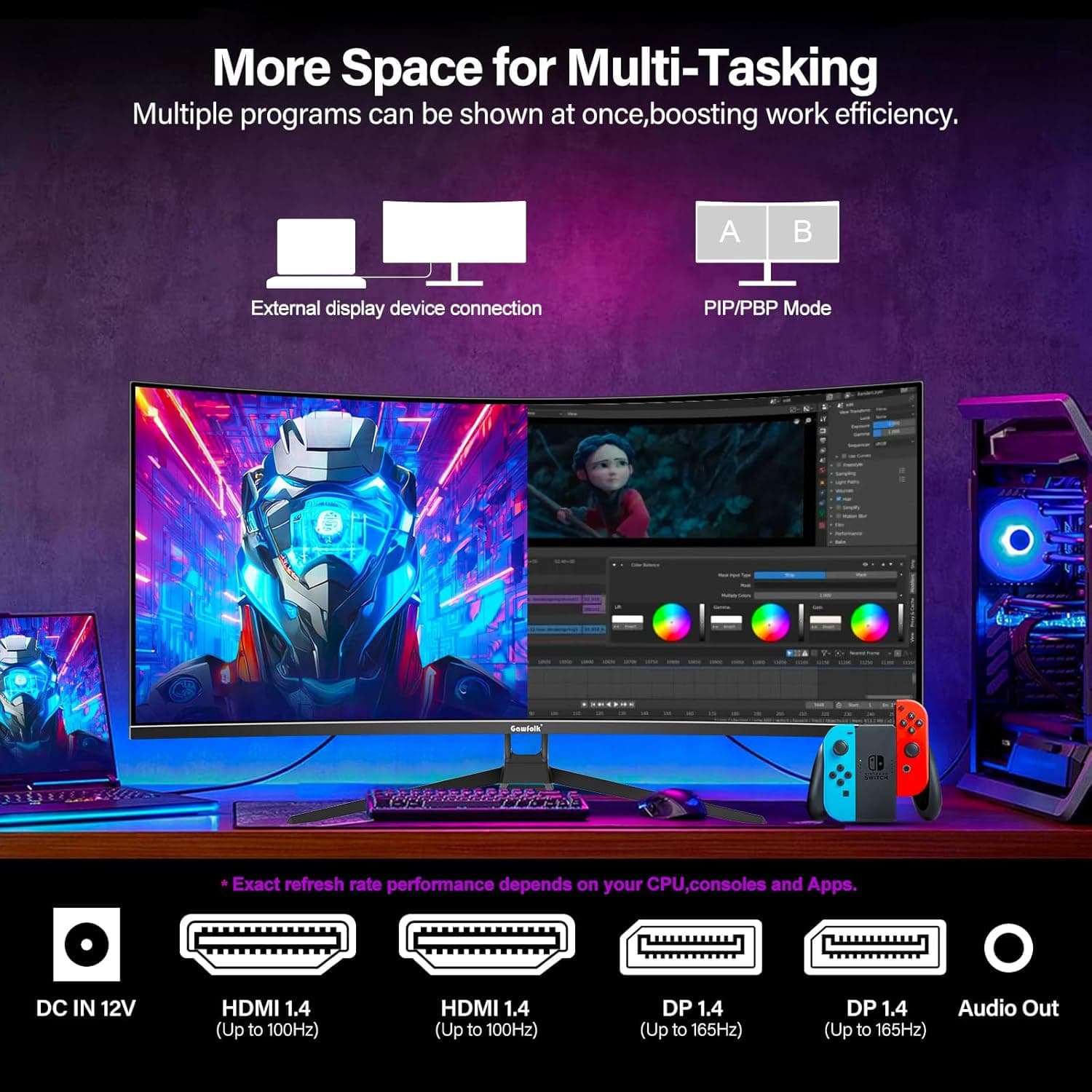
34 Inch Ultrawide Curved Gaming Monitor, 1500R PC Screen 165hz WQHD 3440x1440p Monitor, Curved Computer Display with FreeSync & Eye-Care Technology, DP, HDMI
Gawfolk
£189.99
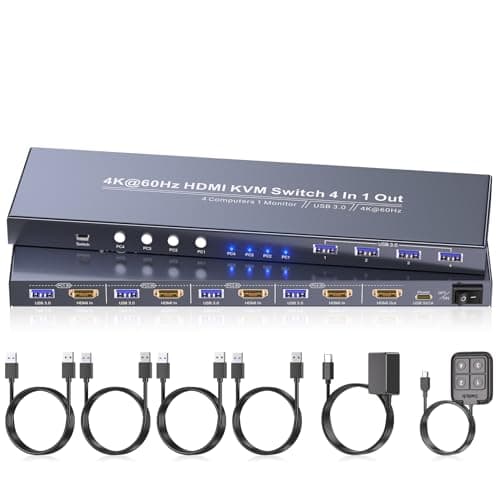
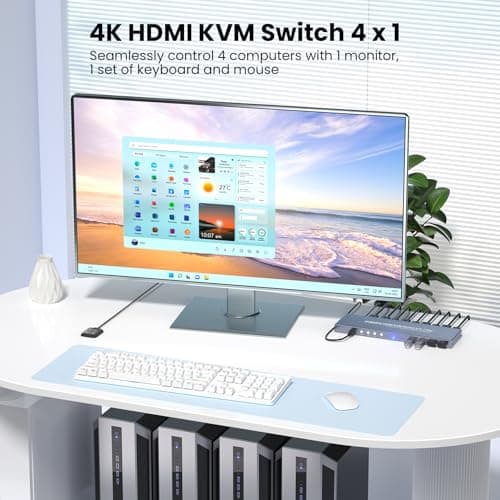
4K60Hz HDMI KVM Switch 1 Monitor 4 Computers, 4 Port KVM Switch for 4 PCs Share 1 Monitor and 1 Set of Keyboard Mouse, 4 Port USB 3.0 Hub Integrated, Dual Switching Methods
Generic
£42.49
