
LENRUE PC Speakers, USB Powered Computer Speakers with Loud Stereo Sound, Headphone-in for Desktop,Laptop, Monitor (USB-C Adapter Included) (White)
Brand: LENRUE
Stereo and Noiseless - Without any noise! After multiple debugging, suppress static. Become clearer and louder. Add a rotary button to turn on the computer speaker and adjust the volume easily.
- Height
- 17 cm
- Length
- 8.9 cm
- Width
- 9.4 cm
- Pack size
- 1
About this product
Experience a new level of gaming immersion with the LENRUE PC Speakers. These speakers boast an impressive output power of 10W and feature 5×2W drivers that deliver loud and clear sound quality—perfect for enhancing your gaming experience on desktops, laptops, or monitors. The 360° stereo sound ensures you hear every detail, making it ideal for gamers who demand top-notch audio performance. The colorful lights add a dynamic touch to the speakers, with cool breathing light effects that change constantly to enhance the atmosphere. You can easily control these lights using an independent light button. Additionally, the USB-powered design and in-line volume control make setup a breeze—simply plug them in and start gaming without any hassle.
Specifications
- Height
- 17 cm
- Length
- 8.9 cm
- Width
- 9.4 cm
- Pack size
- 1
- Colour
- White
- Amazon Bestseller Rank
- #1,802
Frequently asked questions
Are these speakers compatible with both desktop and laptop computers?
Yes, the LENRUE PC Speakers are designed to be multi-compatible, working well with both desktops and laptops. Just plug them in via USB or 3.5mm audio output for immediate use.
Can I control the volume while using these speakers?
Absolutely! The speakers feature an inline control that allows you to adjust the volume directly from your device without needing any additional software, making it easy to manage sound levels on-the-go.
How do I turn the LED lights on and off?
To control the colorful breathing lights, simply press the independent light button located on the speaker. This button lets you switch between different lighting modes or turn them off completely for a more subdued setup.
You might also like
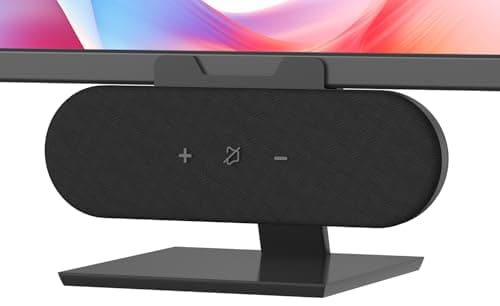
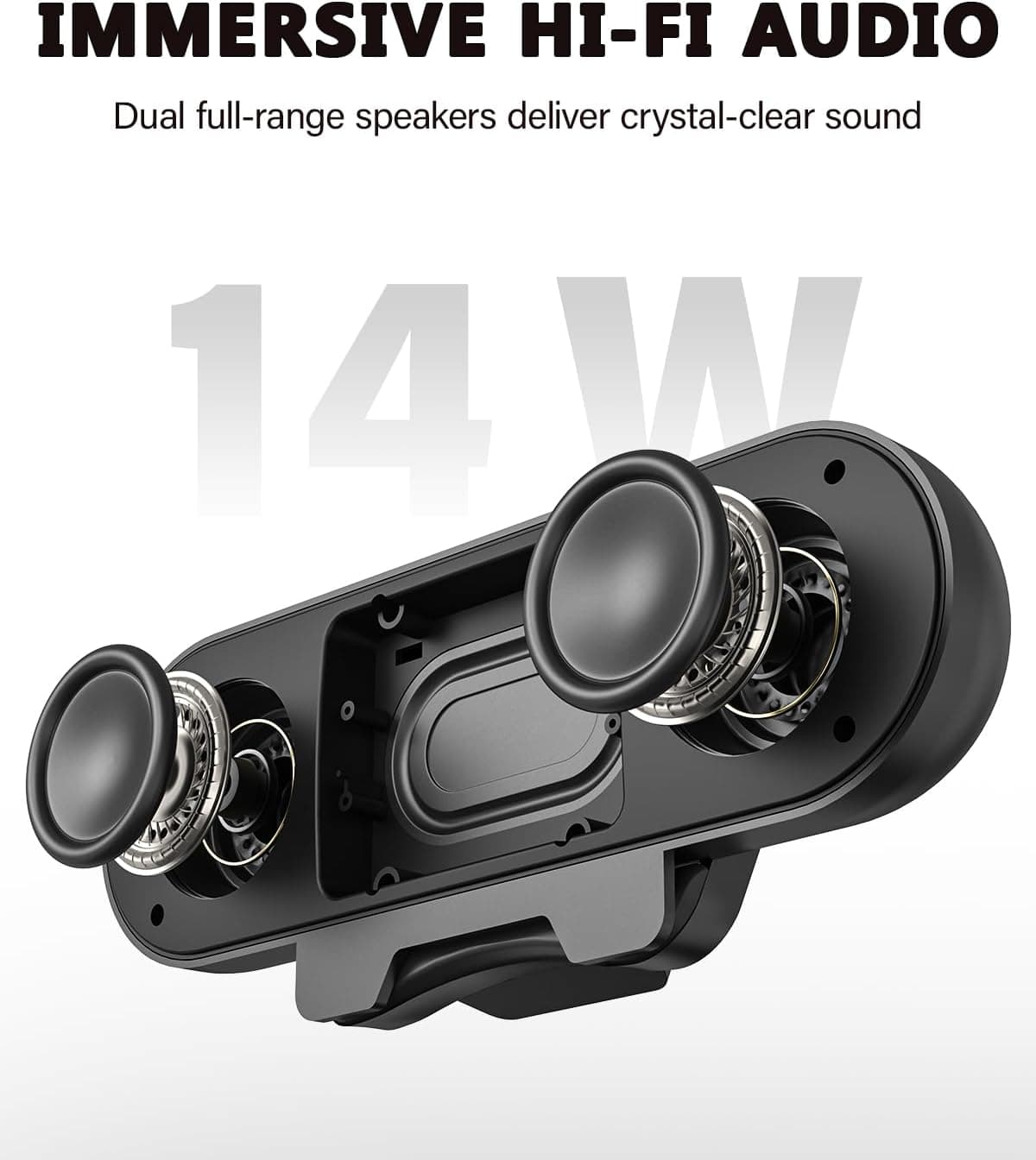
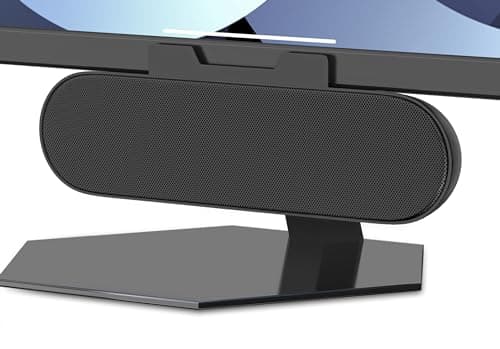
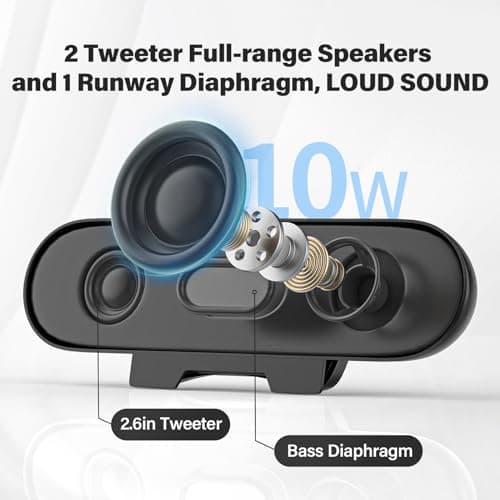
ADELGO Computer Speakers for Desktop PC USB | Speakers for Monitor with Touch Control Stereo 14w Laptop Speaker Sound Enhanced Bass, Soundbar Speaker for Mac Windows PS5
ADELGO
£21.99
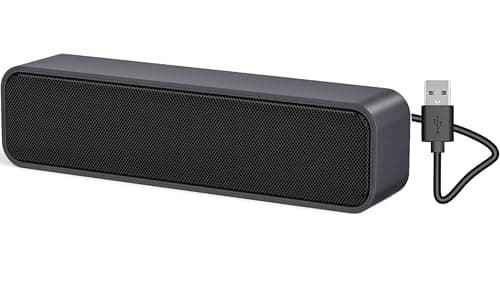
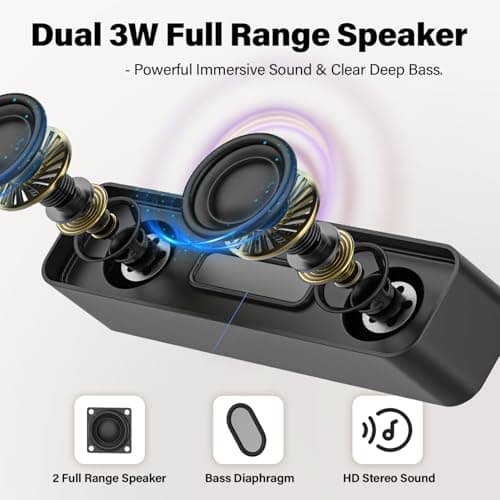
ADELGO USB Computer Speaker for Desktop, Laptop, Checkout Counter
ADELGO
£14.99
ADELGO USB Speakers for PC Desktop
ADELGO
£18.99
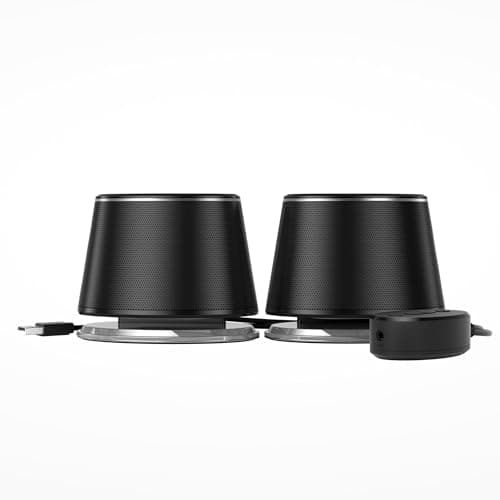
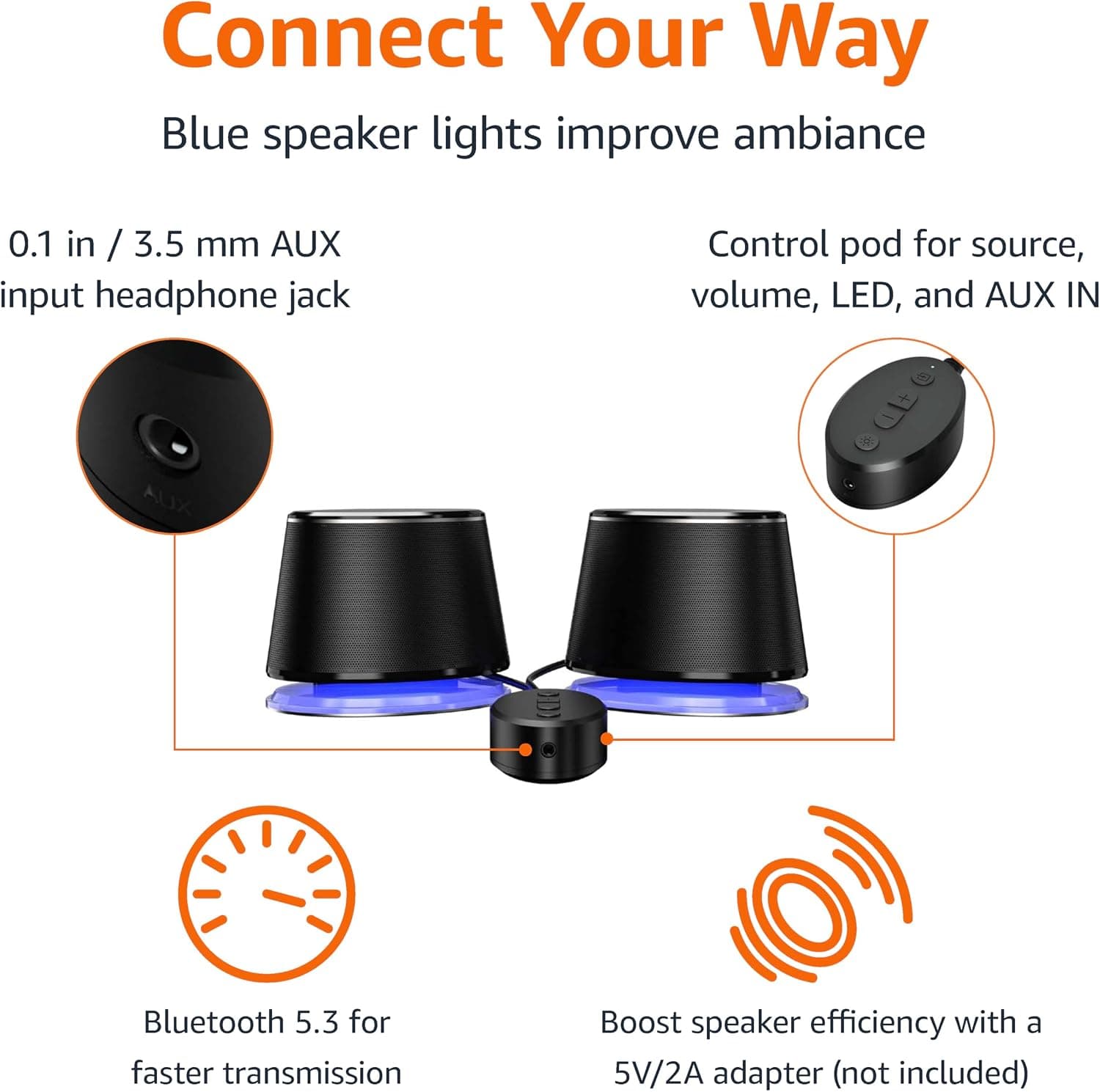
Amazon Basics Bluetooth and USB Computer Speakers with Blue Lighting, Black
Amazon Basics
£28.34
