
KingData Hard Drive Enclosure, USB 3.0 to SATA HDD Caddy for 3.5 inch SSD HDD Disk with DC Power Adapter, Hard Drive Docking Station, Tool Free SSD HDD Enclosure for Windows, Linux, Mac OS, PS4, Xbox
Brand: KingData
Universal Compatibility: The KingData 3.5-inch External Hard Drive Case fits 3.5-inch SATA HDD/SSD up to 16TB, like brands such as WD Purple, WD Black, Seagate Barracuda, Toshiba, EVO 980/870, Crucial BX500/MX500, Kingston, PNY, Integral, and more.
- Height
- 5.5 cm
- Length
- 12 cm
- Width
- 28 cm
- Weight
- 225 g
About this product
Elevate your gaming and data management experience with the KingData Hard Drive Enclosure, a versatile tool for expanding storage on Windows, Linux, macOS, PS4, and Xbox systems. This USB 3.0 to SATA HDD Caddy supports 3.5-inch SSD/HDD disks up to 16TB, ensuring you can store all your games, movies, and documents with ease. Why choose the KingData Hard Drive Enclosure? It offers universal compatibility for a wide range of drives, making it an ideal solution for anyone looking to enhance their storage capacity without limitations. Enjoy blazing fast data transfer speeds up to 5 Gbps, perfect for quickly moving large files or backups. Its tool-free design and hot-swappable functionality allow you to connect your drive effortlessly, ensuring smooth operation with no setup required.
Specifications
- Height
- 5.5 cm
- Length
- 12 cm
- Width
- 28 cm
- Weight
- 225 g
- Pack size
- 1
- Colour
- Black
- Amazon Bestseller Rank
- #9,672
Frequently asked questions
What types of drives can I use with the KingData Hard Drive Enclosure?
The enclosure supports all standard 3.5" and 2.5” SATA and SATA II notebook hard drives and SSDs, ensuring compatibility with a wide range of drives on the market. Check the manufacturer's listing for exact compatibility to ensure your specific drive is supported.
Is this compatible with my gaming console?
Yes, it works seamlessly with Windows, Linux, macOS, PS4, and Xbox systems, making it an ideal solution for both PC users and gamers who need reliable storage. Ensure your operating system meets the minimum requirements listed by the manufacturer.
How do I install the drive into the enclosure?
Installation is straightforward; simply place your 3.5" or 2.5” SATA drive into the docking station, connect it via USB 3.0, and power it with the included DC Power Adapter. The tool-free design allows for easy setup without any additional tools required.
You might also like
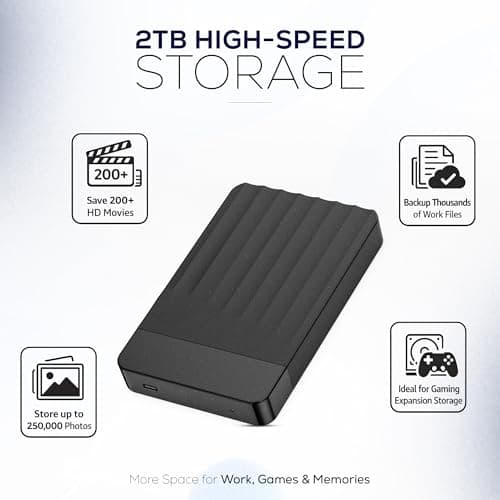
1TB External Hard Drive Portable USB-C/USB 3.0 Plug & Play Ultra-Slim HDD
Meyritech
£49.99
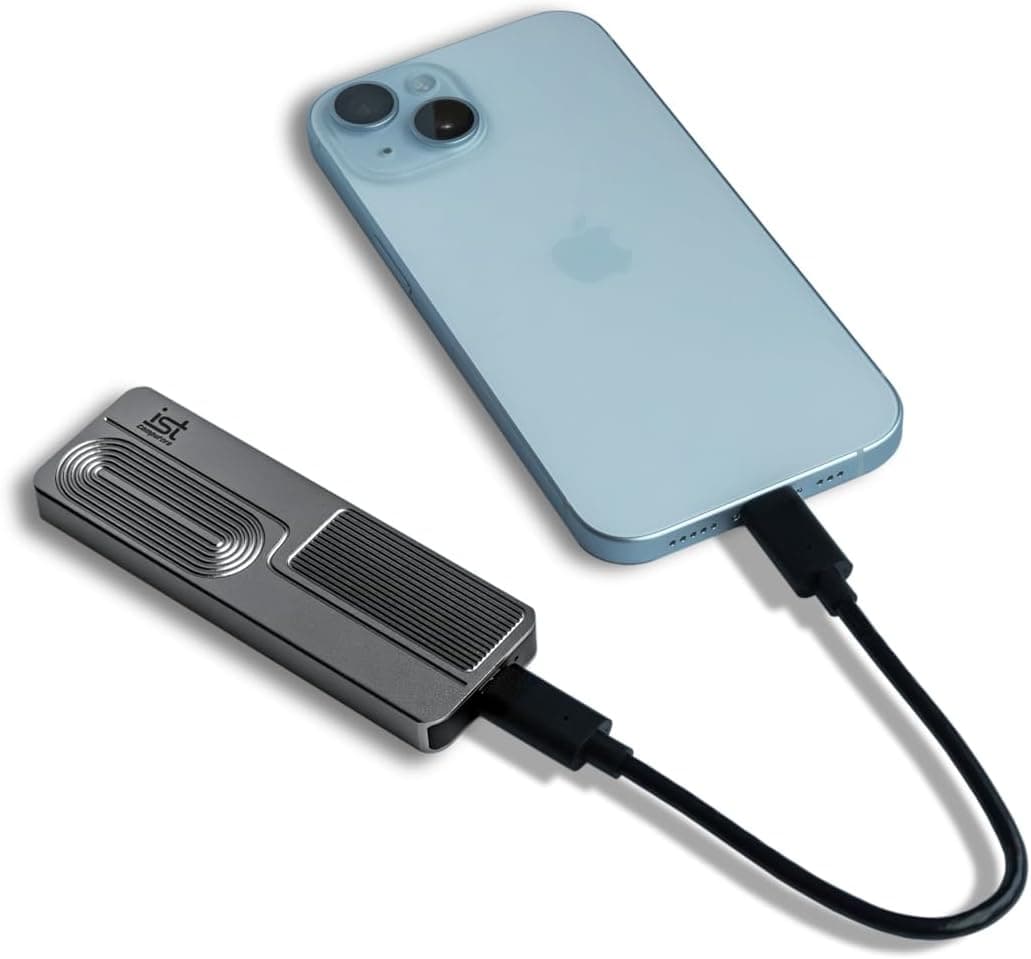
1TB Ultra Speed Portable SSD (PCIe NVMe 4.0, USB-C 3.1 Gen2 Type C, Up to 1050MB/s, Only 2.8 oz, Built w/ Kingston, Micron, Crucial) External Hard Drive for iPhone 15, PC, Mac, PS4, Camera
ist computers
£173.11
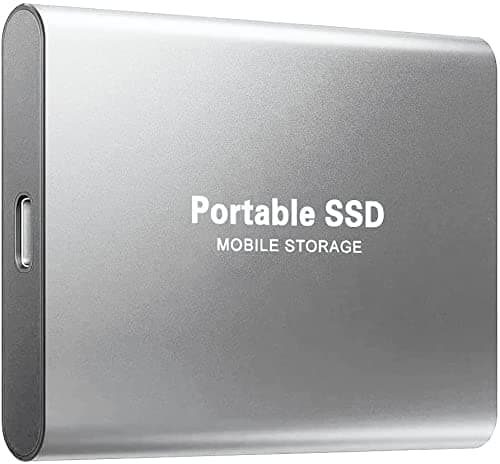
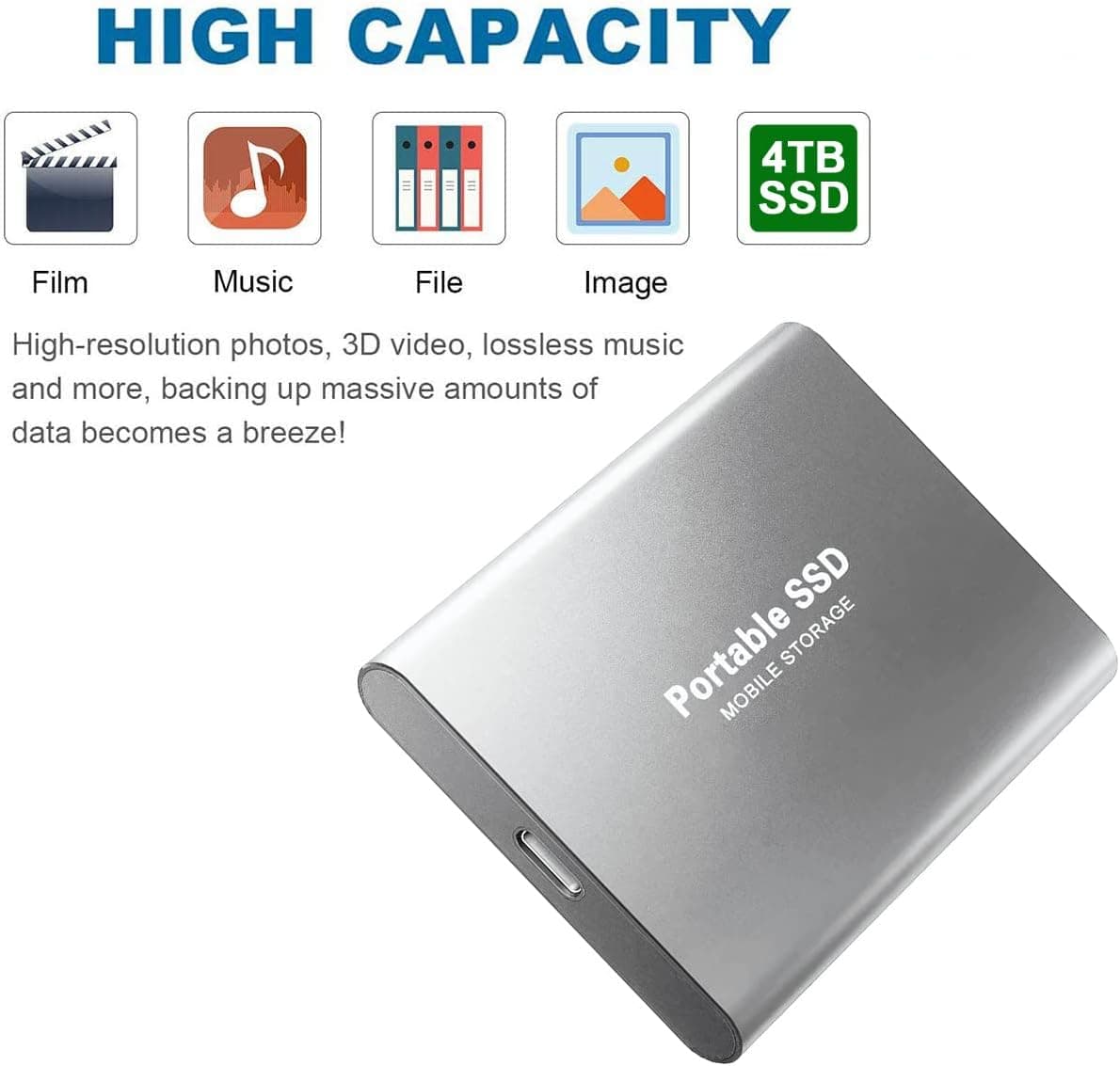
4TB Portable SSD External Hard Disk External Solid State Drive 4TB USB 3.1 Type-C External SSD Hard Drive Reliable for Students,Gaming,Professionals,3 Years Rescure (4TB, Silver)
Generic
£562.99
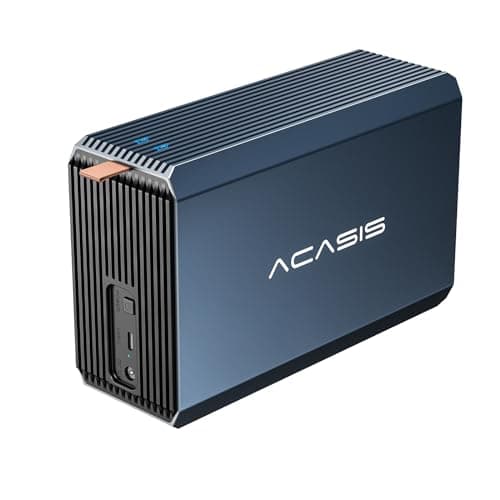
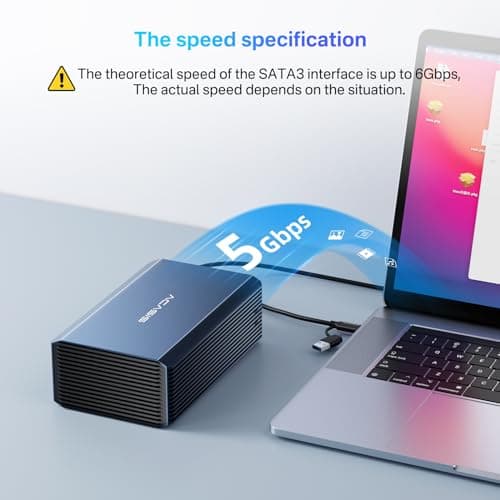
ACASIS 2 Bay External Hard Drive RAID Enclosure for 2.5/3.5" SATA HDD/SSD with USB 3.0, Support RAID 0/1/JBOD/SPAN,Max 6Gbps Under UASP,36TB Capacity Raid Enclosure
Acasis
£49.99
