
Razer Atlas - Glass Mouse Mat (Premium Tempered Glass, Ultra-Smooth Surface, Micro-Etched Surface, Dirt and Scratch-Resistant, Quieter Mouse Movements, Anti-Slip Rubber Base) White
Brand: Razer
- Height
- 3 mm
- Length
- 45 cm
- Width
- 40 cm
- Weight
- 2 kg
About this product
Designed for professional gamers and enthusiasts who demand the utmost precision in their gaming setup, the Razer Atlas - Glass Mouse Mat offers an ultra-smooth surface that enhances your mouse movements. Its micro-etched texture provides a balanced grip to prevent slippage during intense gameplay sessions. This premium tempered glass mat is not only dirt and scratch-resistant but also quieter than traditional mousepads, making it ideal for those who prefer a smoother gaming experience without the noise.
Specifications
- Height
- 3 mm
- Length
- 45 cm
- Width
- 40 cm
- Weight
- 2 kg
- Pack size
- 1
- Colour
- White
- Amazon Bestseller Rank
- #5,535
Is this the right pick for you?
The Razer Atlas is particularly suited for gamers and professionals who demand precision and a consistent experience from their mouse movements. Its ultra-smooth surface ensures that your mouse glides effortlessly across the mat, allowing for smoother and more accurate tracking during critical moments in gameplay or when working on detailed projects. The micro-etched surface provides additional grip to prevent accidental slips, which is especially beneficial for high-intensity gaming sessions where every millisecond counts. In a typical setup, the Razer Atlas can be integrated into any existing mousepad collection as an upgrade option, particularly for those who already own a Razer mouse or are looking to enhance their current setup. Its anti-slip rubber base ensures that it stays firmly in place on your desk, even during intense gaming sessions where rapid movements might otherwise cause the mat to shift. When considering purchasing this product, there are a few practical points to keep in mind. The tempered glass surface is dirt and scratch-resistant, making it durable and easy to clean. However, due to its glass composition, it may not be as forgiving on mouse feet compared to traditional rubber or plastic mats, which could lead to wear over time if the same mouse is used extensively. Additionally, setup involves ensuring that your desk provides enough space for the mat to fit comfortably without obstructing any cables or other accessories. Overall, the Razer Atlas offers a premium experience but requires careful consideration of its specific care and compatibility needs.
Frequently asked questions
Is this mousepad compatible with wireless mice?
While the Razer Atlas is designed to work with most standard optical and laser mice, it does not support wireless or Bluetooth connectivity. Ensure your mouse has an appropriate USB receiver if you use a wireless setup.
Can I use any type of mouse on this pad?
Yes, the Razer Atlas can be used with both optical and laser mice. However, its ultra-smooth surface is particularly well-suited for high-resolution gaming mice to maximize precision and control.
What makes this mousepad stand out from others in the category?
The Razer Atlas stands out due to its premium tempered glass surface, which offers an ultra-smooth and precise glide. Its micro-etched texture ensures dirt and scratches are minimized, while the anti-slip rubber base keeps it firmly in place during intense gaming sessions.
You might also like
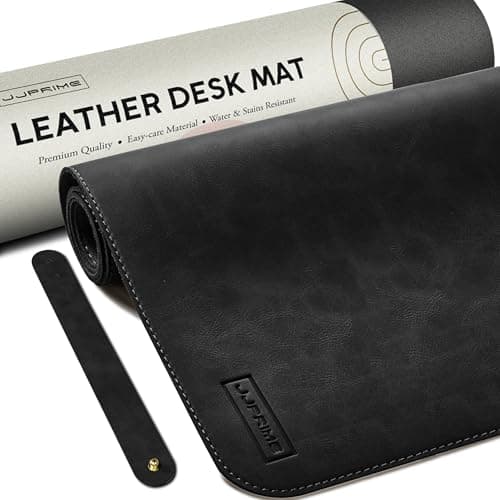

90x40cm Leather Desk Mat Large Mouse Mat XXL Gaming Desk Pad Long (Black)
JJ PRIME
£15.99
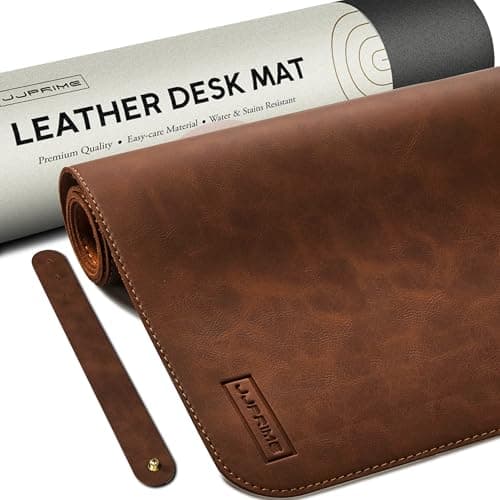

90x40cm Leather Desk Mat Large Mouse Mat XXL Gaming Desk Pad Long (Brown)
JJ PRIME
£15.99
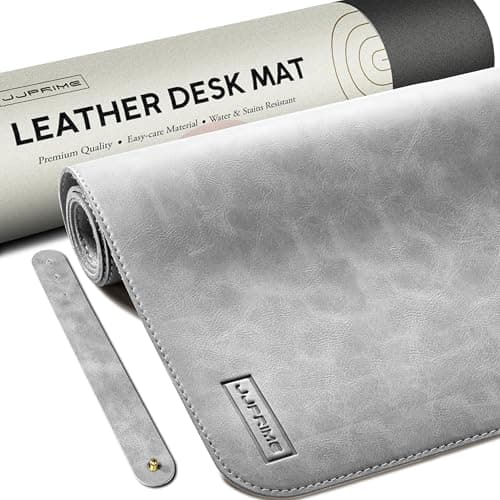

90x40cm Leather Desk Mat Large Mouse Mat XXL Gaming Desk Pad Long (Grey)
JJ PRIME
£14.99
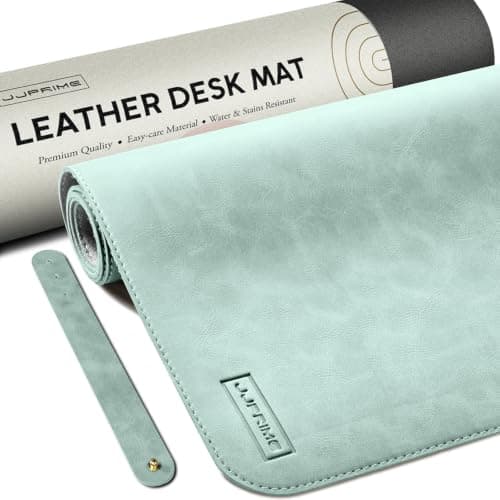

90x40cm Leather Desk Mat Large Mouse Mat XXL Gaming Desk Pad Long (Teal)
JJ PRIME
£14.99
