
OneOdio Wired Over Ear Headphones Hi-Fi Sound & Bass Boosted headphone with 50mm Neodymium Drivers and 1/4 to 3.5mm Audio Jack for Studio DJ AMP Recording Monitoring Phones Laptop (Red)
Brand: OneOdio
Hi-Res Audio Performance: Experience studio-grade clarity with OneOdio Pro10 Studio headphones. 50mm neodymium drivers deliver punchy bass, articulate mids and sparkling treble for immersive stereo sound. Ideal for mixing/mastering
- Height
- 10 cm
- Length
- 18 cm
- Width
- 14 cm
- Weight
- 399 g
About this product
Are you a music lover or a professional looking for high-quality audio without the hassle of wireless connections? The OneOdio Wired Over Ear Headphones offer an immersive listening experience with their Hi-Fi sound and bass-boosted design. Perfect for studio DJs, AMP recording, monitoring on phones, laptops, and more, these headphones feature 50mm Neodymium Drivers that deliver rich, clear audio directly from the 1/4 to 3.5mm audio jack. Ideal for those who prioritize sound quality over convenience, this Red pair stands out with their durable build and versatile use across various devices. Whether you're mixing tracks or just enjoying your favorite tunes, these headphones ensure an engaging auditory experience every time you plug in.
Specifications
- Height
- 10 cm
- Length
- 18 cm
- Width
- 14 cm
- Weight
- 399 g
- Pack size
- 1
- Colour
- Red
- Amazon Bestseller Rank
- #28
Frequently asked questions
Are these headphones suitable for studio work?
These OneOdio headphones are designed with professionals in mind, offering Hi-Fi sound and bass boosted features that make them ideal for studio work. They provide clear audio which is crucial for monitoring during recording sessions or mixing.
Can I use these headphones with my DJ setup?
Yes, the 1/4 to 3.5mm audio jack on these OneOdio headphones makes them compatible with various devices including DJ gear. This versatile connector ensures you can connect your headphones directly to your DJ amp for optimal performance.
How do I set up these headphones for use?
Setting up is straightforward; simply plug the 1/4 or 3.5mm cable into your device and adjust the volume as needed. For a comfortable fit, ensure the ear cups are positioned correctly over your ears and that the headband supports your head evenly.
You might also like
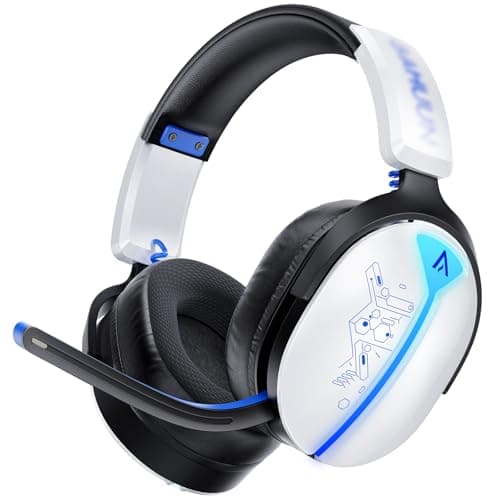

2.4GHz Wireless Gaming Headset for Ps5/PC/Switch, Bluetooth 5.3 40H RGB
Buwnia
£18.69
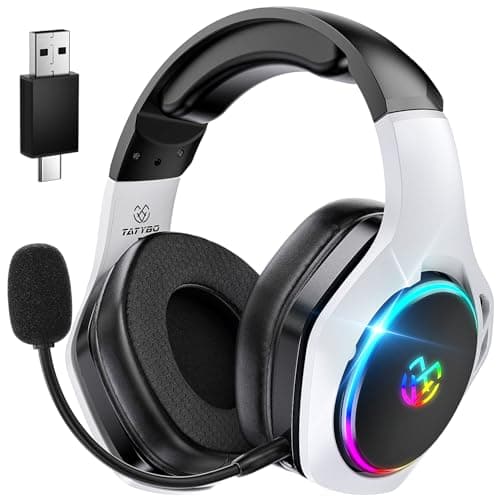
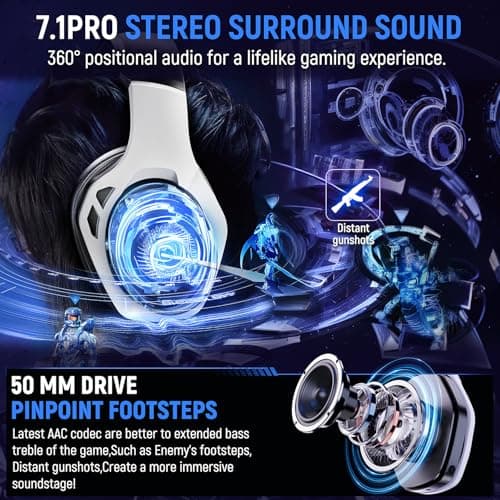
2.4Hz Wireless Gaming Headsets for Ps5 Ps4 PC, 40H+ Hrs & 7.1 Surround Sound with Noise Canceling Microphone Ps5 Headsets for Switch Phone, Bluetooth Gaming Headphone
Tatybo
£20.99
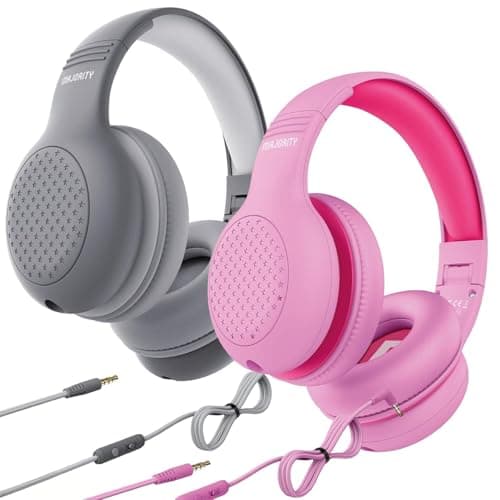
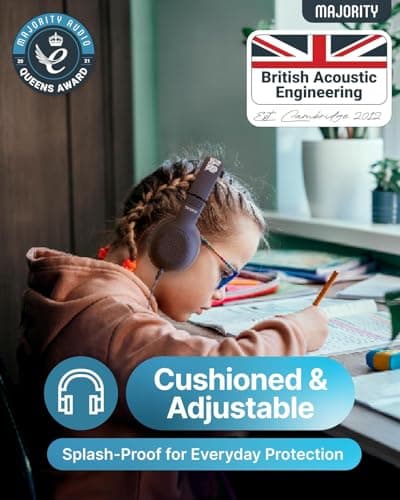
2 Pack Wired Headphones Over-Ear – Pink & Grey Foldable Kids Headphones with Soft Cushion Earpads, 85–94dB Volume Limiter & Tangle-Free Cable – Lightweight Audio Headset for School, Travel & Home
LOVETRENDS
£12.99
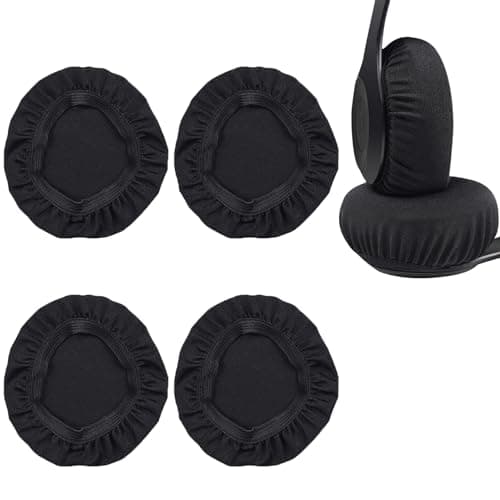
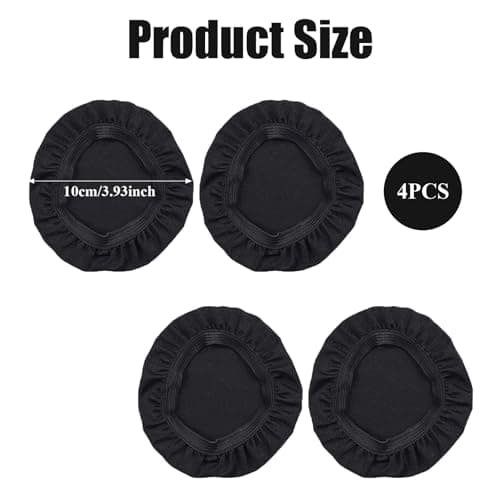
2 Pairs Headphone Earpad Covers,Stretchable Knit Fabric Earcup Protectors,Reusable Headphone Sweat Covers Washable and Stretchable Stretchable Fits 3.54"-4.13" Headsets 9-10.5cm(Black)
BNXF
£4.59
