
Integral microSD & SD Memory Card Reader Adapter - Dual Ended USB 3.0 & USB C - For iPhone 15/16 Plus/Pro/Pro Max, MacBook Pro/Air M1/M2/M3/M4, iPad, PC, laptop, smartphone
Brand: Integral
Multiple Card Formats: Compatible with both micro SD and SD cards, providing flexibility for various storage needs
- Weight
- 20 g
- Pack size
- 1
- Colour
- BLACK
- Amazon Bestseller Rank
- #98
About this product
This dual-ended adapter seamlessly connects your Integral microSD & SD Memory Card Reader to both USB C and USB 3.0 ports, making it incredibly versatile for a wide range of devices including the latest iPhone models, MacBook Pro series, and PC laptops. Whether you're expanding storage on your smartphone or transferring files between different computers, this adapter ensures compatibility across multiple platforms. With support for microSD and SD cards, it’s perfect for those who need to move large files quickly or expand their device's memory without needing to replace the entire unit. Its dual-ended design means you can easily switch between USB C and USB 3.0 connections depending on your needs, ensuring efficient data transfer in a pinch.
Specifications
- Weight
- 20 g
- Pack size
- 1
- Colour
- BLACK
- Amazon Bestseller Rank
- #98
Frequently asked questions
Is this adapter compatible with my iPhone 15 Pro Max?
Yes, the Integral microSD & SD Memory Card Reader Adapter supports both iPhone 15/16 Plus/Pro/Pro Max and other devices like MacBook Pro/Air M1/M2/M3/M4, iPad, PC, laptop, and smartphone. Make sure to check the specific model you have for exact compatibility as some newer models might require additional adapters or cables.
Can I use this adapter with my SD card?
Absolutely, this adapter is designed to read both microSD and SD memory cards, allowing you to transfer photos, videos, and other files from your camera or other devices that use these types of storage. It’s a versatile option for managing multiple types of cards.
How do I set up the adapter with my device?
Setting up is straightforward. Simply plug one end of the dual-ended USB 3.0 & USB C adapter into your device and the other end into the memory card you want to read or write to. The adapter will automatically recognize the SD or microSD card, allowing you to transfer data without needing any additional software.
You might also like
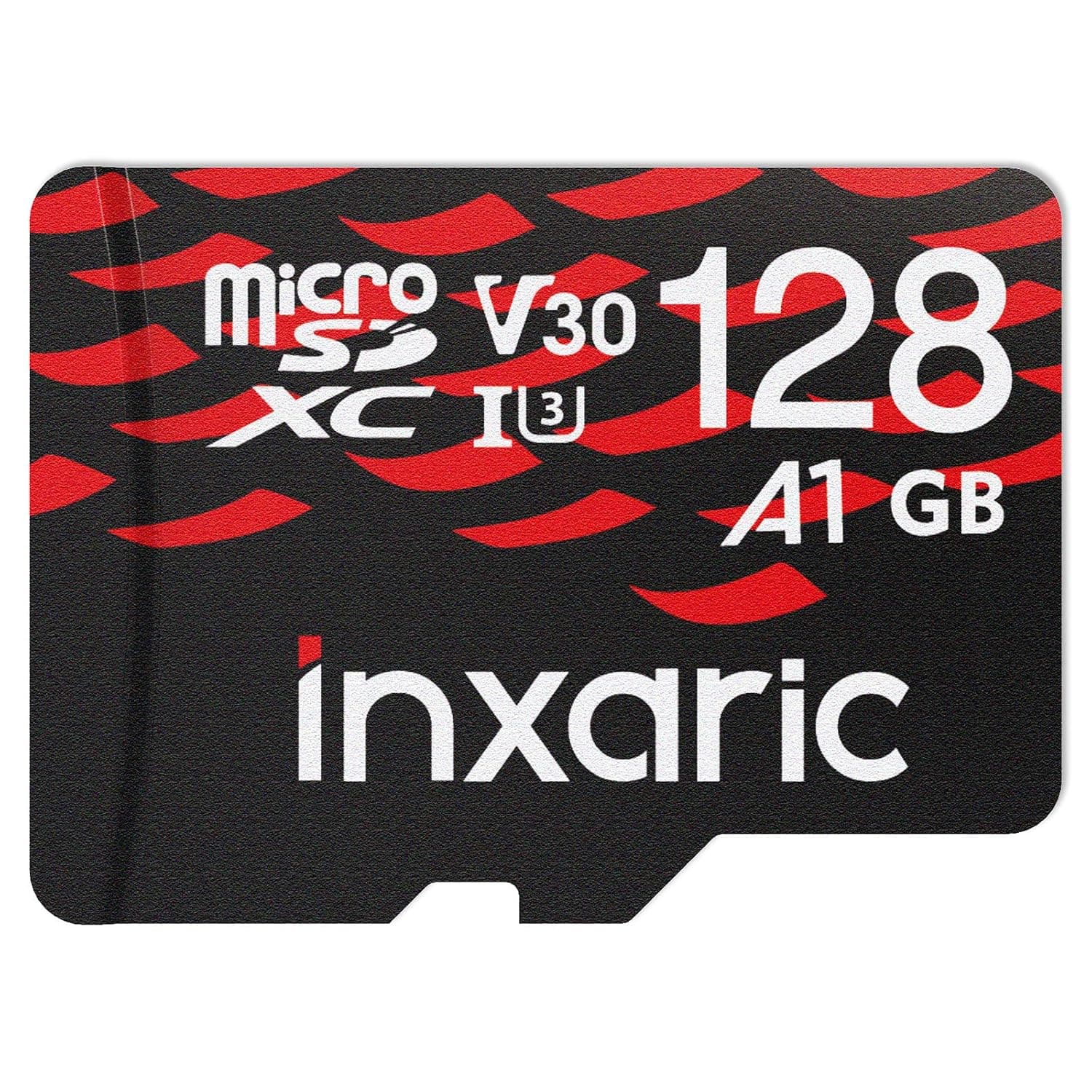
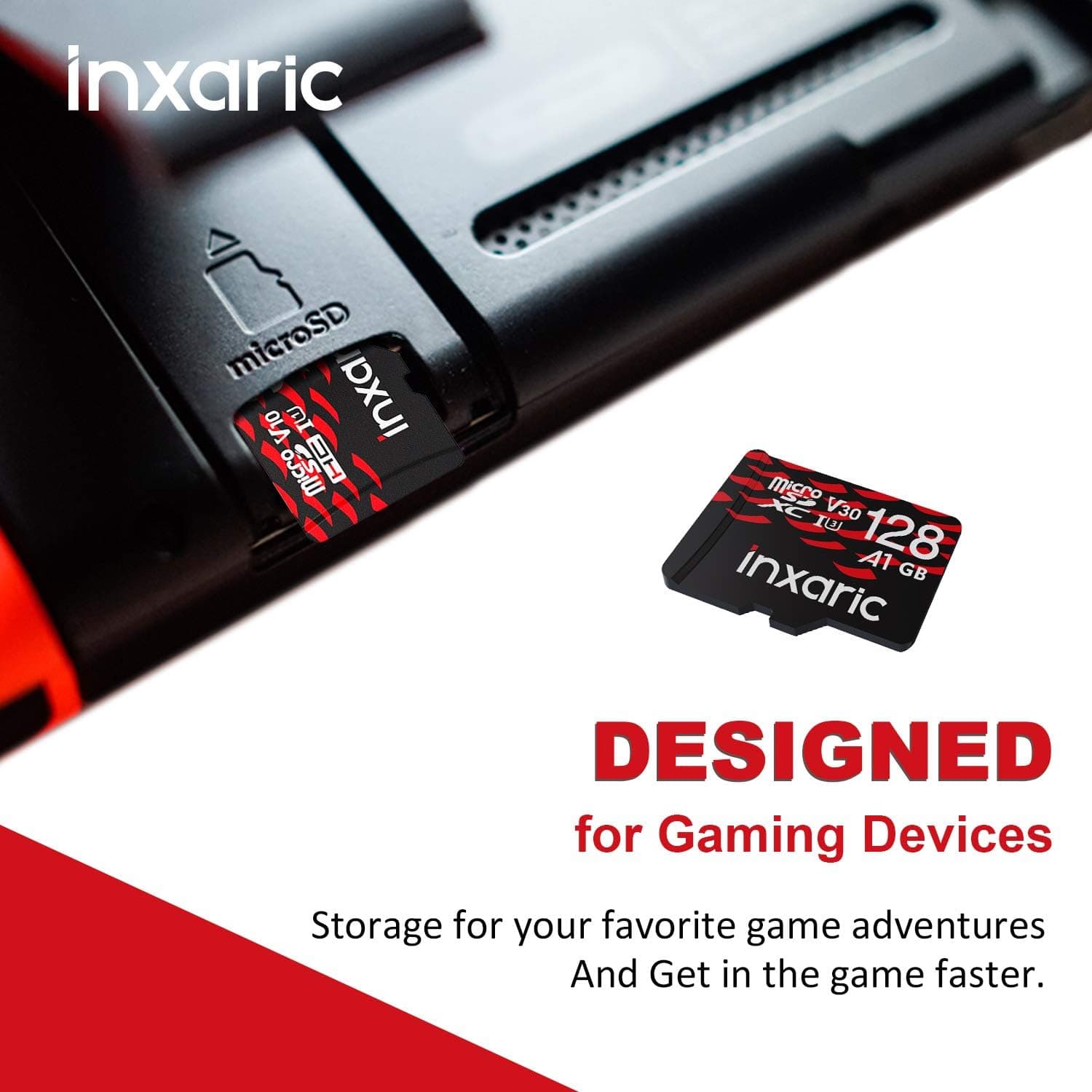
128GB Micro SD Card for Nintendo Switch & Switch Lite, U3 V30 Memory Card Compatible with Mobile Device Storage Phone Tablet Drone, Class 10 MicroSD Card with High Speed Up to 95MB/s
£25.95
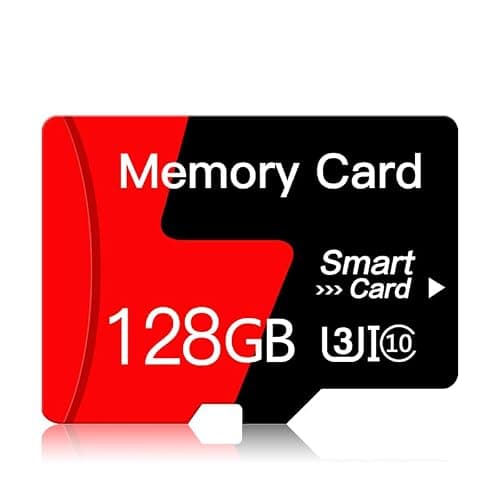
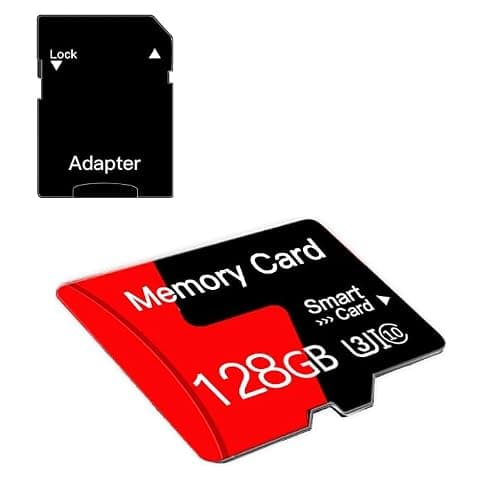
128GB Micro SD Card Memory Card With Adapter High Speed Class 10 For Smartphone,Camera,Security Cams,Tablet and Drone
VEKCTRC
£23.99
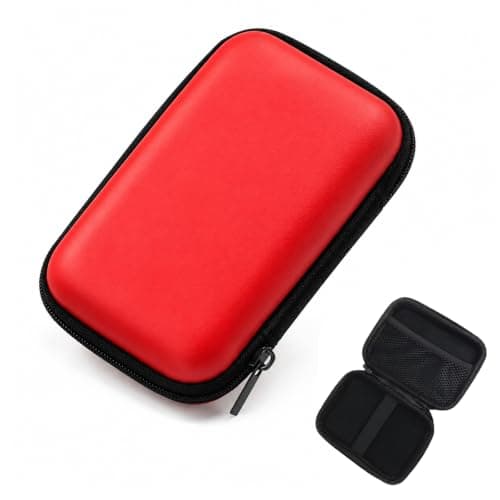
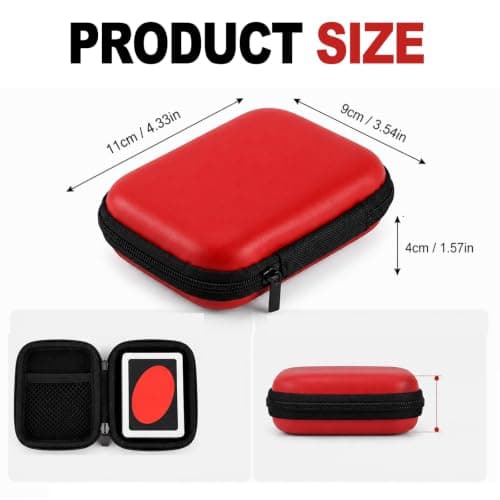
1Pcs Playing Cards Case for UNO,Classic Card Decks,Card Game Storage Case
Dazvyn
£3.59
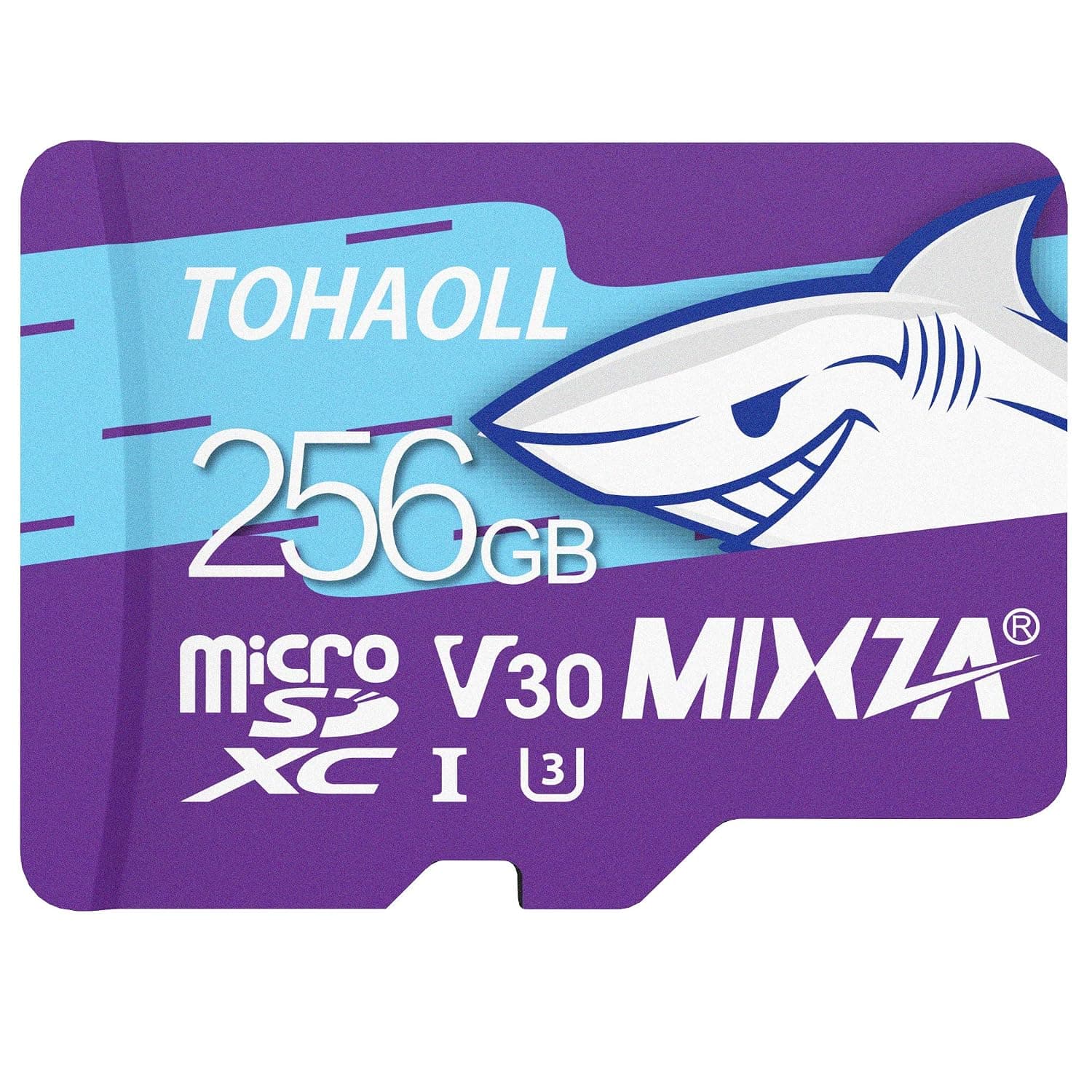

256GB MicroSD Card for Nintendo Switch, Colorful MicsoSDXC Memory Card Ultra High Transfer Speed Up to 100MB/s,UHS-1 U3 V30 Memory Card for Tablet Drone Digtal Camera Action Camera
£84.98
