
RivalPlay Wireless PC Controller with Hall Effect Joystick, 2.4G & Wired 1000Hz Polling Rate, Remappable Buttons, Adjustable Turbo & Vibration, Gaming Controller for Windows PC, Windows 11, 10, 7 & 8
Brand: RivalPlay
Multi-Platform Compatibility: This wireless PC controller works seamlessly with Windows 11, 10, 8, 7, and XP via 2.4G wireless or USB-C dongle connection (Bluetooth not supported). Switch effortlessly between devices for a hassle-free gaming experience — the ideal game controller for PC and laptop gaming
- Height
- 5 cm
- Length
- 15 cm
- Width
- 11 cm
- Colour
- Black
About this product
This RivalPlay controller stands out for its 1000Hz polling rate, making it incredibly responsive and perfect for fast-paced games. Whether you're playing on Windows PC, including the latest version like Windows 11 or older versions such as Windows 7, this controller ensures smooth gameplay without lag. Crafted with gamers in mind, it features remappable buttons and adjustable turbo settings to tailor your gaming experience to your needs. The Hall Effect joystick adds precision control, enhancing your accuracy in aiming and movement.
Specifications
- Height
- 5 cm
- Length
- 15 cm
- Width
- 11 cm
- Colour
- Black
- Amazon Bestseller Rank
- #1,372
Frequently asked questions
Is this controller compatible with Windows 11?
Yes, the RivalPlay Wireless PC Controller is compatible with Windows 11. It also works well on previous versions like Windows 10, 7, and 8, making it a versatile choice for gamers using different operating systems.
Can I use this controller without a wired connection?
Absolutely, the RivalPlay Wireless PC Controller supports wireless connectivity via a 2.4G wireless receiver, allowing you to play wirelessly with minimal lag or interference, perfect for those who prefer freedom of movement during gameplay.
How many remappable buttons does it have?
The controller offers multiple remappable buttons, which can be customized according to your gaming needs. This flexibility allows you to assign specific functions to each button, enhancing your gaming experience and making actions more accessible with just a few clicks.
You might also like
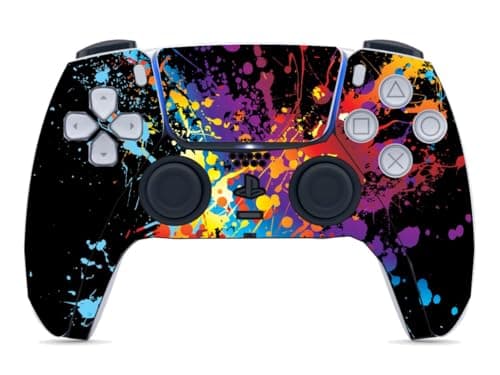
1x Custom Vinyl Remote Controller Skins Compatible With Playstation 5, Wrap Decal Cover Stickers Controller (Paint Splat)
the sticker studio ltd
£4.50
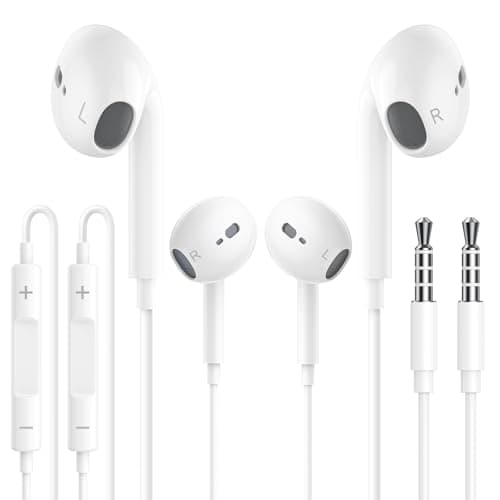
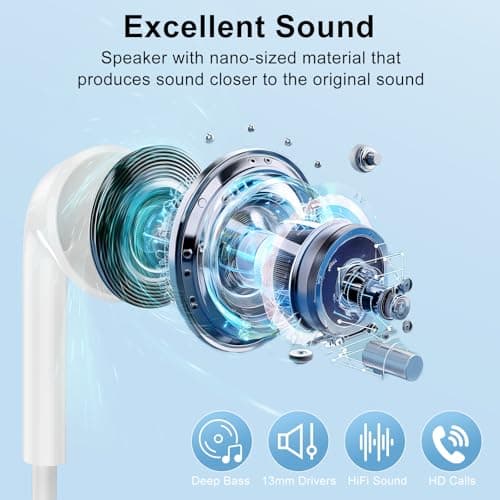
2 Pack 3.5 mm Wired Headphones, In Ear Earphones Wired Earbuds Headset
UniBond
£6.86
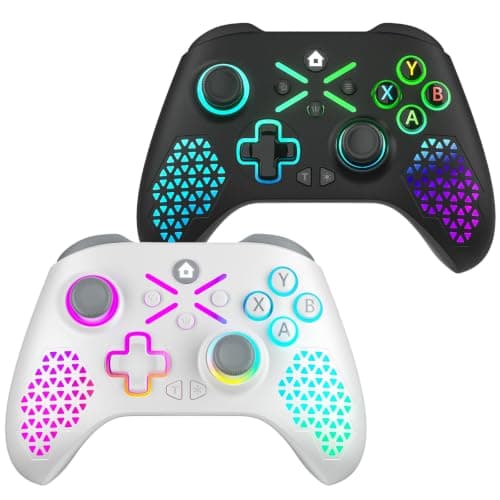
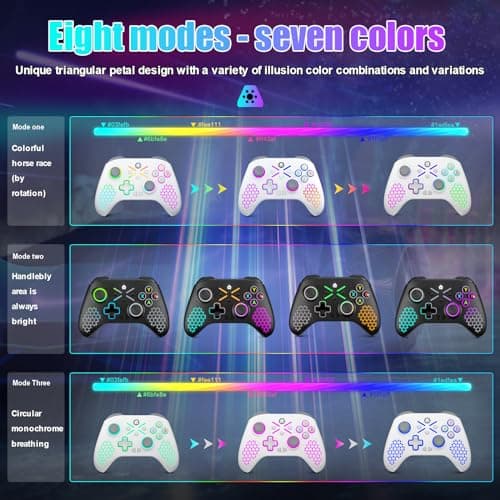
2 Pack RGB Wireless Controller for Xbox Series S/X, Xbox One/PC, with Back Paddles, Dual Vibration, Turbo, Macro, 2.4Ghz Adapter, 3.5mm Audio Jack
Lapezei
£79.00
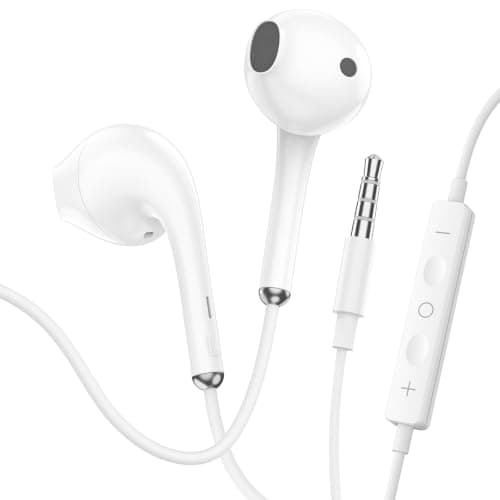
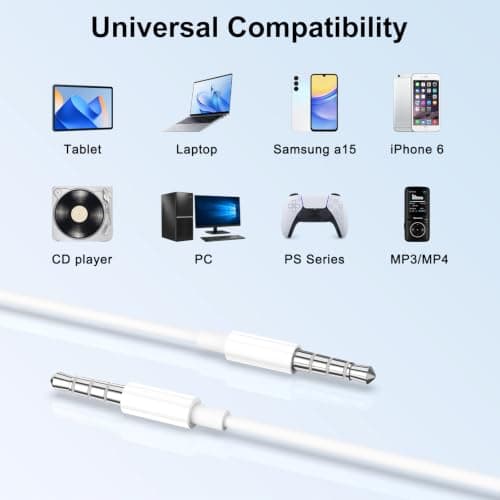
3.5mm Jack In‑Ear Headphones with Volume Control for Samsung,HUAWEI,MP3
Meliya
£4.99
