
Logitech MX Brio Ultra HD 4K Collaboration and Streaming Webcam, 1080p at 60 FPS, Dual Noise Reducing Mics, Show Mode, USB-C, Webcam Cover, Works with Microsoft Teams, Zoom, Google Meet, Graphite
Brand: Logitech
- Weight
- 381 g
- Pack size
- 1
- Amazon Bestseller Rank
- #109,665
About this product
Experience crystal-clear collaboration and streaming with the Logitech MX Brio Ultra HD 4K Webcam. This cutting-edge webcam offers an unparalleled viewing experience at 1080p resolution and 60 FPS, making it perfect for both meetings and live streams. The dual noise-reducing microphones ensure your voice is clear and intelligible, even in noisy environments. With features like Show Mode, you can easily share documents or physical work during video calls by simply tilting the camera down. Designed for seamless integration with popular collaboration tools such as Microsoft Teams, Zoom, and Google Meet, this webcam fits right into any professional setup. Its sleek Graphite finish complements modern office aesthetics while providing a robust build that stands up to daily use.
Specifications
- Weight
- 381 g
- Pack size
- 1
- Amazon Bestseller Rank
- #109,665
Is this the right pick for you?
This Logitech MX Brio Ultra HD 4K Webcam is ideal for professionals who need a high-quality video and audio experience during virtual meetings or live streaming. Its 1080p at 60 FPS resolution ensures that you look your best on screen, while the AI image enhancement technology and larger pixels help capture fine details in low-light conditions. The webcam's dual noise-reducing mics are perfect for clear communication, even in noisy environments. Whether you're working from home or collaborating with colleagues remotely, this product provides a professional-grade experience that can significantly enhance your virtual interactions. For most use cases, the MX Brio is well-suited to scenarios where video quality and audio clarity are paramount. It excels in settings like business meetings, online classes, or live streaming content. However, it might not be the best choice for casual users who only occasionally need a webcam for quick calls or social media chats. The advanced features of this webcam come with a higher price tag, so consider whether you will regularly benefit from its capabilities. Setting up the MX Brio is straightforward; simply plug it into your USB-C port and ensure that your software is configured to use this device as your default camera. It works seamlessly with popular platforms like Microsoft Teams, Zoom, and Google Meet, making it easy to integrate into your existing workflow. To care for the webcam, always keep the cover on when not in use to protect the lens from dust or accidental damage. Regularly cleaning the lens can help maintain its clarity, ensuring that you continue to get sharp video quality over time.
Frequently asked questions
What is the Logitech MX Brio good for?
The Logitech MX Brio is ideal for professional video conferencing and live streaming. Its Ultra HD 4K resolution ensures clear, detailed visuals that enhance collaboration and presentation quality. Suitable for use with popular platforms like Microsoft Teams, Zoom, and Google Meet.
Can it be used on different devices?
Yes, the MX Brio is compatible with a wide range of devices including laptops, desktops, and tablets via USB-C connection. It works seamlessly with Windows, macOS, and Linux operating systems, making it versatile for various computing environments.
What are the microphone features?
The dual noise-reducing microphones in the MX Brio effectively capture your voice while minimizing background noise. This ensures clear audio during calls and streams, enhancing communication quality even in noisy environments.
You might also like
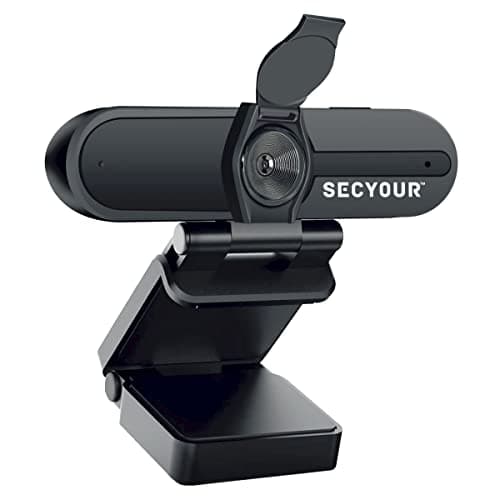
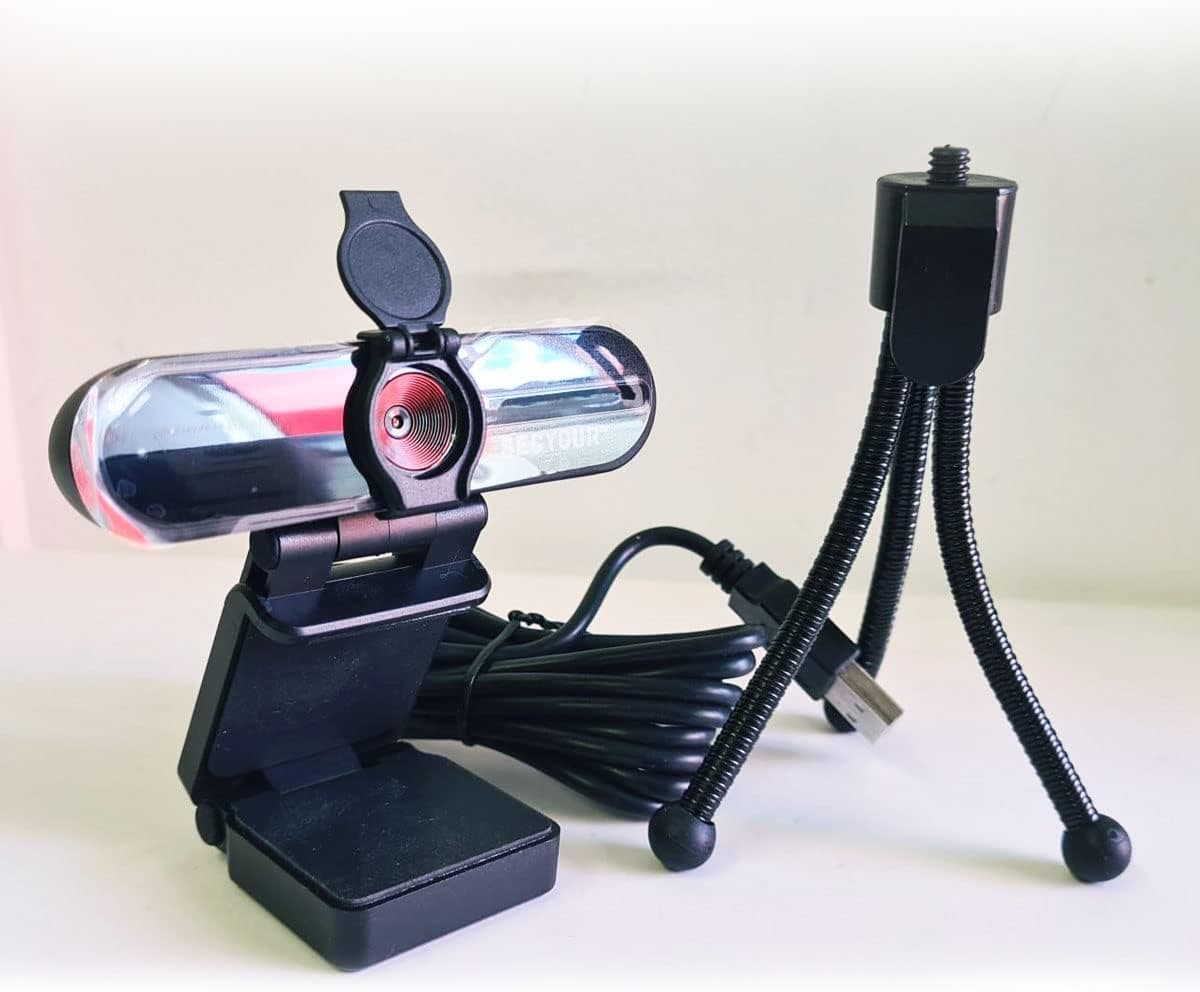
1080p HD USB Webcam Camera with Microphone for PC, Desktop, Laptop, Macbook, Live Streaming, Gaming, YouTube, Video Call Conference Web cam - Noise cancellation 30FPS with mini Tripod
SECYOUR
£8.50
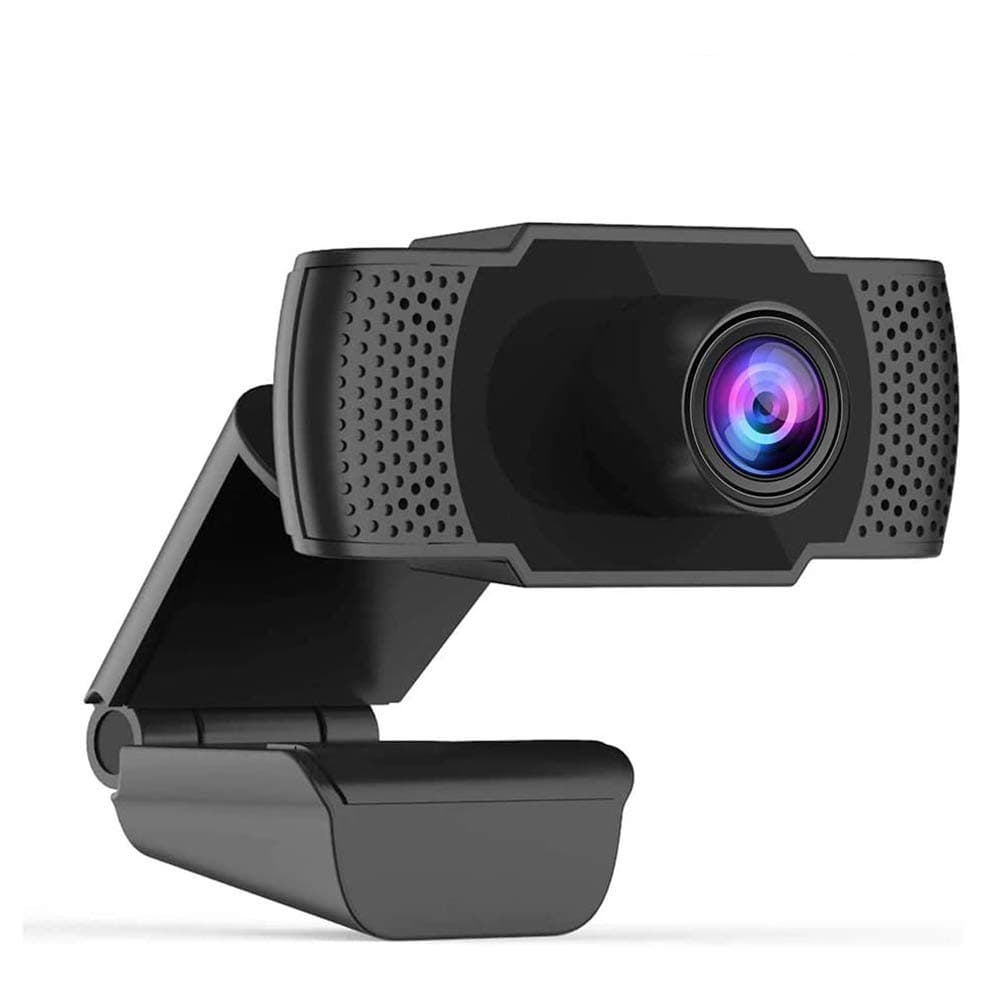
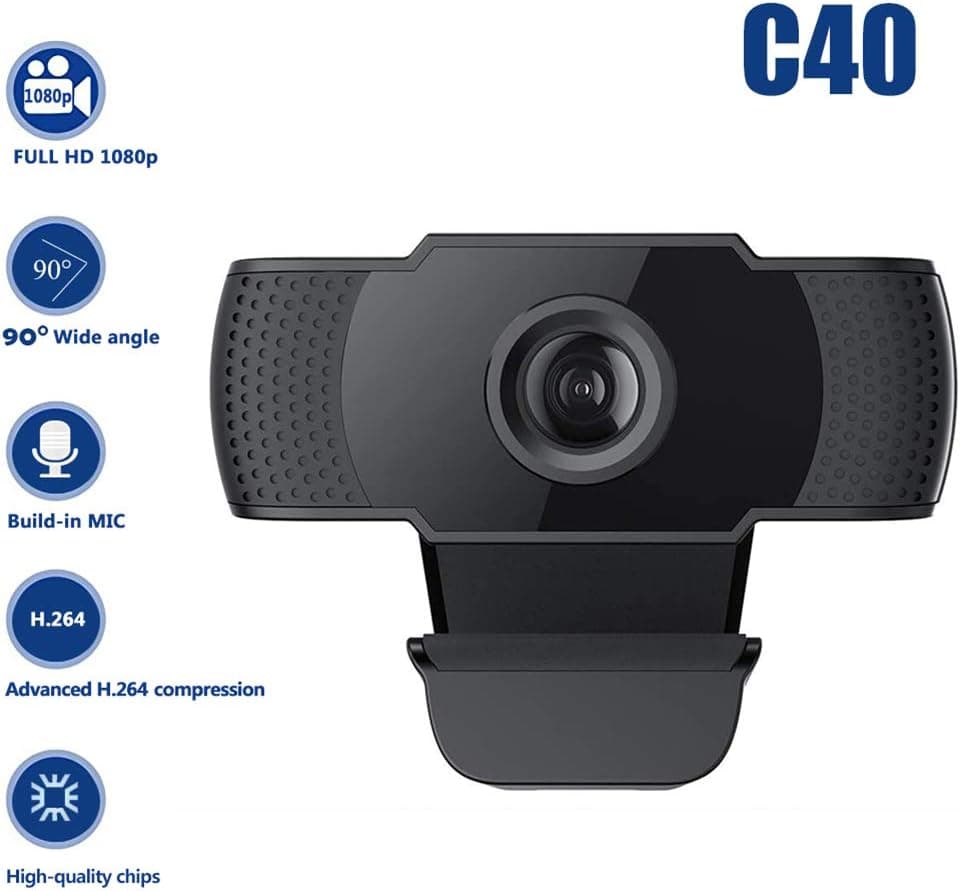
1080P HD Webcam USB Plug and Play Widescreen Built-in MIC Web Camera for PC
Aoewise
£79.99
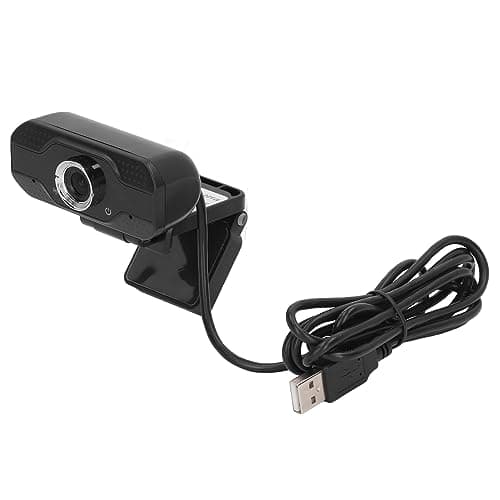
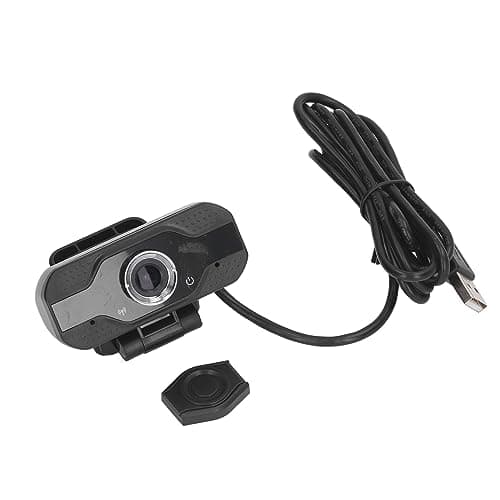
1080P HD Webcam with Dual Noise Canceling Microphone, Auto Light Color Correction, Wide Viewing Angle Plug and Play USB Camera for Video Calling, Recording
ciciglow
£6.33
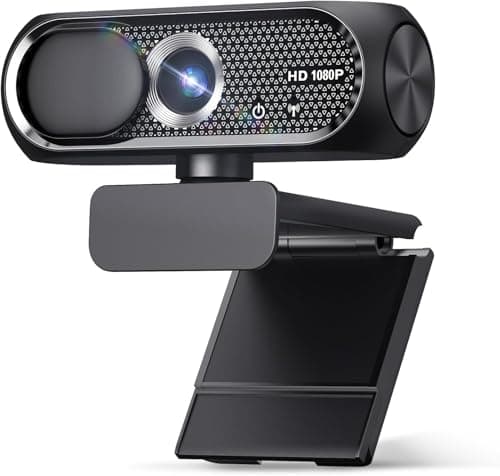
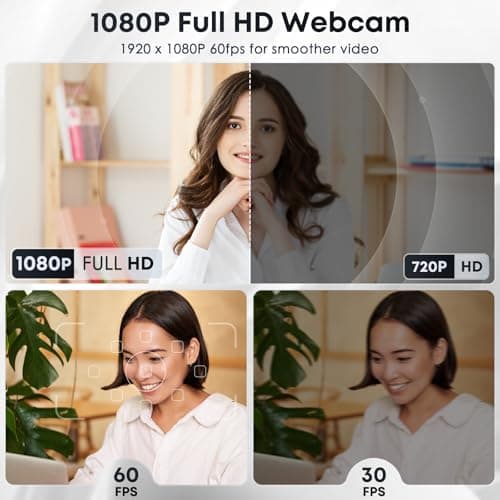
1080P HD Webcam with Microphone, Noise Cancellation, Privacy Cover, Wide-Angle Lens, Auto Light Correction, Plug & Play USB Web Camera for Laptop, Desktop, PC, Mac, Zoom, Skype, Streaming (Black)
Shcngqio
£19.99
