
Honeycomb Aeronautical Bravo Throttle Quadrant with Auto Pilot & Annunciator Panel in aviation quality for flight simulator | Universal control system for simmer and pilots | PC [video game]
Brand: Honeycomb Aeronautical
- Height
- 26 cm
- Length
- 46 cm
- Width
- 33 cm
- Weight
- 454 g
About this product
For flight sim enthusiasts and pilots looking to enhance their experience, the Honeycomb Aeronautical Bravo Throttle Quadrant is an essential addition. This quadrant expands your aircraft's capabilities with two and four-engine throttle levers for versatile configuration, making it perfect for both Airbus A319 and A380 simulations. The auto-throttle disconnect button and spoiler flap lever with friction lock ensure precise control, elevating your flight simulation experience to new heights. Tailored for serious gamers and aviation buffs, the Bravo Throttle Quadrant offers a universal control system that fits seamlessly into PC video games, providing an immersive and realistic flying environment. Whether you're simming commercial airliners or private jets, this quadrant delivers the authenticity needed to master your craft.
Specifications
- Height
- 26 cm
- Length
- 46 cm
- Width
- 33 cm
- Weight
- 454 g
- Pack size
- 1
- Colour
- Black
- Amazon Bestseller Rank
- #10,894
Is this the right pick for you?
This Honeycomb Aeronautical Bravo Throttle Quadrant is designed for pilots and simmers who are serious about their flight simulation experience. It provides a level of realism that goes beyond basic controls by offering two and four-engine throttle levers, an auto-throttle disconnect button, spoiler, and flap lever with friction lock. This makes it ideal for those who want to dive deep into complex aircraft configurations, such as the Airbus A319 through A380 series. However, if you are just starting out or prefer a simpler setup, this might be overkill; instead, consider more basic throttle quadrant options that focus on ease of use and basic functionality. In terms of integration within your flight simulation setup, the Bravo Throttle Quadrant fits seamlessly with any PC-based simulator. It is designed to work universally across various simulators, making it a versatile addition to your collection. Whether you are using X-Plane, FSX, or any other popular flight simulator, this product will enhance your experience by providing precise control and detailed feedback. The key consideration here is ensuring that your computer meets the system requirements for the software you plan to use. When setting up the Bravo Throttle Quadrant, it’s important to take time to familiarize yourself with all its features. Proper care is also essential; avoid placing heavy objects on top of the quadrant or exposing it to extreme temperatures. Regularly cleaning the surface and checking for any wear and tear will help maintain its functionality over time. Given its price point, investing in a sturdy setup that can withstand regular use is recommended.
Frequently asked questions
Is this throttle quadrant compatible with a wide range of flight simulators?
Yes, the Honeycomb Aeronautical Bravo Throttle Quadrant is designed to be compatible with various flight simulators including those for PC games. However, it’s always best to check the manufacturer's listing or contact support directly for specific compatibility details.
Can I use this quadrant with my existing flight stick?
This throttle quadrant can be used alongside your existing flight stick in a typical HOTAS (Heads Up Throttle and Stick) setup. It enhances your control experience by adding realistic throttle controls, making it ideal for both simmers and pilots.
What accessories are included in the box with this product?
The Honeycomb Aeronautical Bravo Throttle Quadrant comes with two or four-engine throttle levers depending on your configuration needs, an auto-throttle disconnect button, spoiler lever, flap lever, and friction lock. These components allow for a highly customizable and realistic flight experience.
You might also like
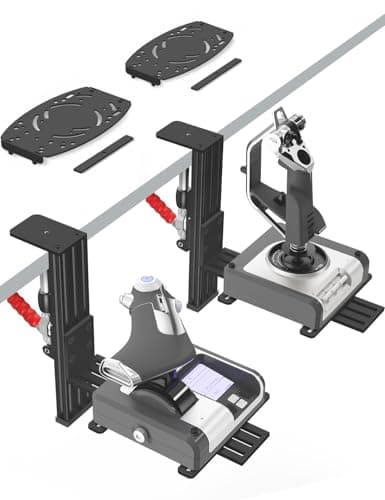
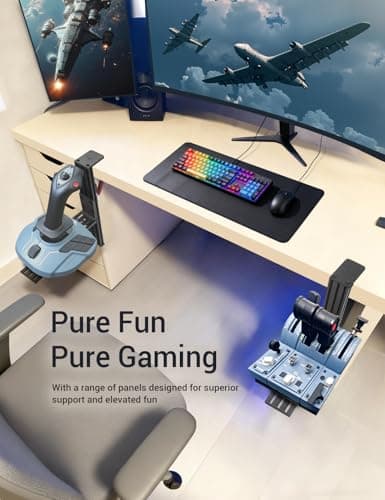
2 Pack Hotas Desk Mount for Flight Sim Hand-Controllers Compatible with Logitech X52 X56 Hotas, Thrustmaster Hotas Warthog, Sol-R2, SimTask Farmstick, T. Flight Hotas, T.16000M, TCA, Winwing,VKB, VPC
VTUIFBT
£64.88
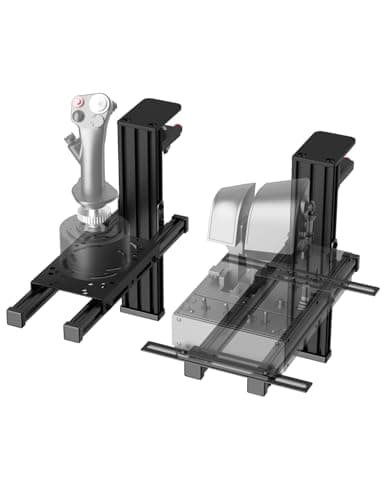
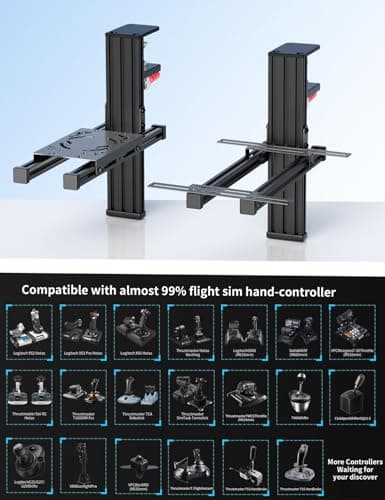
2 Pack Hotas Desk Mount For Flight Sim Joystick Compatible with Logitech X56/X52/X52 Pro, Thrustmaster Hotas Warthog/ T.16000M/ T-Flight Hotas 4/X/ SimTask Farmstick/ Sol-R2, Winwing, VPC, VKB Hotas
VTUIFBT
£59.99
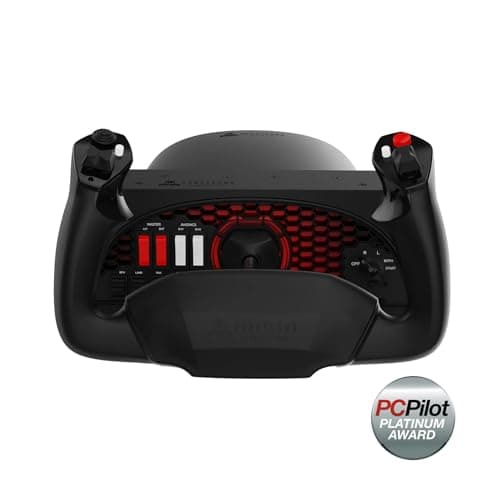
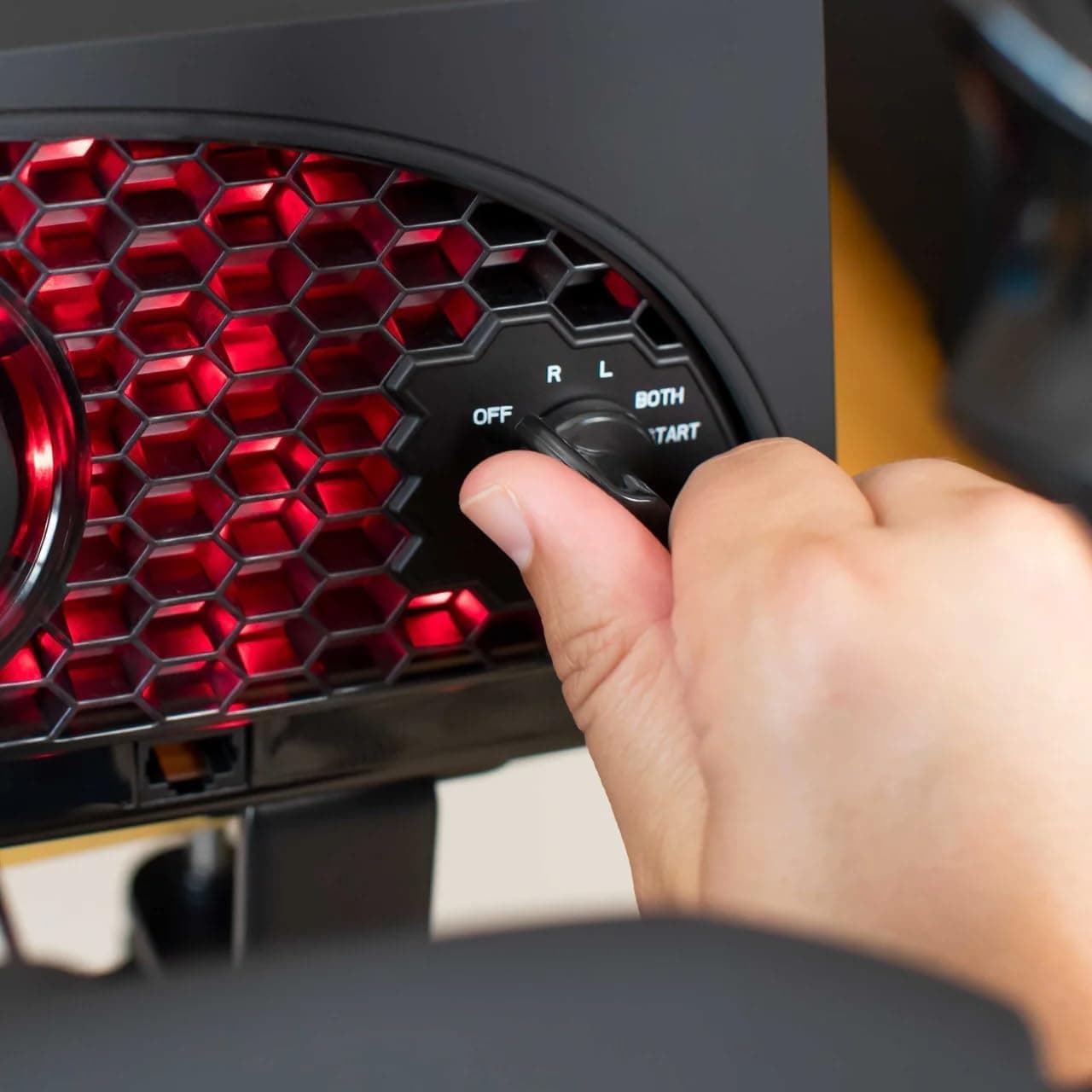
Aerosoft Honeycomb Alpha Flight Controls Flugsimulator-Steuerhorn USB PC black
Honeycomb Aeronautical
£301.16
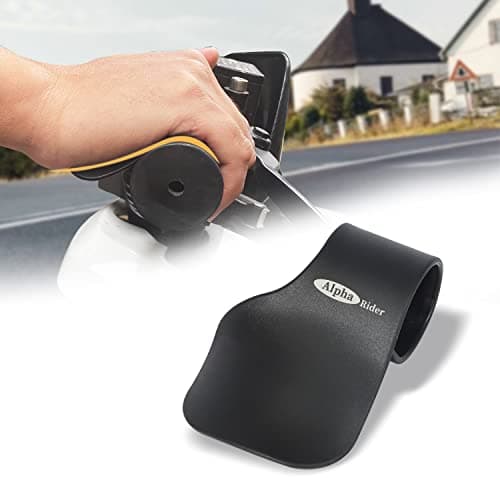
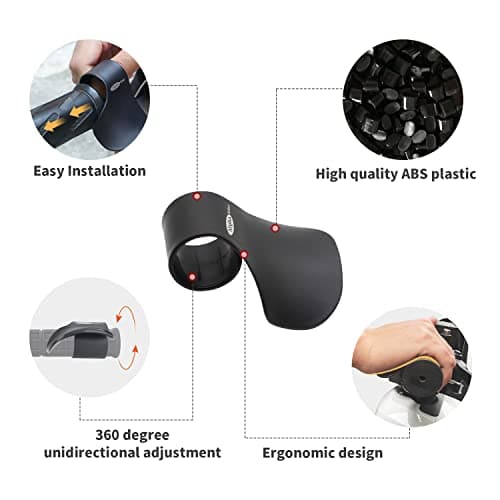
Alpha Rider Universal Motorcycle 22MM Black Throttle Mounted
Alpha Rider
£8.99
