
Edifier M60 Compact Desktop Speakers 2.0, for PC/Laptop/Computer, Bluetooth v5.3, USB C & 3.5 mm AUX, Hi-Res Audio Wireless Certified, 66W RMS, for Music and Gaming, Pair with Stands, Black
Brand: Edifier
POWERFUL 66W RMS OUTPUT: TI Class-D closed-loop amplifier delivers clear, distortion-free audio with bit-perfect 24-bit/96 kHz processing for rich desktop sound
- Height
- 17 cm
- Length
- 15 cm
- Width
- 10 cm
- Weight
- 3.07 kg
About this product
Are you looking for speakers that can elevate your gaming experience without taking up too much space? The Edifier M60 Compact Desktop Speakers 2.0 are perfect for PC and laptop users seeking high-quality sound for both music and gaming. With their compact design and versatile connectivity options, including USB C, 3.5 mm AUX, and Bluetooth v5.3, these speakers offer flexibility in pairing with your devices.
Specifications
- Height
- 17 cm
- Length
- 15 cm
- Width
- 10 cm
- Weight
- 3.07 kg
- Pack size
- 1
- Colour
- Black
- Amazon Bestseller Rank
- #2,968
Frequently asked questions
Are these speakers compatible with both Windows and Mac computers?
Yes, the Edifier M60 is designed to work seamlessly with both Windows and Mac operating systems. Whether you're using a PC or a laptop running macOS, you can easily connect and enjoy high-quality audio without any issues.
Can I use these speakers for gaming as well as listening to music?
Absolutely! The Edifier M60 is perfect for both gaming and music listening. Its powerful 66W RMS output ensures clear and detailed sound, making it ideal for immersive gaming sessions with rich audio effects. At the same time, the compact design and high-resolution audio capabilities provide a fantastic experience when enjoying your favorite songs.
How do I connect these speakers to my device?
Connecting the Edifier M60 is straightforward. You can use either Bluetooth v5.3 for wireless connectivity or the 3.5mm AUX cable for wired connections. For USB C, you need a compatible port on your device. Simply follow the setup instructions provided in the manual to get started quickly.
You might also like
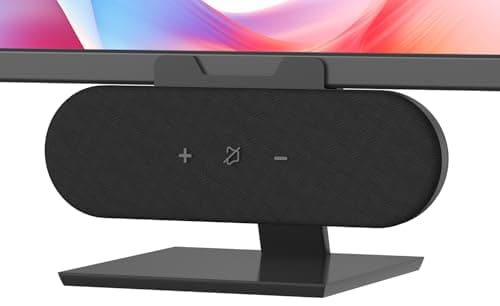
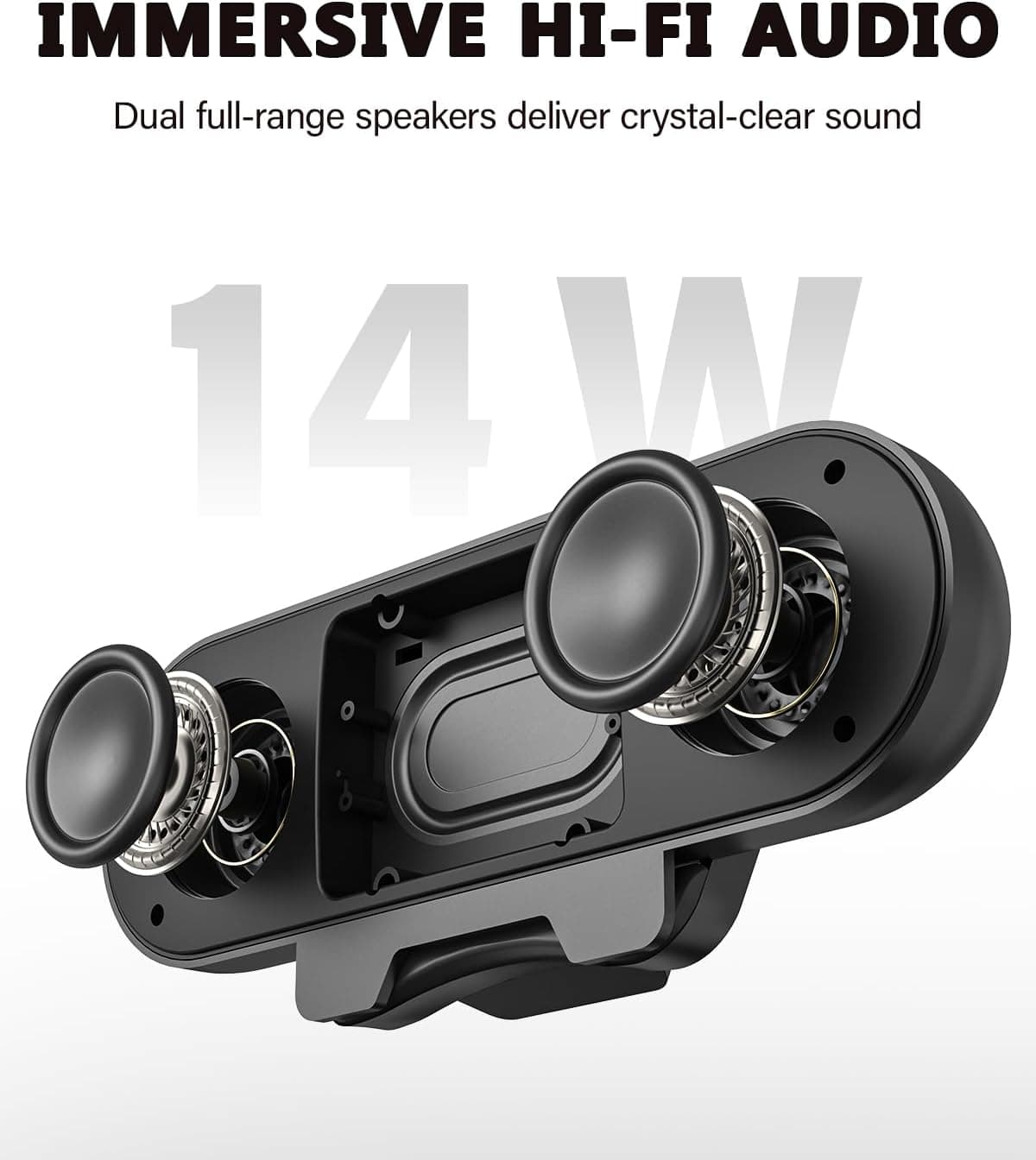
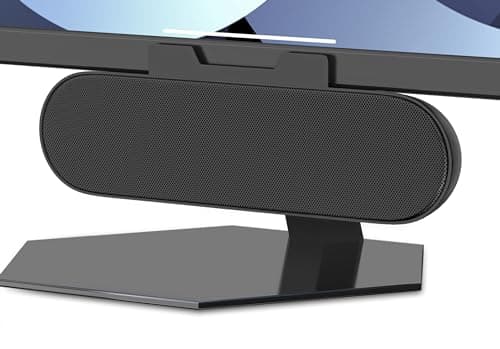
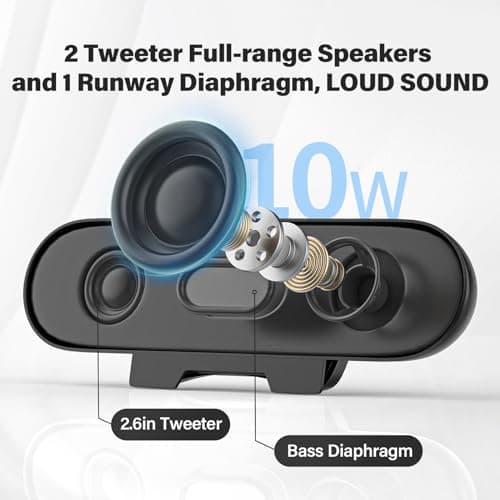
ADELGO Computer Speakers for Desktop PC USB | Speakers for Monitor with Touch Control Stereo 14w Laptop Speaker Sound Enhanced Bass, Soundbar Speaker for Mac Windows PS5
ADELGO
£21.99
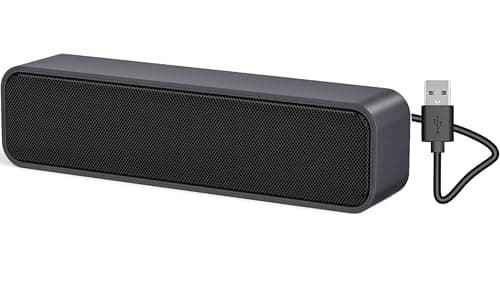
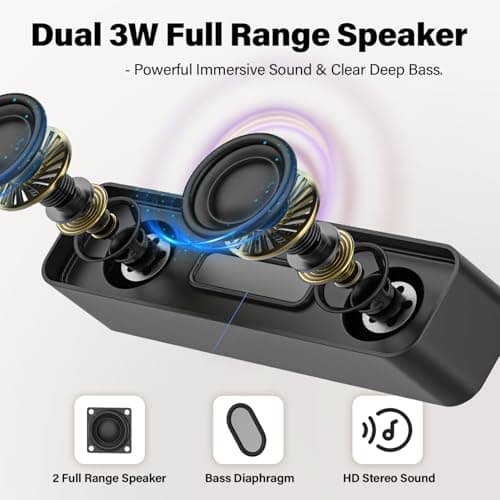
ADELGO USB Computer Speaker for Desktop, Laptop, Checkout Counter
ADELGO
£14.99
ADELGO USB Speakers for PC Desktop
ADELGO
£18.99
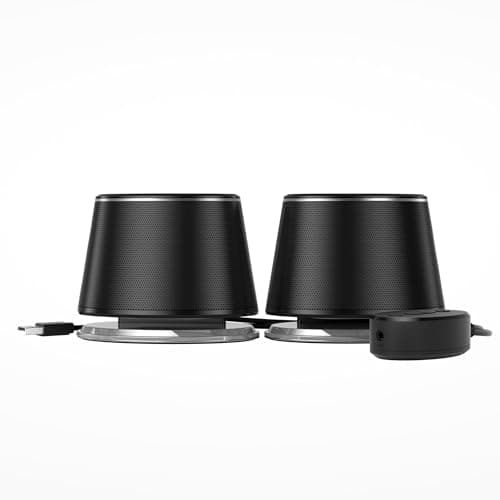
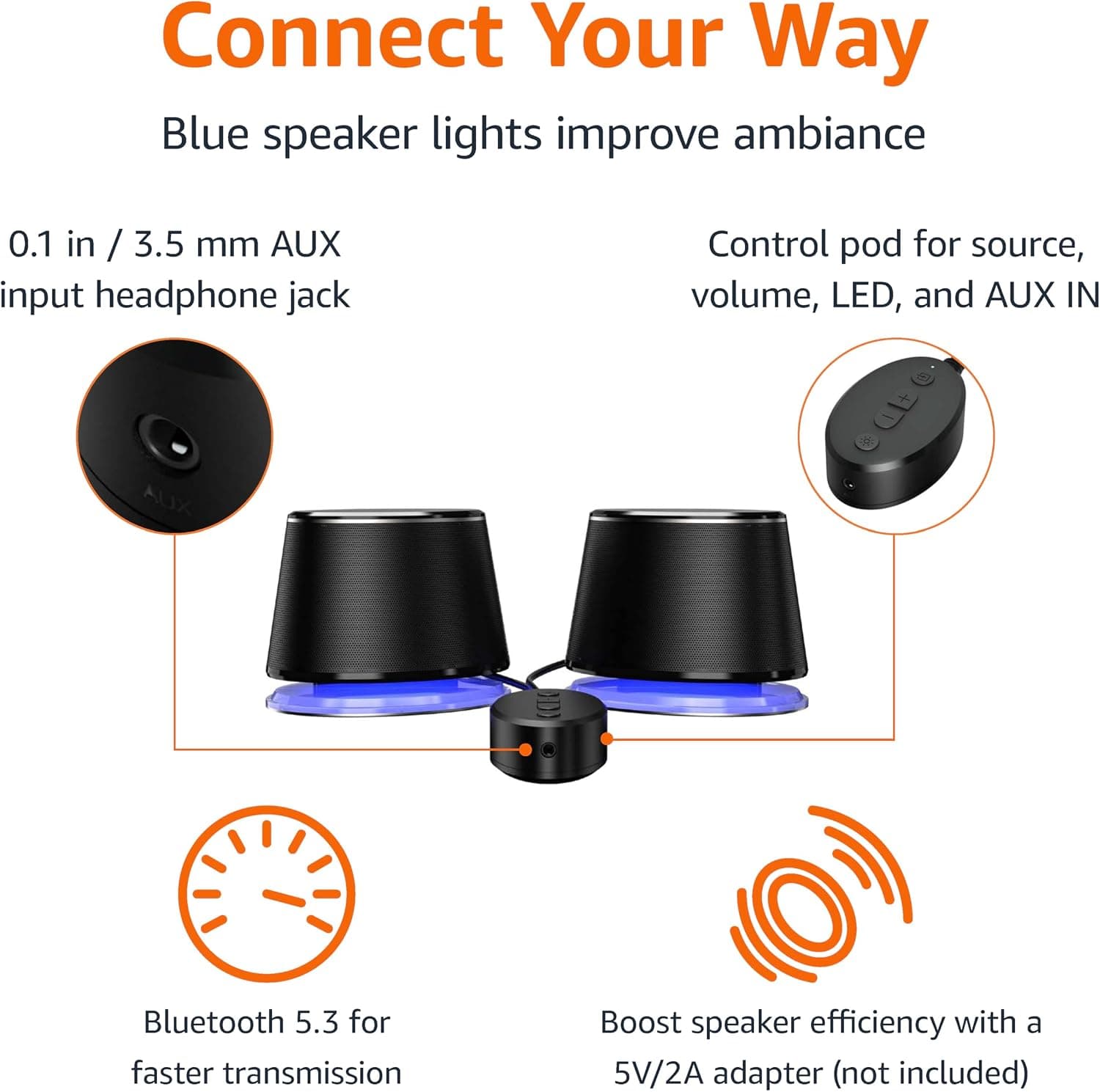
Amazon Basics Bluetooth and USB Computer Speakers with Blue Lighting, Black
Amazon Basics
£28.34
