
Daymeet TV Led Lights, 4M TV Led Backlight for Lights USB Powered RGBIC Light Strip for 55-75 inch Monitor Behind Lighting with Remote Music Sync Bluetooth APP Control
Brand: Daymeet
🌈【Rainbow Effect TV LED Backlight】TV led lights strip with new smart IC chip. the biggest feature is that it can display multiple colors on a line at the same time, and the tv lights behind will show a rainbow effect - chasing, dancing, waving, jumping, flashing and other dynamic modes. which means you will have richer colors, more dynamic patterns, and more creativity.This RGB led tv lights strip will make a difference in your TV home decor with its outstanding lighting effect.
- Weight
- 120 g
- Pack size
- 1
- Colour
- Running Light Color
- Amazon Bestseller Rank
- #109
About this product
Perfect for gamers and content creators looking to enhance their setup, the Daymeet TV LED Lights offer a dynamic lighting experience. These RGBIC lights are designed specifically for behind-monitor backlights on larger screens, providing an immersive atmosphere that syncs with your music or app controls for a seamless visual enhancement. These lights stand out not only in terms of functionality but also in ease of use. With USB-powered simplicity and remote control options, they fit seamlessly into any gaming or streaming setup without complicating the process.
Specifications
- Weight
- 120 g
- Pack size
- 1
- Colour
- Running Light Color
- Amazon Bestseller Rank
- #109
Frequently asked questions
What monitors is this LED light strip compatible with?
This LED light strip is designed for use with 55 to 75 inch monitors. It’s important to check the manufacturer's listing for exact compatibility and ensure your monitor falls within this range before purchasing.
Can I control the color of the lights from my phone or tablet?
Yes, you can control the color and other settings via a Bluetooth app on your smartphone or tablet. This allows for easy customization of colors to match your mood or gaming session, enhancing your viewing experience.
How do I set up the light strip behind my monitor?
Setting up is straightforward; first, ensure your monitor supports backlight replacement. Then, plug one end of the USB cable into a power source and connect it to the other end of the light strip. Follow the manufacturer’s instructions for precise placement behind your monitor.
You might also like
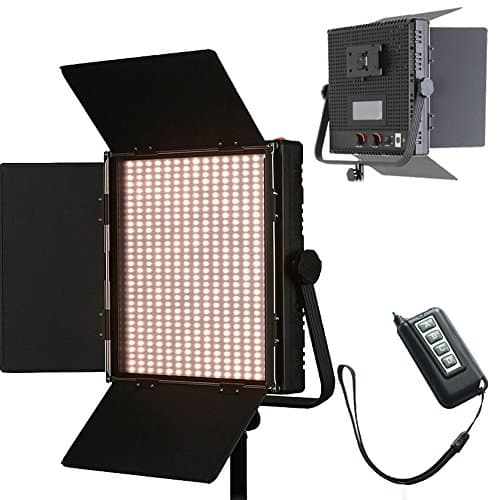
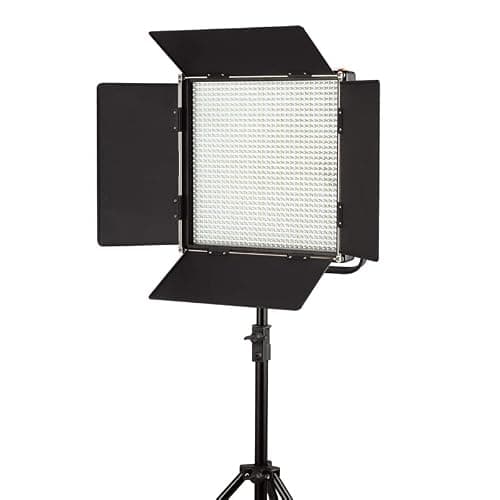
1024 LED Video Light, 61.5W Dimmable Bi-Color 3200-5600K LED Panel Light with LCD Screen, Bracket, Barndoor and Remote Control for Photography Studio
HWAMART
£445.89
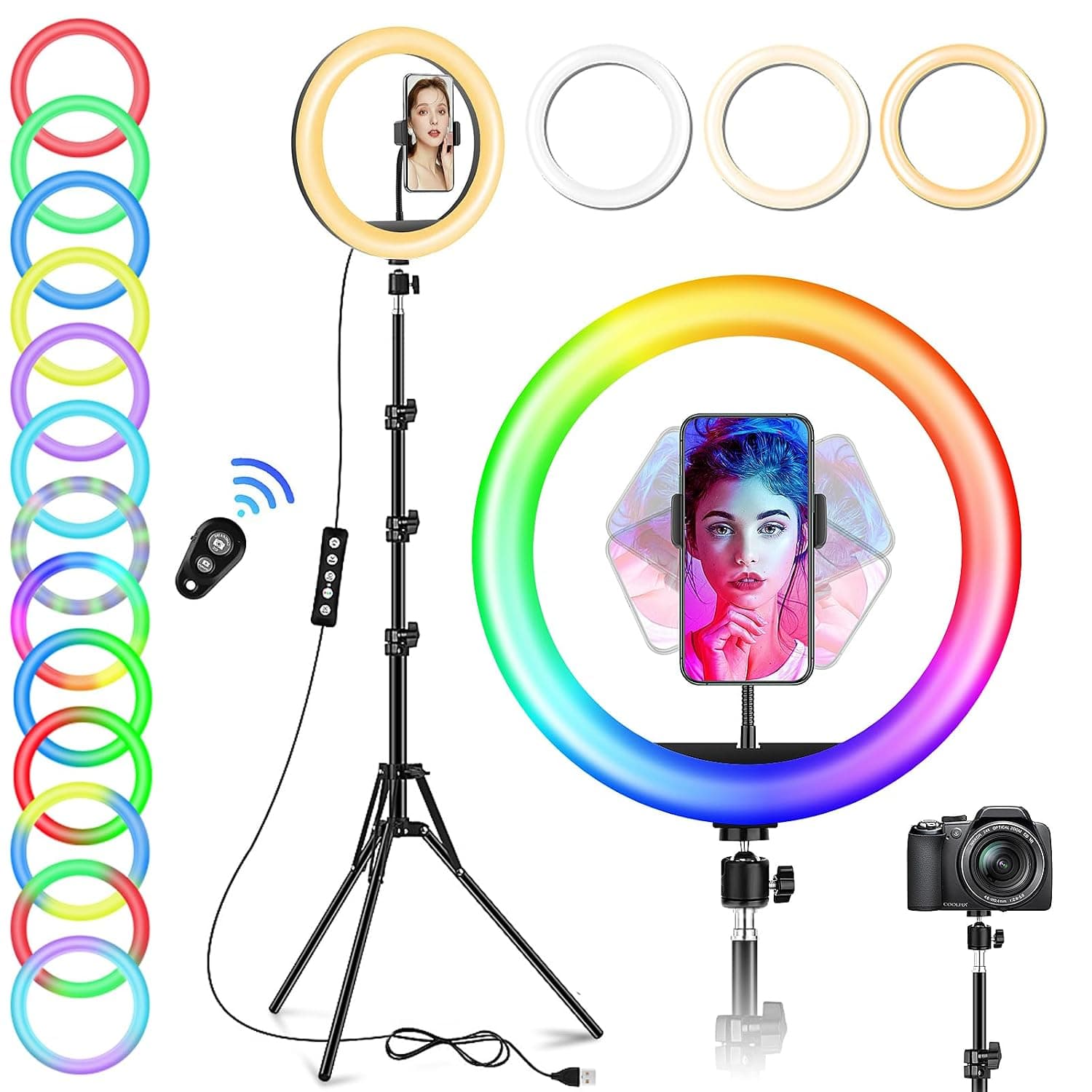
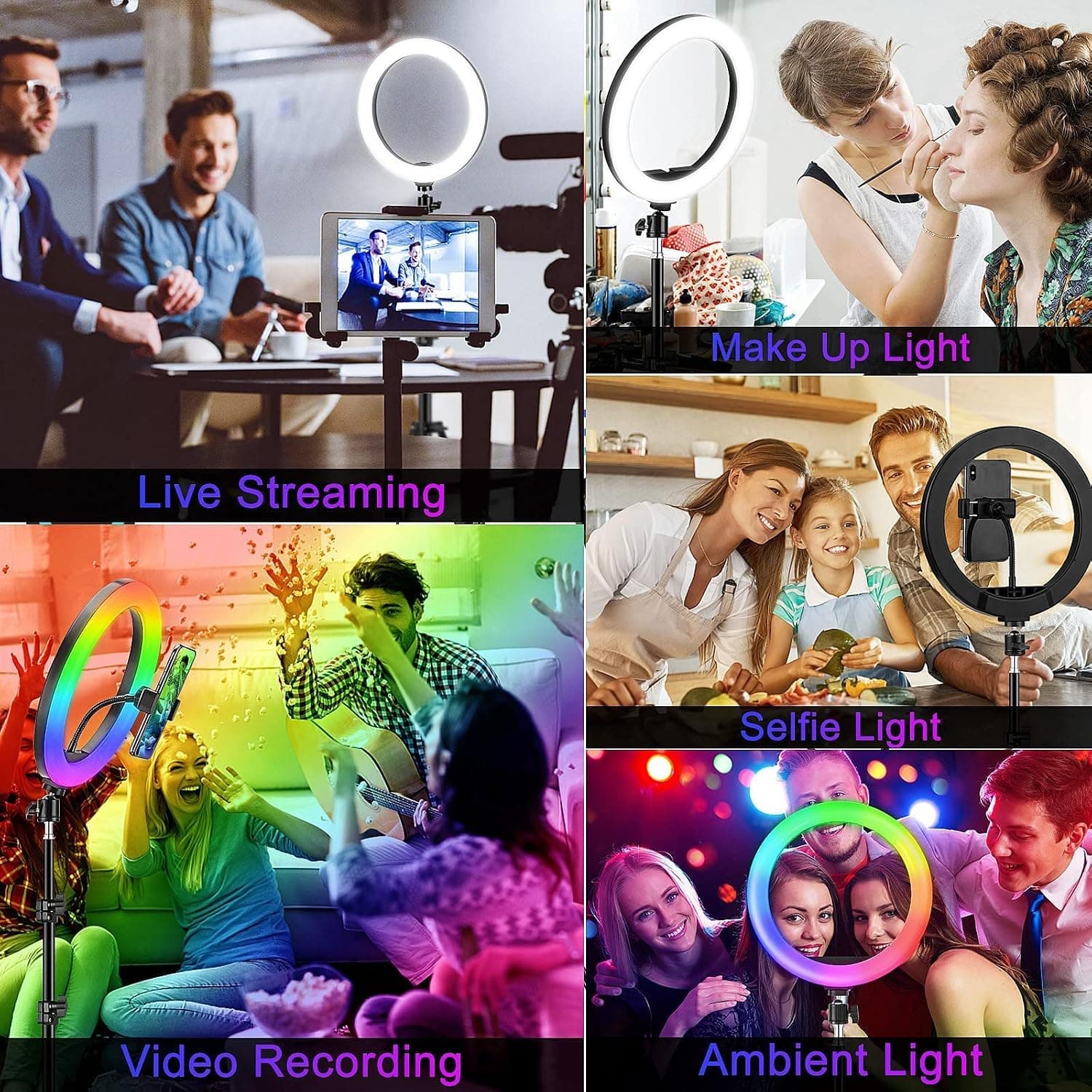
10" Desktop RGB LED Ring Light with Tripod Stand, Dimmable Colour Changing Colorful Lamp Phone Holder Clip Tabletop Selfie Ringlight for Make Up/YouTube Live Streaming Video Kit
GerTong
£21.98
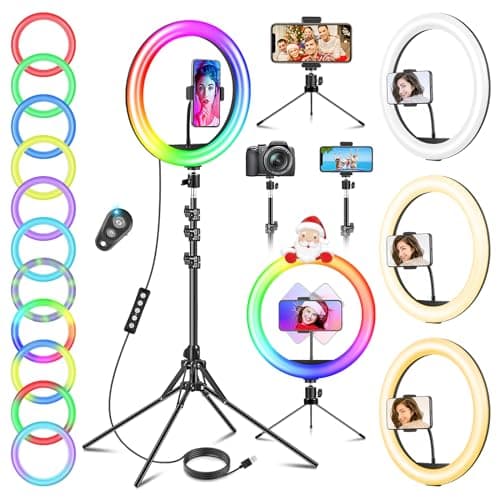
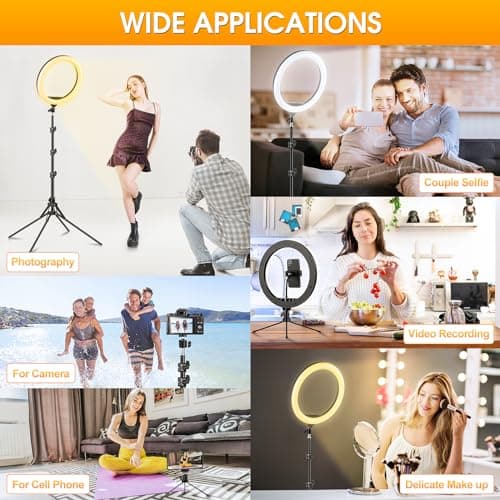
11.5" Ring Light with Tripod & Quadpod Stands for Phone
GerTong
£22.98
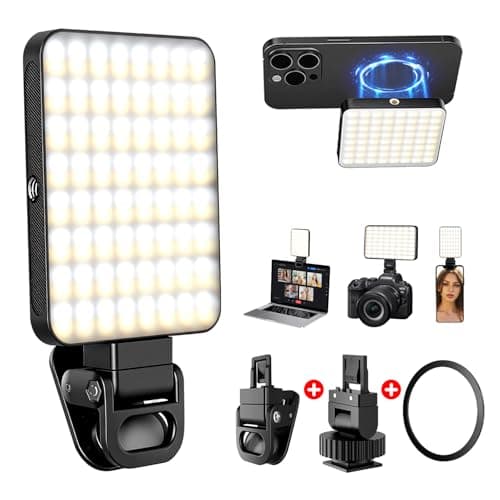
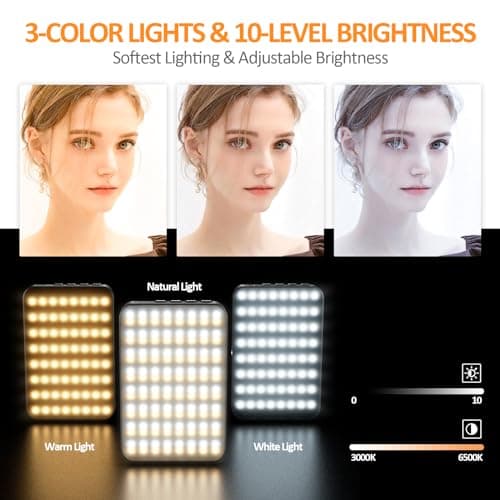
128 LED Rechargeable Portable Selfie Light Video Conference Lighting with Clip and Camera Tripod Adapter, 3 Lighting Modes, for Laptop/Phone, iPhone Camera, Youtube, TikTok, Makeup Vlog
Cyowoyre
£13.99
