
StarTech.com 2-Port Multi Monitor Adapter - USB-C to 2x DisplayPort 1.2 Video Splitter - USB Type-C to DP MST Hub - Dual 4K 30Hz or 1080p 60Hz - Thunderbolt 3 Compatible - Windows Only (MSTCDP122DP)
Brand: StarTech
- Height
- 1.5 cm
- Length
- 39 cm
- Width
- 5.8 cm
- Weight
- 45 g
About this product
This StarTech.com 2-Port Multi Monitor Adapter is perfect for gamers and professionals who need to connect multiple monitors to their USB-C equipped laptops or desktops. Ideal for those working in Windows environments, it allows you to extend your display setup with ease, supporting dual 4K resolutions at 30Hz or full HD at 60Hz, making it a versatile choice for multitasking and gaming. This adapter fits seamlessly into the Cables & Adapters category by providing an essential solution for expanding your visual workspace without compromising on performance. With Thunderbolt 3 compatibility, this adapter offers additional benefits beyond just video output, allowing for faster data transfer speeds and charging capabilities. It’s a must-have for anyone looking to maximize their productivity or gaming experience while maintaining flexibility in their setup.
Specifications
- Height
- 1.5 cm
- Length
- 39 cm
- Width
- 5.8 cm
- Weight
- 45 g
- Pack size
- 1
- Colour
- Black
- Amazon Bestseller Rank
- #68,446
Is this the right pick for you?
This 2-Port Multi Monitor Adapter is ideal for users who need to connect two external monitors to their Windows laptop or desktop via USB-C. If you're a gamer looking to extend your gaming experience across multiple displays, this adapter can help you achieve that without the need for Thunderbolt 3 ports. It supports both 4K resolution at 30Hz and 1080p at 60Hz, making it suitable for high-resolution gaming or productivity tasks. In a typical setup, imagine having your primary monitor connected to one of the DisplayPort outputs from this adapter, while you use the second output to connect another monitor. This configuration is perfect for those who want to have their game window on one screen and an additional application or chat window on the other. However, if you're using a Mac or looking for Thunderbolt 3 compatibility, this product won't be suitable as it is Windows-only and does not support Thunderbolt functionality. Before making your purchase, consider that setup can be straightforward but requires some initial configuration through the Display Settings in Windows to ensure both monitors are recognized properly. Always ensure your laptop’s USB-C port supports MST (Multi-Stream Technology) for optimal performance. Additionally, taking care of the adapter by keeping it clean and avoiding excessive bending or folding will help prolong its lifespan.
Frequently asked questions
Is this adapter compatible with macOS or Linux?
This adapter is designed for Windows systems only. For macOS or Linux users, you may need to look for a different solution that supports your operating system.
How many monitors can I connect using this adapter?
You can connect two monitors simultaneously using this 2-Port Multi Monitor Adapter. It splits the USB-C signal into two DisplayPort outputs, allowing you to extend or duplicate your desktop across both screens.
Does this adapter support 4K resolution on both monitors?
Yes, this adapter supports a maximum resolution of 4K at 30Hz for each monitor. However, if you want to achieve higher refresh rates (like 60Hz), the resolution will be limited to 1080p.
You might also like
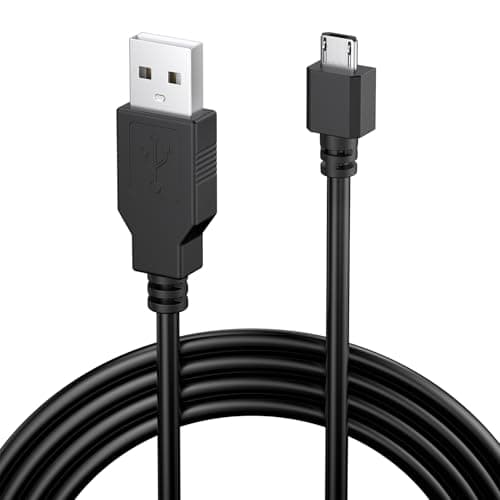
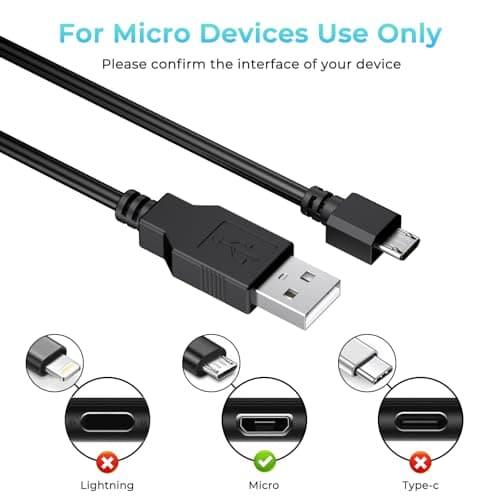
1.8M Charger for PS4 Controller Charger Cable, 5.9FT Micro USB Cable Charging Sync Cord for Sony PlayStation 4/ Dualshock 4/ PS4/ Slim/Pro, Microsoft Xbox One/One S/One X
Yisica
£4.49
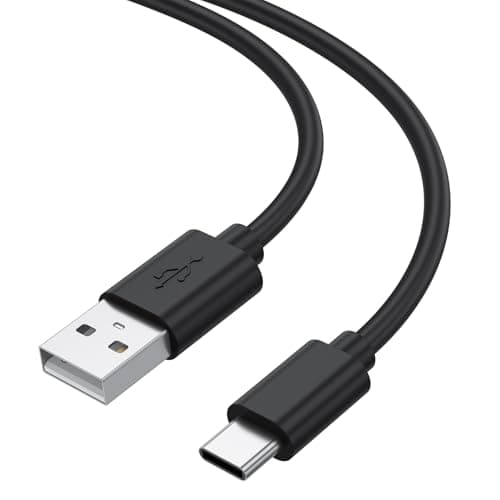
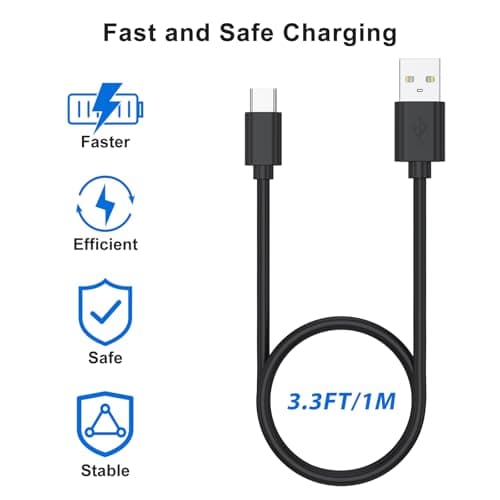
1Meter USB-C Charging Cable Fit for Sony PS5 DualSense Controller, Xbox Series X/S, Switch – Extra Long, Fast Charging Type-C Cord for Gaming, 1/3M Durable Wire (1m)
Zoye
£3.99
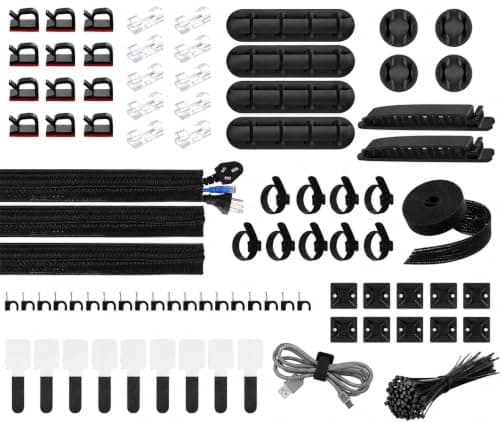
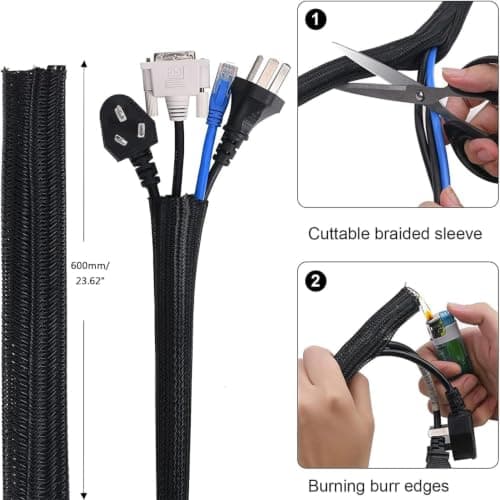
200 PCS Cable Management Kit,4 Wire Organizer Sleeve,7 Cable Holders,10 Zip Tie Mounts,37 Cable Clips,20 Cable Clip Nails,100 Cable Fastening Ties,20+2 Roll Cable Straps for Cable Management
wyevee
£7.99
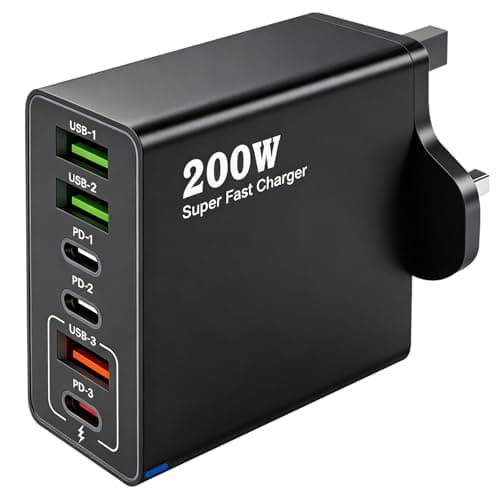
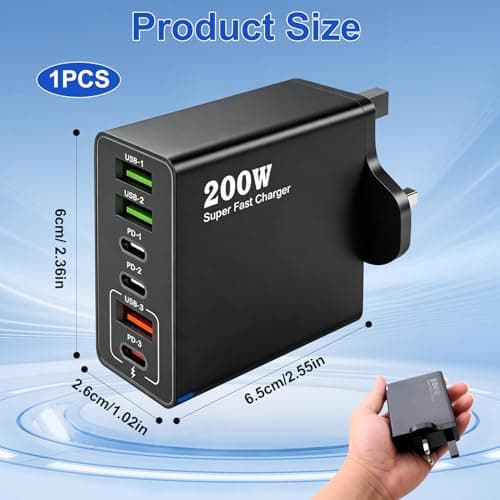
200W USB C Charging Station 6 Port Fast Charger Hub with PD GaN III
ZestEcho
£8.59
