
UGREEN Video Capture Card HDMI to USB C 2K@30Hz 1080P@60fps | Game Record 4K Input Compatible with Quest 3/3s PS5 PS4 Xbox Series X Switch 2 TV Stick iPad DSLR Camera MacBook Laptop PC
Brand: UGREEN
About this product
If you're looking to capture high-quality gameplay footage or record your favorite games for streaming or sharing, the UGREEN Video Capture Card HDMI to USB C is an excellent choice. With its ability to handle 4K input and support devices like PS5, Xbox Series X, and Switch, it's perfect for gamers who want clear, stable recordings at 1080P@60fps without flicker or lag. The UGREEN card’s durable design, featuring a high-quality chipset and an aluminum shell that enhances heat dissipation, ensures long-term stability even during extended recording sessions. This makes it ideal for those who need reliable performance day in and day out.
Highlights
- Stable & Durable: UGREEN 4K HDMI to USB Streaming Device adopts high-quality chipset to decode signal faster and maintain stable transmission. Get clear picture without flicker and lag. The aluminum shell accelerates heat dissipation and keeps cool after long-term use.
Is this the right pick for you?
This UGREEN Video Capture Card is an excellent choice for anyone looking to record or stream their gameplay from a wide range of devices. It's particularly suited for gamers who use consoles like the PS5 and PS4, as well as PC users with HDMI outputs. Its compatibility extends to popular gaming headsets such as the Oculus Quest 3/3s, making it ideal for VR enthusiasts looking to capture their experiences in high definition. However, this card might not be the best fit for those who require ultra-high-resolution video recording or need a device that can handle extremely complex graphics at very high frame rates. For instance, while it supports 4K input, which is impressive, its primary focus is on maintaining stable and clear 2K@30Hz and 1080P@60fps recordings, making it more practical for everyday gaming rather than professional or advanced content creation. Setting up the UGREEN Video Capture Card is relatively straightforward. Simply connect your device's HDMI output to the capture card via an HDMI cable, then plug the USB C port into a compatible computer. The card works out of the box with most modern operating systems, including Windows and macOS. It’s important to note that for best results, ensure you have sufficient cooling measures in place, especially if you plan on using it extensively or for extended periods. The aluminum shell helps manage heat but might still get warm during prolonged use, so consider placing it on a flat surface with good airflow to avoid overheating and potential performance issues.
Frequently asked questions
What devices can this capture card be used with?
This UGREEN Video Capture Card is compatible with a wide range of devices including gaming consoles like PS5 and Xbox Series X, laptops such as MacBook and PC, and even cameras like DSLR. It supports input from various sources making it versatile for different needs.
Can I use this to record gameplay on my console?
Yes, you can use this capture card with your console such as the PS5 or Xbox Series X to record gameplay directly through HDMI. This is particularly useful if you want to stream or edit your game footage without needing additional hardware.
Is it suitable for recording 4K video?
While the UGREEN Video Capture Card supports 1080P@60fps, its compatibility with 4K input means you can record 4K content from compatible devices. However, ensure your system meets the necessary requirements to handle such high-resolution recordings.
You might also like
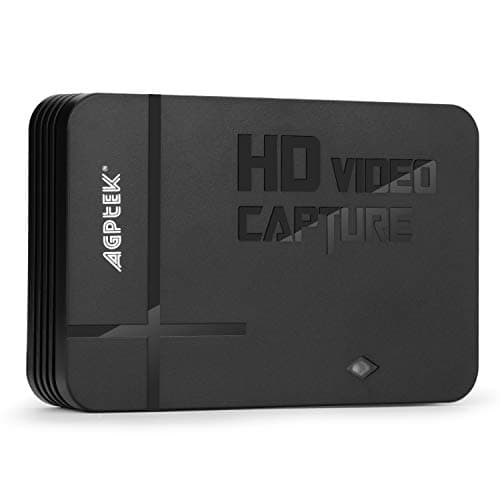
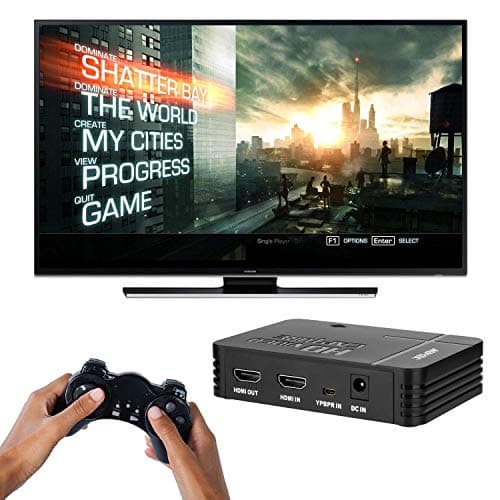
1080P Game Video Capture Card with HDMI and YpbPr Input, Mic-in Video Recorder Compatible with Xbox 360/One/ PS3 /PS4 etc
AGPTEK
£64.18
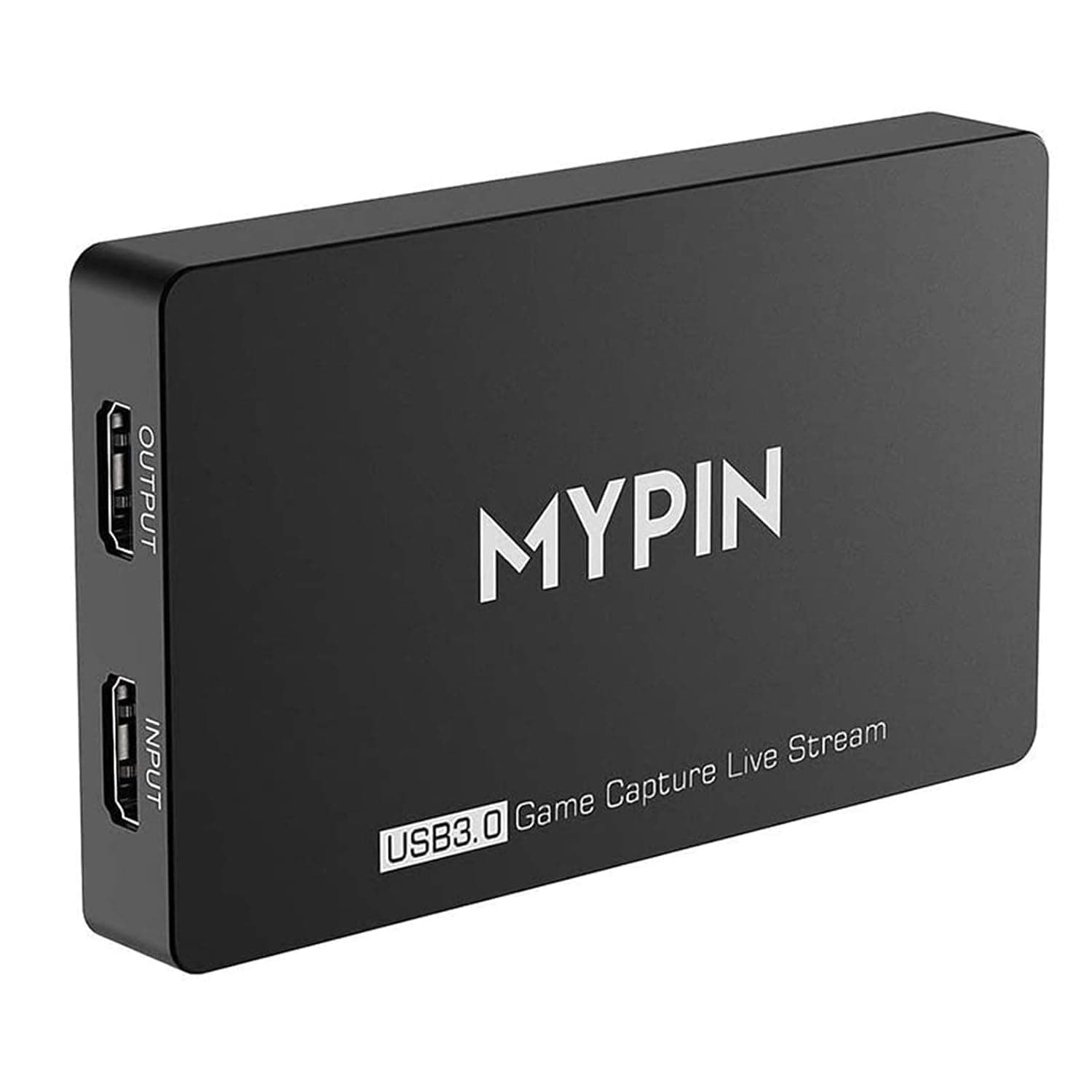
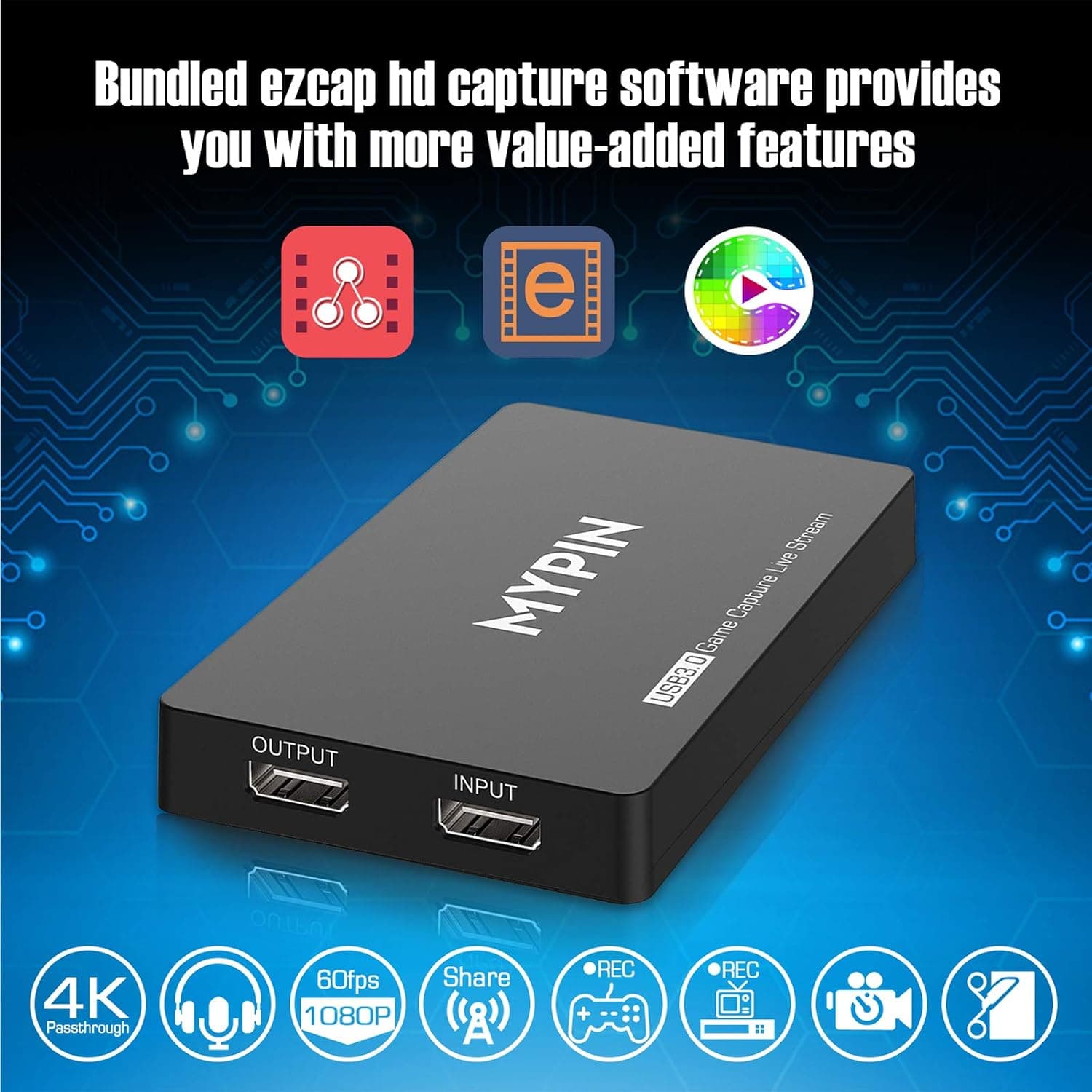
4K Capture Card for Live Streaming, MYPIN USB3.0 HDR Capture 1080P@60fps Support Microphone and Gamepad Party Chat for Nintendo Switch/ PS4 /Xbox One 360 /Wii U/Action Camera/DSLR Camcorder
MYPIN
£19.99
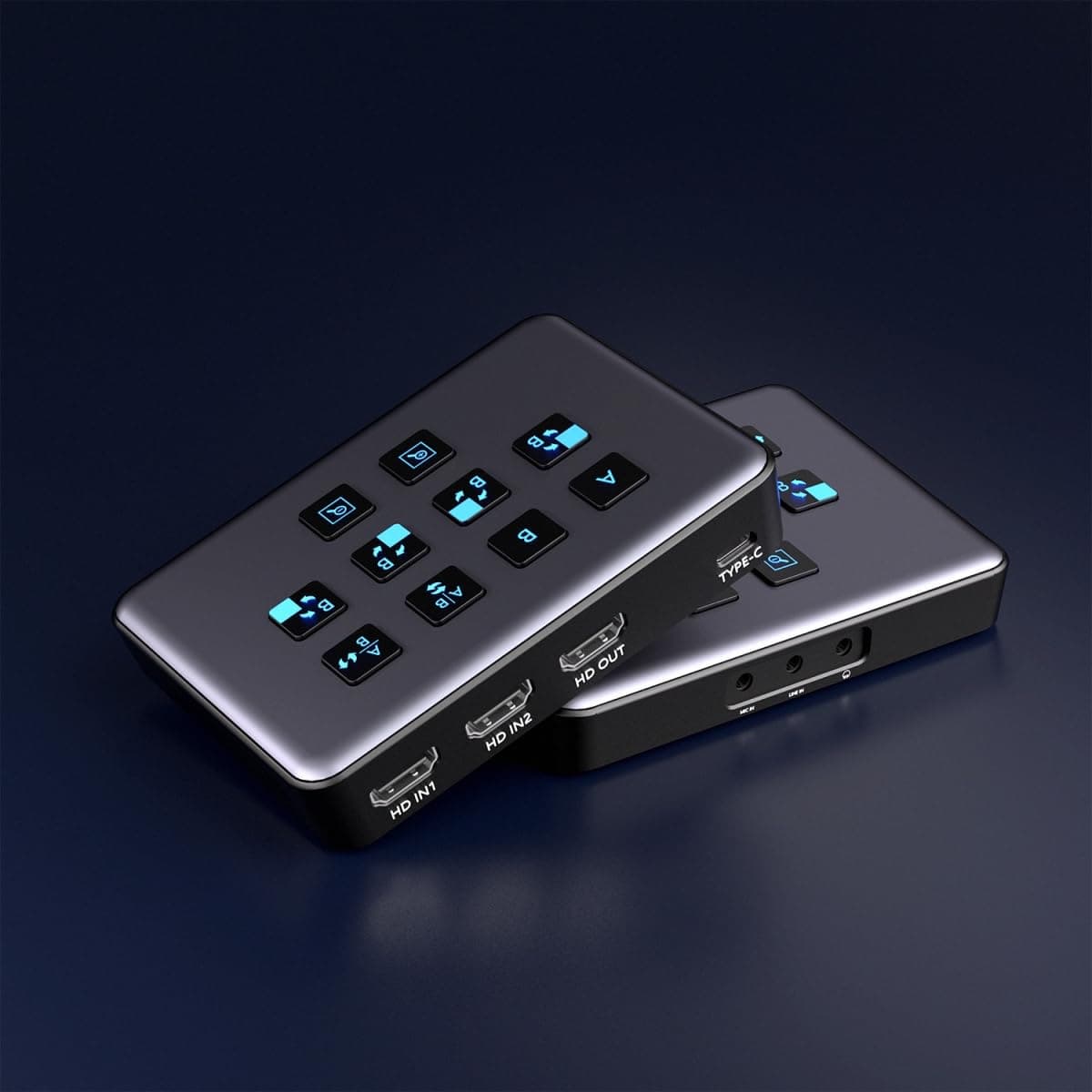
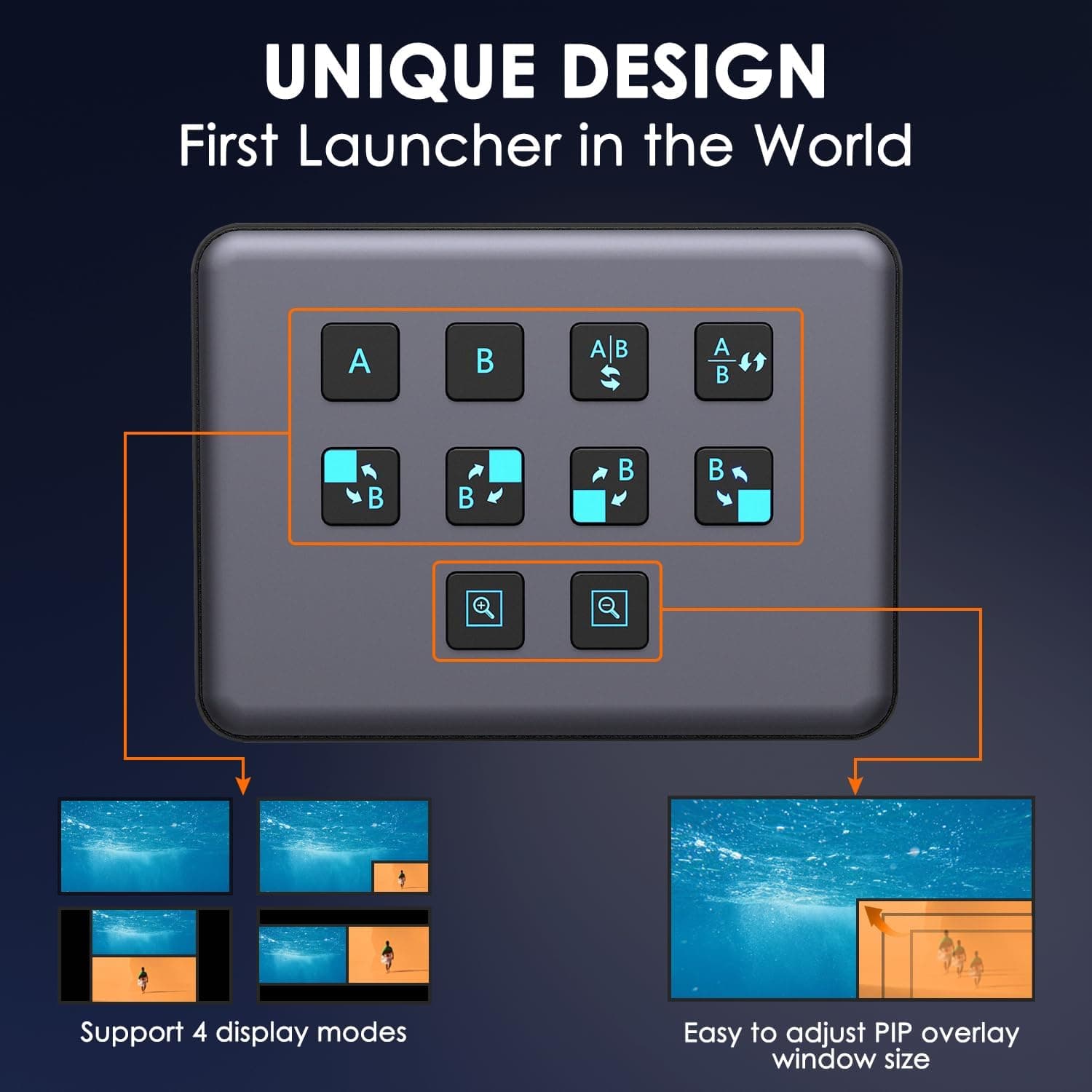
4K Dual HDMI Audio Video Capture Card, USB3.0 1080P 60FPS Equipment for Live Streaming,Capture Card with Loop Camera Link to Type-C Recording Game Video Mixer,Passthrough for Xbox PS5 PS4 Etc
EDISTEC
£25.99
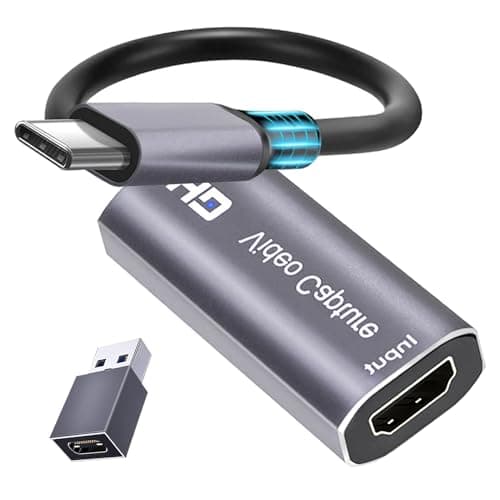
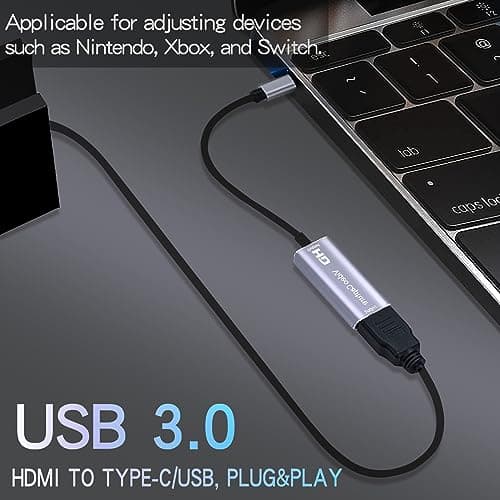
4K HDMI Capture Card, Cam Link Video Capture Card HDMI to 1080P Type-C for Windows Mac OS System for Streaming Gaming Meeting with USB C Adapter to Adjust PS3 4, Switch, Xbox
Extenuating Threads
£12.99
