
CATPOWER Computer Monitor Light Bar, LED Screen Light Bar for Workspace, Dimmable Monitor Lamp, Touch Control Monitor Lamp for Desk/Office/Home/Game, for Eye Caring
Brand: CATPOWER
Optimized for Eye Comfort - Eliminate Glare and Flicker The CATPOWER monitor light bar is designed with an asymmetrical optical design that focuses on illuminating your desktop, avoiding screen glare and flickering. With high-quality lighting levels of at least 700 lux and a color rendering index of over 95, it provides a more pleasant and natural lighting experience for your office work, home study, reading, and gaming.
- Height
- 13 cm
- Length
- 43 cm
- Width
- 5 cm
- Weight
- 454 g
About this product
If you're looking to enhance your workspace lighting while caring for your eyes during long gaming or work sessions, the CATPOWER Computer Monitor Light Bar is a perfect choice. This LED Screen Light Bar offers adjustable brightness and touch control, making it highly customizable to suit different tasks and preferences. Designed for desks, offices, homes, and gaming areas, this monitor lamp provides a comfortable and focused light that reduces eye strain, ensuring you stay productive without compromising your visual health.
Specifications
- Height
- 13 cm
- Length
- 43 cm
- Width
- 5 cm
- Weight
- 454 g
- Pack size
- 1
- Colour
- Black
- Amazon Bestseller Rank
- #4,850
Frequently asked questions
Is this monitor light bar compatible with my computer?
This monitor light bar is designed to be compatible with most desktop computers. Check the manufacturer’s listing for specific model compatibility and ensure your monitor has a VESA mount or other compatible mounting system.
Who would benefit from using this monitor light bar?
Anyone who spends long hours at their desk, especially those working in low-light environments, can benefit from this monitor light bar. It is particularly useful for gamers, programmers, and anyone looking to reduce eye strain during extended screen time.
Can I adjust the brightness of the light bar?
Yes, you can adjust the brightness using a touch control feature on the light bar itself or through your computer’s settings if it supports such functionality. This allows you to customize the lighting intensity according to your needs and preferences.
You might also like
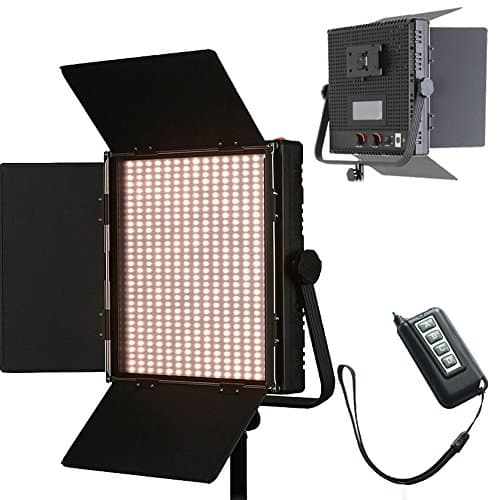
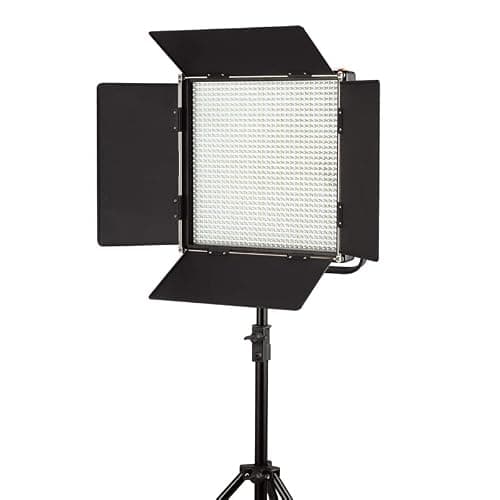
1024 LED Video Light, 61.5W Dimmable Bi-Color 3200-5600K LED Panel Light with LCD Screen, Bracket, Barndoor and Remote Control for Photography Studio
HWAMART
£445.89
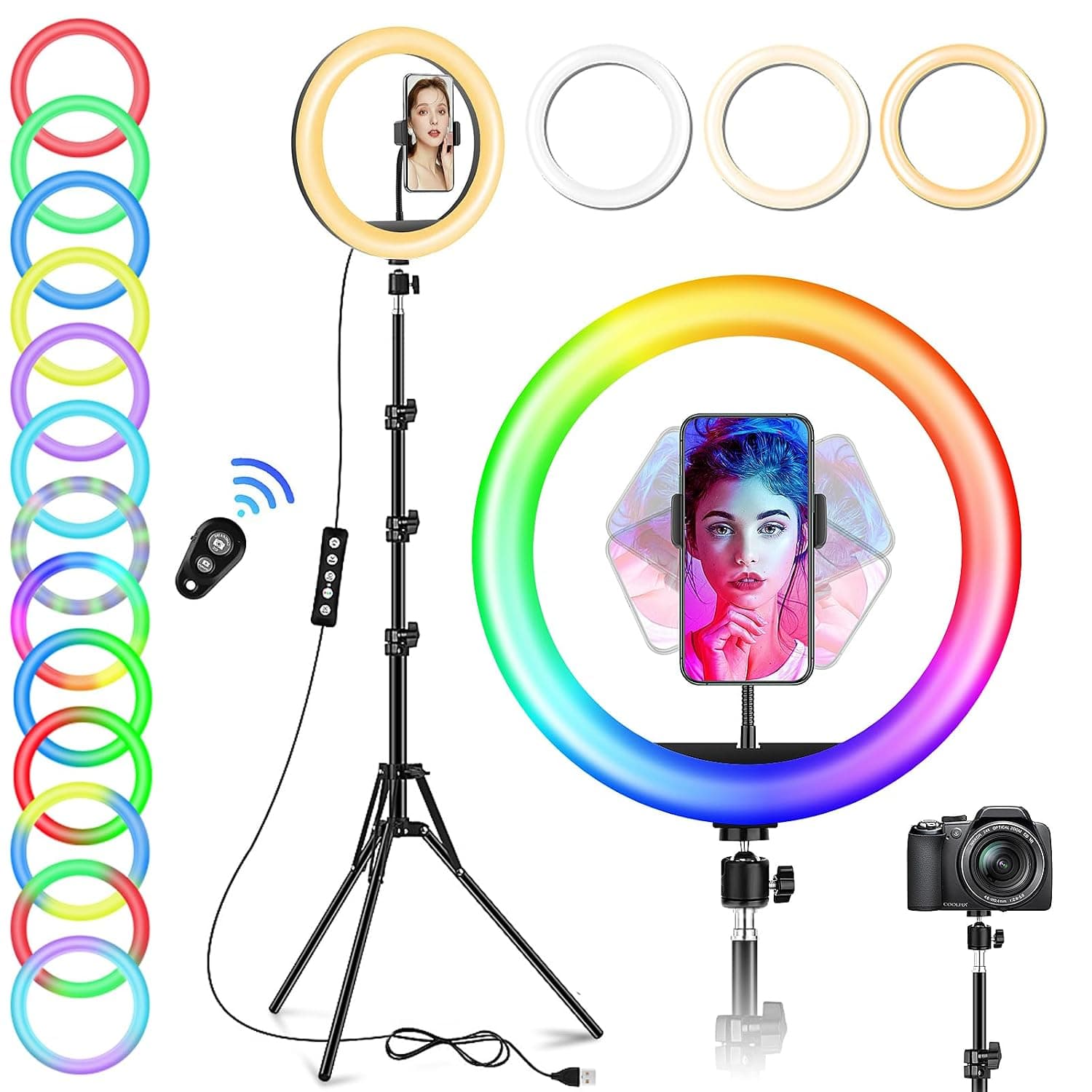
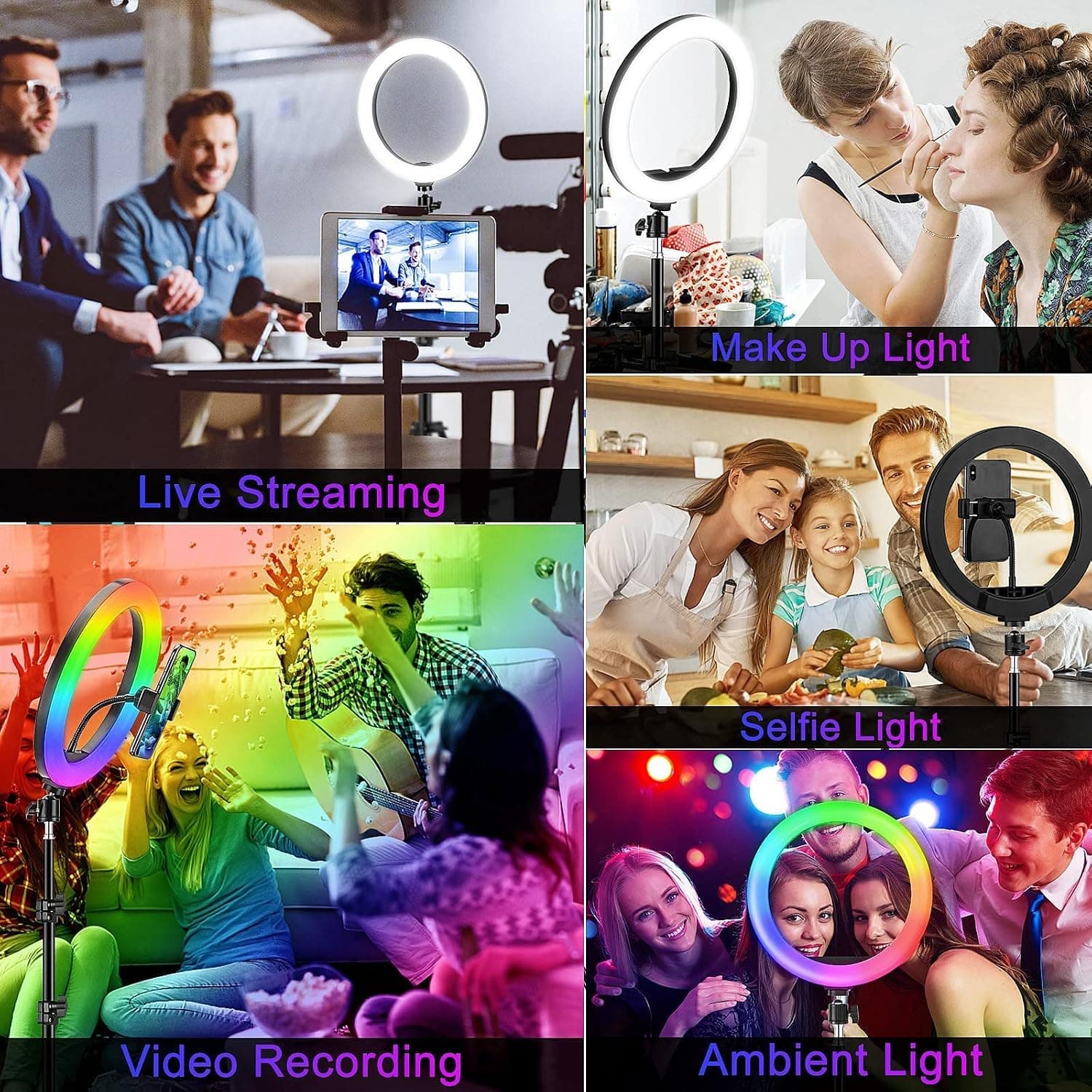
10" Desktop RGB LED Ring Light with Tripod Stand, Dimmable Colour Changing Colorful Lamp Phone Holder Clip Tabletop Selfie Ringlight for Make Up/YouTube Live Streaming Video Kit
GerTong
£21.98
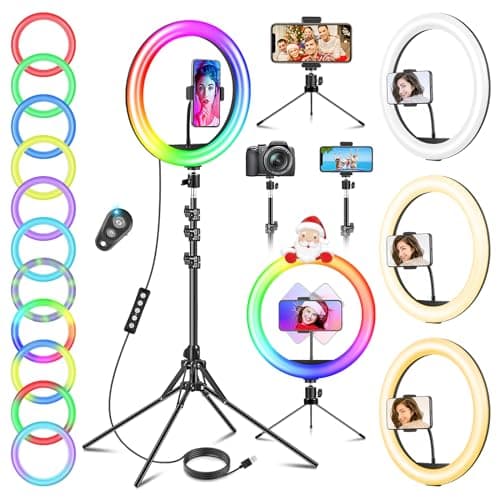
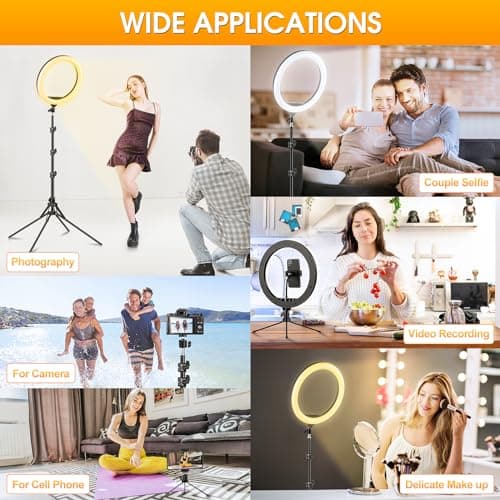
11.5" Ring Light with Tripod & Quadpod Stands for Phone
GerTong
£22.98
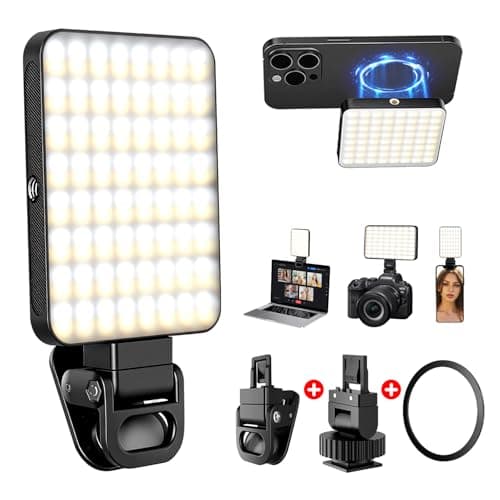
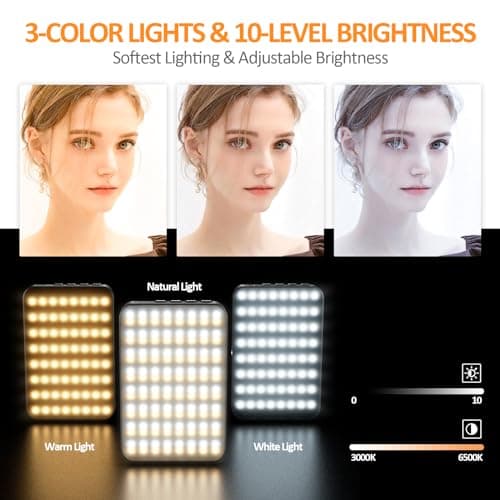
128 LED Rechargeable Portable Selfie Light Video Conference Lighting with Clip and Camera Tripod Adapter, 3 Lighting Modes, for Laptop/Phone, iPhone Camera, Youtube, TikTok, Makeup Vlog
Cyowoyre
£13.99
