
BenQ ScreenBar Halo 2 Monitor Light Bar, Front & Back Light, Auto On/Off
Brand: BenQ
ENHANCED BACKLIGHT FOR VISUAL COMFORT: Wide and adjustable ambient backlight reduces contrast between your screen and dark surroundings, helping your eyes stay relaxed and focused for longer.
- Height
- 11 cm
- Length
- 14 cm
- Width
- 50 cm
- Weight
- 800 g
About this product
When it comes to enhancing your gaming and work environment, lighting plays a crucial role in reducing eye strain and improving overall visibility. The BenQ ScreenBar Halo 2 Monitor Light Bar stands out by offering both front and back illumination, creating a well-balanced light setup that complements any workspace or gaming station. What truly sets the ScreenBar Halo 2 apart is its smart Auto On/Off feature, which senses when your monitor is in use and adjusts accordingly. This not only saves energy but also ensures you always have optimal lighting without manual intervention.
Specifications
- Height
- 11 cm
- Length
- 14 cm
- Width
- 50 cm
- Weight
- 800 g
- Pack size
- 1
- Colour
- Dark Grey
- Amazon Bestseller Rank
- #975
Frequently asked questions
Is the BenQ ScreenBar Halo 2 compatible with all monitors?
The compatibility of the BenQ ScreenBar Halo 2 depends on your monitor's USB-C port. Check if your monitor supports USB-C for external accessories and has enough ports to accommodate it. If you're unsure, visit the manufacturer’s website or contact their support for specific model compatibility.
Who is this light bar best suited for?
This light bar is ideal for gamers and content creators who want a dynamic lighting experience that enhances their setup aesthetics. It's particularly useful in dark environments where ambient lighting might be insufficient, providing both front and back illumination to create a visually striking effect.
How does the auto on/off feature work?
The auto on/off feature uses sensors to detect when your monitor is turned off or on. When your monitor turns on, the light bar will activate automatically. Conversely, it will turn off after a set period of inactivity, helping save energy and reduce unnecessary light exposure.
You might also like
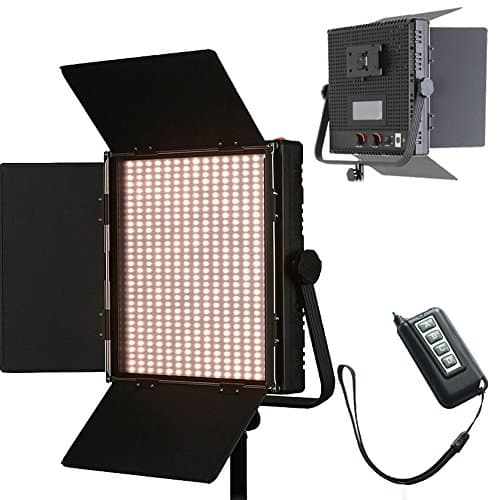
1024 LED Video Light, 61.5W Dimmable Bi-Color 3200-5600K LED Panel Light with LCD Screen, Bracket, Barndoor and Remote Control for Photography Studio
HWAMART
£445.89
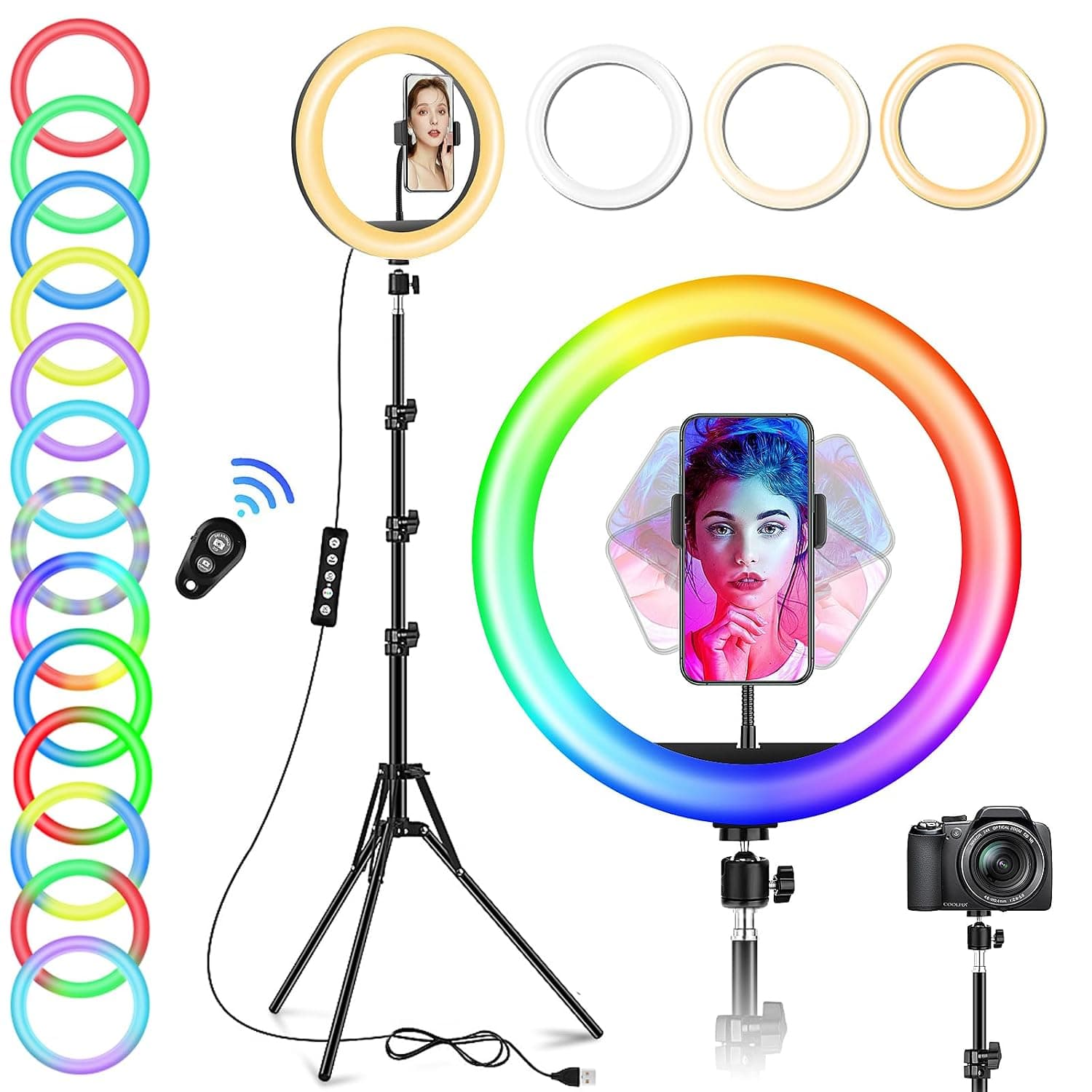
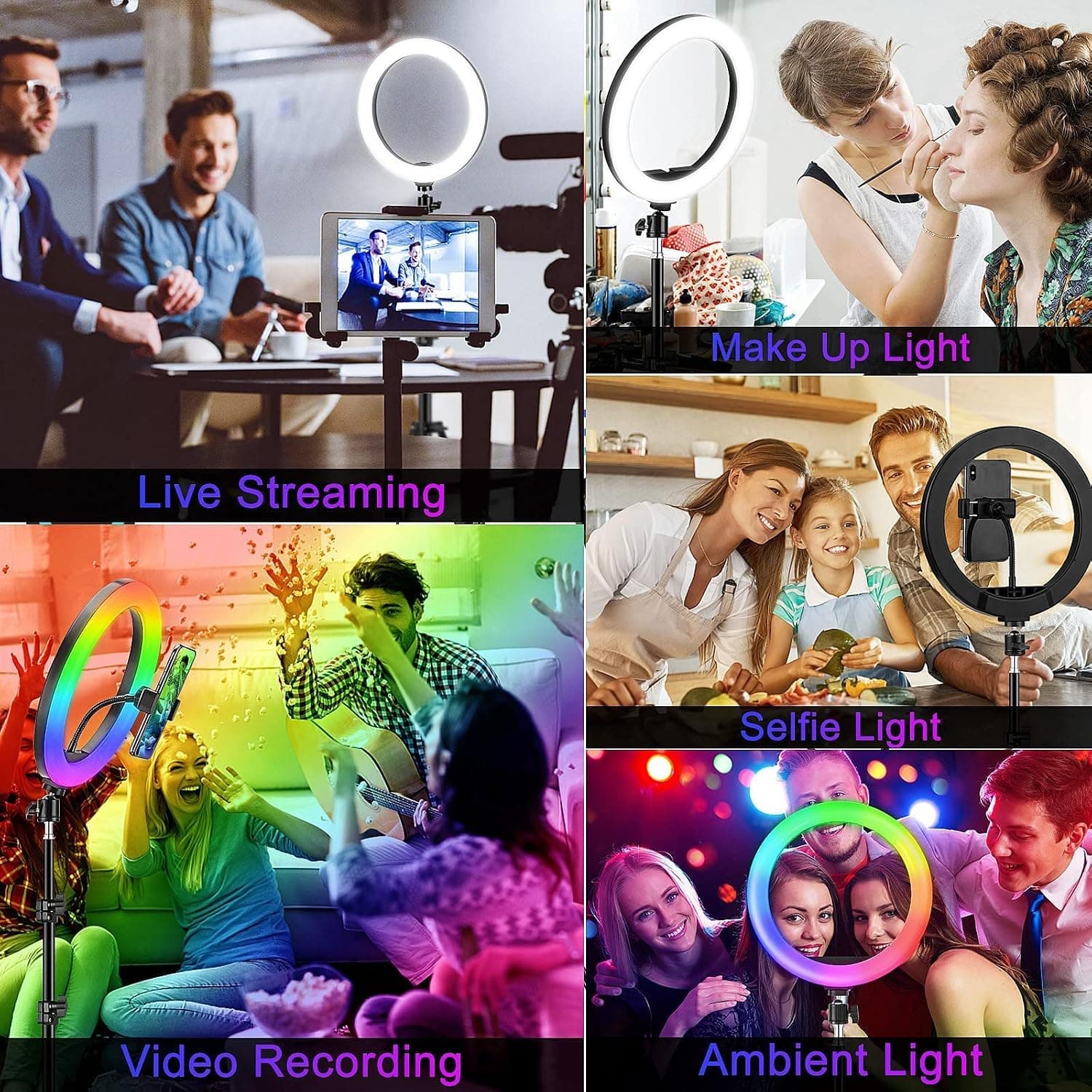
10" Desktop RGB LED Ring Light with Tripod Stand, Dimmable Colour Changing Colorful Lamp Phone Holder Clip Tabletop Selfie Ringlight for Make Up/YouTube Live Streaming Video Kit
GerTong
£21.98
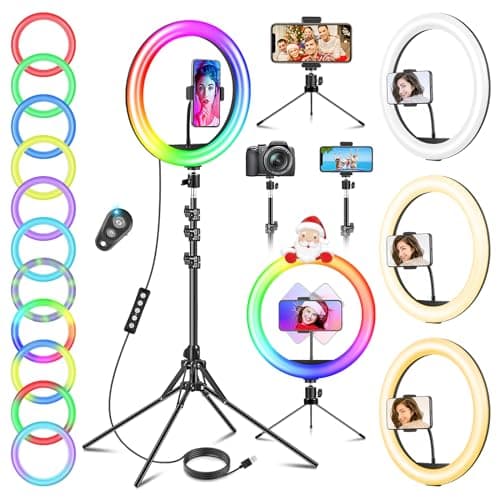
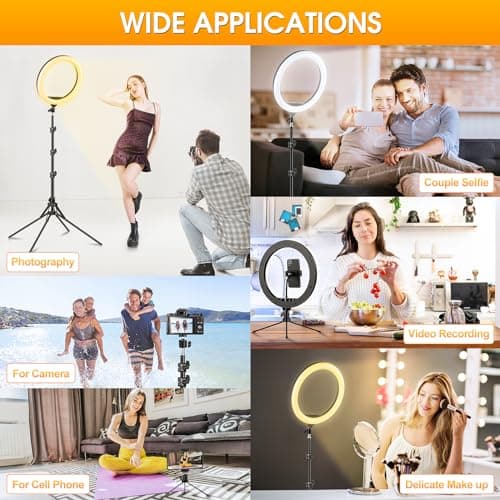
11.5" Ring Light with Tripod & Quadpod Stands for Phone
GerTong
£22.98
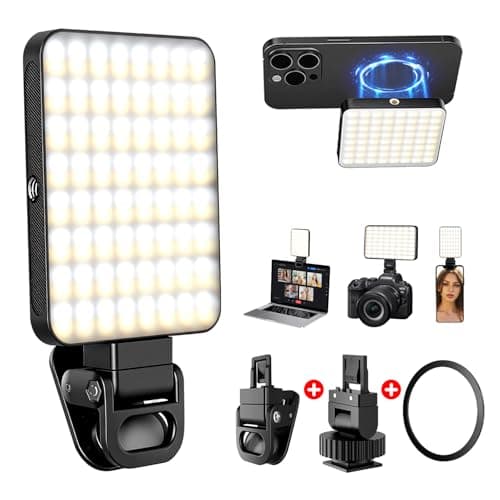
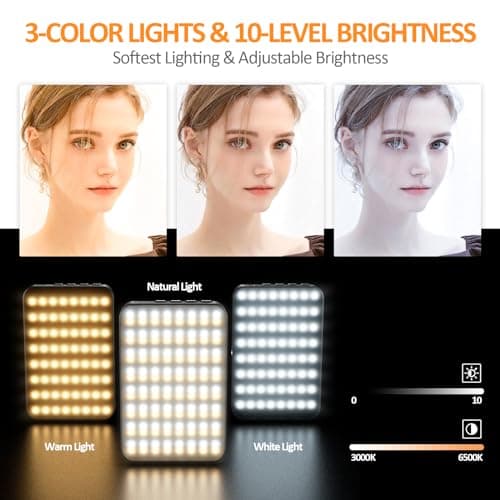
128 LED Rechargeable Portable Selfie Light Video Conference Lighting with Clip and Camera Tripod Adapter, 3 Lighting Modes, for Laptop/Phone, iPhone Camera, Youtube, TikTok, Makeup Vlog
Cyowoyre
£13.99
