
8Bitdo All-Button Arcade Controller for Switch, Switch 2 & Windows – Bluetooth, 2.4G, Wired Connectivity, Low-profile Mechanical Switches, 4 Programmable Buttons, Hot-swappable PCB
Brand: 8Bitdo
Compatible with Switch, Switch 2 and Windows. 3 connection modes - Connect to Switch via Bluetooth, to Windows via 2.4G, or to either device via wired. Firmware update required for Switch 2 compatibility. support.8bitdo.com/firmware-updater.html
- Height
- 33 cm
- Length
- 5.7 cm
- Width
- 23 cm
- Weight
- 1.55 kg
About this product
If you're a fan of classic arcade games and looking to enhance your gaming experience on both Nintendo Switch consoles and Windows PC, the 8Bitdo All-Button Arcade Controller is an excellent choice. This controller is designed for players who want precise control and a retro feel, featuring low-profile mechanical switches that offer a satisfying click and tactile feedback, perfect for fast-paced gameplay. With four programmable buttons, you can customize your setup to suit your gaming style, making it versatile for various game genres.
Specifications
- Height
- 33 cm
- Length
- 5.7 cm
- Width
- 23 cm
- Weight
- 1.55 kg
- Colour
- Retro
- Amazon Bestseller Rank
- #9,381
Frequently asked questions
Can this controller be used on both Switch and Windows?
Yes, the 8Bitdo All-Button Arcade Controller is versatile and can be connected to Nintendo Switch or Windows devices. You have three connection options: Bluetooth for Switch, 2.4G wireless for Windows, or wired directly into either device.
How do I connect this controller to my Nintendo Switch?
To use the controller with your Switch, you need to download and install the firmware update from 8Bitdo’s website if using Switch 2. Once updated, simply turn on the controller and press the pairing button until it connects via Bluetooth.
What are the benefits of having programmable buttons?
Programmable buttons allow you to customize functions for each button according to your needs. This is particularly useful for gamers who want quick access to specific actions or commands without having to navigate menus.
You might also like
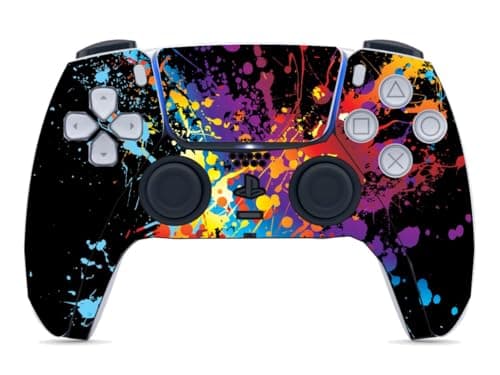
1x Custom Vinyl Remote Controller Skins Compatible With Playstation 5, Wrap Decal Cover Stickers Controller (Paint Splat)
the sticker studio ltd
£4.50
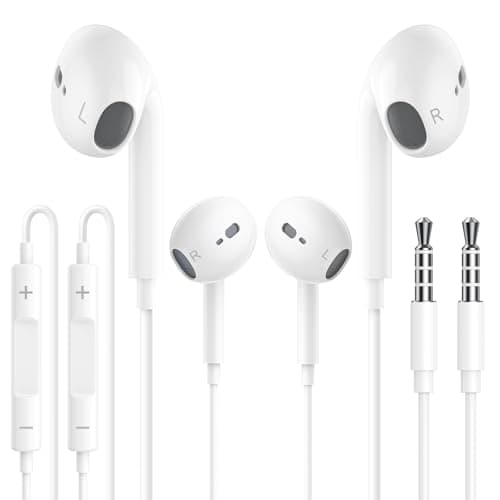
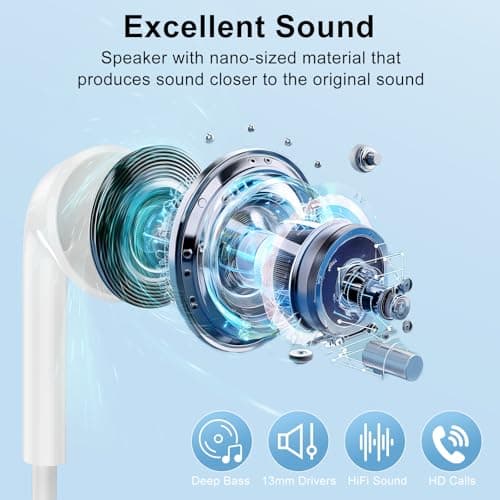
2 Pack 3.5 mm Wired Headphones, In Ear Earphones Wired Earbuds Headset
UniBond
£6.86
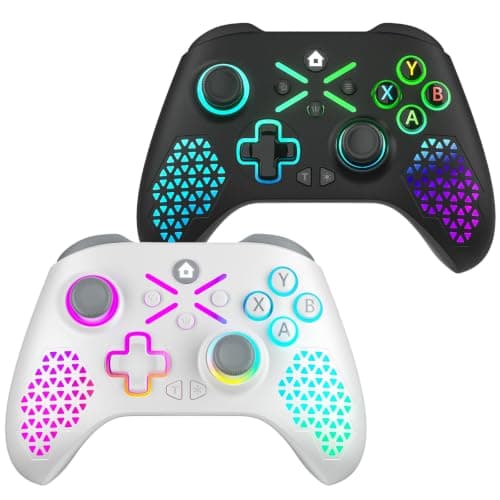
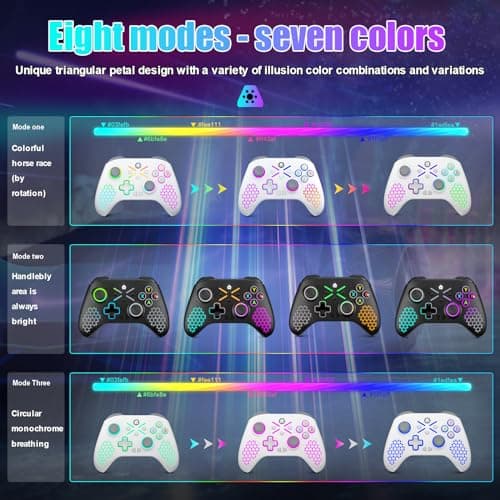
2 Pack RGB Wireless Controller for Xbox Series S/X, Xbox One/PC, with Back Paddles, Dual Vibration, Turbo, Macro, 2.4Ghz Adapter, 3.5mm Audio Jack
Lapezei
£79.00
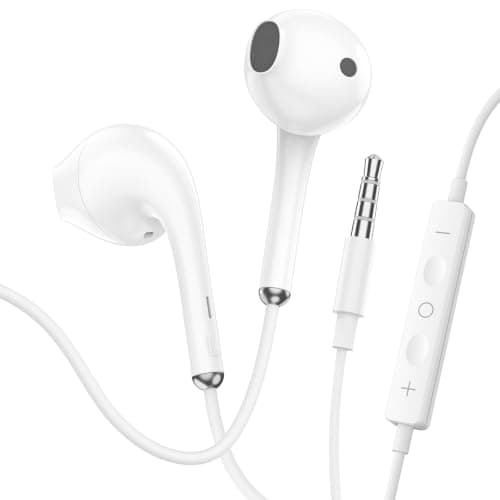
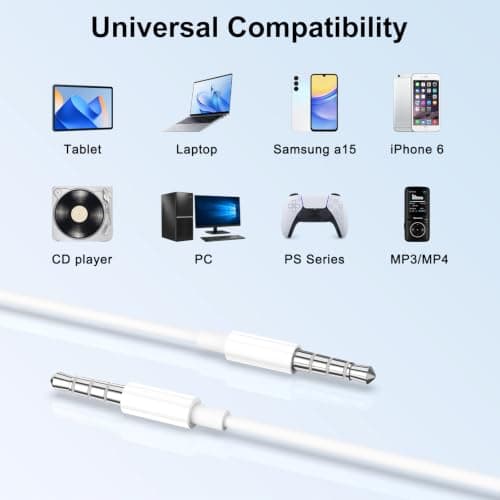
3.5mm Jack In‑Ear Headphones with Volume Control for Samsung,HUAWEI,MP3
Meliya
£4.99
