
Replacement Button Caps for Switch Joycon, Thumb Controller Grips for Switch/Lite, Silicone Thumbsticks Protector Covers for Joystick Nintendo Switch OLED, Enhanced Gaming Experience
Brand: Generic
【Premium Silicone Construction】These thumbstick caps are crafted from high-quality silicone, providing a soft, comfortable grip during gameplay. The durable material protects your joysticks from scratches, dirt, and daily wear while maintaining tactile responsiveness.
- Pack size
- 8
- Colour
- black + gray + white
- Amazon Bestseller Rank
- #29,294
About this product
Replacement Button Caps for Switch Joycon offer a simple yet effective way to enhance your gaming experience. These caps are designed specifically for the Nintendo Switch and Lite Joycons, providing a comfortable grip that can reduce hand fatigue during long gaming sessions. These button caps stand out due to their silicone material, which not only protects the delicate buttons but also adds a soft texture for better control and precision. Ideal for both casual players and serious gamers, they ensure your controllers stay in top condition while making every move feel more responsive and precise on the Nintendo Switch OLED.
Specifications
- Pack size
- 8
- Colour
- black + gray + white
- Amazon Bestseller Rank
- #29,294
Frequently asked questions
Are these button caps and grips compatible with the Nintendo Switch OLED?
These replacement button caps are designed to fit the Joycons of both the Nintendo Switch and Switch Lite. For the Nintendo Switch OLED, you should check the manufacturer's listing for exact compatibility as it might have slightly different dimensions.
Can I use these grips if I prefer a more tactile feel?
Yes, these silicone thumbsticks protector covers are designed to provide enhanced grip and comfort without significantly altering the feel of your controller. They offer a good balance between protection and maintaining the original texture for those who want to keep their gaming experience as close to the original as possible.
How do I install these button caps?
Installation is straightforward; simply remove the existing button caps by gently pressing them off, then align the new ones with the buttons on your Joycon. Press down firmly until they click into place. Ensure you handle them carefully to avoid any damage or loss during installation.
You might also like
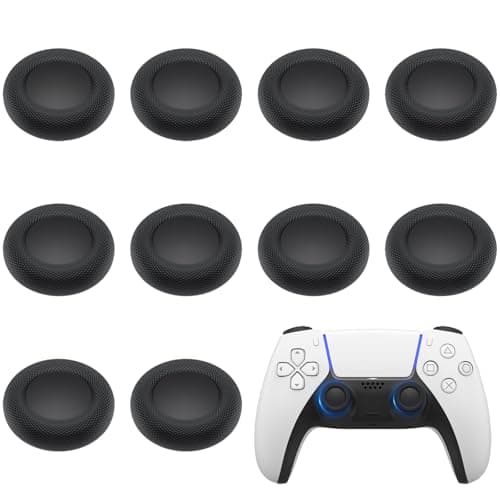
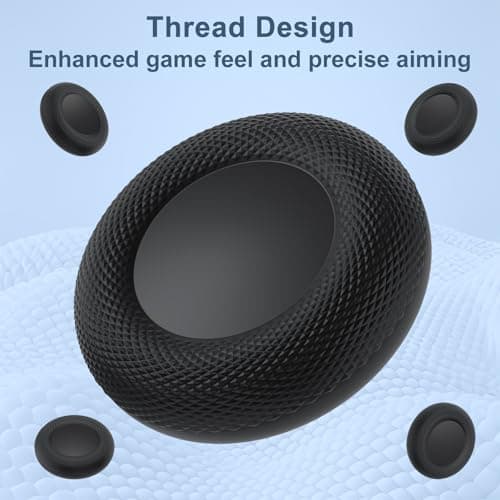
10PCS Thumb Grip Joystick Caps for PS5/PS4 Controller, Non-Slip Laser Textured Grip Design, Anti-Stickiness, Anti-Slip, Anti-Scratch, Anti-Fingerprint, Replacement Caps for PS5/PS4 Controller
Yisica
£6.99
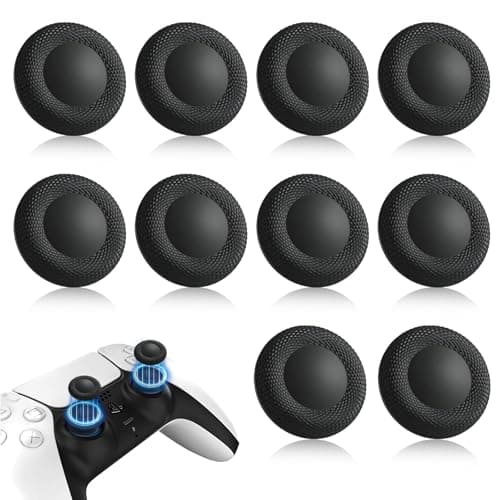
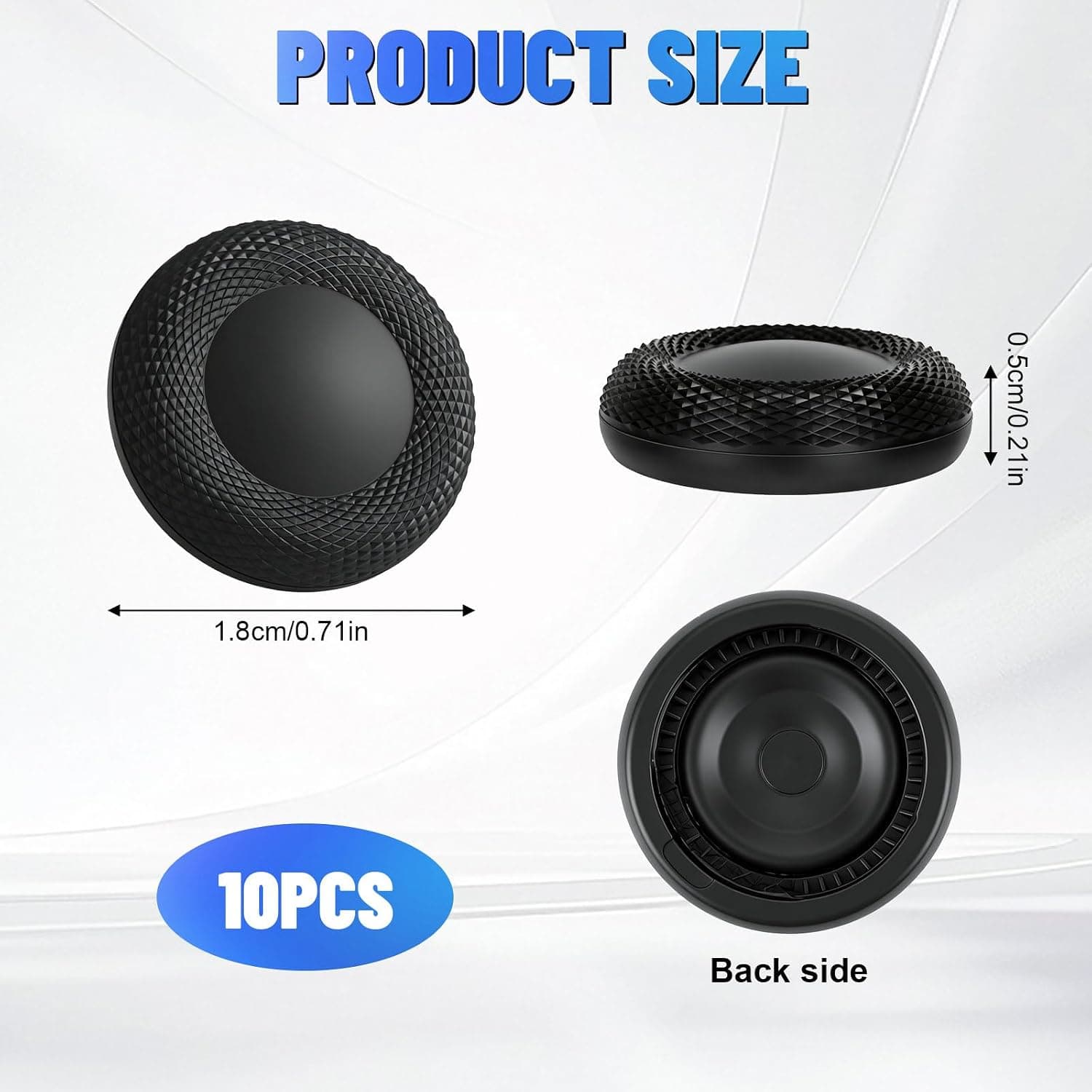
10PCS Thumb Grip Joystick Caps for PS5/PS4 Controller, Non-Slip Laser Textured Grip, Wear-resistant Joystick Controller Replacement Caps Compatible for PS5/PS4
Leikedun
£5.99
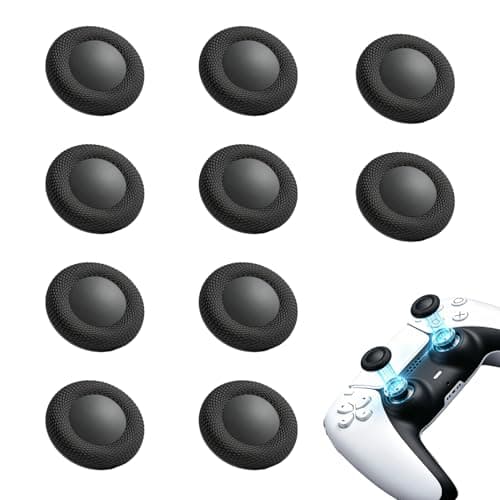
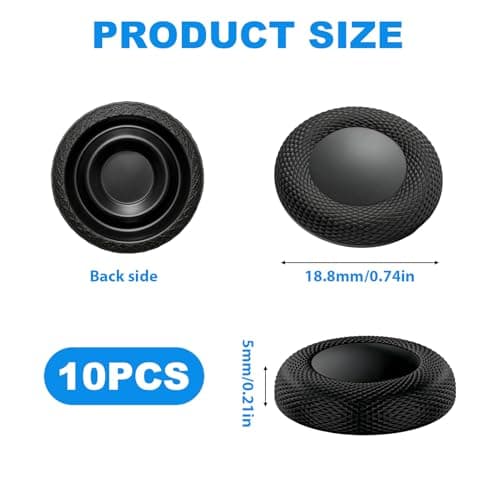
10PCS Thumb Grip Joystick Caps for PS5/PS4 Controller Replacement Grip Caps
Fofuo
£5.99
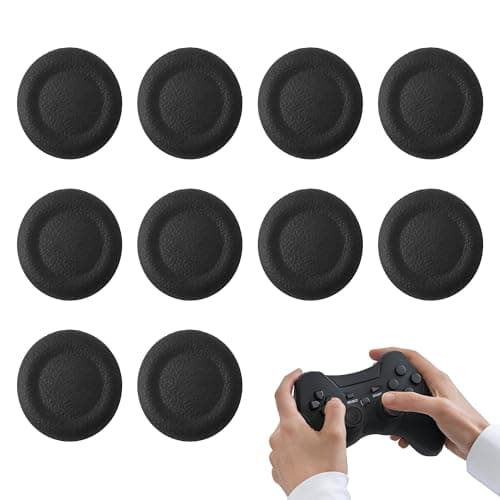
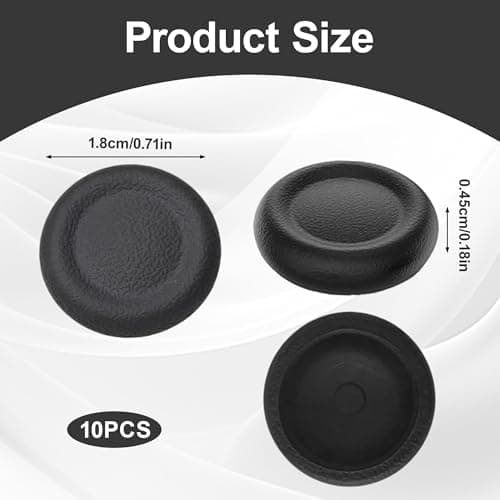
10PCS Thumb Grip Joystick Caps for PS5/PS4 Controller, Silicone Non-slip Controller Grips, Joystick Controller Performance Replacement Compatible with PS5, PS4, Series X/S Switch Pro
Noenaeni
£4.79
