
Microsoft Webcam Modern BtoB Webcam Modern for Business
Brand: Microsoft
- Height
- 4.3 cm
- Length
- 27 cm
- Width
- 4.3 cm
- Weight
- 167 g
About this product
Webcams are a crucial part of modern communication tools, especially for professionals who need to conduct video calls or web conferences. The Microsoft Webcam Modern stands out in this category as it is specifically designed for business use, ensuring clear and reliable video and audio quality during meetings. Built with robust features suited for professional environments, it fits seamlessly into the "Webcams" section of GeekyAlien's store, catering to those who require a dependable webcam solution for their work needs. This particular model from Microsoft is tailored towards enhancing productivity in business settings, making it an ideal choice for remote workers and teams collaborating across different locations. Its design focuses on reliability and performance, aligning perfectly with the demands of professional communication.
Specifications
- Height
- 4.3 cm
- Length
- 27 cm
- Width
- 4.3 cm
- Weight
- 167 g
- Pack size
- 1
- Colour
- Black/White
- Amazon Bestseller Rank
- #73,840
Is this the right pick for you?
This Microsoft Webcam Modern is specifically designed for business use, making it a perfect fit for professionals who need reliable video conferencing in their daily work. Ideal for teams that rely on clear and consistent communication, this webcam ensures high-quality video and audio, which are crucial for effective remote meetings and presentations. It's particularly suited for those working from home or in small offices where space is limited, as it offers a compact design without compromising on performance. In a typical business setup, the Microsoft Webcam Modern can be seamlessly integrated into existing office environments. Its straightforward installation process allows users to connect it easily via USB, making it compatible with both Windows and Mac operating systems. The webcam’s ability to work with Teams, Skype for Business, and other popular video conferencing platforms ensures that businesses can leverage its features without additional software installations. However, it's important to note that while the webcam is designed for business use, it may not be as versatile or feature-rich compared to webcams aimed at consumers who require more advanced functionalities such as 4K resolution or specialized lighting adjustments. Before purchasing, users should consider a few practical aspects. Setting up the webcam involves connecting it to a USB port and ensuring that the software is compatible with your operating system. Regular cleaning of the lens is essential to maintain image quality; using a soft cloth and mild soap can help keep the camera lens free from smudges and fingerprints. Additionally, positioning the webcam correctly in relation to the light source is crucial for avoiding glare or shadows during calls. While this webcam performs well under normal office lighting conditions, users may need to adjust their setup for optimal results, especially in environments with poor lighting.
Frequently asked questions
Is this webcam suitable for business meetings and video calls?
This Microsoft Webcam is designed specifically for professional use in business settings. It offers high-quality video and audio to ensure clear communication during meetings or video calls. Check the manufacturer's listing for exact compatibility with your operating system.
What kind of devices can I connect this webcam to?
You can connect this webcam to any device that supports USB, including laptops, desktops, and some tablets. Ensure your device has a USB port before purchasing; check the manufacturer’s listing for more detailed compatibility information.
Does it come with everything needed to set up the webcam?
The package includes the webcam itself, a USB cable, and any necessary drivers or software. Make sure you have access to these items when setting up your device. You may need to download additional software from Microsoft’s website for optimal performance.
You might also like
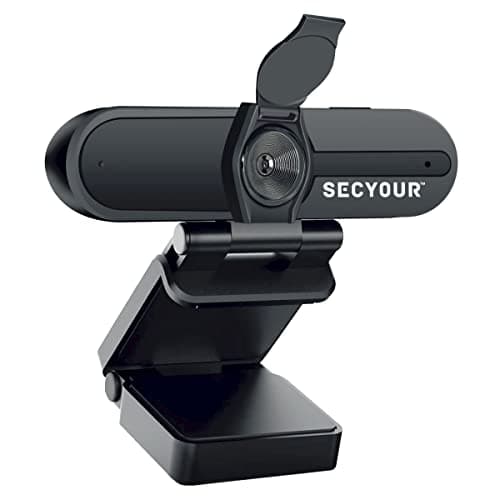
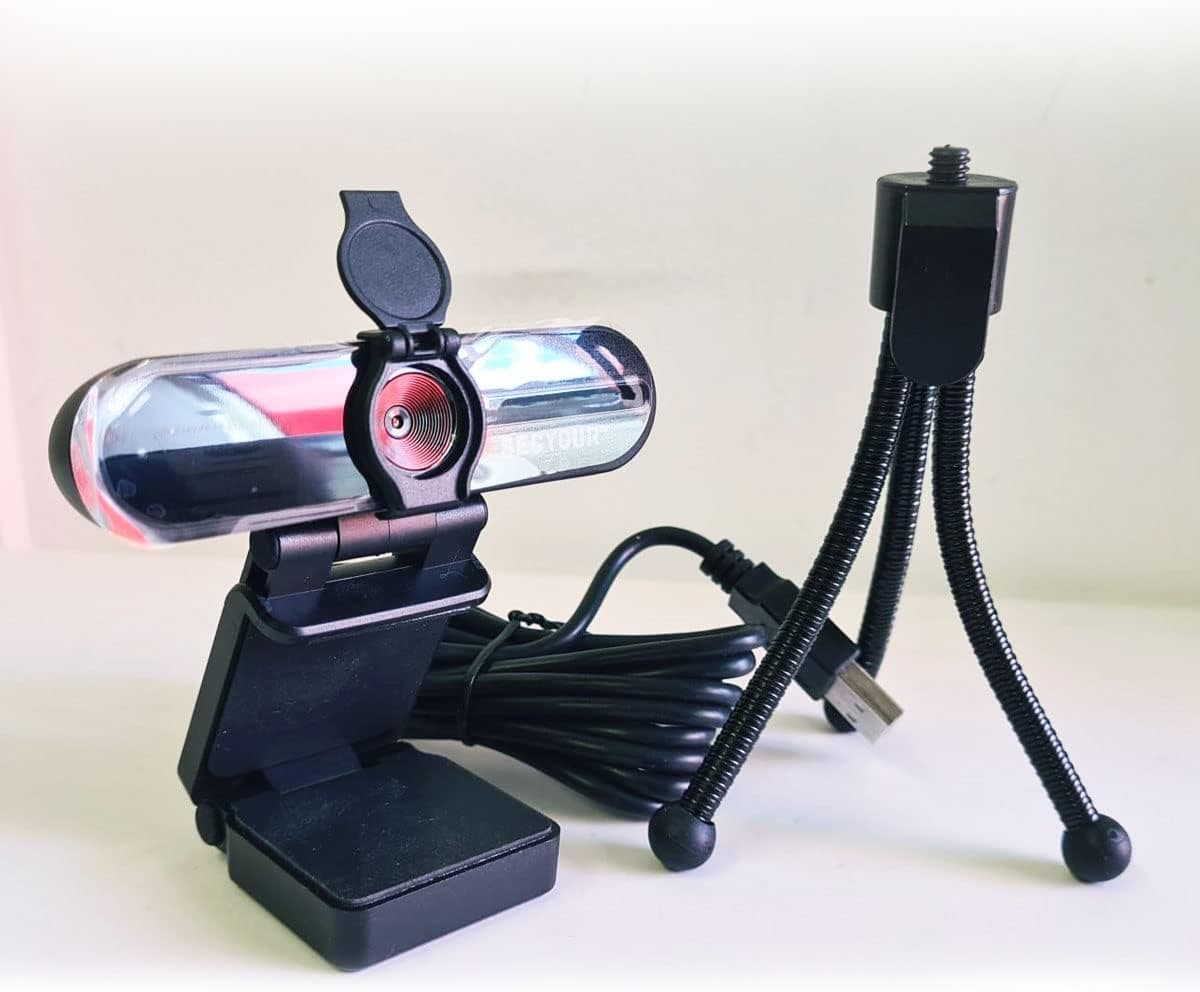
1080p HD USB Webcam Camera with Microphone for PC, Desktop, Laptop, Macbook, Live Streaming, Gaming, YouTube, Video Call Conference Web cam - Noise cancellation 30FPS with mini Tripod
SECYOUR
£8.50
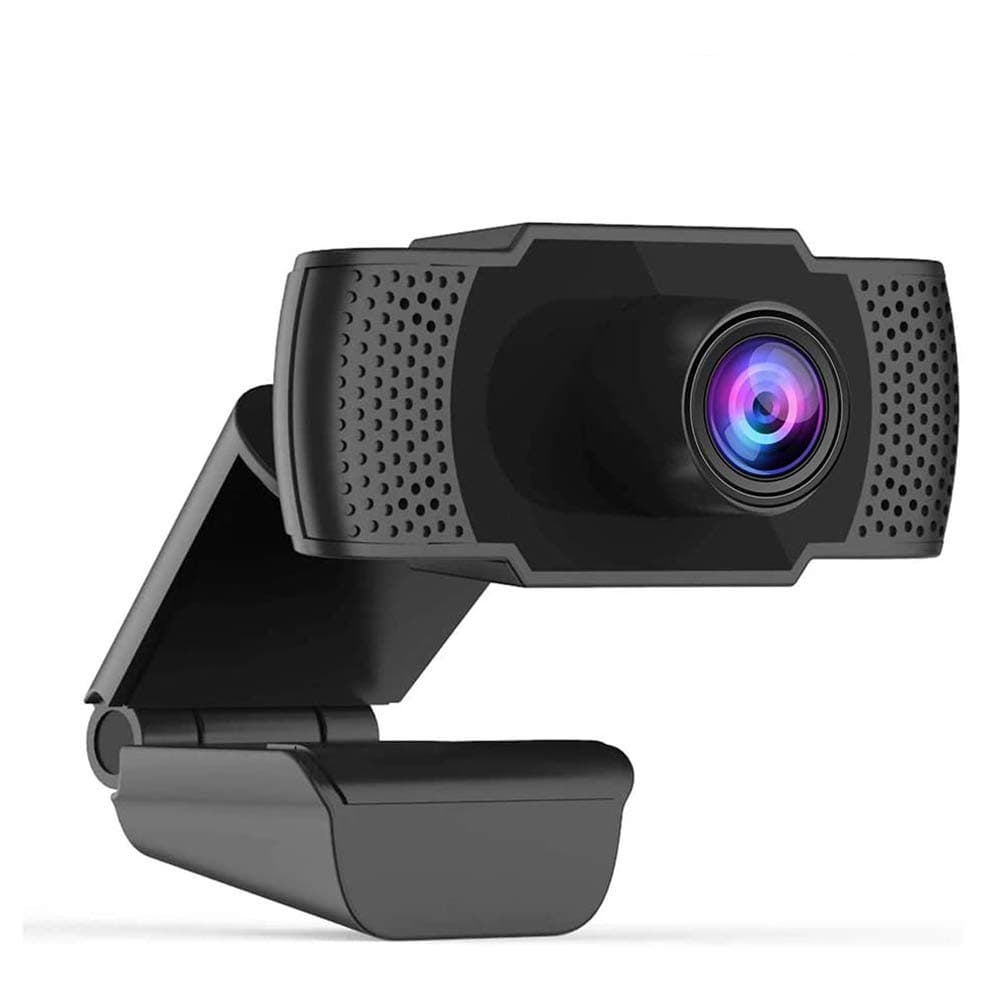
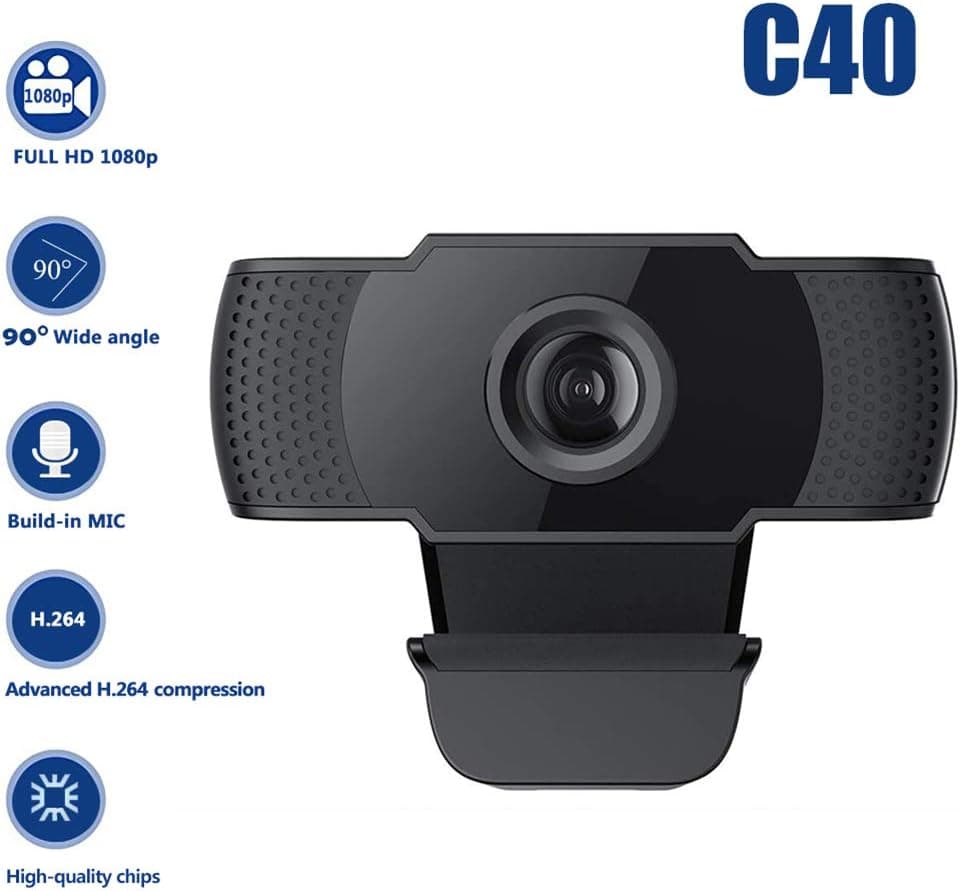
1080P HD Webcam USB Plug and Play Widescreen Built-in MIC Web Camera for PC
Aoewise
£79.99
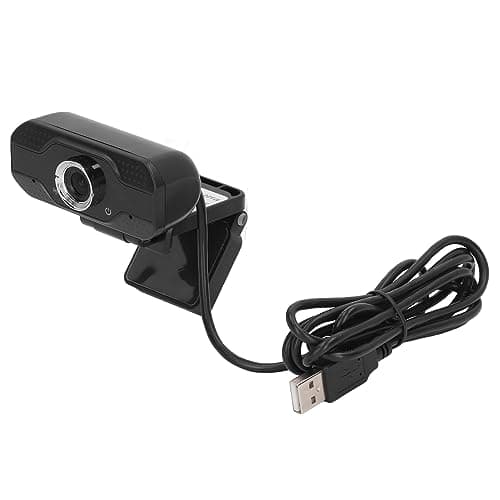
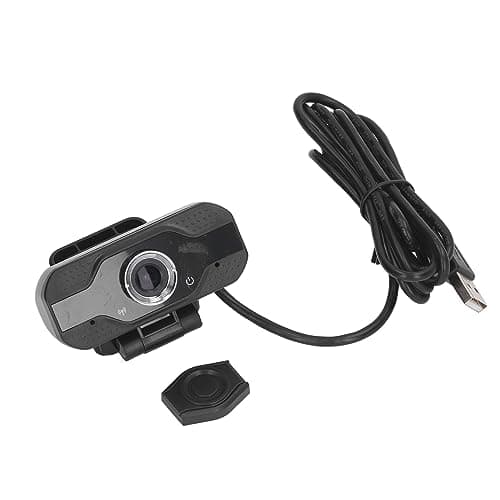
1080P HD Webcam with Dual Noise Canceling Microphone, Auto Light Color Correction, Wide Viewing Angle Plug and Play USB Camera for Video Calling, Recording
ciciglow
£6.33
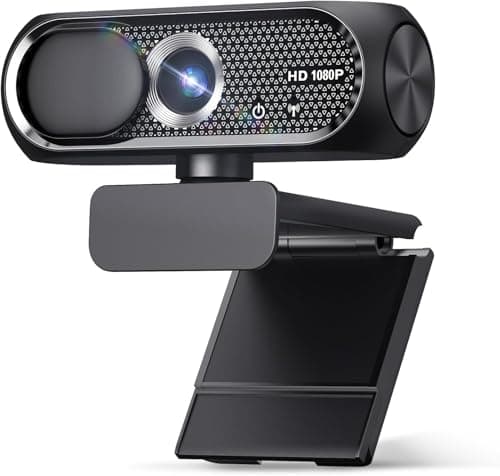
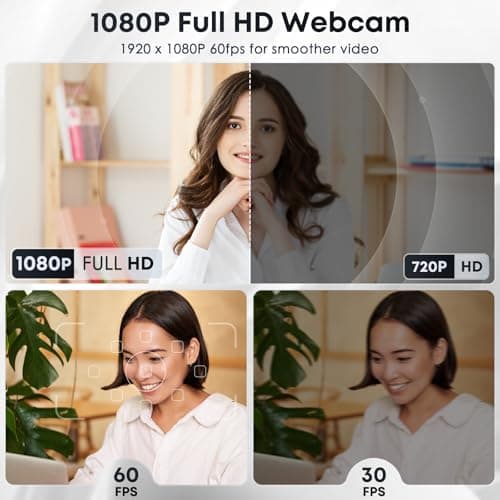
1080P HD Webcam with Microphone, Noise Cancellation, Privacy Cover, Wide-Angle Lens, Auto Light Correction, Plug & Play USB Web Camera for Laptop, Desktop, PC, Mac, Zoom, Skype, Streaming (Black)
Shcngqio
£19.99
