
Elgato Key Light Neo Black with Monitor Mount
Brand: Elgato
Professional Appearance Across Platforms: Look pro on YouTube, Teams, Zoom, and more, with adjustments for all skin tones including brightness and colour temperature.
- Height
- 15 cm
- Length
- 3.8 cm
- Width
- 15 cm
- Weight
- 246 g
About this product
If you're looking to elevate your online presence, the Elgato Key Light Neo Black with Monitor Mount is a must-have. Its edge-lit design ensures that your face is perfectly illuminated without any harsh shadows or glare, making it ideal for those who spend hours streaming or video calling. This lighting solution is not just about brightness; it's about creating a professional appearance every time you're online. With a wide colour range from 2900 to 7000 K and a CRI ( Colour Rendering Index) of over 94%, the Key Light Neo ensures that your skin tones look natural and vibrant. Whether you’re streaming, having a video call, or simply working on your laptop, this light will help you stand out in any setting.
Specifications
- Height
- 15 cm
- Length
- 3.8 cm
- Width
- 15 cm
- Weight
- 246 g
- Pack size
- 1
- Colour
- Black
Frequently asked questions
Is the Elgato Key Light Neo Black with Monitor Mount compatible with my webcam setup?
The Elgato Key Light Neo is designed to work seamlessly with most webcams. It connects via USB-C or a power supply and requires only an internet connection for its optional Wi-Fi mode, making it versatile for various setups.
Who would benefit the most from using this light?
This light is ideal for anyone who frequently streams, video calls, or uses their webcam in low-light conditions. It’s particularly beneficial for content creators, gamers, and professionals who need a consistent, flattering light source to enhance their online presence.
Can I use the Elgato Key Light Neo with my laptop without an external power supply?
Yes, you can connect the Key Light Neo directly to your USB-C port or USB-A port on your notebook. However, for maximum brightness and energy efficiency, using the 3A power supply is recommended.
You might also like
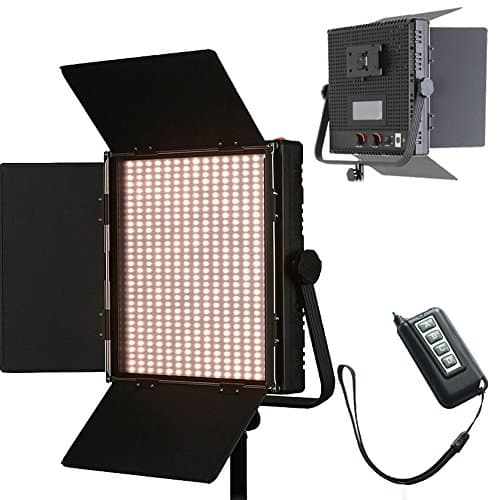
1024 LED Video Light, 61.5W Dimmable Bi-Color 3200-5600K LED Panel Light with LCD Screen, Bracket, Barndoor and Remote Control for Photography Studio
HWAMART
£445.89
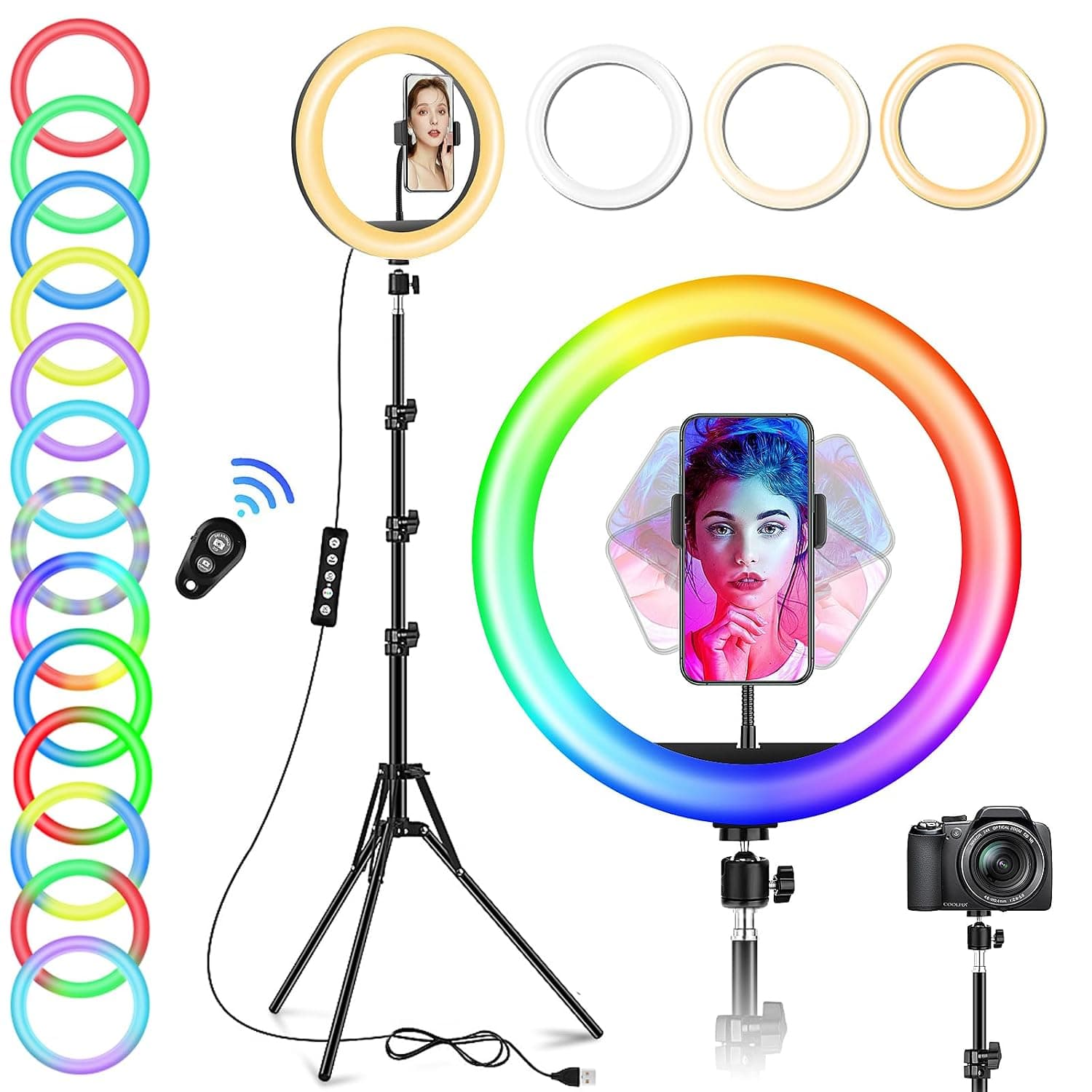
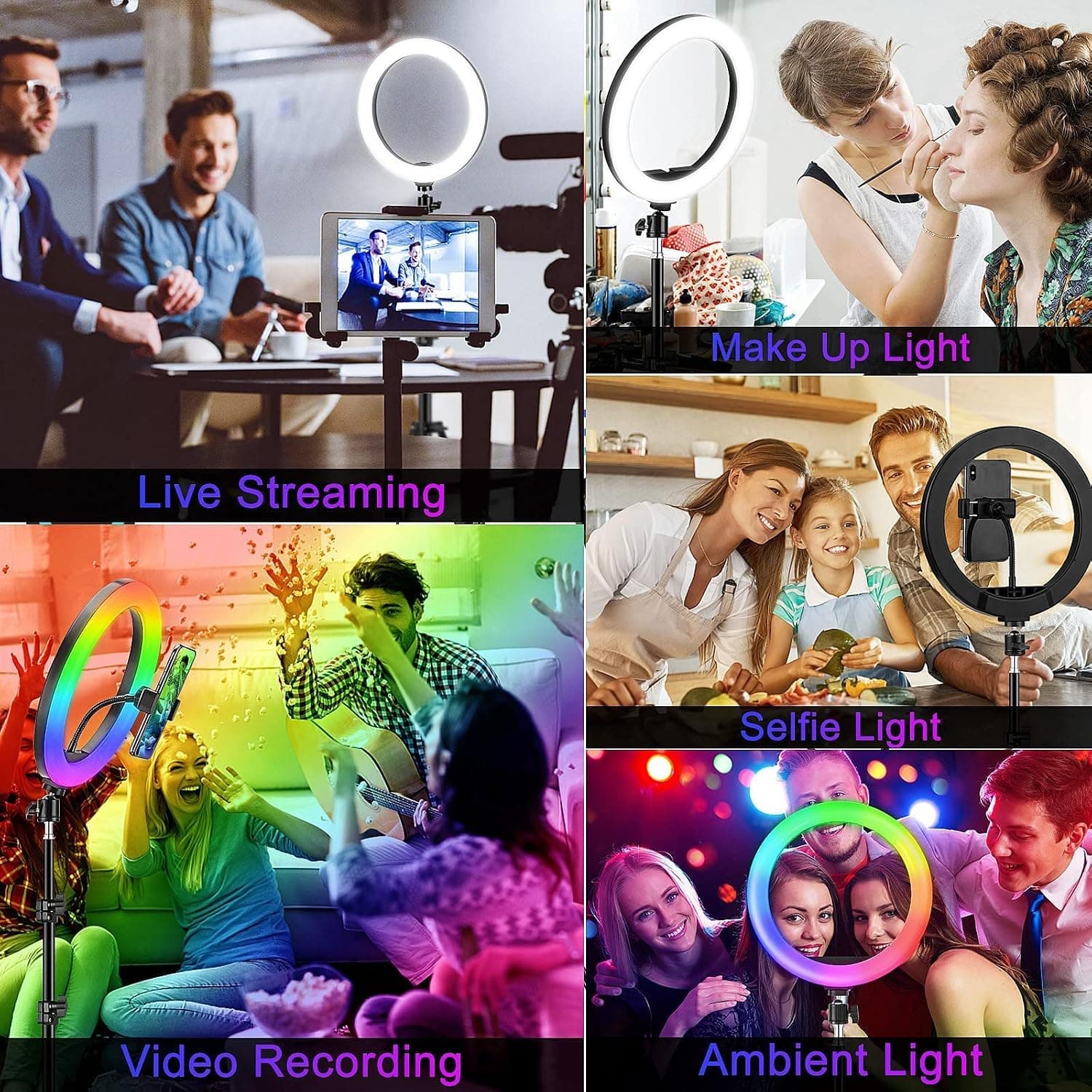
10" Desktop RGB LED Ring Light with Tripod Stand, Dimmable Colour Changing Colorful Lamp Phone Holder Clip Tabletop Selfie Ringlight for Make Up/YouTube Live Streaming Video Kit
GerTong
£21.98
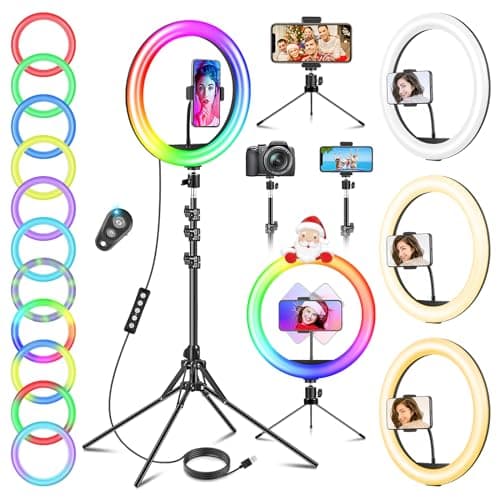
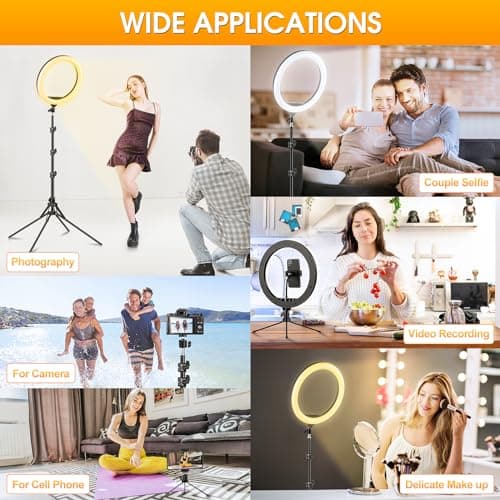
11.5" Ring Light with Tripod & Quadpod Stands for Phone
GerTong
£22.98
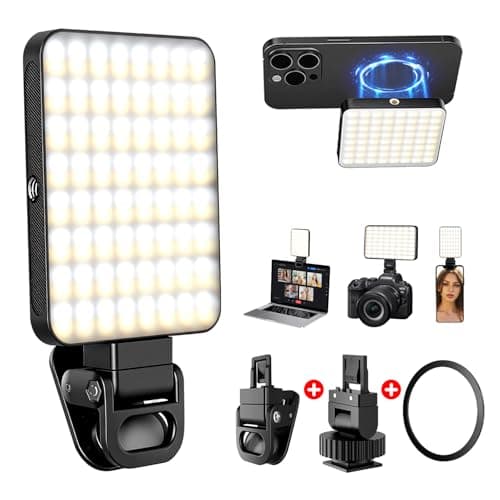
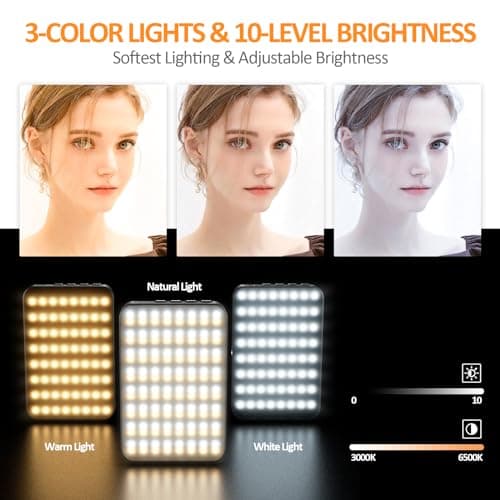
128 LED Rechargeable Portable Selfie Light Video Conference Lighting with Clip and Camera Tripod Adapter, 3 Lighting Modes, for Laptop/Phone, iPhone Camera, Youtube, TikTok, Makeup Vlog
Cyowoyre
£13.99
