
MOUNTUP Dual Monitor Gas Spring Arm Desk Mount for 13 to 32 Inch Screens
Brand: MOUNTUP
Universal Dual Monitor Arm: The double monitor mount is for most 13″–32″ flat or curved monitors, screen weight range 2 -9KG , with VESA patterns 75x75mm and 100x100mm. Please verify the size, weight, and VESA pattern of your monitor before purchase
- Pack size
- 1
- Colour
- Black
- Amazon Bestseller Rank
- #2,051
About this product
Are you looking for a way to optimize your workspace and improve ergonomics without breaking the bank? The MOUNTUP Dual Monitor Gas Spring Arm Desk Mount is perfect for those who need to manage two screens efficiently. This mount offers a flexible solution that can support screens ranging from 13 to 32 inches, making it ideal for both home offices and professional setups where multitasking is key. This dual monitor arm not only provides the necessary height adjustment but also allows you to rotate and tilt your monitors as needed, ensuring optimal viewing angles. With its sleek design and affordable price of £29.99, it stands out as a practical choice for enhancing your productivity and comfort at your desk.
Specifications
- Pack size
- 1
- Colour
- Black
- Amazon Bestseller Rank
- #2,051
Frequently asked questions
What screen sizes can this mount support?
This MOUNTUP Dual Monitor Gas Spring Arm Desk Mount is designed for screens ranging from 13 to 32 inches diagonally. It's important to check the specific dimensions of your monitors within this range, as compatibility depends on both size and weight.
Is it suitable for gaming setups?
Absolutely, this mount provides a flexible and stable setup ideal for gaming. Its gas spring arm allows you to adjust the height, tilt, and rotate your monitors precisely, enhancing comfort and reducing strain during long gaming sessions.
How many monitors can I use with this mount?
This mount supports dual monitors, making it perfect for multitasking or setting up a split-screen configuration. Ensure both monitors are within the supported size range to maximize compatibility and performance.
You might also like
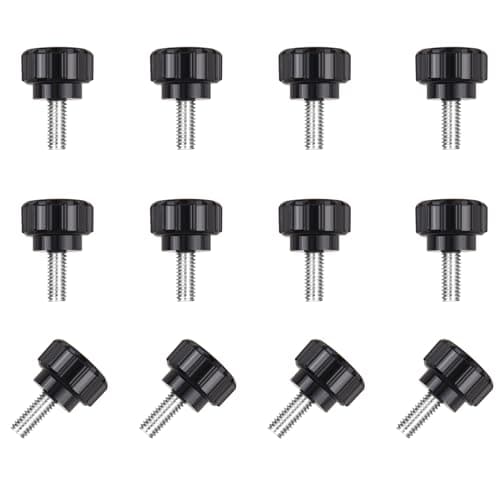
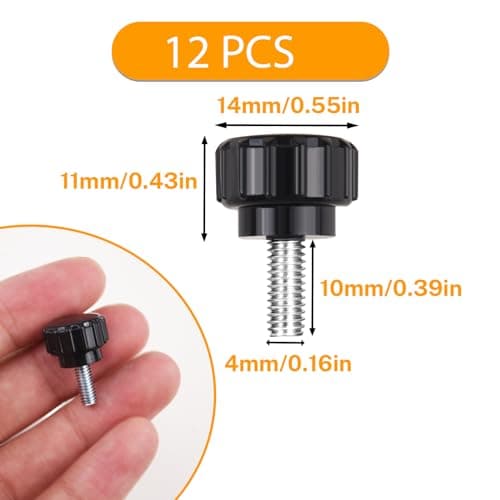
12 Pcs M4 x 10mm Threaded Knurled Thumbscrew, Monitor Screws Vesa Mount Screws Carbon Steel Clamping Knobs Grip Thumb Screw Mounting Thumb Screw
NICECRAFT
£4.19
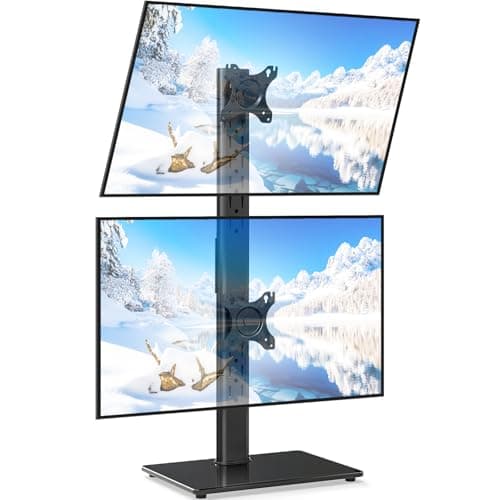
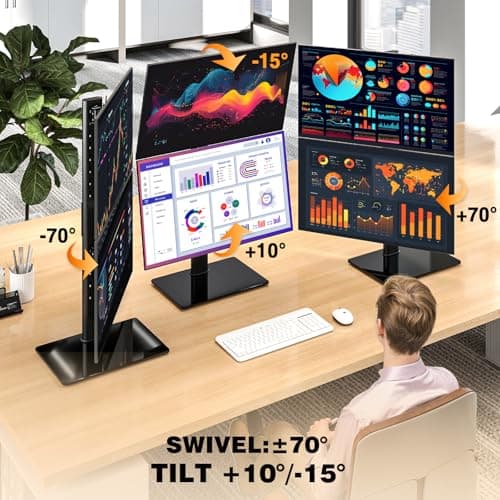
5Rcom Vertical Dual Monitor Stand for 13-38 Inch Flat Curved Screens
5Rcom
£27.59
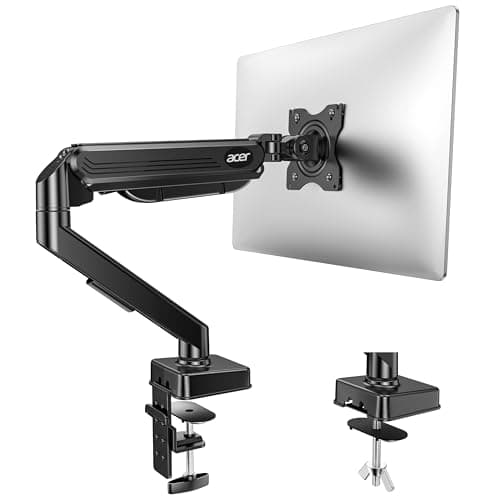
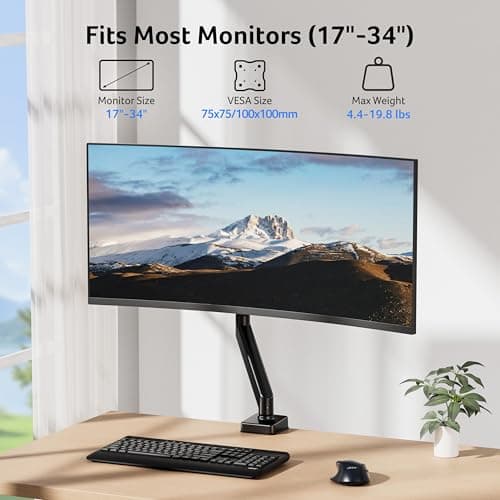
Acer Single Monitor Arm Desk Mount for 17-34 Inch Screen, Gas Spring Arm
Acer
£31.49
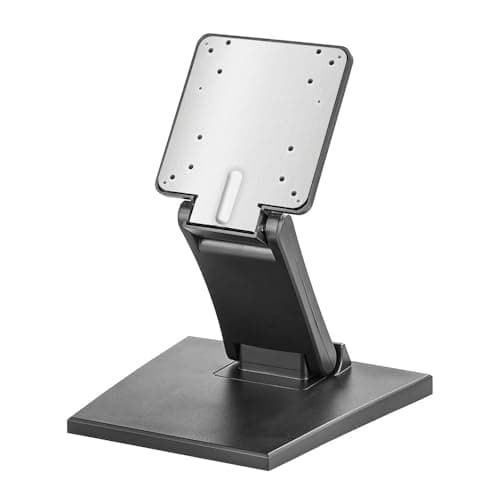
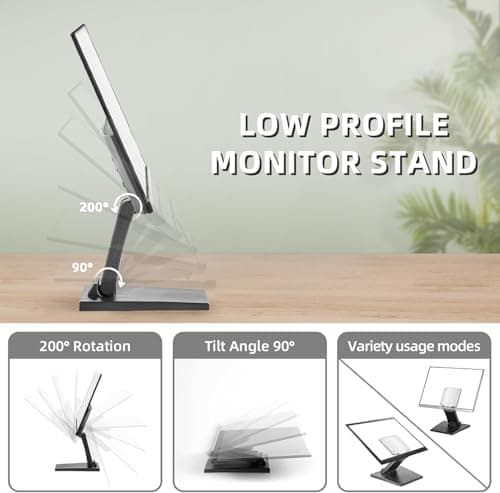
Adjustable Foldable Single Monitor Mount, Low Profile VESA Monitor Desk Mount 75x75mm & 100x100mm, Fits 10-27 Inch LCD Touch Screens
Feising
£23.99
