
Logitech Z207 Wireless Bluetooth PC Speakers
Brand: Logitech
Multi-Device Compatible : These Bluetooth speakers are perfect for users looking for instant access between multiple audio devices via different inputs, including computers, TV, smartphone, tablet and music players
- Height
- 24 cm
- Length
- 12 cm
- Width
- 9 cm
- Weight
- 993 g
About this product
Experience immersive gaming soundscapes with the Logitech Z207 Wireless Bluetooth PC Speakers. Designed for a balanced audio experience, these speakers boast four drivers that work in harmony to deliver rich stereo sound right from your desk. The inclusion of two passive radiators ensures deep bass, making them perfect for enhancing your gaming sessions and multimedia experiences. With versatile connectivity options via both Bluetooth and a 3.5 mm audio cable, you can easily switch between devices using the convenient Logitech Easy-Switch feature. Place these speakers by your keyboard or monitor to enjoy clear sound without any wires in the way, ensuring an unobstructed view for your gaming setup.
Specifications
- Height
- 24 cm
- Length
- 12 cm
- Width
- 9 cm
- Weight
- 993 g
- Pack size
- 1
- Colour
- black
- Amazon Bestseller Rank
- #5,312
Frequently asked questions
Are these speakers suitable for gaming?
These Logitech Z207 Wireless Bluetooth PC Speakers are designed to provide clear and balanced audio which can enhance your gaming experience. They offer good sound quality that helps in distinguishing between different game sounds, making them a decent choice for casual gaming.
Can I use these with my laptop or desktop?
Yes, the Logitech Z207 speakers work well with both laptops and desktops via their 3.5 mm audio cable or Bluetooth connection. The Easy-Switch feature allows you to switch between wired and wireless without any hassle, providing flexibility in your setup.
How do I connect them wirelessly?
To connect the Logitech Z207 speakers wirelessly, simply press and hold the Bluetooth pairing button on the right speaker until the LED light starts blinking. Then pair it with your device's Bluetooth settings. This process is straightforward and can be done in just a few minutes.
You might also like
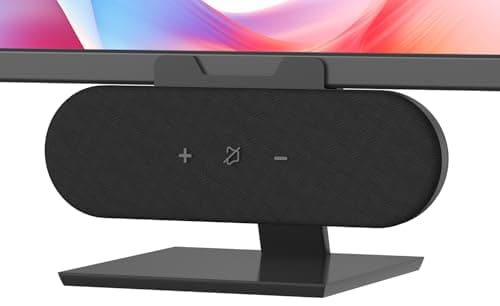
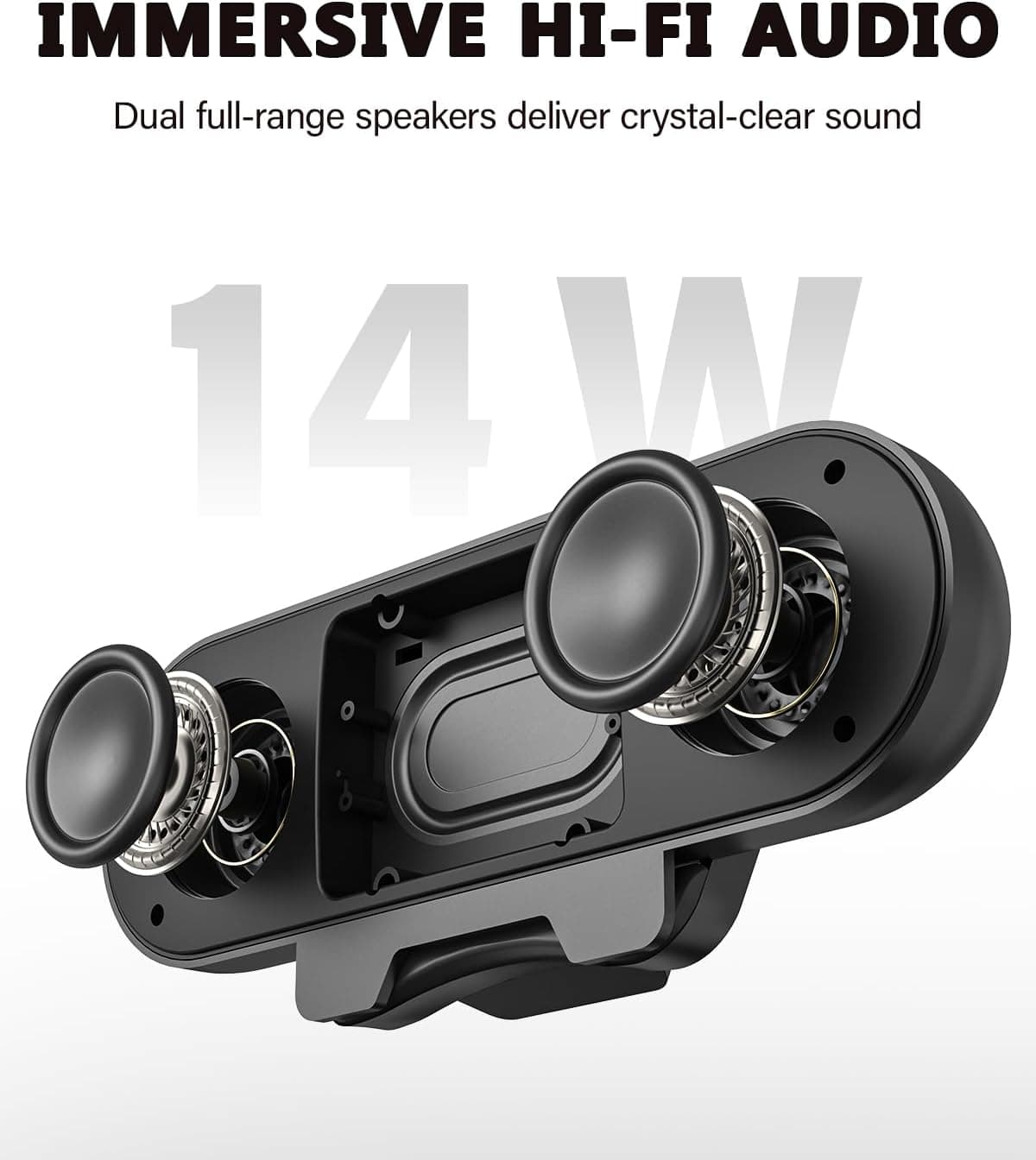
ADELGO Computer Speakers for Desktop PC USB | Speakers for Monitor with Touch Control Stereo 14w Laptop Speaker Sound Enhanced Bass, Soundbar Speaker for Mac Windows PS5
ADELGO
£21.99
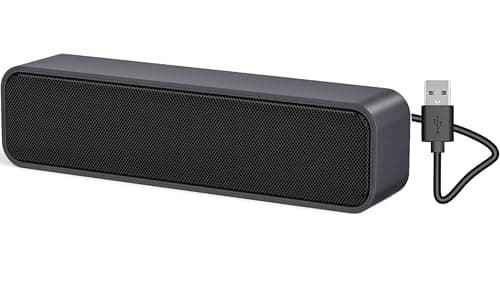
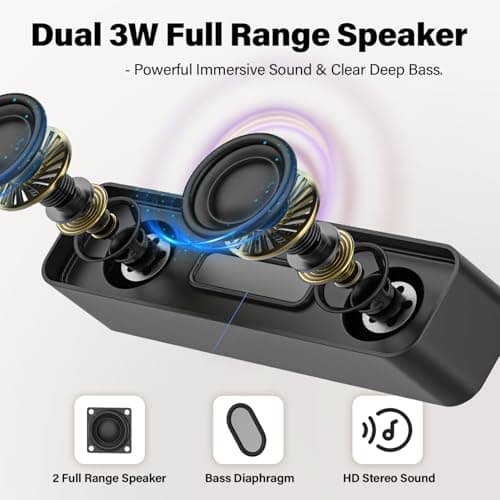
ADELGO USB Computer Speaker for Desktop, Laptop, Checkout Counter
ADELGO
£14.99
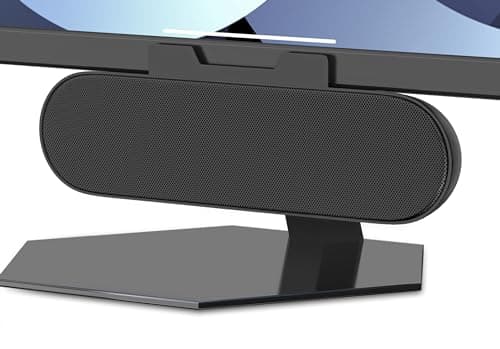
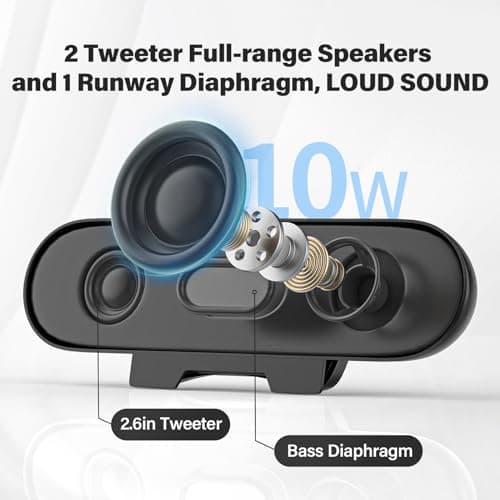
ADELGO USB Speakers for PC Desktop
ADELGO
£18.99
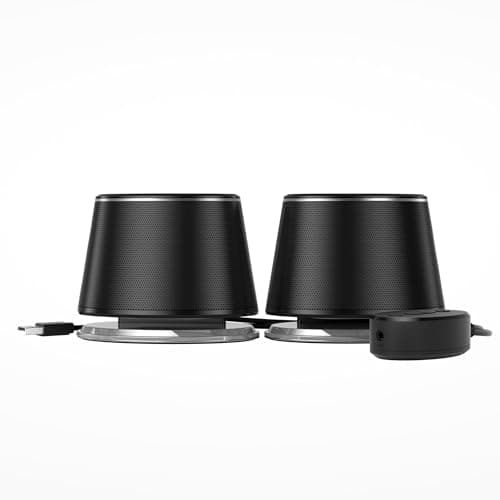
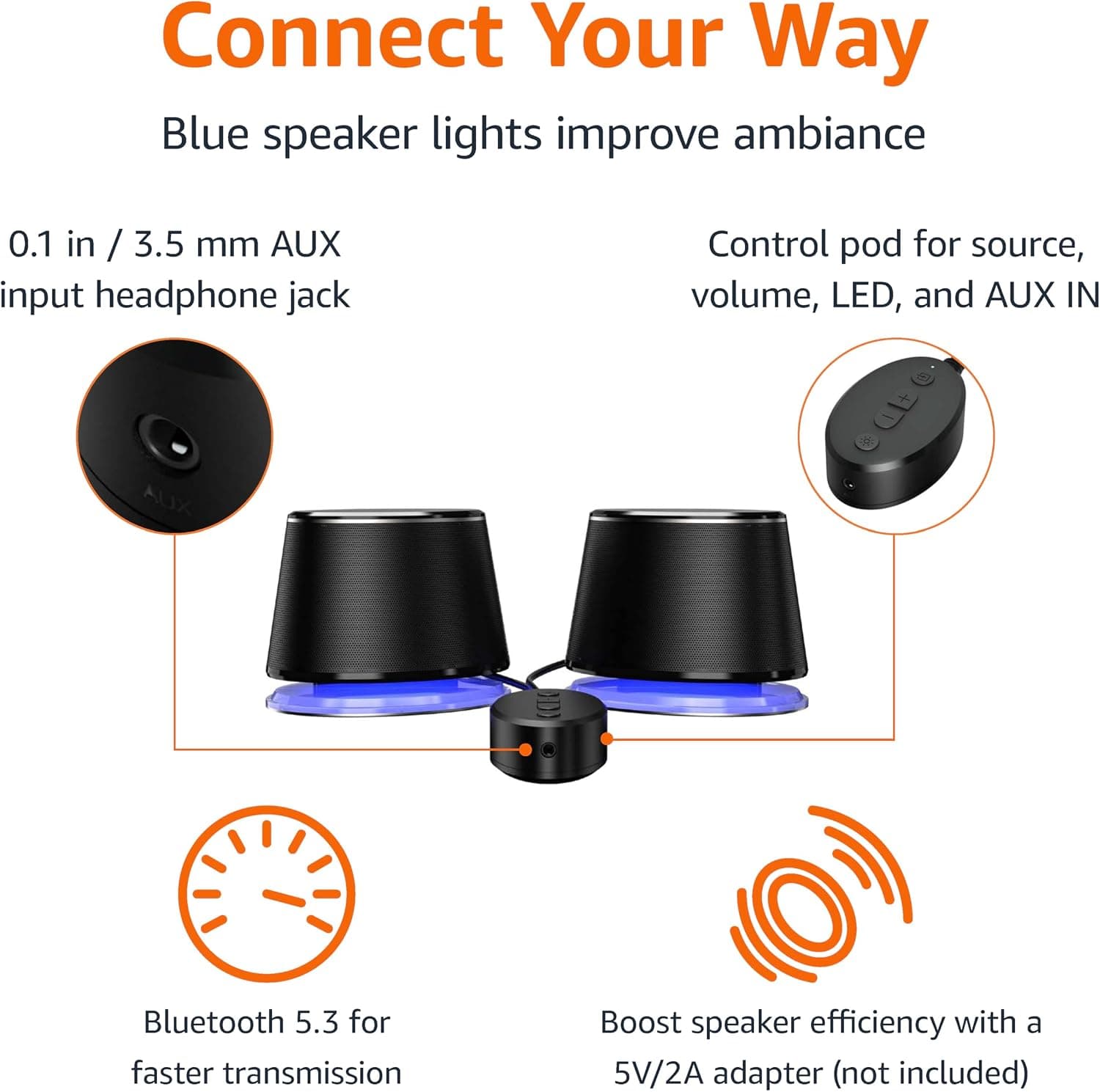
Amazon Basics Bluetooth and USB Computer Speakers with Blue Lighting, Black
Amazon Basics
£28.34
