
MSI Thin 15 Gaming laptop | Intel Core i7-13620H | NVIDIA GeForce RTX 4050 | 15.6" FHD 144Hz Panel | 16GB RAM | 512GB SSD | Windows 11 Home Plus | Cosmos Grey
Brand: MSI
Intel Core i7-13620H processor [Raptor Lake i7-13620H] comes with improved hybrid core architecture, up to 6 Performance-cores and 4 Efficient-cores, for better multitasking works and running demanding games.
- Height
- 25 cm
- Length
- 36 cm
- Width
- 2.2 cm
- Weight
- 1.86 Kilograms
About this product
Looking for a lightweight yet powerful gaming laptop that won't break the bank? The MSI Thin 15 Gaming laptop is perfect for you. Equipped with an Intel Core i7-13620H processor and NVIDIA GeForce RTX 4050 graphics, it delivers smooth performance for demanding games without adding bulk to your backpack. Ideal for gamers who want portability alongside top-tier gaming capabilities. With a 15.6" FHD 144Hz panel, this laptop ensures you don't miss a beat in fast-paced action sequences. The 16GB RAM and 512GB SSD provide ample space and quick load times, making it easy to switch between applications and games. Perfect for those who need a reliable gaming companion that can travel with them.
Specifications
- Height
- 25 cm
- Length
- 36 cm
- Width
- 2.2 cm
- Weight
- 1.86 Kilograms
- Pack size
- 1
- Colour
- Gray
- Amazon Bestseller Rank
- #10,541
Frequently asked questions
What operating system does this laptop come with?
This MSI Thin 15 Gaming laptop comes pre-installed with Windows 11 Home Plus. It offers a robust and user-friendly environment for gaming and other tasks.
Is the laptop suitable for professional work as well as gaming?
Yes, while designed primarily for gaming, this laptop can handle professional applications like video editing, graphic design, and general office tasks due to its powerful Intel Core i7-13620H processor and NVIDIA GeForce RTX 4050 graphics card.
Can I use this laptop with an external monitor?
This laptop supports connecting to an external monitor via HDMI or DisplayPort. However, for optimal performance, check the manufacturer's listing for exact compatibility and cable requirements.
You might also like
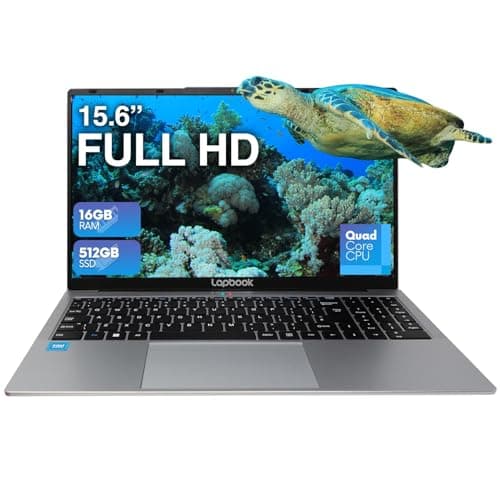
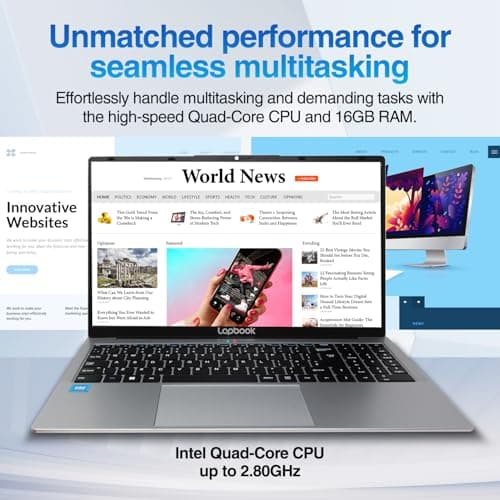
15.6" Full HD Laptop - 16GB RAM 512GB M.2 SSD Windows 11 Home, Dual-Band WiFi, Integrated Webcam - S15 N2 15 Inch Lightweight Laptop
Lapbook
£399.99
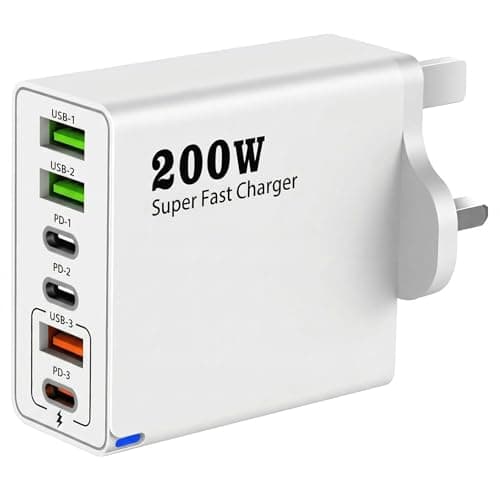
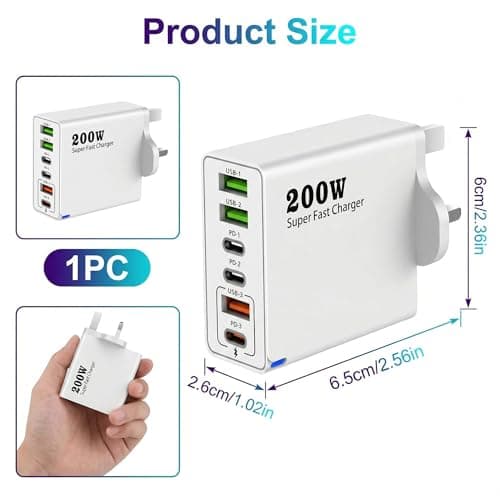
200W USB C Charging Station, 6-Port Multi USB Charger Fast with PD 100W/65W/45W/20W Fast Charging Multi Charger usb Plug uk Compatible with phone, Tablets and USB-C Devices
ZynoMUCH
£7.99
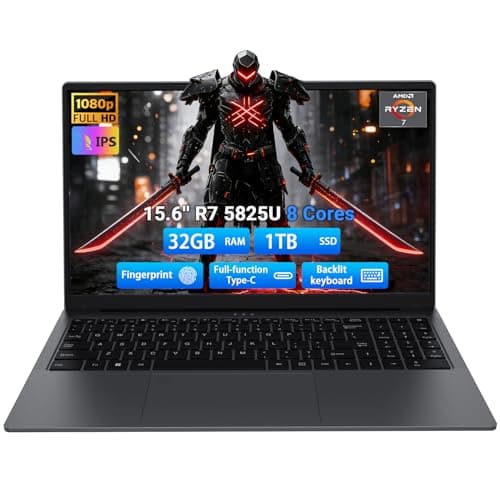
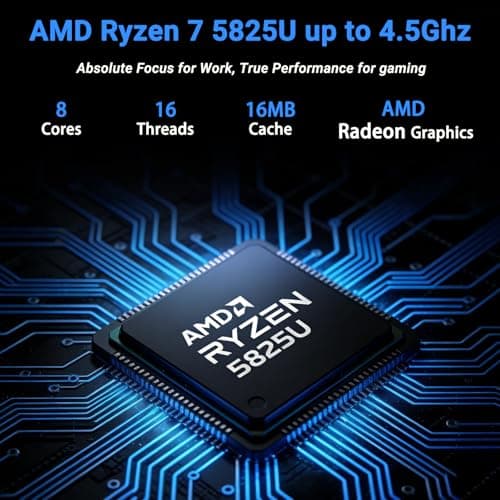
2026 Gaming Laptop 15.6 in Laptop Computer with AMD Ryzen 7 5825U Processor, 32GB DDR4, 1T SSD, FHD Display 1920*1080P, Win 11, Full-function Type-C & Backlit Keyboard (Black, 5825U, 32GB+1TB)
Breloom
£390.00
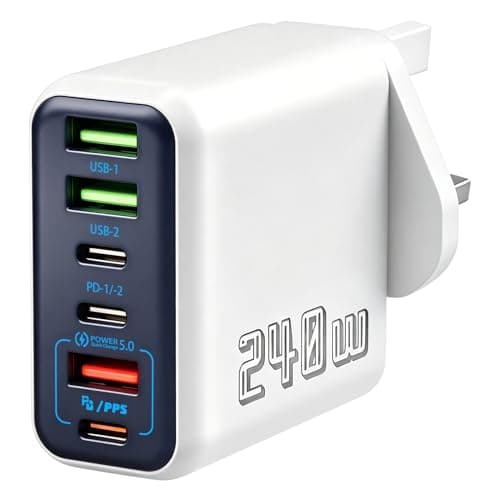
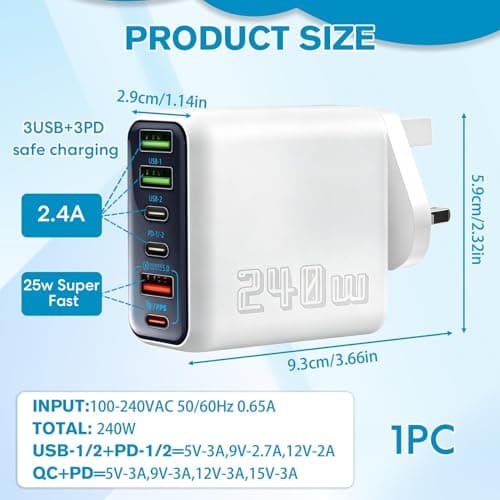
240W USB C Charging Station, 6-Port Multi USB Charger Plug for iOS Android
Poeloisy
£12.99
