
KANTUTOE TV LED Lights, 3m LED Lights for 32-45 Inch TVs, RGB TV Backlight with Remote, Colour Changing Music Sync Bluetooth APP Control Strip Lights USB Powered for Bedroom Gaming Room Decor
Brand: KANTUTOE
【TV LED Lights with Million Colors】KANTUTOE TV LED lights strip features a remarkable 16 million colors mood light, capable of generating various color atmospheres for different settings. Whether it's your bedroom, gaming room, or home theater, this TV LED lights can consistently create unique scenes and ambiances tailored to your preferences.
- Pack size
- 1
- Colour
- Multicolor
- Amazon Bestseller Rank
- #51
About this product
Looking to enhance your gaming or bedroom setup with vibrant and dynamic lighting? The KANTUTOE TV LED Lights offer a perfect solution. These 3m RGB strip lights can transform any 32-45 inch TV into a stunning focal point, thanks to their colour-changing capabilities that sync with music via Bluetooth. Easily control the lights using the included remote or through an app on your smartphone, adding a versatile touch to your room decor. These LED lights are USB powered, making them easy to install and operate without needing additional wiring. Ideal for creating a personalized ambiance in your gaming area or bedroom, they provide a seamless blend of functionality and style.
Specifications
- Pack size
- 1
- Colour
- Multicolor
- Amazon Bestseller Rank
- #51
Frequently asked questions
What TVs is this product compatible with?
This LED light strip is designed for 32- to 45-inch TVs. While it may fit larger or smaller screens, check the manufacturer's listing for exact compatibility and ensure your TV has a compatible USB port.
Can I control the lights without a smartphone app?
The product comes with a remote control that allows basic color changing and brightness adjustments. However, for more advanced features like music sync and RGB color customization, you'll need to use the Bluetooth-enabled smartphone app.
How do I set up the LED lights on my TV?
To install, first ensure your TV has a USB port compatible with 5V/120mA. Plug one end of the cable into the TV and the other into the LED strip. Use the remote or app to adjust settings as desired.
You might also like
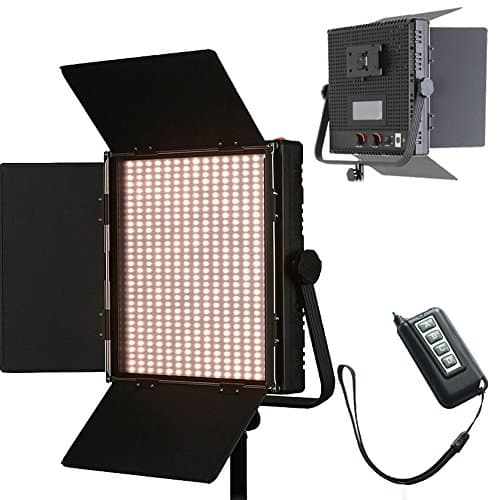
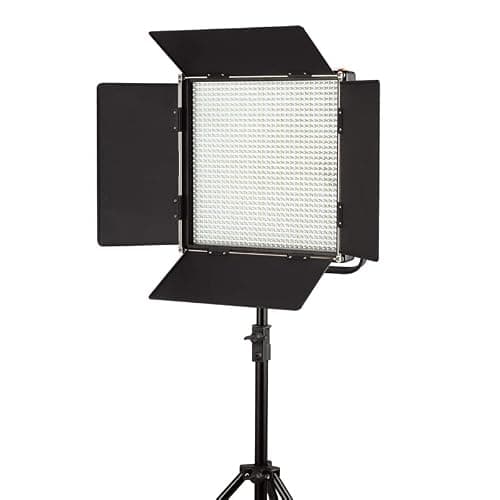
1024 LED Video Light, 61.5W Dimmable Bi-Color 3200-5600K LED Panel Light with LCD Screen, Bracket, Barndoor and Remote Control for Photography Studio
HWAMART
£445.89
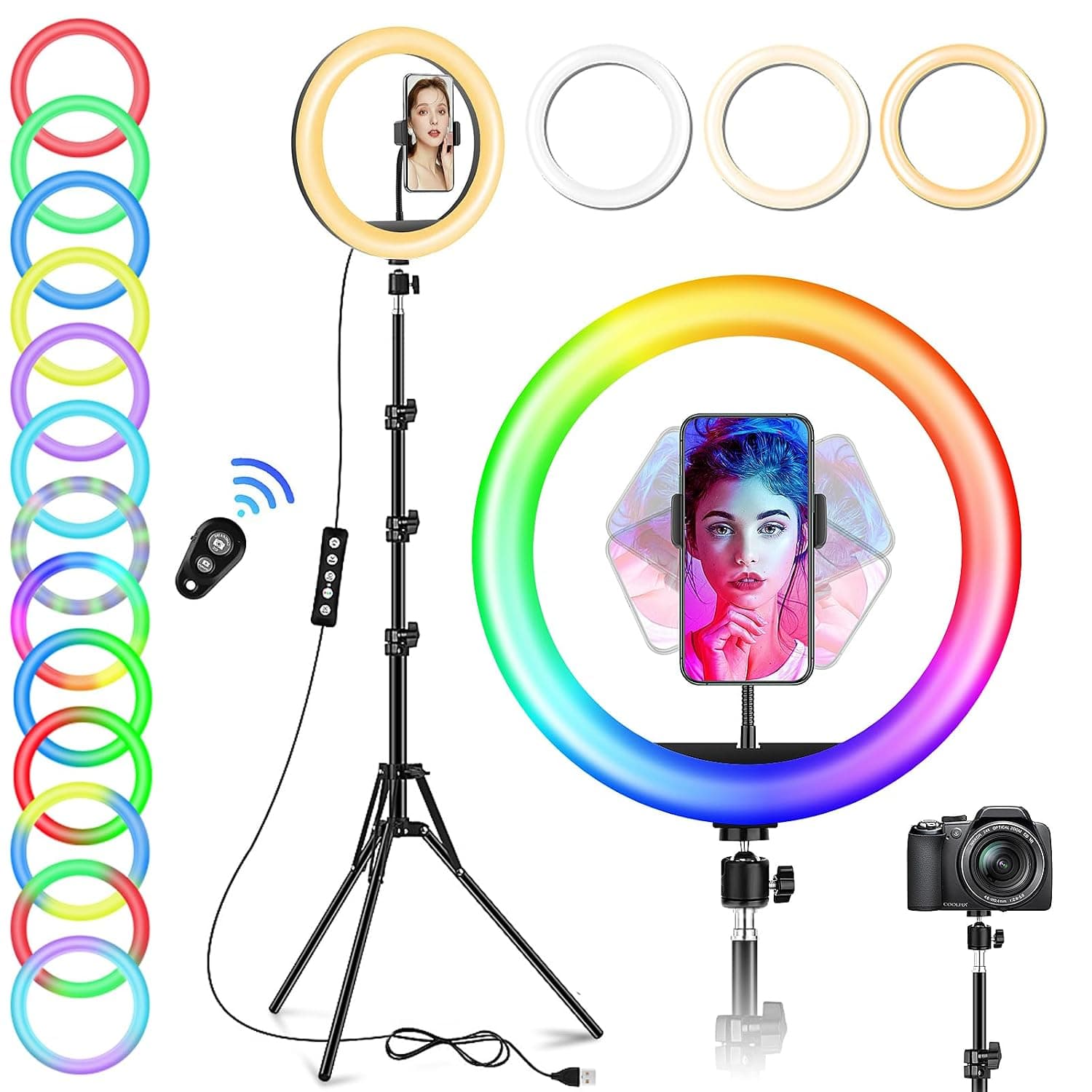
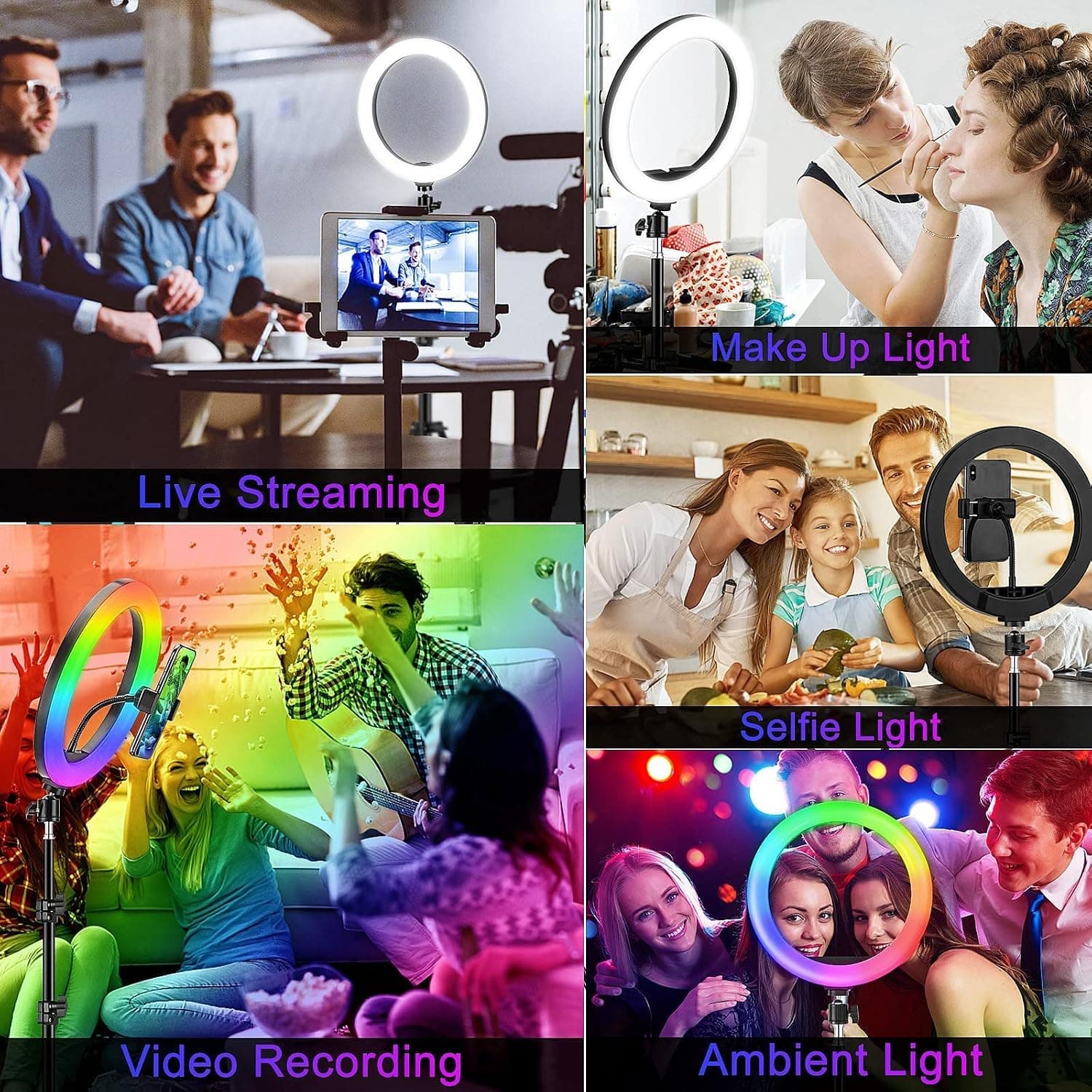
10" Desktop RGB LED Ring Light with Tripod Stand, Dimmable Colour Changing Colorful Lamp Phone Holder Clip Tabletop Selfie Ringlight for Make Up/YouTube Live Streaming Video Kit
GerTong
£21.98
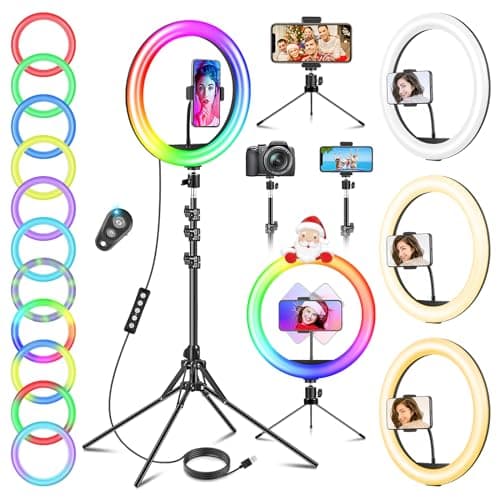
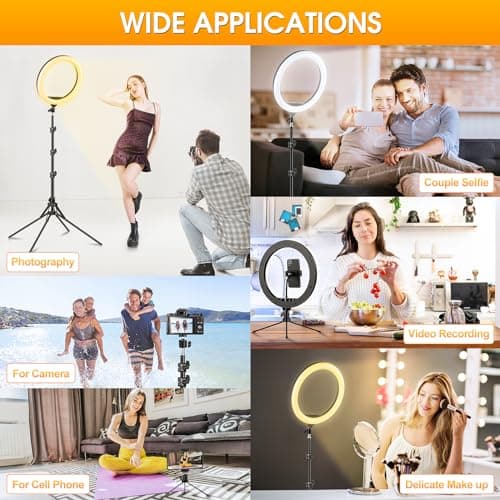
11.5" Ring Light with Tripod & Quadpod Stands for Phone
GerTong
£22.98
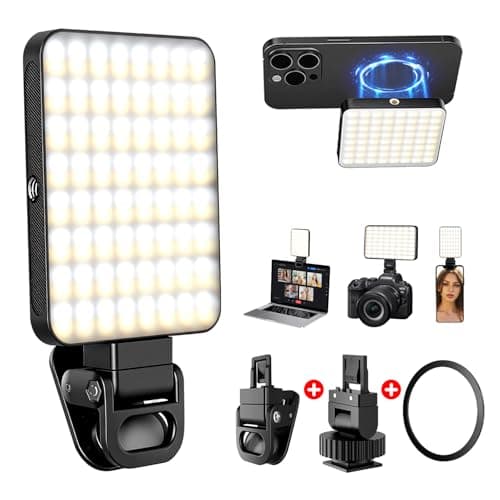
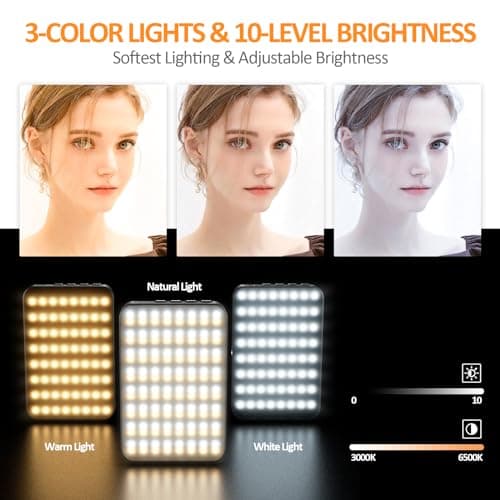
128 LED Rechargeable Portable Selfie Light Video Conference Lighting with Clip and Camera Tripod Adapter, 3 Lighting Modes, for Laptop/Phone, iPhone Camera, Youtube, TikTok, Makeup Vlog
Cyowoyre
£13.99
