
Razer Kiyo V2 Streaming Webcam: 4K 30fps, 1080p 60fps - AI-Powered Auto Framing - Built-in Microphone - Ultra Wide Angle Lens - Privacy Protection - Works with
Brand: Razer
Crystal clear 4K 30fps video — Powered by a high-performance Sony Starvi sensor, create professional content that stands out and looks crisp
- Height
- 6.5 cm
- Length
- 7 cm
- Width
- 12 cm
- Weight
- 499 g
About this product
Capture every detail with the Razer Kiyo V2 Streaming Webcam, which offers stunning 4K resolution at 30 frames per second. This webcam is perfect for anyone looking to stream or record high-quality content, whether you're a professional gamer or just want to share your life on social media. The AI-powered auto framing feature ensures that you stay centered in the frame, even as you move around, making it ideal for dynamic content creation. With its ultra wide angle lens and built-in privacy shutter, the Kiyo V2 provides a versatile shooting experience. Its intuitive design allows you to easily adjust settings like exposure and white balance, giving you full control over your footage. Whether you're streaming from home or setting up in front of your monitor at work, this webcam fits seamlessly into any setup, ensuring that you always look your best on screen.
Specifications
- Height
- 6.5 cm
- Length
- 7 cm
- Width
- 12 cm
- Weight
- 499 g
- Pack size
- 1
- Colour
- Black
- Amazon Bestseller Rank
- #51,554
Frequently asked questions
What is the resolution and frame rate of the Razer Kiyo V2?
The Razer Kiyo V2 offers 4K at 30fps for high-quality streaming or can switch to 1080p at 60fps. This flexibility allows you to choose the best quality setting based on your needs.
Does the Razer Kiyo V2 support AI-powered auto framing?
Yes, it uses AI to automatically track and center you in the frame during dynamic movements, ensuring you remain within view without manual adjustments.
What kind of microphone does the Razer Kiyo V2 have?
The webcam includes a built-in microphone designed to capture clear audio. However, for better sound quality, consider using an external mic or headphones with a built-in mic.
You might also like
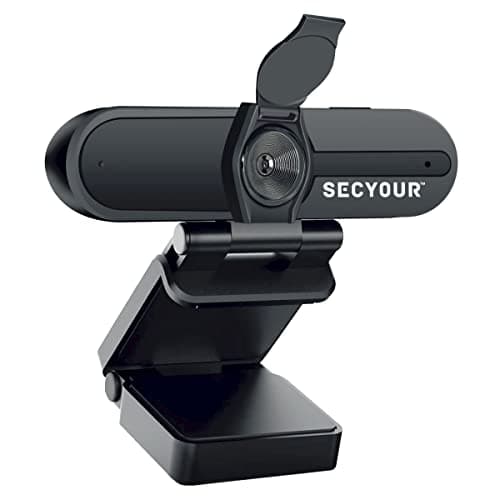
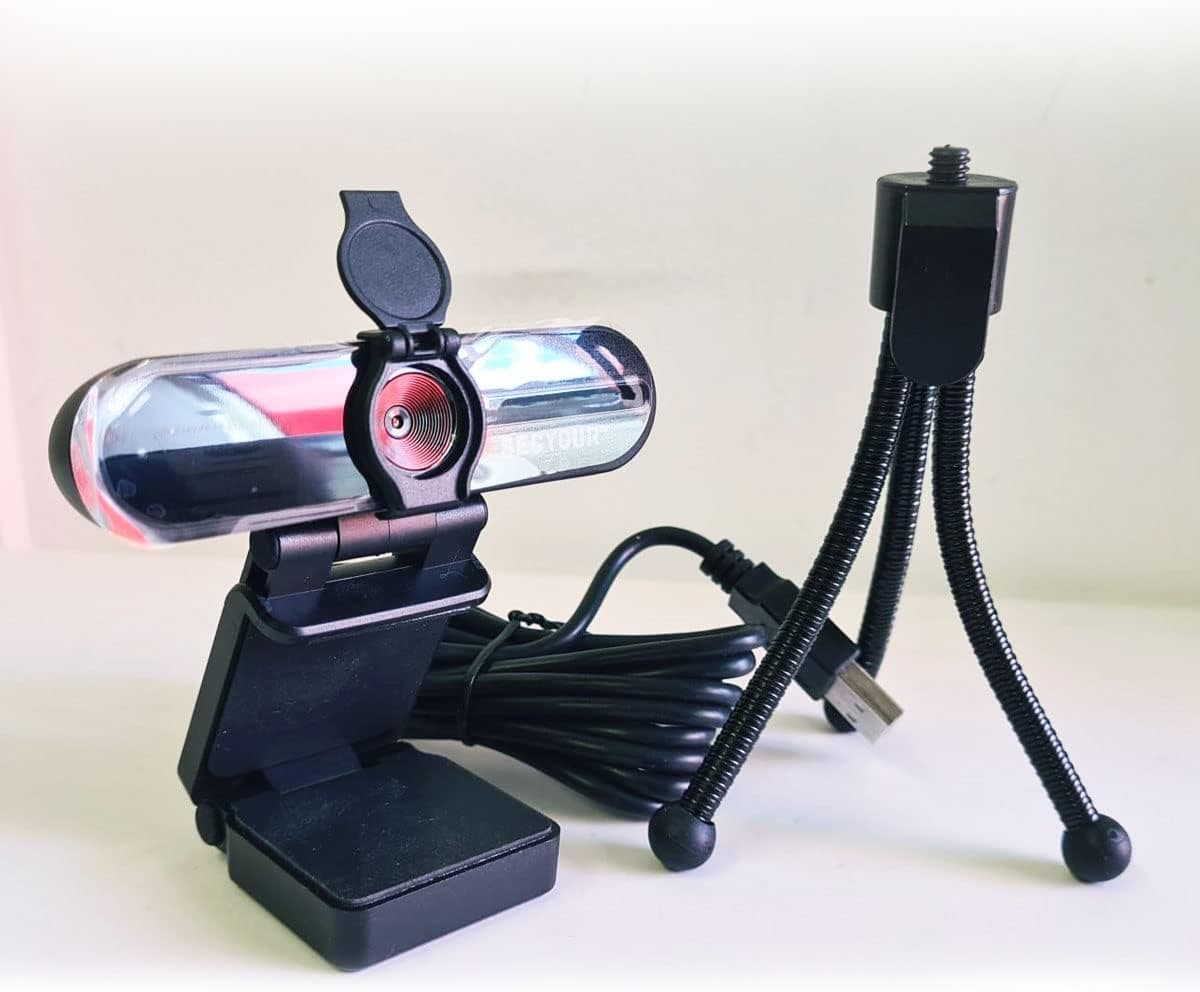
1080p HD USB Webcam Camera with Microphone for PC, Desktop, Laptop, Macbook, Live Streaming, Gaming, YouTube, Video Call Conference Web cam - Noise cancellation 30FPS with mini Tripod
SECYOUR
£8.50
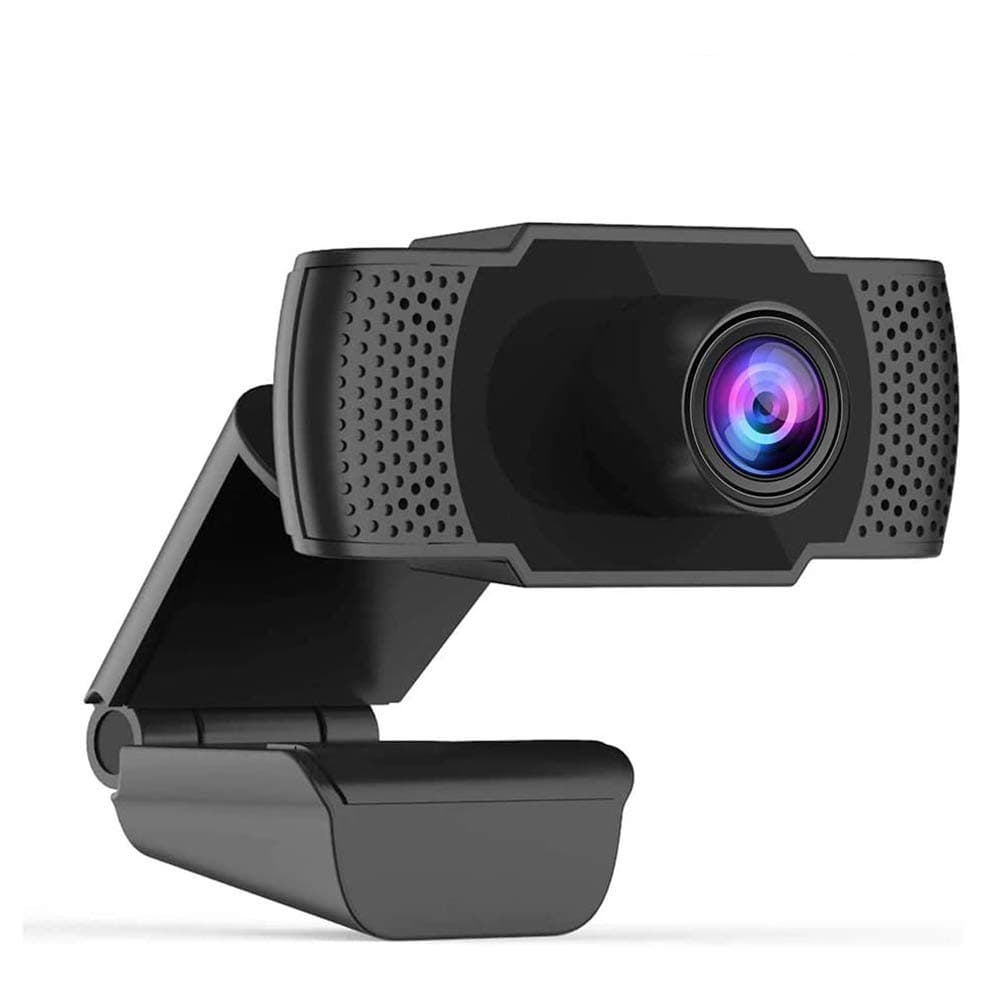
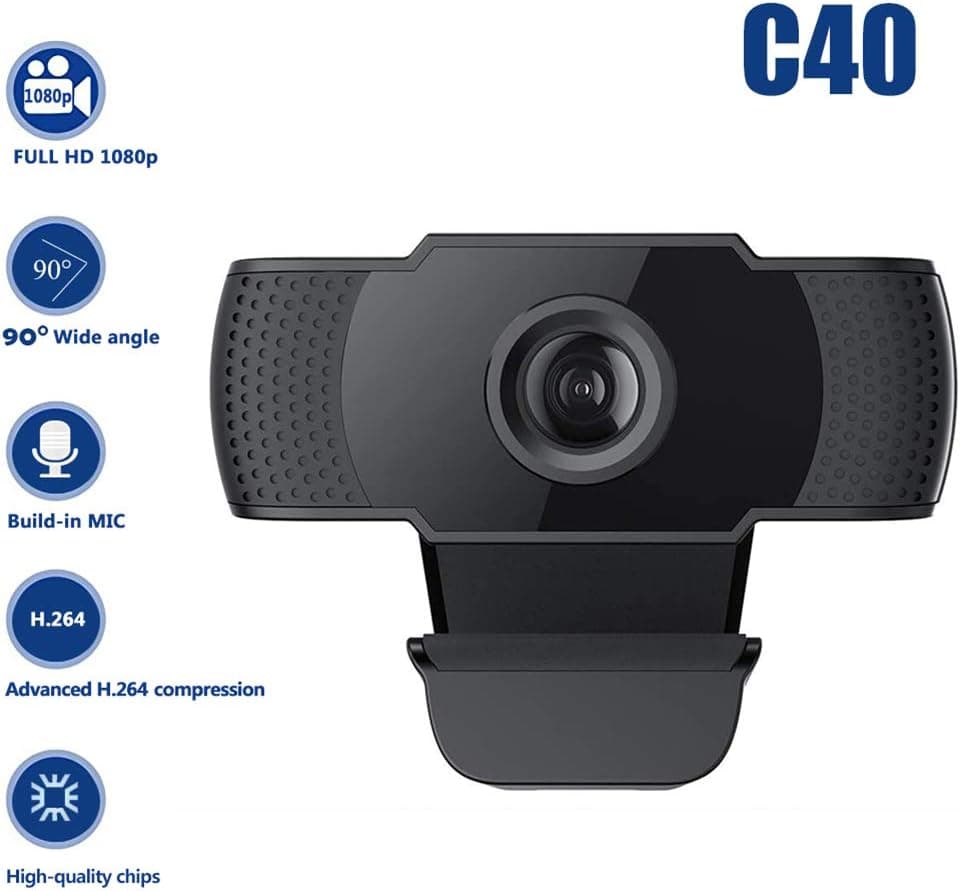
1080P HD Webcam USB Plug and Play Widescreen Built-in MIC Web Camera for PC
Aoewise
£79.99
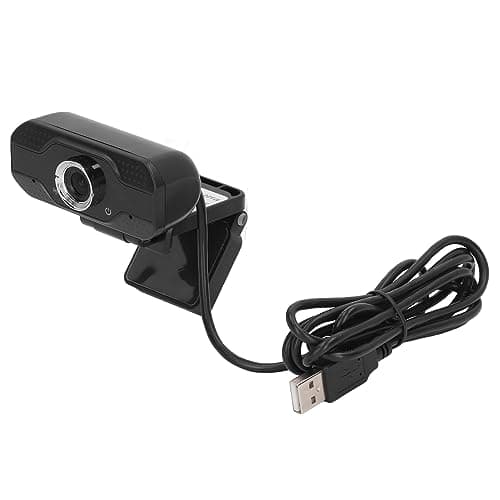
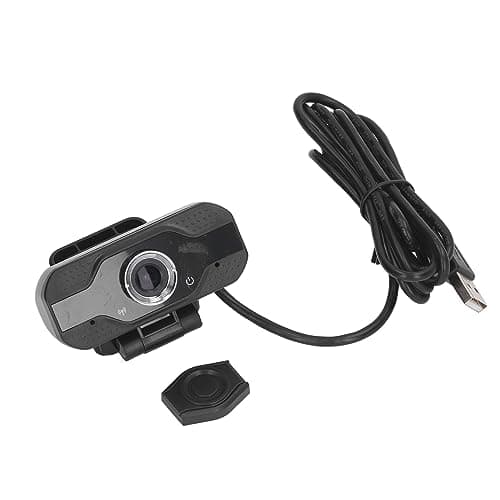
1080P HD Webcam with Dual Noise Canceling Microphone, Auto Light Color Correction, Wide Viewing Angle Plug and Play USB Camera for Video Calling, Recording
ciciglow
£6.33
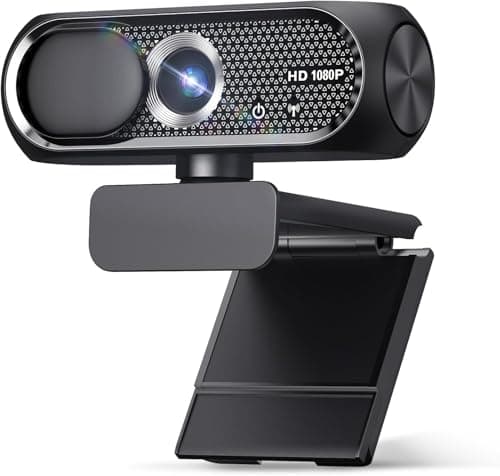
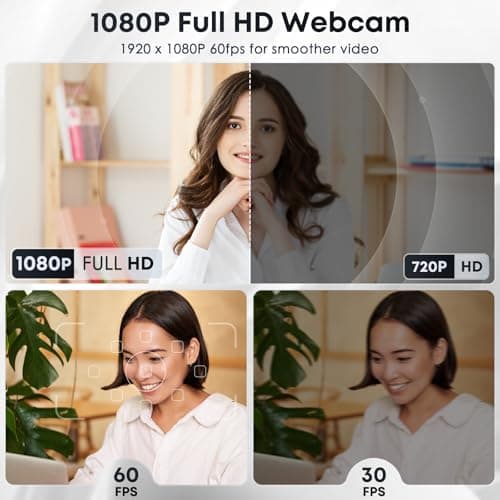
1080P HD Webcam with Microphone, Noise Cancellation, Privacy Cover, Wide-Angle Lens, Auto Light Correction, Plug & Play USB Web Camera for Laptop, Desktop, PC, Mac, Zoom, Skype, Streaming (Black)
Shcngqio
£19.99
