
MSI MAG 272UP QD-OLED X24 27-Inch 4K UHD Gaming Monitor, 3840 x 2160, Quantum Dot OLED Panel, 240Hz, 0.03ms, DisplayHDR TRUE Black 400, AMD FreeSync Premium Pro, USB C (15W PD), Frame-less, Black
Brand: MSI
QUANTUM DOT OLED - The MSI MAG 272UP QD-OLED X24 gaming monitor combines 10-bit Quantum Dot color conversion with OLED self-emitting pixels for unrivalled dark levels & an elite response time; An enhanced sub-pixel arrangement improves image sharpness
- Height
- 5 cm
- Length
- 5 cm
- Width
- 5 cm
- Pack size
- 1
About this product
Are you looking for a gaming monitor that delivers the ultimate visual experience? The MSI MAG 272UP QD-OLED X24 is designed to meet your high standards. With its Quantum Dot OLED panel and 3840 x 2160 resolution, it provides deep blacks and vibrant colors, making every game look stunning. Its 240Hz refresh rate and 0.03ms response time ensure smooth gameplay with minimal lag, perfect for fast-paced action. The AMD FreeSync Premium Pro technology eliminates screen tearing and stuttering, while the USB C port offers both power delivery and data transfer.
Specifications
- Height
- 5 cm
- Length
- 5 cm
- Width
- 5 cm
- Pack size
- 1
- Colour
- Black
- Amazon Bestseller Rank
- #606
Frequently asked questions
Is this monitor compatible with my PC?
This MSI MAG 272UP QD-OLED X24 monitor is designed for use with a wide range of PCs. It requires an HDMI or DisplayPort input to connect and should work well with modern gaming rigs. Check your PC's output ports to ensure compatibility, as the monitor also supports USB-C for power delivery.
What kind of performance can I expect from this monitor?
With a 240Hz refresh rate and 0.03ms response time, this monitor offers excellent performance for fast-paced games. The Quantum Dot OLED panel ensures deep blacks and vibrant colors, making it ideal for both gaming and content creation tasks.
Can I use this monitor with my laptop?
Yes, you can connect your laptop to this monitor via HDMI or DisplayPort. It also supports USB-C for power delivery (15W PD), which is convenient if you want to use the monitor as an external display while on-the-go. However, ensure your laptop has these ports and that they support the necessary resolutions and refresh rates.
You might also like
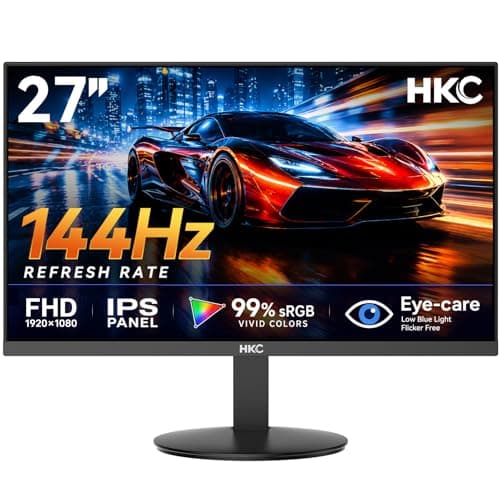
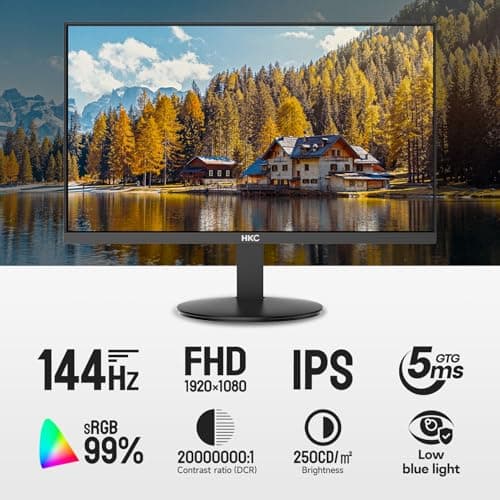
27 inch Gaming Monitor 144Hz, FHD 1080P IPS Display with 99% sRGB, FreeSync, Tilt Adjustable, lowblue mode, HDMI/VGA Ports for Home Office and computer monitor V2718S
HKC
£84.98
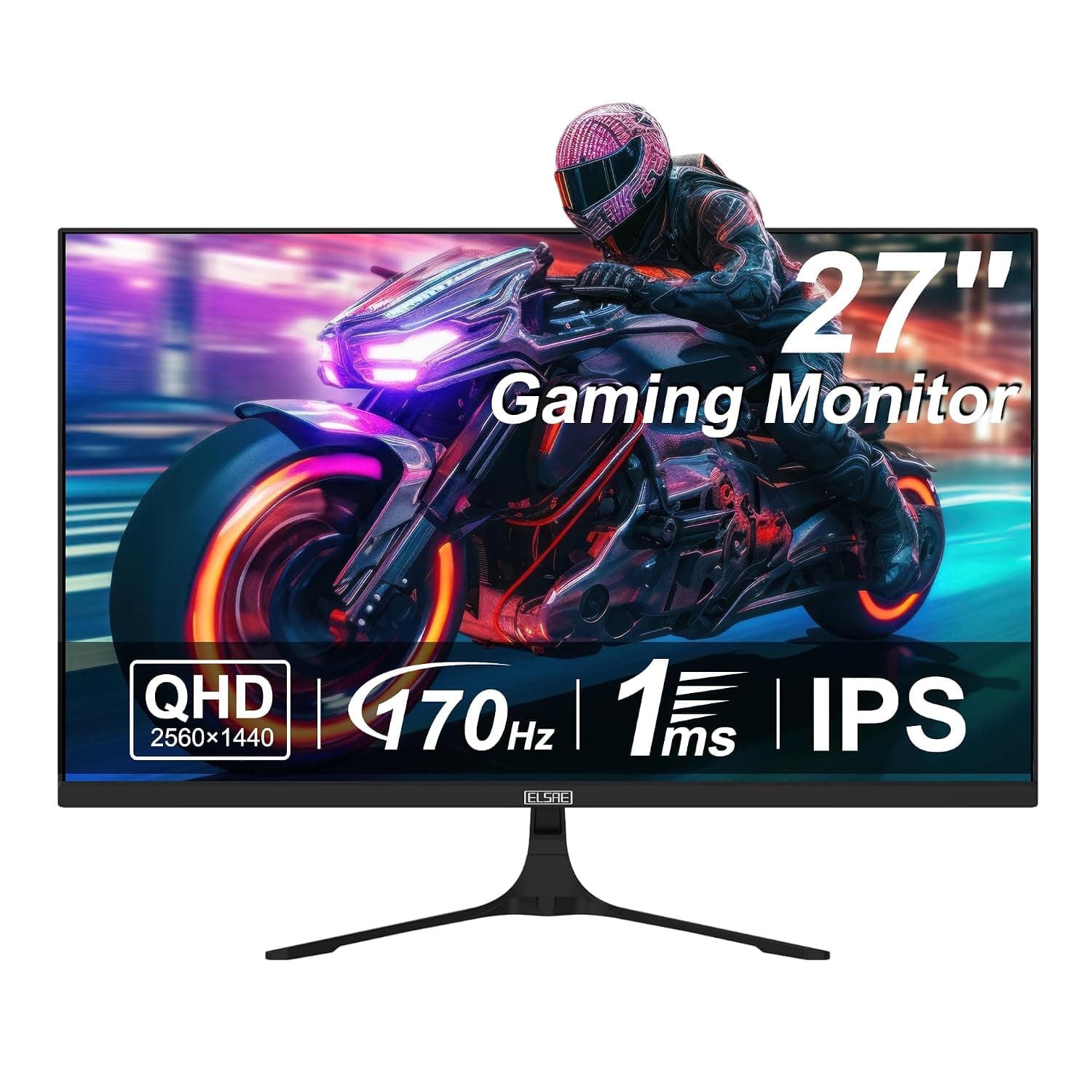
27 Inch QHD 1440P Gaming Monitor, 170Hz 144Hz IPS Computer Monitor, FreeSync, HDR 113% sRGB, Low Blue Light, HDMI & Display Port x2, VESA Mountable
ELSAE
£415.70
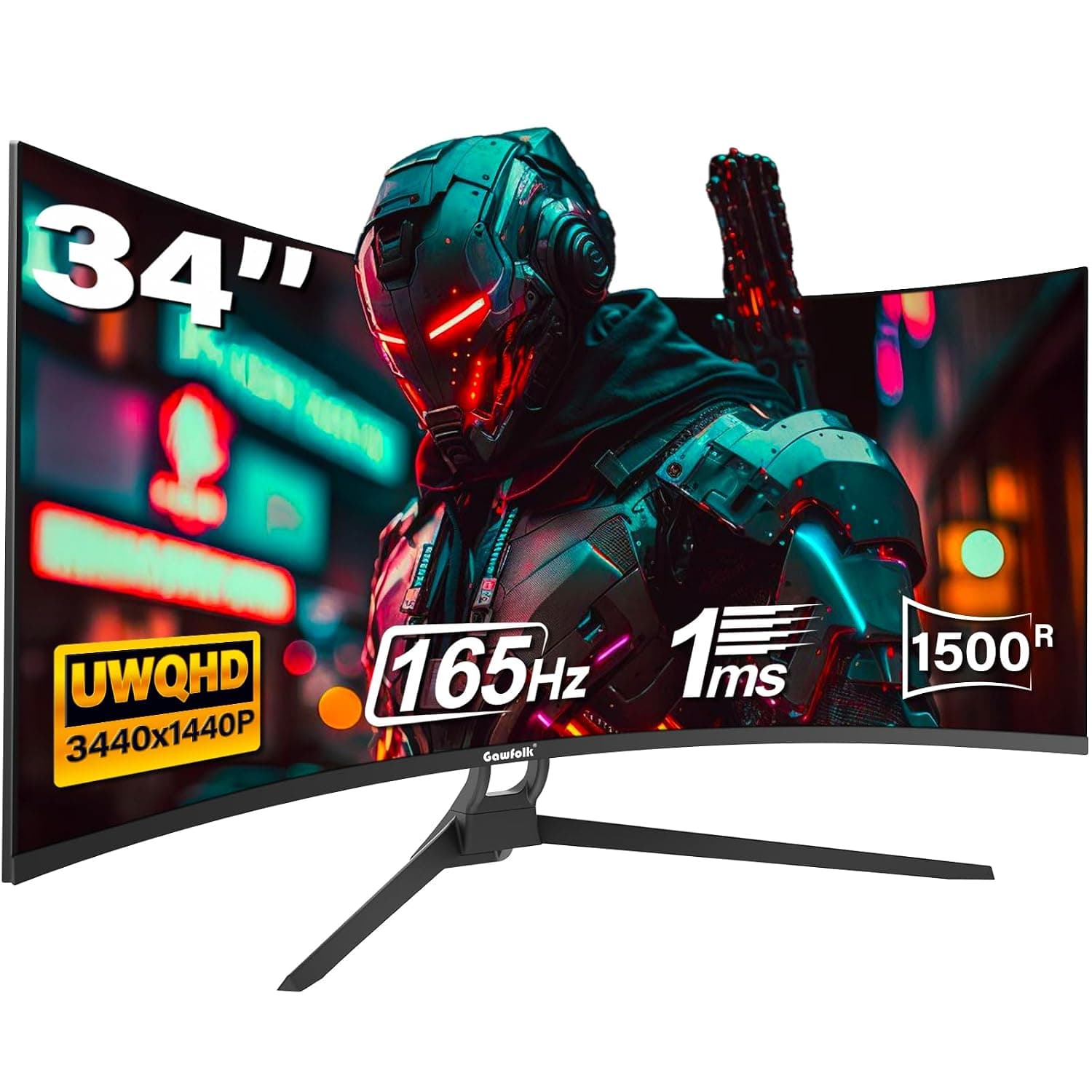
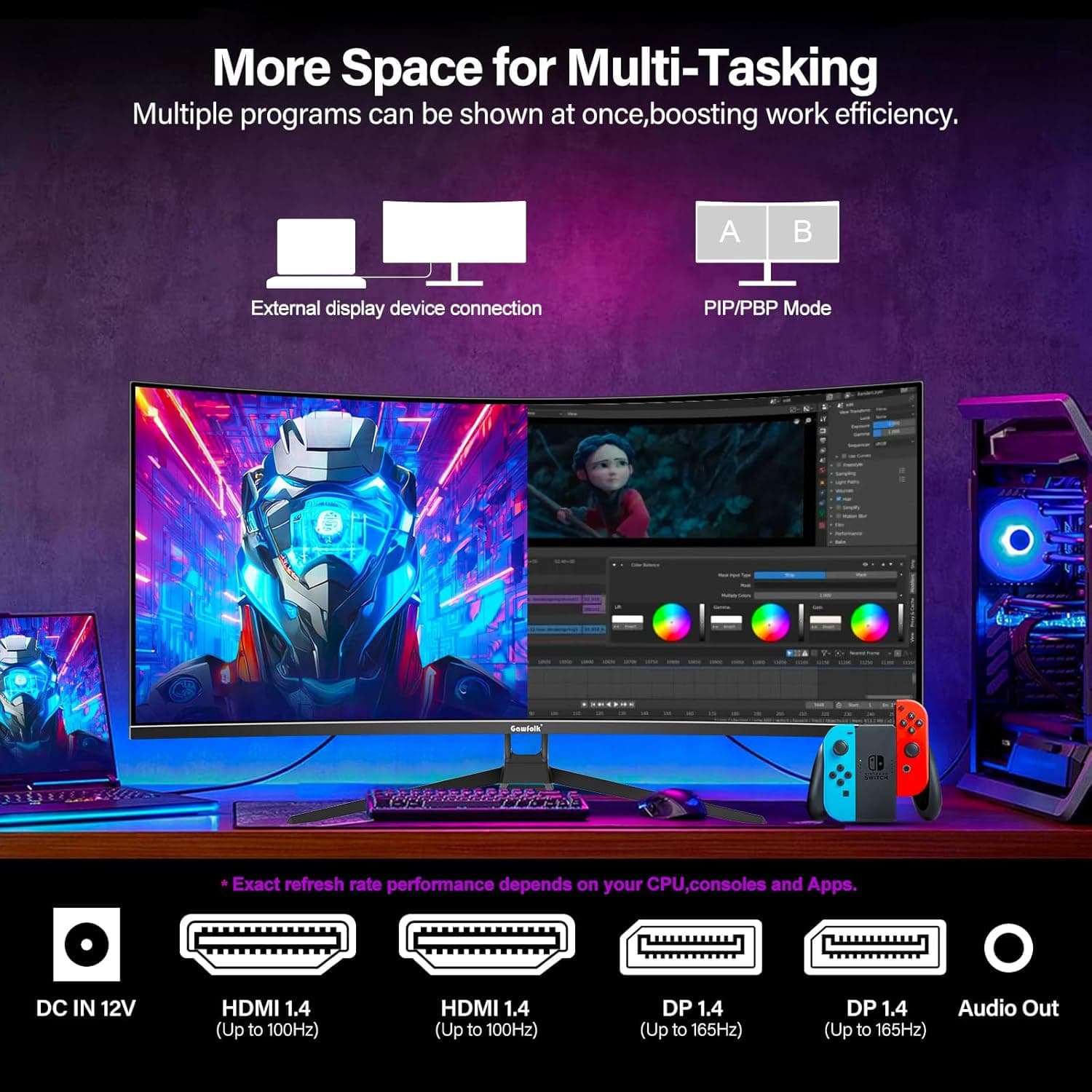
34 Inch Ultrawide Curved Gaming Monitor, 1500R PC Screen 165hz WQHD 3440x1440p Monitor, Curved Computer Display with FreeSync & Eye-Care Technology, DP, HDMI
Gawfolk
£189.99
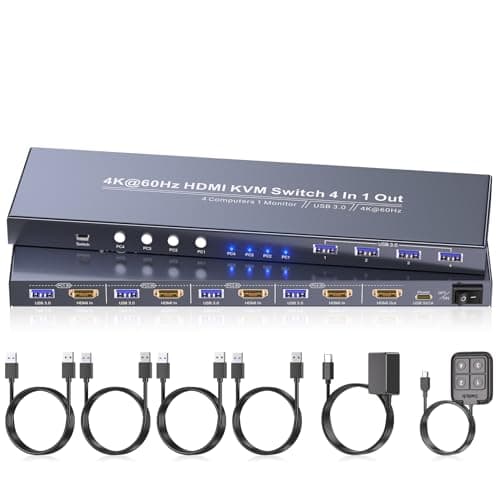
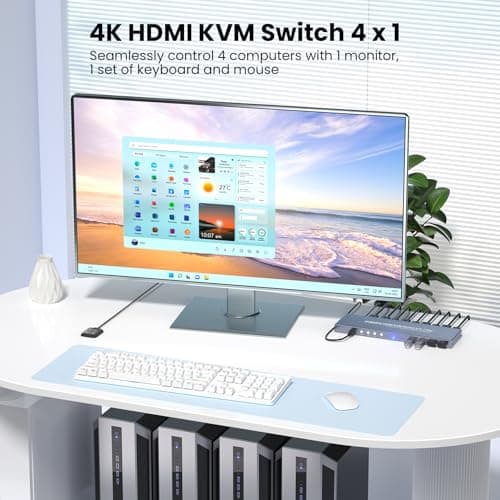
4K60Hz HDMI KVM Switch 1 Monitor 4 Computers, 4 Port KVM Switch for 4 PCs Share 1 Monitor and 1 Set of Keyboard Mouse, 4 Port USB 3.0 Hub Integrated, Dual Switching Methods
Generic
£42.49
