
acer Nitro KG242YG 24 inch Full HD (1920 x 1080) Gaming Monitor - 120Hz, 1ms, IPS Panel, Adaptive Sync, 99% sRGB, Speakers, HDMI, VGA
Brand: Acer
NITRO KG2 SERIES: Level up your gaming experience with Acer's Nitro KG2 series gaming monitors
- Height
- 42 cm
- Length
- 21 cm
- Width
- 54 cm
- Weight
- 5.11 kg
About this product
Is there a monitor that can keep up with your fast-paced gaming sessions? The acer Nitro KG242YG offers an impressive 120Hz refresh rate and 1ms response time, ensuring every move you make is displayed in real-time. Whether you're battling it out in intense first-person shooters or racing through the next big game, this monitor provides smooth visuals that enhance your gaming experience. With its Full HD resolution of 1920 x 1080 and an IPS panel, the KG242YG delivers vibrant colors and wide viewing angles, making it perfect for competitive play. The 99% sRGB coverage ensures accurate color representation, ideal for gamers who value visual fidelity. Plus, built-in speakers add a touch of convenience without compromising on sound quality. Connect your gaming console or PC via HDMI or VGA ports to get started.
Specifications
- Height
- 42 cm
- Length
- 21 cm
- Width
- 54 cm
- Weight
- 5.11 kg
- Pack size
- 1
- Colour
- Black
- Amazon Bestseller Rank
- #2,362
Frequently asked questions
Is this monitor compatible with my PC?
The acer Nitro KG242YG is designed to work with most modern PCs. It supports HDMI and VGA connections, so you should be able to use it with your current setup as long as your PC has these ports available.
Does the monitor have built-in speakers?
Yes, this monitor comes with built-in stereo speakers for a more immersive gaming experience without needing external audio equipment. However, they are basic and may not match the quality of dedicated sound systems.
Can I use this monitor on my laptop?
The acer Nitro KG242YG is primarily designed for desktop PCs due to its connection types (HDMI and VGA). For laptops, you might need an HDMI or VGA adapter to connect it. Check the manufacturer's listing for exact compatibility.
You might also like
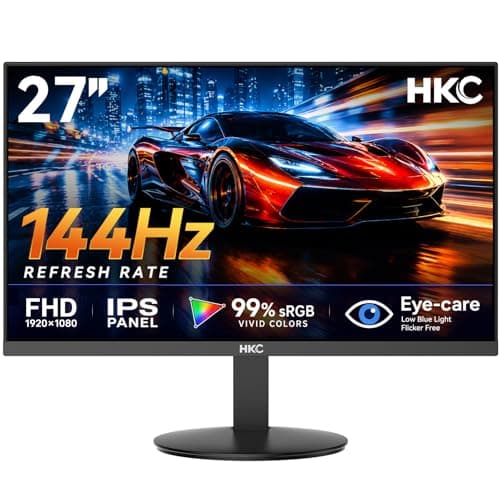
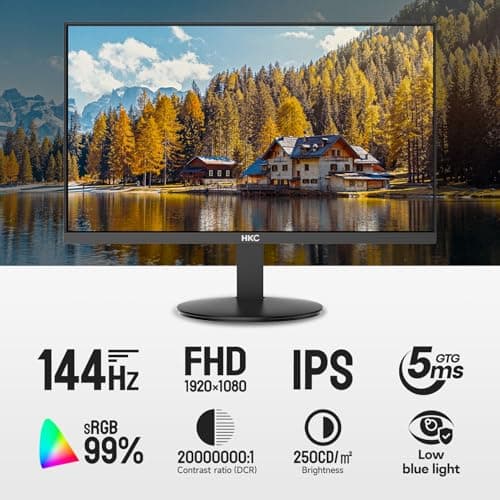
27 inch Gaming Monitor 144Hz, FHD 1080P IPS Display with 99% sRGB, FreeSync, Tilt Adjustable, lowblue mode, HDMI/VGA Ports for Home Office and computer monitor V2718S
HKC
£84.98
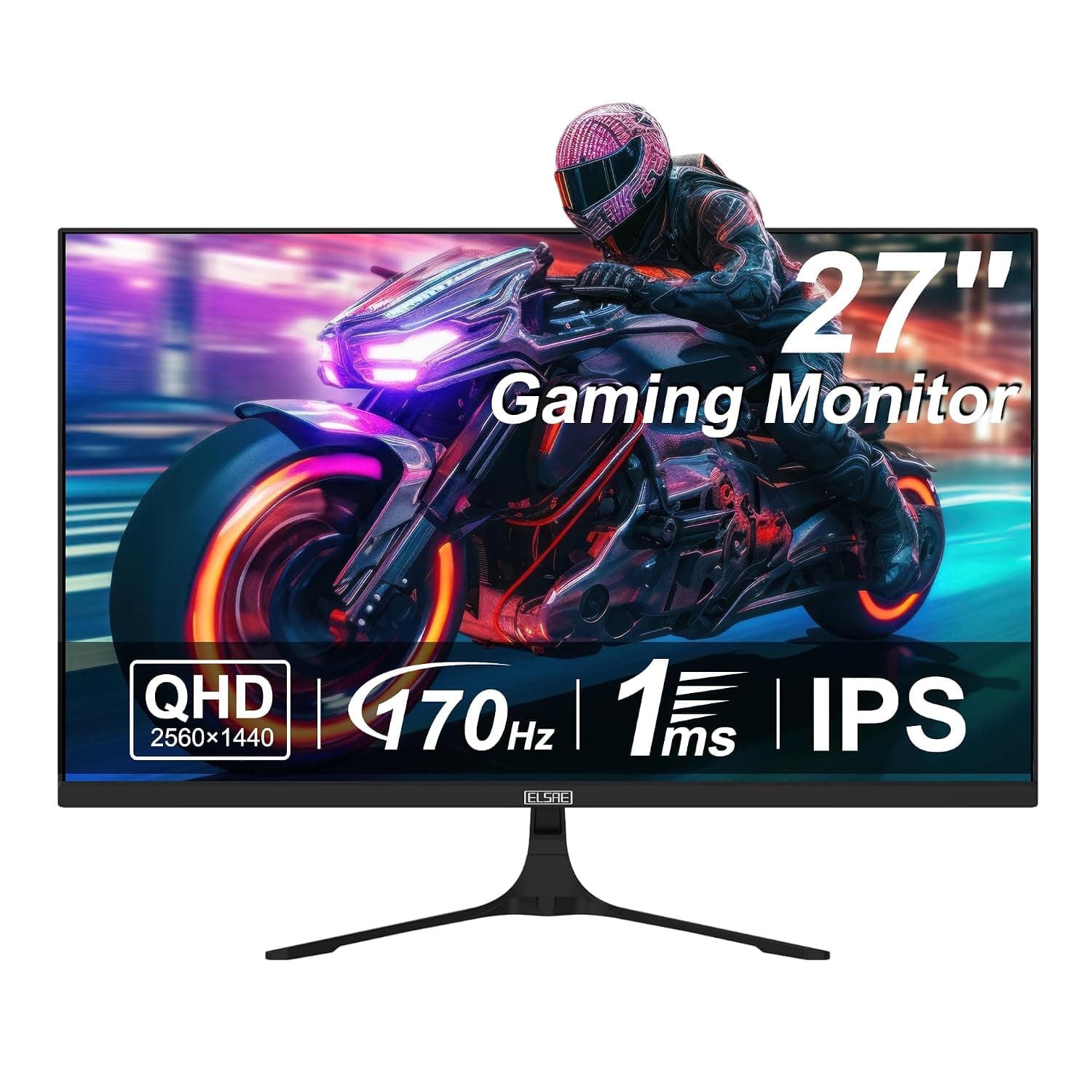
27 Inch QHD 1440P Gaming Monitor, 170Hz 144Hz IPS Computer Monitor, FreeSync, HDR 113% sRGB, Low Blue Light, HDMI & Display Port x2, VESA Mountable
ELSAE
£415.70
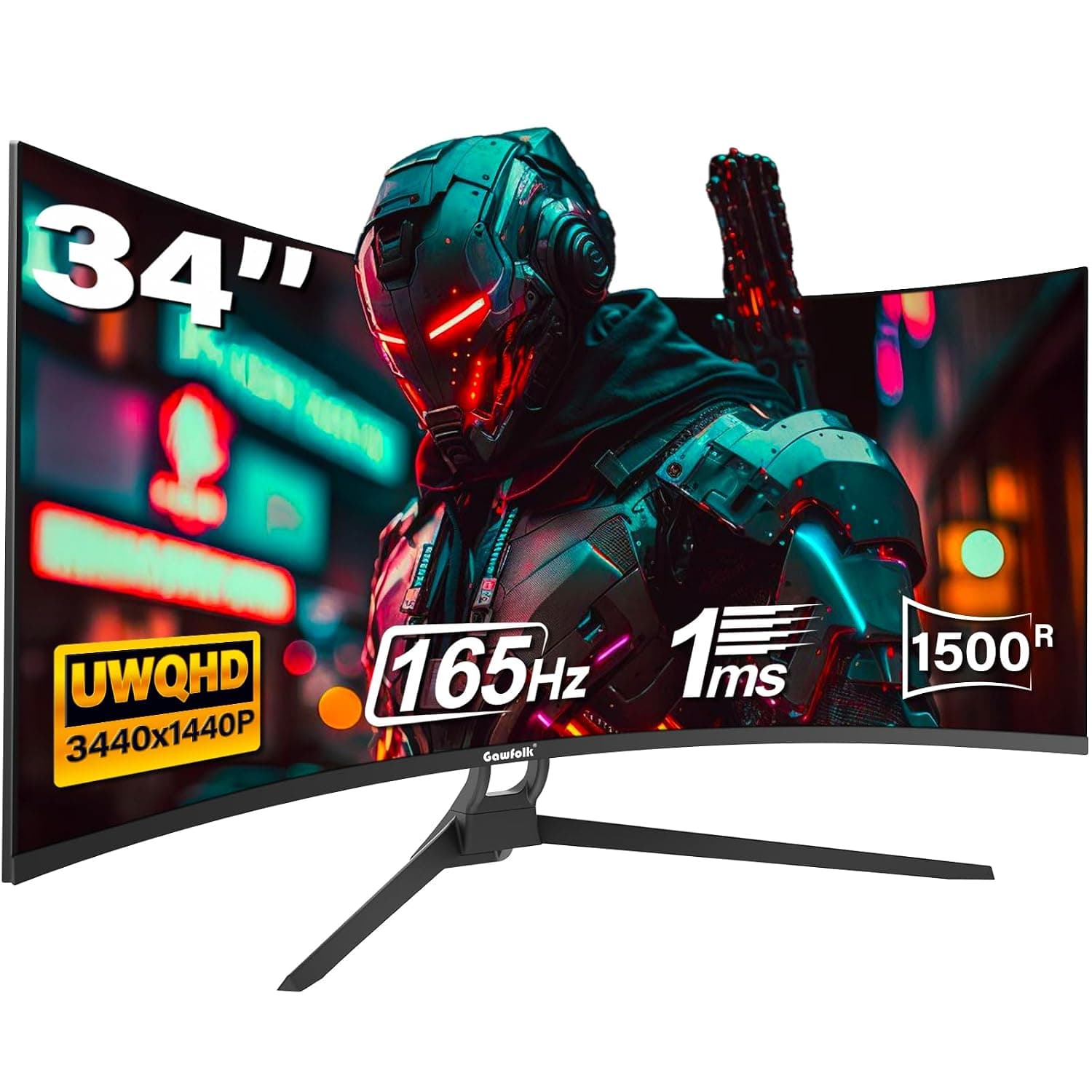
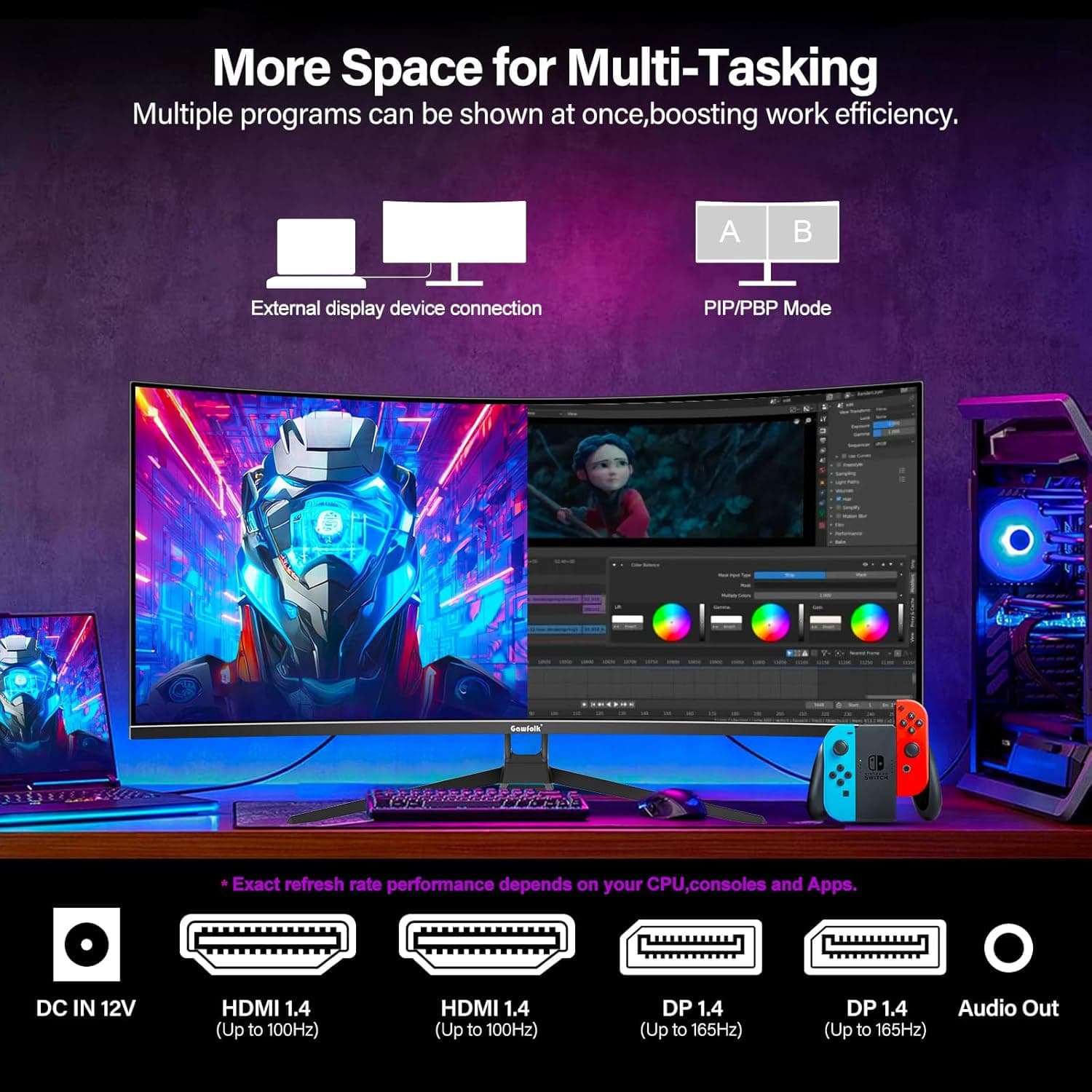
34 Inch Ultrawide Curved Gaming Monitor, 1500R PC Screen 165hz WQHD 3440x1440p Monitor, Curved Computer Display with FreeSync & Eye-Care Technology, DP, HDMI
Gawfolk
£189.99
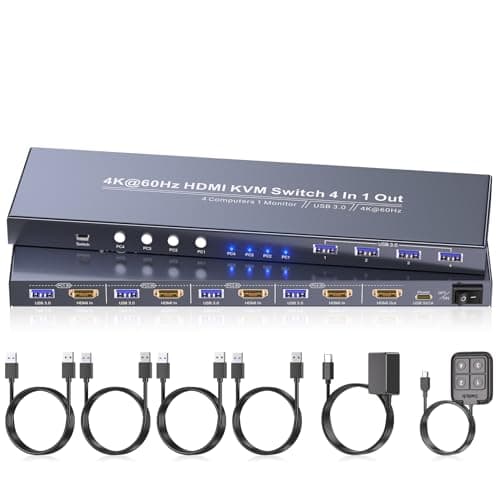
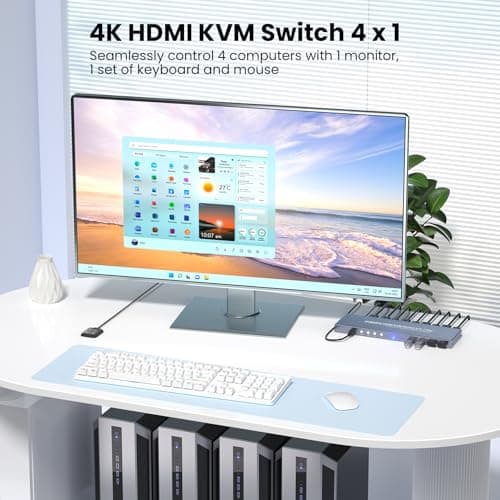
4K60Hz HDMI KVM Switch 1 Monitor 4 Computers, 4 Port KVM Switch for 4 PCs Share 1 Monitor and 1 Set of Keyboard Mouse, 4 Port USB 3.0 Hub Integrated, Dual Switching Methods
Generic
£42.49
