
eSynic 1080p@60hz PS2 to HDMI Converter Cable with 16:9/4:3 Aspect Ratio
Brand: eSynic
*Crystal-Clear HDMI Output for Classic Games*----: This PS2 to HDMI Converter Transforms Your PS2 or PS1 Signal Into 1080p HDMI Performance, Delivering 1080P (60Hz) HDMI. It Allows You to Play Retro Games on Modern Smart TVs or Monitors, Bringing Back the Nostalgia of Classic Gaming Without Old-Fashioned AV Inputs.
- Height
- 1.7 cm
- Length
- 19 cm
- Width
- 17 cm
- Pack size
- 1
About this product
If you're a fan of playing PS2 games on your modern TV but find that the picture quality isn't as sharp as you'd like, this eSynic converter cable is perfect for enhancing your gaming experience. It allows you to connect your PS2 console directly to an HDMI port, ensuring a 1080p@60hz resolution with both 16:9 and 4:3 aspect ratios, making it ideal for watching movies or playing games. This handy accessory ensures that every pixel of your favorite retro titles comes through in stunning clarity, fitting seamlessly into the "Retro Console Accessories" category.
Specifications
- Height
- 1.7 cm
- Length
- 19 cm
- Width
- 17 cm
- Pack size
- 1
- Colour
- Black
- Amazon Bestseller Rank
- #5,141
Frequently asked questions
What is the purpose of this eSynic converter cable?
This eSynic converter cable allows you to connect your PS2 console to an HDMI-enabled TV or monitor for a clearer and more modern picture. It converts the standard composite video output from your PS2 into HDMI, enabling 1080p@60Hz resolution.
Is this cable compatible with all PS2 models?
Yes, it is compatible with most PS2 models, including those that support AV out. However, always check the manufacturer's listing for exact compatibility to ensure your specific model works perfectly.
Can I use this converter cable with a 4:3 aspect ratio display?
Absolutely, this eSynic converter supports both 16:9 and 4:3 aspect ratios. You can switch between these modes using the PS2's menu settings to ensure your favorite games or movies are displayed correctly.
You might also like
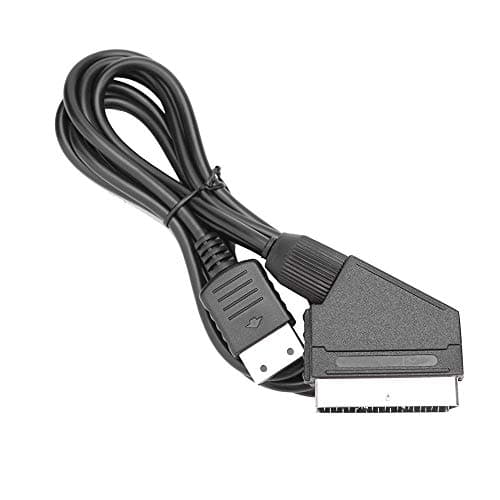
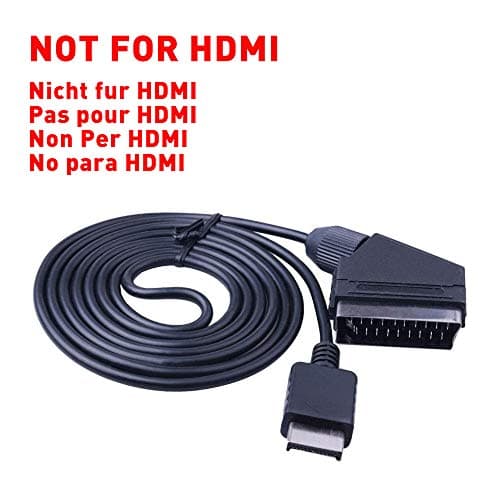
1.8M RGB Scart Cable For Sony Playstation PS1 PS2 PS3 TV AV Lead Replacement Connection Game Cord Wire for PAL/NTSC Consoles AV MULTI OUT-Not for HDMI
helpers lab
£10.99
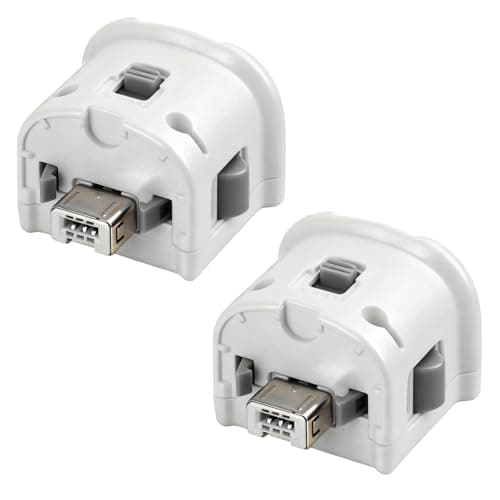
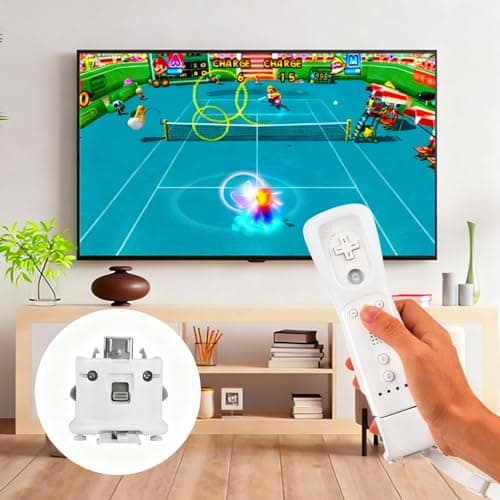
2 Pack Motion Plus for Wii, TechKen Motion Plus Adapter Compatible with Wii Remote Controller
TechKen
£19.99
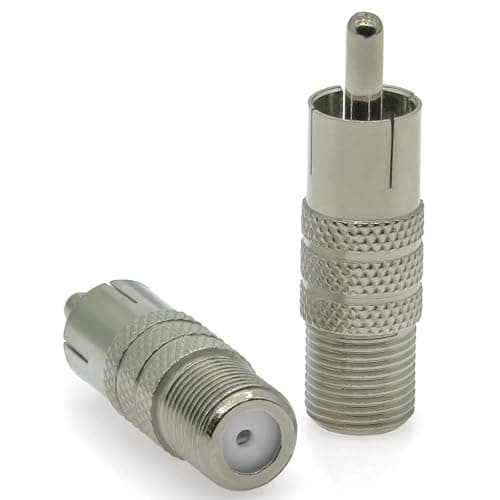
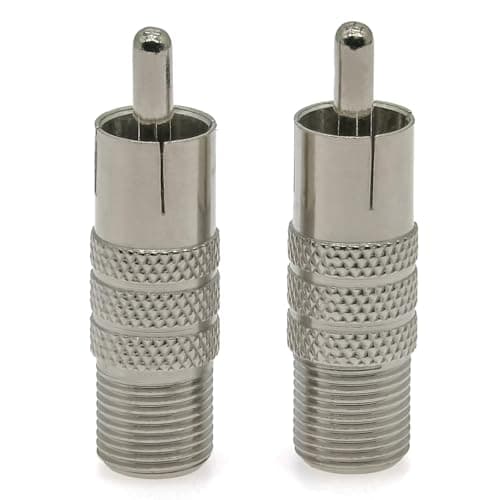
2PCS F Type to Phono Plug RCA Coax Adapter, Phono Plug RCA Male to Type F Female Coupler Adapter, Type-F AV Connector Converter (Copper) Compatible with Atari 2600 TV, Game Console, TV Monitor
Ahoaepy
£5.99
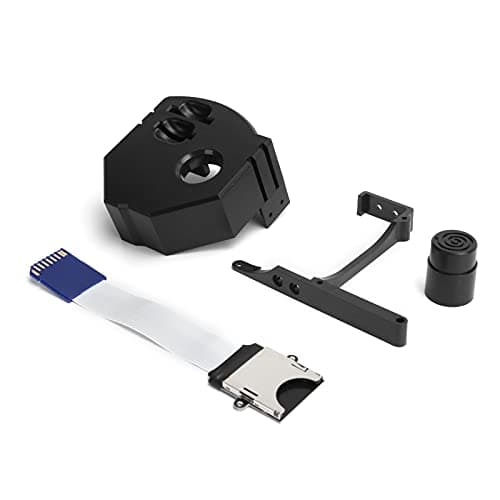
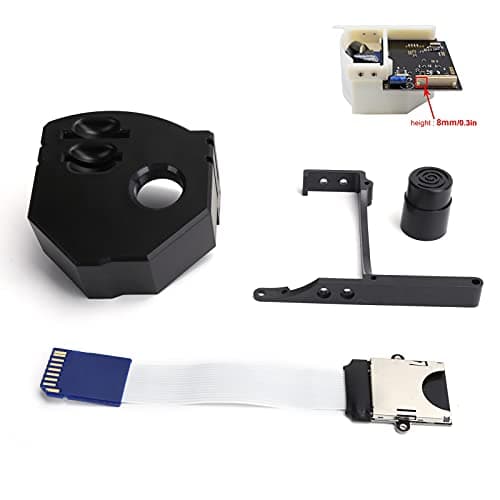
3D Print Memory Card Extender Adapter for Dreamcast Gdemu VA1 Console Upgrade Kit (Black)
Generic
£6.92
