
Ausla MS to MD Game Card Converter ABS Adapter for Mega Drive Genesis Plug and Play Multi Platform Cartridge Converter for Retro Gamers and Classic Console Use (Black)
Brand: Ausla
[Multi Platform Support]MS to MD game card converter works with for Mega Drive and for Genesis systems, helping players use compatible game cards across supported retro console setups.
- Colour
- Black
About this product
For retro gaming enthusiasts and classic console collectors, the Ausla MS to MD Game Card Converter is a must-have accessory. This plug-and-play converter allows you to play games from compatible game cards on both Mega Drive and Genesis systems, making it easy to access a wider range of classic titles without needing multiple adapters. With its compact design and durable ABS construction, this versatile adapter fits seamlessly into any retro gaming setup, ensuring that your collection remains organized and accessible. This practical gaming accessory is perfect for anyone looking to enhance their retro gaming experience at home or simply organize their vast array of game cards. Whether you're a seasoned collector or just starting out on your classic console journey, the Ausla MS to MD Game Card Converter provides an essential tool for enjoying timeless games in modern settings.
Specifications
- Colour
- Black
Frequently asked questions
Is this converter compatible with both Mega Drive and Genesis systems?
Yes, the Ausla MS to MD Game Card Converter is designed for use with both Mega Drive and Genesis systems. This compatibility allows you to switch between these classic consoles without needing separate adapters.
Can I use any game card with this adapter?
The converter supports compatible game cards that are specifically designed for Mega Drive or Genesis systems. Check the manufacturer's listing for exact compatibility details, as not all game cards will work with this adapter.
How do I set up and start using this converter?
To use the converter, simply insert a compatible game card into it, then connect the converter to your console via its plug-and-play design. This setup is straightforward for quick gaming sessions at home or for organizing your retro game collection.
You might also like
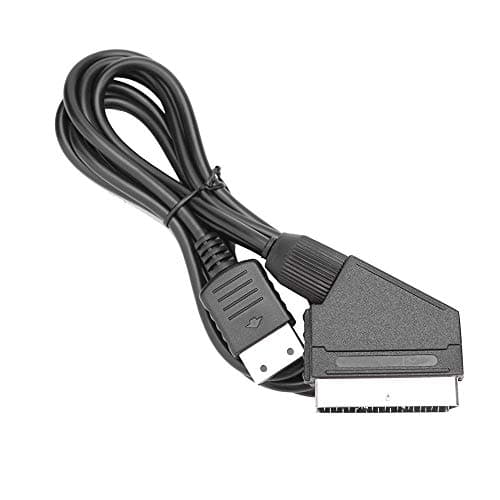
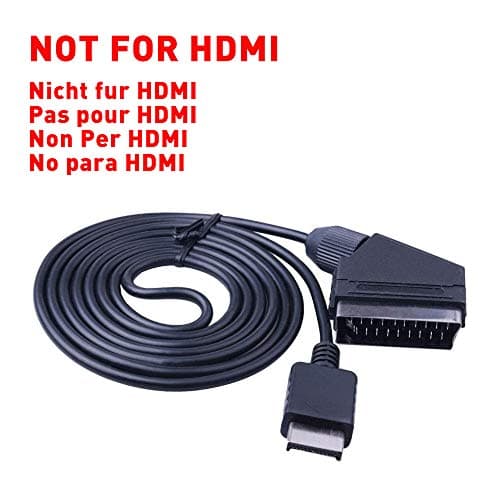
1.8M RGB Scart Cable For Sony Playstation PS1 PS2 PS3 TV AV Lead Replacement Connection Game Cord Wire for PAL/NTSC Consoles AV MULTI OUT-Not for HDMI
helpers lab
£10.99
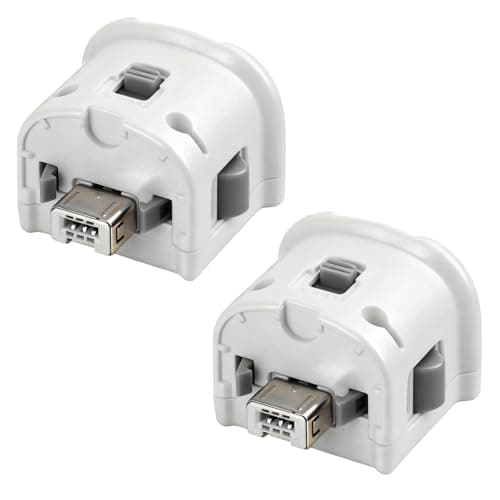
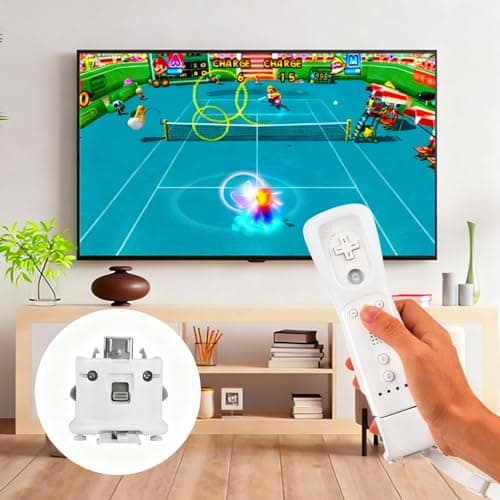
2 Pack Motion Plus for Wii, TechKen Motion Plus Adapter Compatible with Wii Remote Controller
TechKen
£19.99
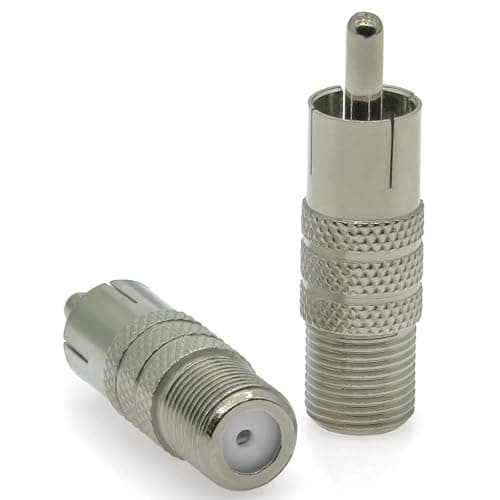
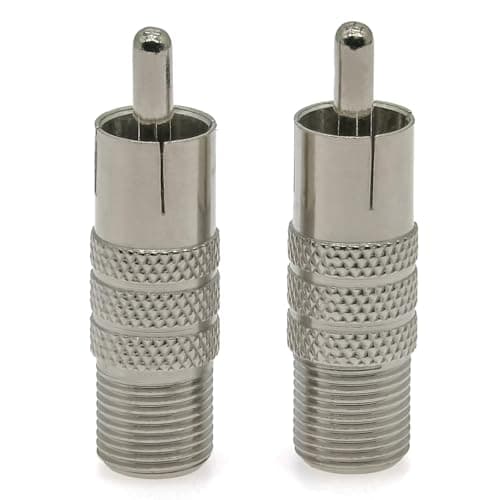
2PCS F Type to Phono Plug RCA Coax Adapter, Phono Plug RCA Male to Type F Female Coupler Adapter, Type-F AV Connector Converter (Copper) Compatible with Atari 2600 TV, Game Console, TV Monitor
Ahoaepy
£5.99
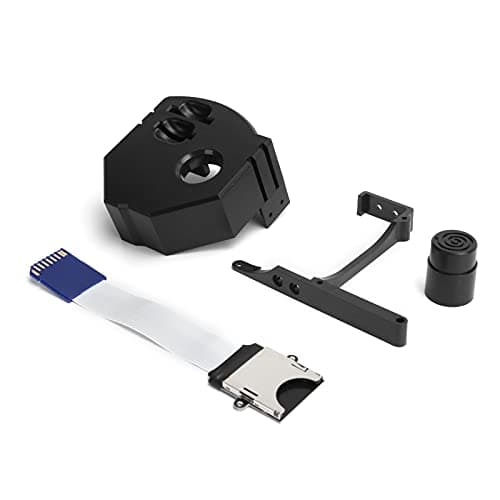
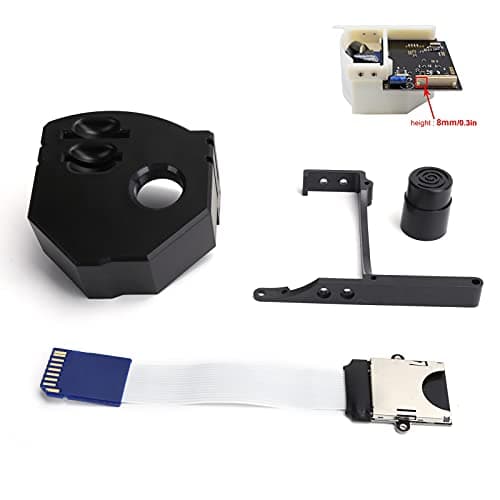
3D Print Memory Card Extender Adapter for Dreamcast Gdemu VA1 Console Upgrade Kit (Black)
Generic
£6.92
