
Logitech Brio 100 Full HD Webcam for Meetings and Streaming | Auto-Light Balance, Built-In Mic, Privacy Shutter, USB-A, for Microsoft Teams, Google Meet, Zoom - Graphite
Brand: Logitech
- Height
- 6.7 cm
- Length
- 7.3 cm
- Width
- 3.2 cm
- Weight
- 75 g
About this product
Ideal for professionals and content creators, the Logitech Brio 100 Full HD Webcam excels in both meetings and streaming. Designed to enhance your virtual presence, it features auto-light balance, ensuring clear visibility regardless of lighting conditions—a must-have for consistent performance on platforms like Microsoft Teams, Google Meet, and Zoom. With a built-in mic and privacy shutter, this webcam offers superior audio quality and added security, making it perfect for those who need both clarity and control during their sessions.
Specifications
- Height
- 6.7 cm
- Length
- 7.3 cm
- Width
- 3.2 cm
- Weight
- 75 g
- Pack size
- 1
- Colour
- Graphite
- Amazon Bestseller Rank
- #173
Is this the right pick for you?
The Logitech Brio 100 Full HD Webcam is an excellent choice if you're looking to enhance your video calls and live streams. It excels in providing clear visuals with its RightLight technology, which boosts brightness by up to 50%, making sure shadows are minimized and you look your best during meetings and streaming sessions. This feature is particularly beneficial for those who work in environments with varying lighting conditions or engage in frequent video calls from different locations. This webcam is versatile enough to fit into a wide range of setups, whether you're using it for professional video conferencing on platforms like Microsoft Teams, Google Meet, or Zoom, or for personal live streaming. Its compatibility with these popular applications ensures that the Brio 100 can seamlessly integrate into your existing workflow without any hassle. Before purchasing, consider a few practical aspects. The setup process is straightforward and doesn't require any additional software installations. Simply plug it in via USB-A and you're good to go. However, ensure that your computer has a compatible USB port; the webcam supports USB 2.0 or higher for optimal performance. Additionally, while the webcam does come with a built-in privacy shutter for added security, make sure your workspace allows easy access to this feature when needed. Lastly, it's worth noting that the Brio 100 is made with at least 34% post-consumer recycled plastic, aligning with environmental sustainability goals. This eco-friendly aspect might be an important factor for users who prioritize green technology in their purchases.
Frequently asked questions
Is the Logitech Brio 100 compatible with Microsoft Teams?
Yes, the Logitech Brio 100 is specifically designed to work well with Microsoft Teams. It supports the necessary video and audio quality for clear communication in meetings.
Can I use this webcam with Google Meet?
Absolutely! The Logitech Brio 100 is compatible with Google Meet, ensuring high-quality video and audio during your online meetings.
Does it work with Zoom as well?
Yes, the Logitech Brio 100 supports Zoom, providing a reliable webcam solution for video conferencing needs. It’s designed to enhance your virtual meeting experience on this platform too.
You might also like
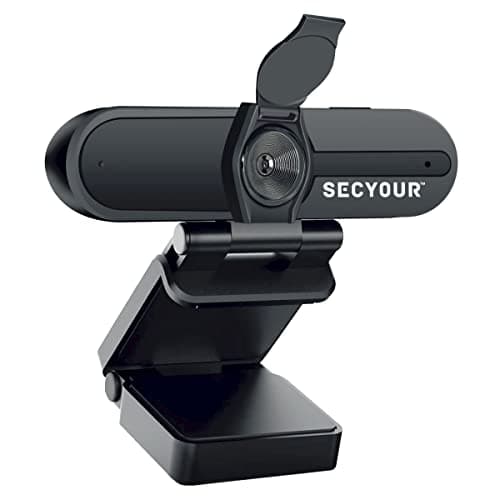
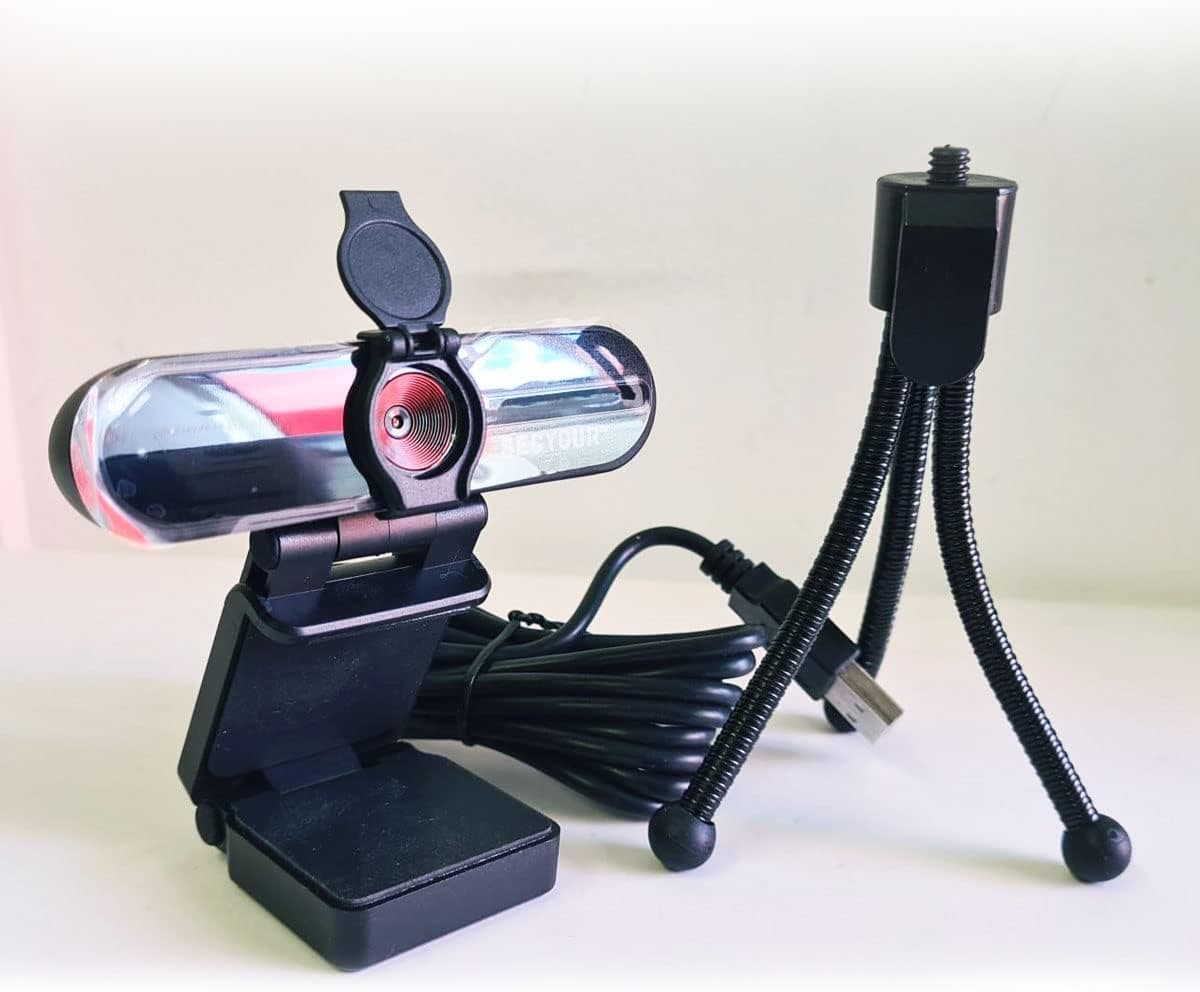
1080p HD USB Webcam Camera with Microphone for PC, Desktop, Laptop, Macbook, Live Streaming, Gaming, YouTube, Video Call Conference Web cam - Noise cancellation 30FPS with mini Tripod
SECYOUR
£8.50
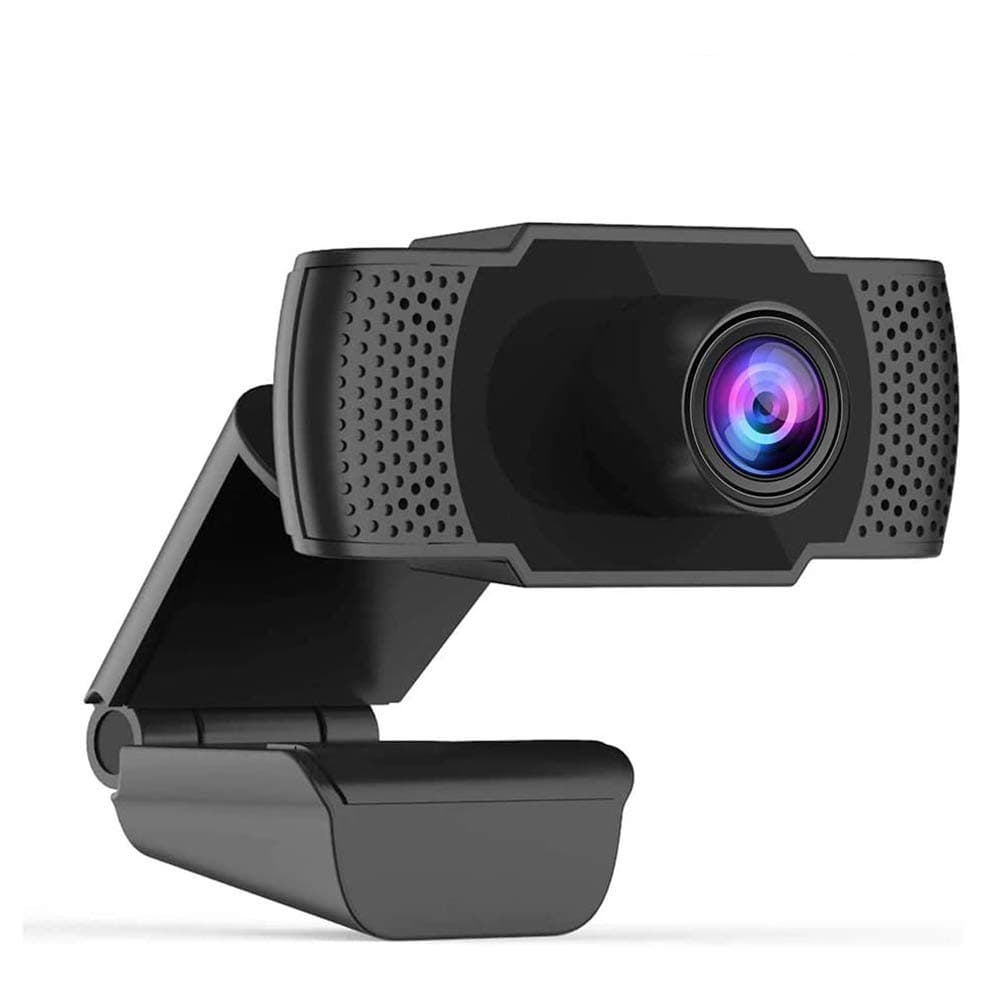
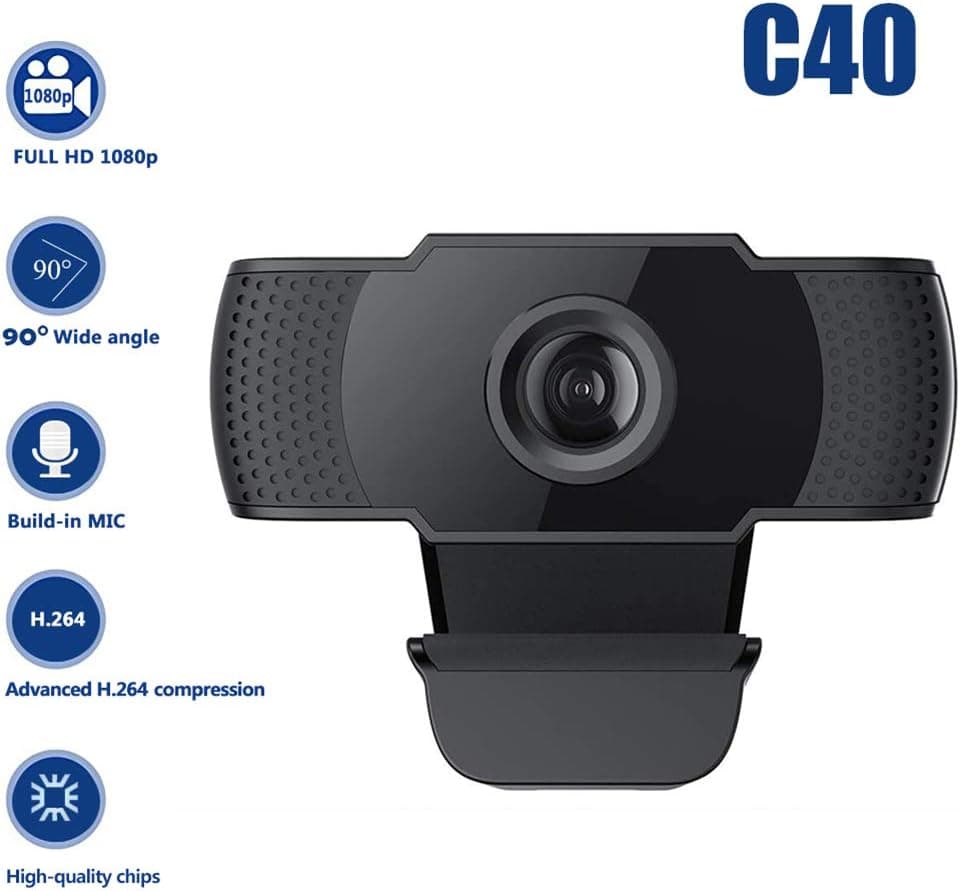
1080P HD Webcam USB Plug and Play Widescreen Built-in MIC Web Camera for PC
Aoewise
£79.99
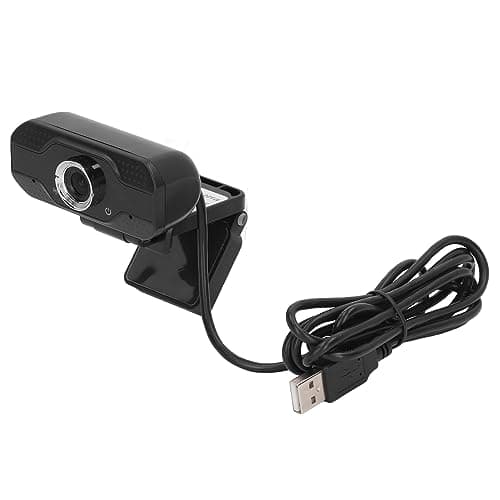
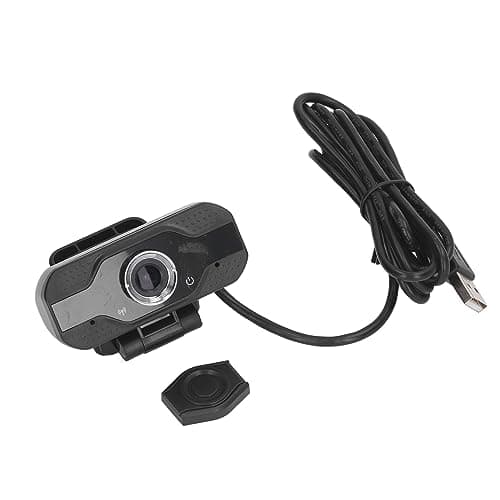
1080P HD Webcam with Dual Noise Canceling Microphone, Auto Light Color Correction, Wide Viewing Angle Plug and Play USB Camera for Video Calling, Recording
ciciglow
£6.33
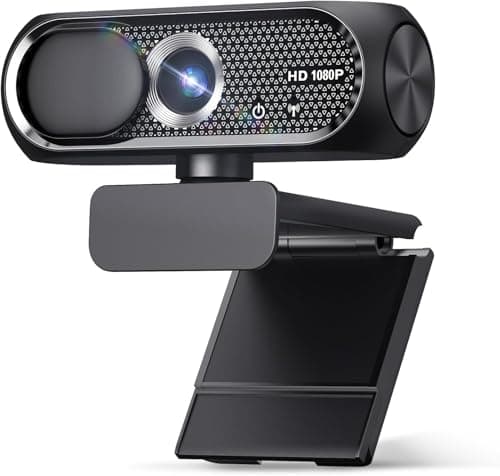
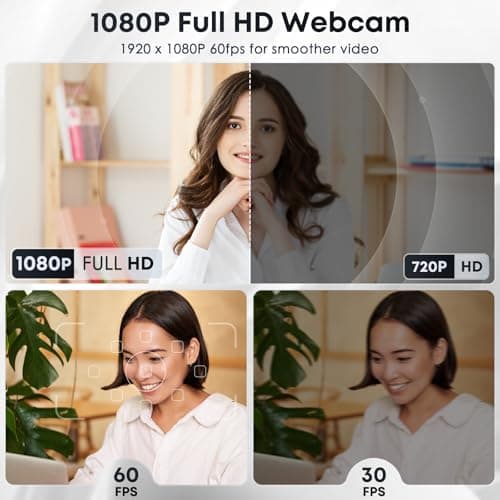
1080P HD Webcam with Microphone, Noise Cancellation, Privacy Cover, Wide-Angle Lens, Auto Light Correction, Plug & Play USB Web Camera for Laptop, Desktop, PC, Mac, Zoom, Skype, Streaming (Black)
Shcngqio
£19.99
