
Video Capture Card 4K USB3.0 HDMI to USB C Capture Card | Streaming Device 4K@30Hz 1080P@60fps Game Record 4K Passthrough Loop-out Compatible for Quest Switch iPad Camera Mac Laptop P
Brand: VoltCozy
- Pack size
- 1
- Amazon Bestseller Rank
- #29,230
About this product
Are you a gamer looking to record your gameplay in stunning 4K resolution? This Video Capture Card 4K USB3.0 HDMI to USB C Capture Card is perfect for capturing high-quality footage of your games, ensuring every detail is preserved. Whether you're streaming on the latest gaming consoles like the Quest or recording on Mac laptops, this card supports a wide range of devices and offers smooth 1080P@60fps and 4K@30Hz recording, making it an excellent choice for both casual and professional gamers. Ideal for those who want to share their gaming experiences with friends or upload content to platforms like Twitch, this capture card ensures your gameplay is captured in the best possible quality. Compatible with a variety of devices including iPads, Switches, and Macs, it's versatile enough to fit into any setup, providing seamless integration and superior performance for all your recording needs.
Specifications
- Pack size
- 1
- Amazon Bestseller Rank
- #29,230
Is this the right pick for you?
This capture card is ideal for gamers who want to stream or record their gameplay in 4K resolution at 30Hz or 1080P at 60fps. It’s perfect for those using Macs, iPads, and laptops that have USB-C ports, as well as the Oculus Quest VR headset, which supports passthrough loop-out functionality. If you're looking to capture high-quality content without taking up too much space or requiring a dedicated PC, this card is an excellent choice. However, if you need 4K@60Hz recording or are planning to use it with multiple devices simultaneously, there might be better options available. This card focuses on delivering top-notch quality for specific use cases and may not support all the features of more advanced capture cards in the market. Setting up this capture card is straightforward; simply plug it into your USB-C port and connect your HDMI source device to the capture card. Ensure that your computer’s operating system supports USB-C passthrough, as some older systems might require additional software or hardware updates for full functionality. Regularly check for firmware updates from the manufacturer to ensure optimal performance and compatibility with new devices or software versions.
Frequently asked questions
What devices is this capture card compatible with?
This capture card supports a variety of devices including Mac laptops, iPads, and the Nintendo Switch. It's designed to work with these platforms for capturing video content directly from their HDMI outputs.
Can I use it with my Quest headset?
Yes, you can use this capture card with your Oculus Quest headset for recording or streaming purposes. However, ensure that your system meets the necessary requirements and compatibility checks provided by the manufacturer.
What is included in the box when I purchase this capture card?
The box typically includes the capture card itself, an HDMI cable (usually 1 meter), a USB C to USB A adapter, and sometimes a user manual. Check the specific listing for exact contents as they may vary slightly.
You might also like
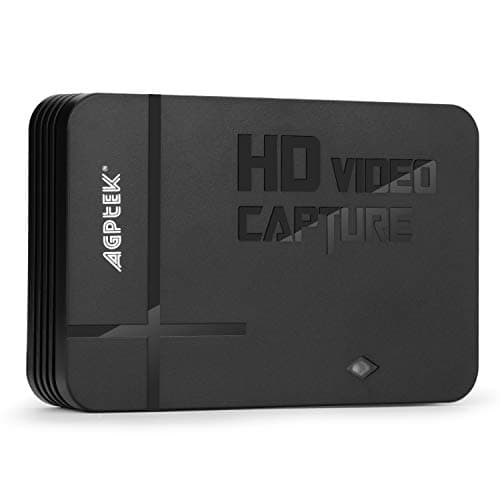
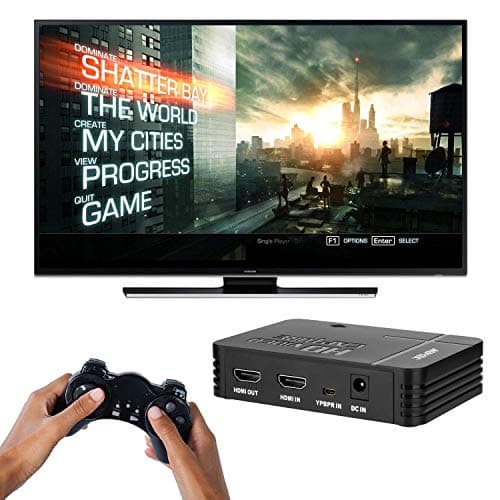
1080P Game Video Capture Card with HDMI and YpbPr Input, Mic-in Video Recorder Compatible with Xbox 360/One/ PS3 /PS4 etc
AGPTEK
£64.18
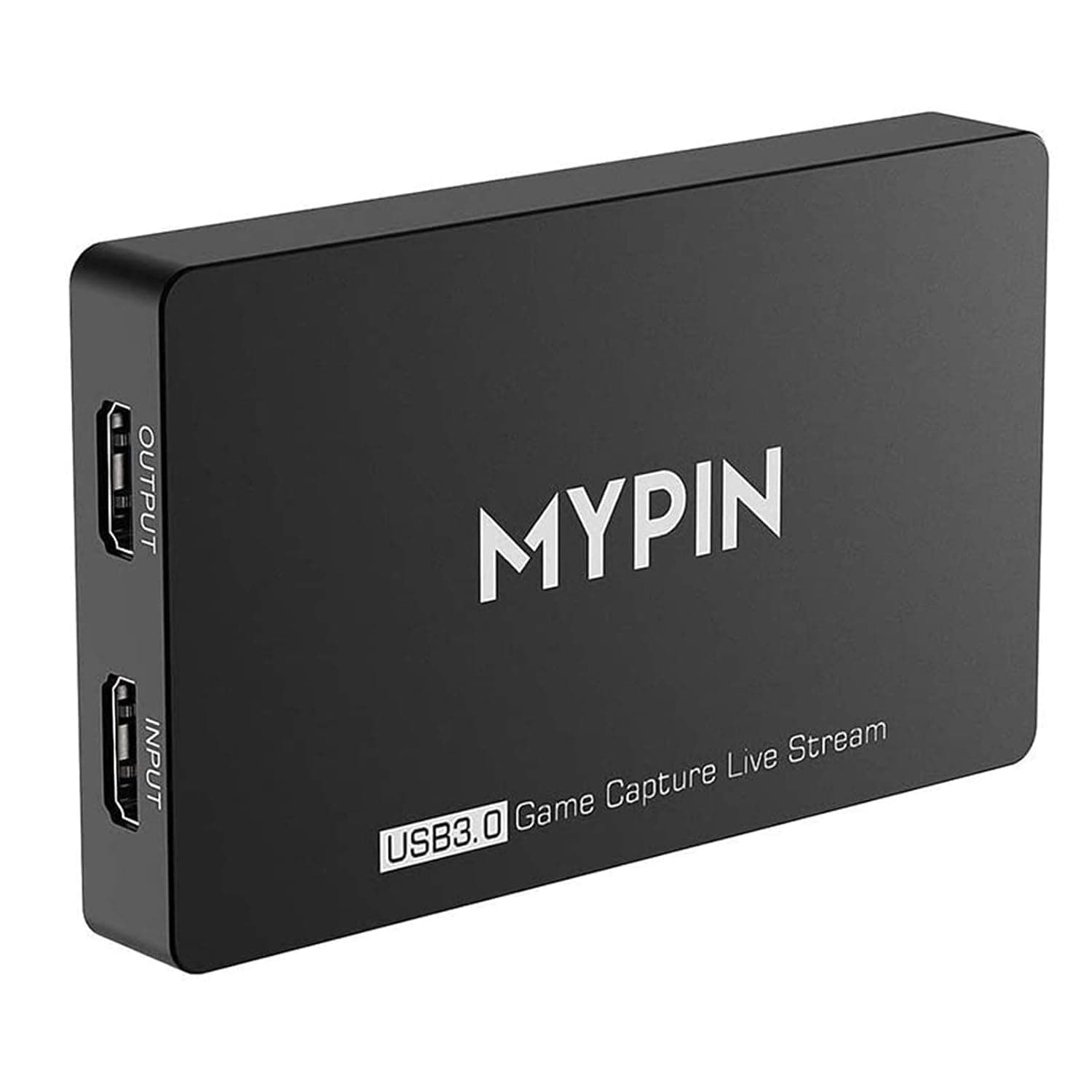
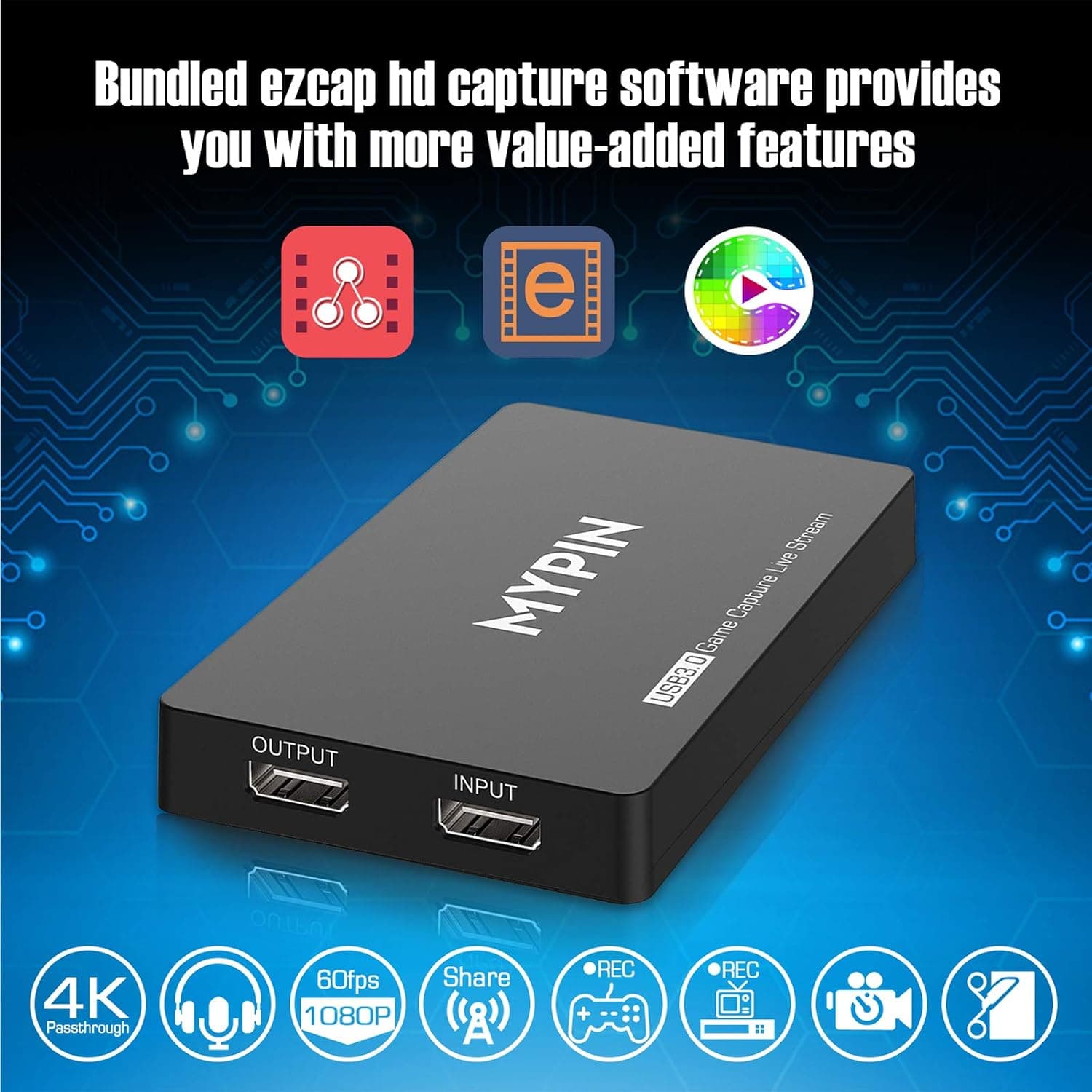
4K Capture Card for Live Streaming, MYPIN USB3.0 HDR Capture 1080P@60fps Support Microphone and Gamepad Party Chat for Nintendo Switch/ PS4 /Xbox One 360 /Wii U/Action Camera/DSLR Camcorder
MYPIN
£19.99
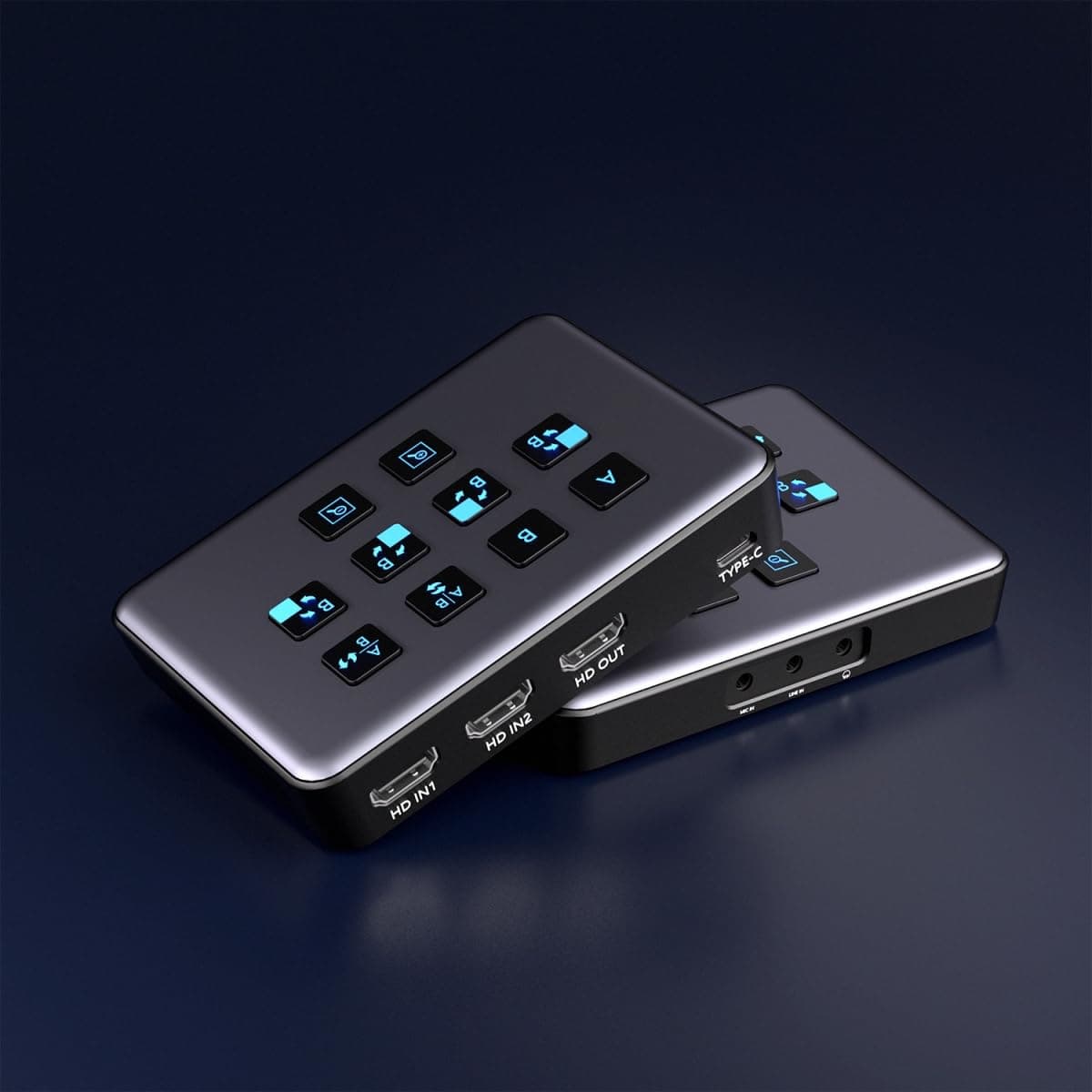
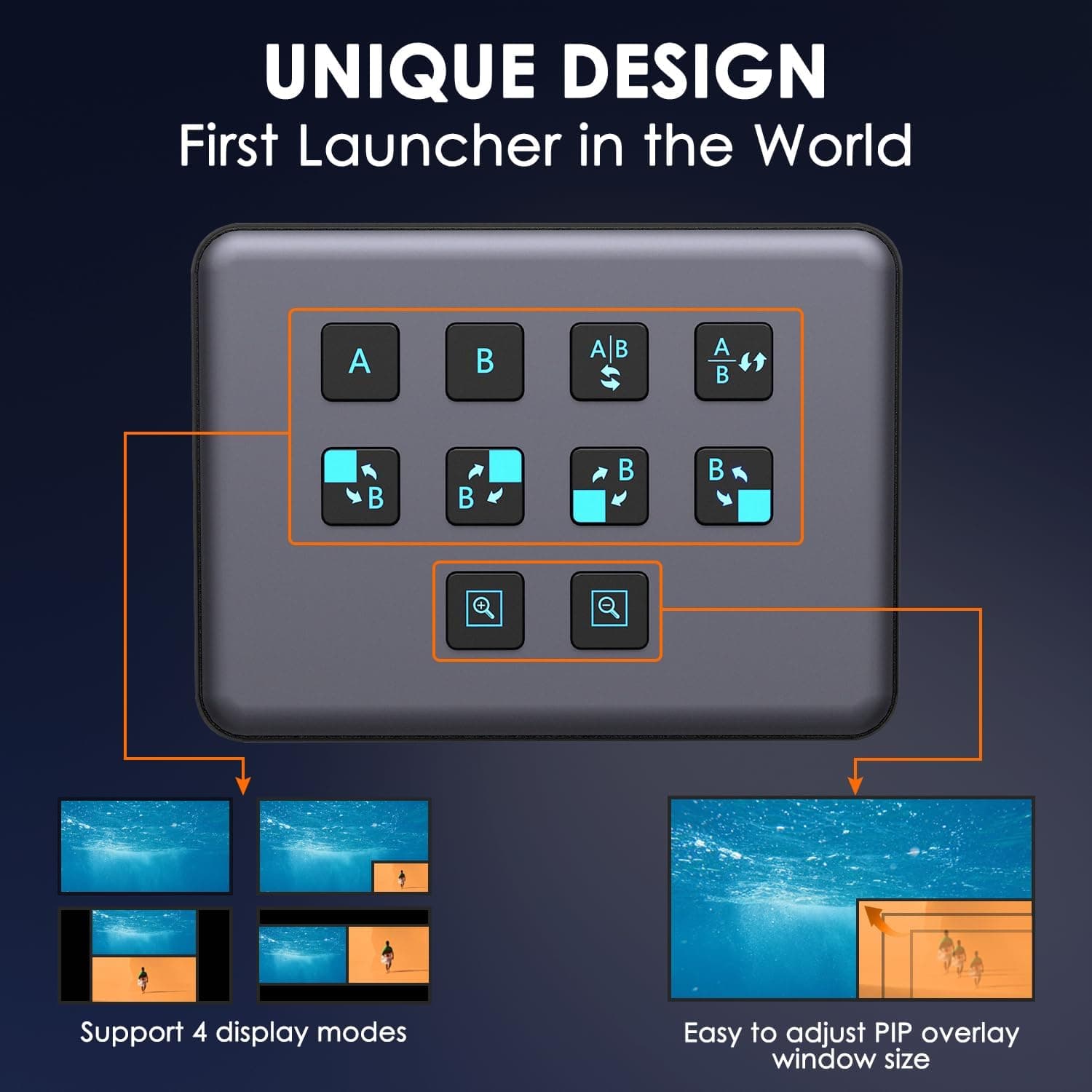
4K Dual HDMI Audio Video Capture Card, USB3.0 1080P 60FPS Equipment for Live Streaming,Capture Card with Loop Camera Link to Type-C Recording Game Video Mixer,Passthrough for Xbox PS5 PS4 Etc
EDISTEC
£25.99
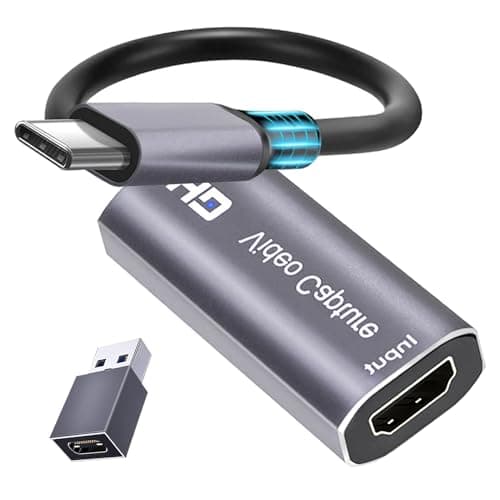
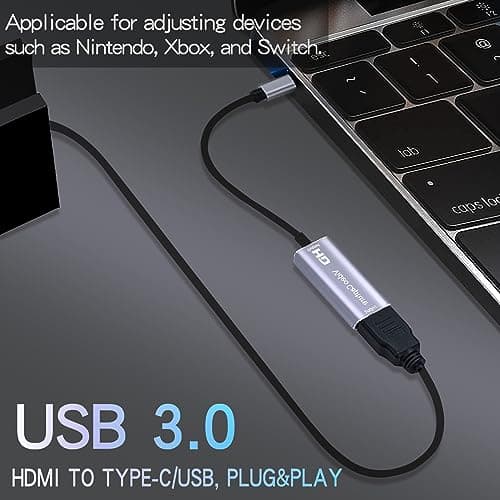
4K HDMI Capture Card, Cam Link Video Capture Card HDMI to 1080P Type-C for Windows Mac OS System for Streaming Gaming Meeting with USB C Adapter to Adjust PS3 4, Switch, Xbox
Extenuating Threads
£12.99
