
VR Headset for Phone Virtual Reality headsets with Remote Control, Mobile VR 3D Video Glasses Goggles for Movies & Play Games, Compatible for iPhone Android Phones (Black)
Brand: LONGLU
- Height
- 8.8 cm
- Length
- 23 cm
- Width
- 19 cm
- Weight
- 360 g
About this product
Are you looking for a way to immerse yourself in virtual reality without the hefty price tag of high-end headsets? The VR Headset for Phone is perfect for gaming enthusiasts and movie lovers who want an affordable yet engaging VR experience. This sleek black headset allows you to play games or watch 3D movies directly from your smartphone, turning your mobile device into a powerful VR platform. To get started, simply download the appropriate VR apps on your iPhone or Android phone, then connect the headset via Bluetooth and fix it around your phone. With adjustable sliders for different screen sizes and a lens knob to fine-tune your vision, this headset ensures a comfortable fit and clear visuals. Whether you're playing an intense action game or watching a cinematic 3D movie, this VR headset delivers the immersive experience you crave without breaking the bank.
Specifications
- Height
- 8.8 cm
- Length
- 23 cm
- Width
- 19 cm
- Weight
- 360 g
- Pack size
- 100
- Colour
- Black
Is this the right pick for you?
This VR Headset is an excellent choice if you're looking to enhance your mobile gaming and movie-watching experience. It's perfect for enthusiasts who want a more immersive setup without the need for additional hardware like a PC or console. The remote control included offers convenient access to various functions, making navigation through VR content intuitive and straightforward. However, this headset might not be ideal for those seeking high-end performance or advanced features found in dedicated VR systems. It is optimized primarily for mobile devices, so if you plan on using it with a desktop computer or other non-mobile platforms, you may need additional accessories or software to fully utilize its capabilities. When setting up the headset, ensure your phone is compatible and properly aligned within the device. The process involves downloading specific apps, connecting via Bluetooth, and adjusting settings for optimal viewing. It’s important to take your time during these steps to avoid any discomfort or misalignment issues. Regular cleaning of the lenses and proper storage are essential to maintain the quality of your VR experience over time. The headset is easy to use but requires some initial setup that might be a bit complex for beginners. Once connected, you can access a wide range of content through various apps on your phone, making it versatile for both gaming and entertainment. The remote control adds an extra layer of convenience, allowing you to control the headset without needing to touch your phone. For those who already have a VR setup or are looking for something more powerful, this might not be the best choice. However, if you want a simple, portable solution that works seamlessly with your smartphone and offers a good balance between performance and cost, it’s well worth considering. Remember to keep the headset in a cool, dry place when not in use and avoid exposing it to direct sunlight or extreme temperatures to prevent damage to the lenses. This VR Headset is designed for users who want an affordable entry into virtual reality experiences on their mobile devices. It provides a decent level of immersion that’s perfect for casual gaming and watching 3D videos, but may not meet the needs of hardcore gamers or professionals looking for high-resolution visuals and faster response times. When setting up, make sure to follow all instructions carefully, especially regarding the alignment of your phone within the headset. This step is crucial for a comfortable and clear viewing experience. Additionally, keep in mind that while the remote control enhances usability, it’s still limited compared to more advanced VR controllers available on the market. Regularly check the straps and adjust them as needed to ensure a snug fit throughout extended use.
Frequently asked questions
Is this VR headset compatible with all types of smartphones?
This VR headset is generally compatible with most iPhone and Android phones. However, it's important to check the minimum screen size requirements provided by the manufacturer since some headsets need a specific display resolution or size for optimal performance.
How does the remote control function in this VR headset?
The remote control allows you to navigate through menus and interact with content within VR applications. It usually has buttons for volume, menu access, and sometimes pausing or skipping scenes. Ensure your phone's Bluetooth is enabled and paired correctly with the headset for full functionality.
Can I use this VR headset without a smartphone?
No, you cannot use this VR headset without a compatible smartphone as it requires the phone to run the VR applications. The headset connects directly to your phone via a charging cable that also powers the device during use.
You might also like
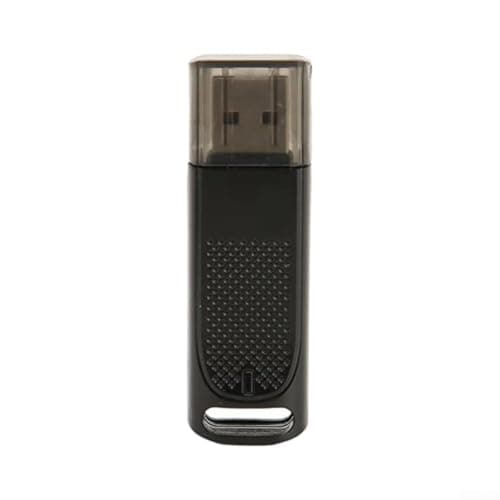
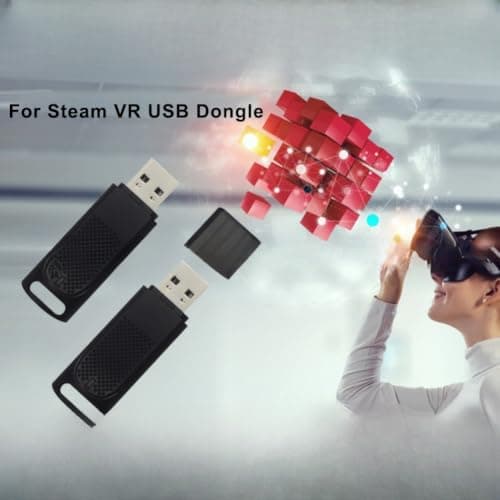
1/2Pcs USB Dongle Receiver for Valve Index Controllers Wireless Adapter for Steam for vr PC for vr Headsets Low Latency Gaming Accessory 2.36×0.63×0.39 inches(1pcs)
ZYWUOY
£35.69
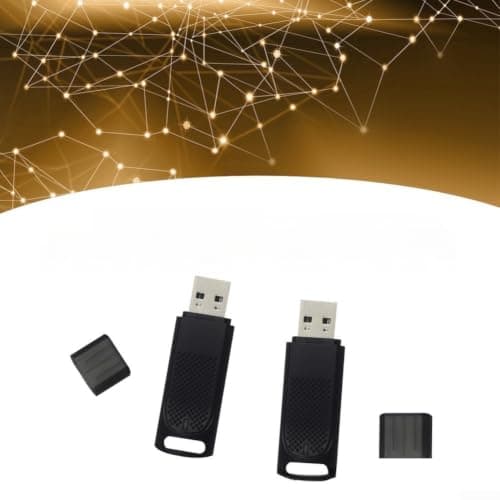
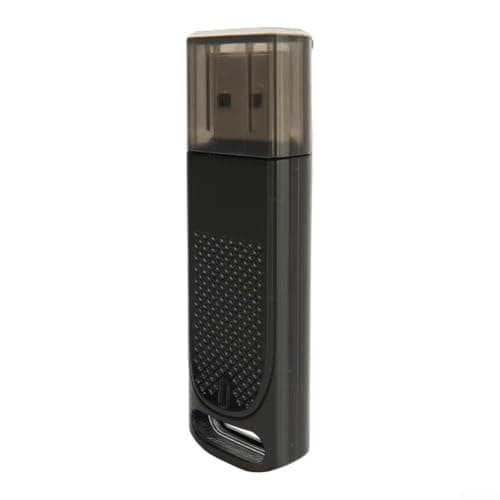
1/2Pcs USB Dongle Receiver for Valve Index Controllers Wireless Adapter for Steam for vr PC for vr Headsets Low Latency Gaming Accessory 2.36×0.63×0.39 inches(2-pack)
ZYWUOY
£62.79
![[2025 New] RayNeo Air 3s XR Glasses - AR Glasses 201" 120Hz FHD HueView Eye-Care Video Display, Smart Gaming Glasses for iPhone 16,15/Android/Mac/Switch/PS5/SteamDeck.](/_next/image?url=https%3A%2F%2Fm.media-amazon.com%2Fimages%2FI%2F51hTDO8E0aL._SL1500_.jpg&w=3840&q=75)
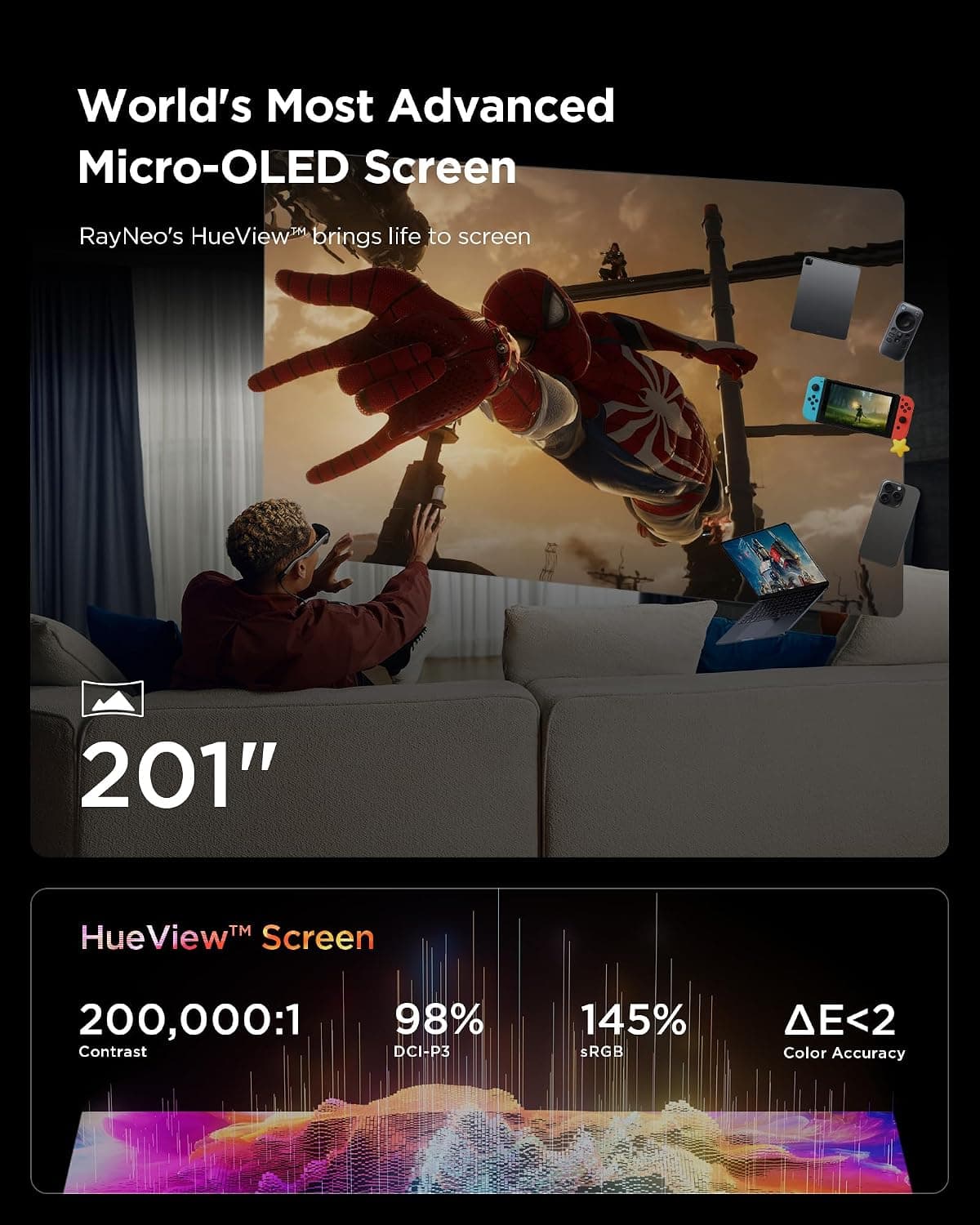
[2025 New] RayNeo Air 3s XR Glasses - AR Glasses 201" 120Hz FHD HueView Eye-Care Video Display, Smart Gaming Glasses for iPhone 16,15/Android/Mac/Switch/PS5/SteamDeck.
RayNeo
£248.99
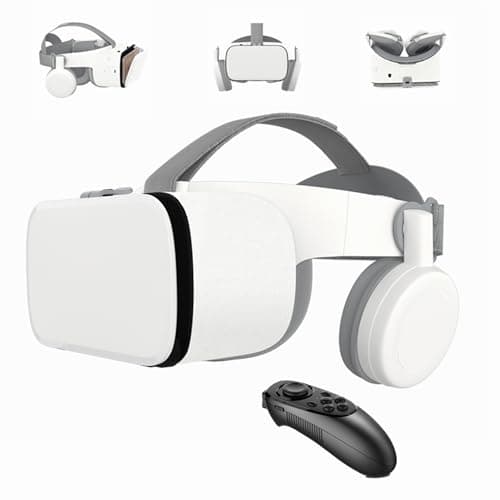
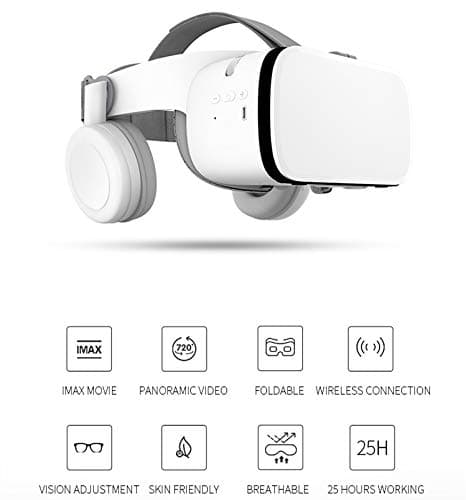
3D VR Headset for Phone, Wireless Bluetooth VR Headset VR Goggles, Compatible for Android Phones and iPhone 16 16e15 15 Pro 14 13 12 11 etc. Nice Gift (White)
LONGLU
£106.03
