
Dynamovolition PXN-2119II Flight Stick Joystick USB Simulator Gamepad Gaming Controller for PC
Brand: Dynamovolition
Experience the vibration of a real air flow and let yourself be there.
- Height
- 25 cm
- Length
- 36 cm
- Width
- 19 cm
- Pack size
- 1
About this product
Experience the thrill of flight simulation like never before with the Dynamovolition PXN-2119II Flight Stick Joystick. This product stands out for its built-in motor that simulates the sensation of real airflow, making your gaming experience incredibly immersive and realistic. Whether you're a seasoned pilot or just starting to explore the skies in your PC games, this flight stick offers an unparalleled interactive experience. Tailored for gamers who demand precision and customization, the PXN-2119II features a multi-function control rocker with programmable keys that support eight azimuth strikes. You can easily switch between three modes and adjust up to 144 function keys on your keyboard through the mapping function. Compatible with PC mainstream systems including Windows XP/7/8/10, this flight stick is perfect for integrating into any gaming setup in the Flight Sticks & HOTAS category.
Specifications
- Height
- 25 cm
- Length
- 36 cm
- Width
- 19 cm
- Pack size
- 1
- Colour
- red
Is this the right pick for you?
This flight stick is ideal for pilots who want a more immersive and realistic experience while simulating flights on their PC. The PXN-2119II Flight Stick Joystick offers tactile feedback that mimics the sensation of real airflow, enhancing your engagement with flight simulation games. Its built-in motor allows you to adjust settings for a customized feel, making it perfect for those who want to fine-tune their gaming experience. In terms of setup and compatibility, this joystick is straightforward to use and works seamlessly with most PC systems running Windows XP, 7, 8, or 10. It requires only a USB connection, which means you can plug it in without needing any additional hardware. The three-mode switch provides extensive control over key functions, allowing for up to 144 customizable keyboard mappings at the same time. This flexibility is particularly useful for advanced players who want precise control over their gaming setup. When considering care and maintenance, ensure that you handle the joystick gently to avoid damaging the sensitive components. Regular cleaning with a soft cloth can help keep it in good condition. It's also important to store it properly when not in use, ideally in its original packaging or a protective case, to prevent dust accumulation and potential damage.
Frequently asked questions
Is this product compatible with my PC?
This flight stick is designed to be compatible with a wide range of PC systems running Windows XP/7/8/10. Ensure your system meets the minimum requirements before purchasing.
Can I customize the settings for keyboard mapping?
Yes, you can freely edit the keyboard mapping function. This allows you to tailor the controls to fit your gaming style and preferences, enhancing your gameplay experience.
How does this flight stick compare to other HOTAS devices in terms of features?
While similar in design, this model offers a unique combination of features such as the built-in motor for realistic feedback, 16*3 key function modes, and multi-directional control rocker. These features set it apart from simpler models but may not match more advanced systems with wireless capabilities.
You might also like
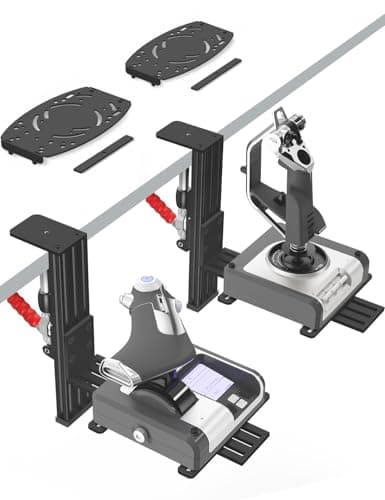
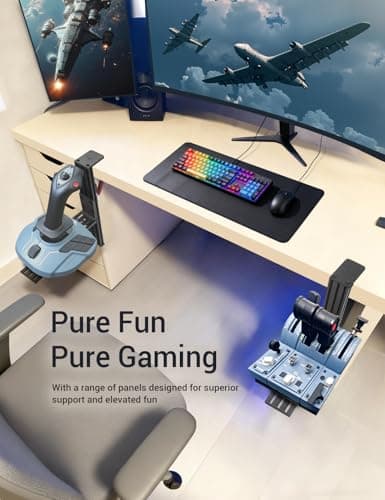
2 Pack Hotas Desk Mount for Flight Sim Hand-Controllers Compatible with Logitech X52 X56 Hotas, Thrustmaster Hotas Warthog, Sol-R2, SimTask Farmstick, T. Flight Hotas, T.16000M, TCA, Winwing,VKB, VPC
VTUIFBT
£64.88
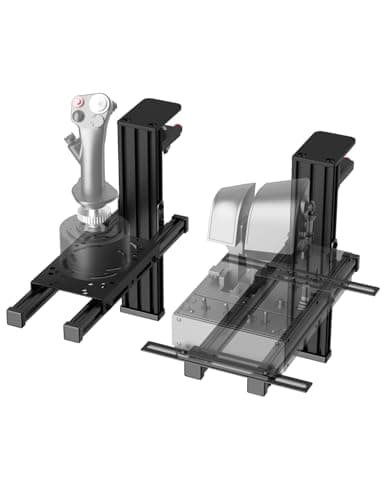
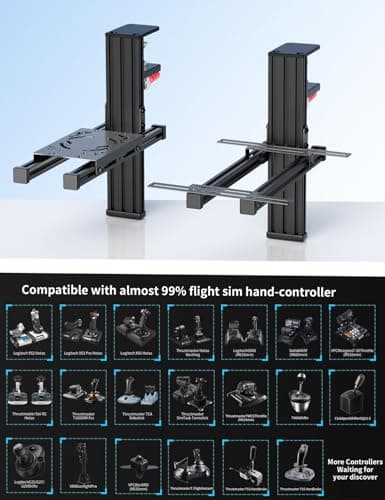
2 Pack Hotas Desk Mount For Flight Sim Joystick Compatible with Logitech X56/X52/X52 Pro, Thrustmaster Hotas Warthog/ T.16000M/ T-Flight Hotas 4/X/ SimTask Farmstick/ Sol-R2, Winwing, VPC, VKB Hotas
VTUIFBT
£59.99
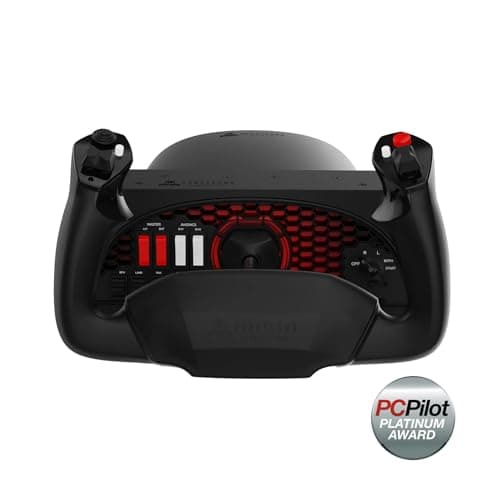
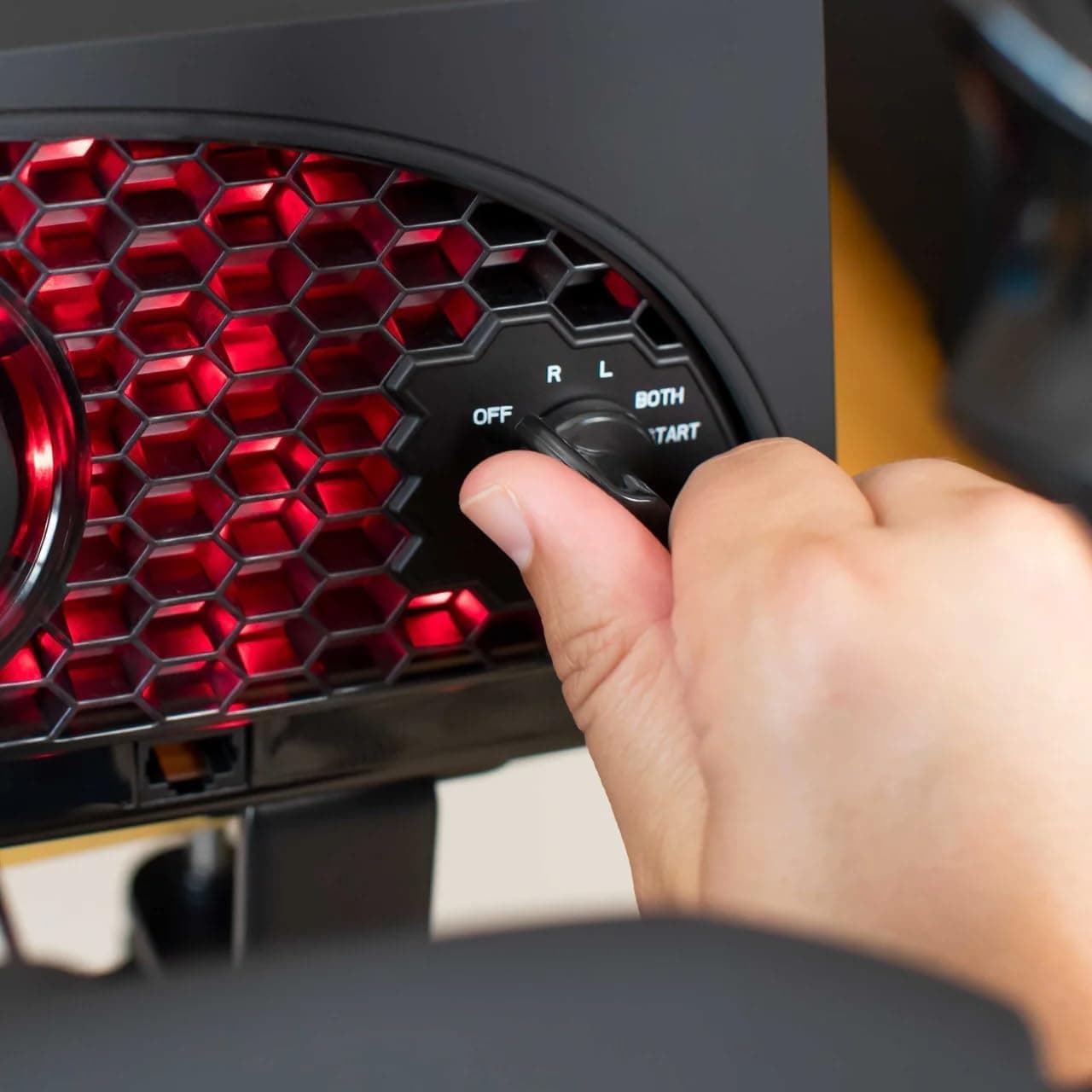
Aerosoft Honeycomb Alpha Flight Controls Flugsimulator-Steuerhorn USB PC black
Honeycomb Aeronautical
£301.16
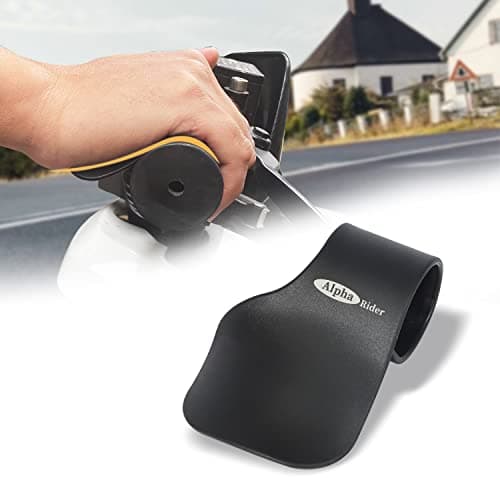
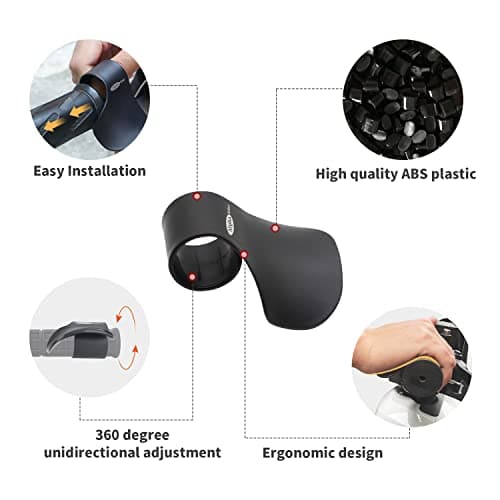
Alpha Rider Universal Motorcycle 22MM Black Throttle Mounted
Alpha Rider
£8.99
