
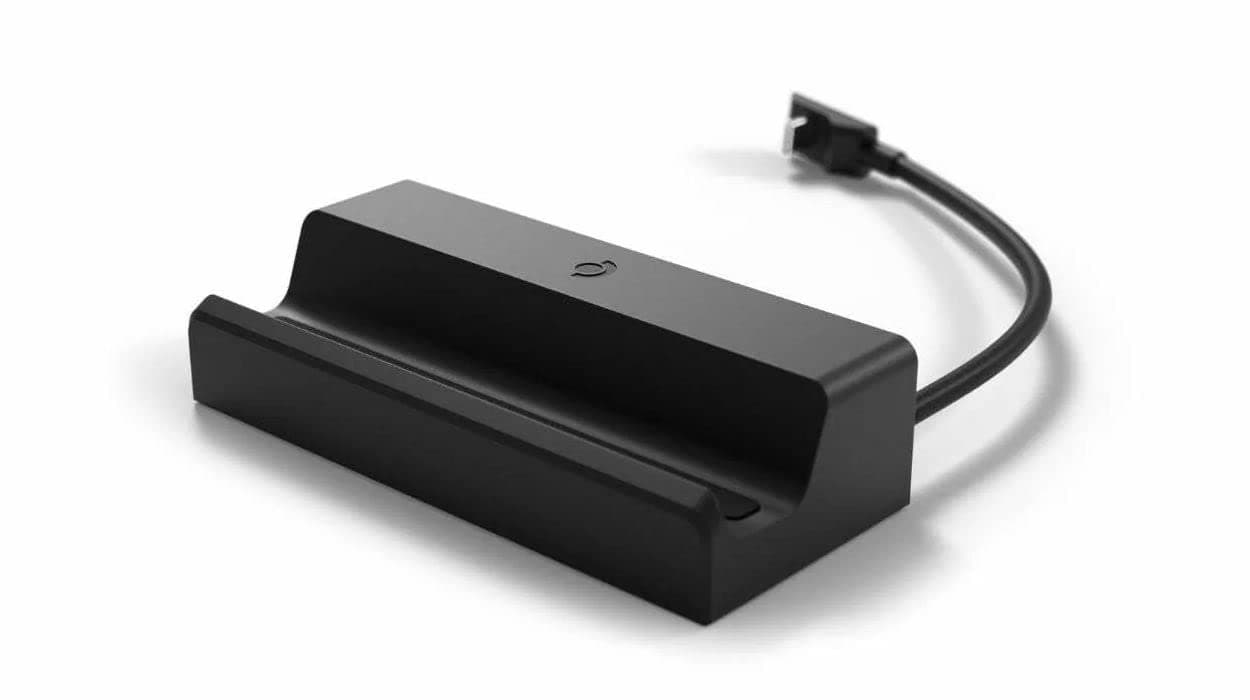
Valve Steam Deck Docking Station (Black) - UK Version
About this product
Is there a way to enhance your gaming experience on the go without sacrificing quality? The Valve Steam Deck Docking Station (Black) - UK Version offers just that. This docking station not only charges your Valve Steam Deck but also provides external displays through DisplayPort 1.4 and HDMI 2.0, supporting up to 4k at 60hz or 1440p at 120hz, ensuring a seamless transition from portable gaming to a desktop setup. With three USB-A ports for additional peripherals and gigabit Ethernet for reliable internet connectivity, this station is perfect for gamers who want to enjoy their favorite titles on larger screens while maintaining the mobility of the Steam Deck.
Highlights
- Requires VALVE Steam Deck
- For external displays: DisplayPort 1.4, HDMI 2.0, Supports up to 4k 60hz, or 1440p 120hz
- FreeSync support is in-progress, update is forthcoming
- Peripheral Inputs: 3 x USB-A 3.1 Gen1 Ports, 1x Gigabit Ethernet Port
- Power Input: USB-C Power Delivery passthrough input
- Deck connection: 6" USB-C captive cable with low profile 90° connector
Is this the right pick for you?
This Valve Steam Deck Docking Station is an ideal companion for those who want to extend the capabilities of their Valve Steam Deck gaming handheld. It provides a robust set of features that cater to both casual and hardcore gamers. For users looking to enhance their gaming experience with a larger display or additional peripherals, this docking station offers a seamless solution. However, it's not suitable for individuals who prefer to use their Steam Deck exclusively as a portable device without any external connections. In a typical setup, the Valve Steam Deck Docking Station integrates smoothly into an existing gaming ecosystem. It allows you to connect your Steam Deck to a larger monitor or TV via DisplayPort 1.4 and HDMI 2.0 ports, providing resolutions up to 4K at 60Hz or 1440p at 120Hz for an immersive visual experience. The docking station also features three USB-A 3.1 Gen1 ports and a Gigabit Ethernet port, which are perfect for connecting keyboards, mice, and other peripherals, making your gaming sessions more comfortable and versatile. Additionally, the USB-C power delivery passthrough ensures that your Steam Deck remains powered while you use these additional devices. Before purchasing, it's important to consider the setup process and care requirements. The docking station comes with a 6-inch USB-C captive cable featuring a low-profile 90° connector, which means the cable is permanently attached to the dock, reducing the risk of accidental disconnection but also limiting flexibility in positioning. Users should ensure they have enough space for the docking station and that their monitors or TVs are compatible with the supported DisplayPort and HDMI ports. Regular cleaning and handling of the USB-C port can help maintain its functionality over time.
Frequently asked questions
What is the Valve Steam Deck Docking Station compatible with?
The Valve Steam Deck Docking Station is specifically designed for use with the VALVE Steam Deck gaming handheld. It’s not compatible with other devices or consoles.
Can I connect an external display to the Valve Steam Deck Docking Station?
Yes, you can connect an external display using either DisplayPort 1.4 or HDMI 2.0 ports on the docking station. This allows for higher resolution and refresh rates, supporting up to 4K at 60Hz or 1440p at 120Hz.
How many USB-A ports are available in the Valve Steam Deck Docking Station?
The docking station provides three USB-A 3.1 Gen1 ports for connecting peripherals like controllers, keyboards, and mice. These ports support data transfer speeds of up to 5Gbps each.
You might also like
 New
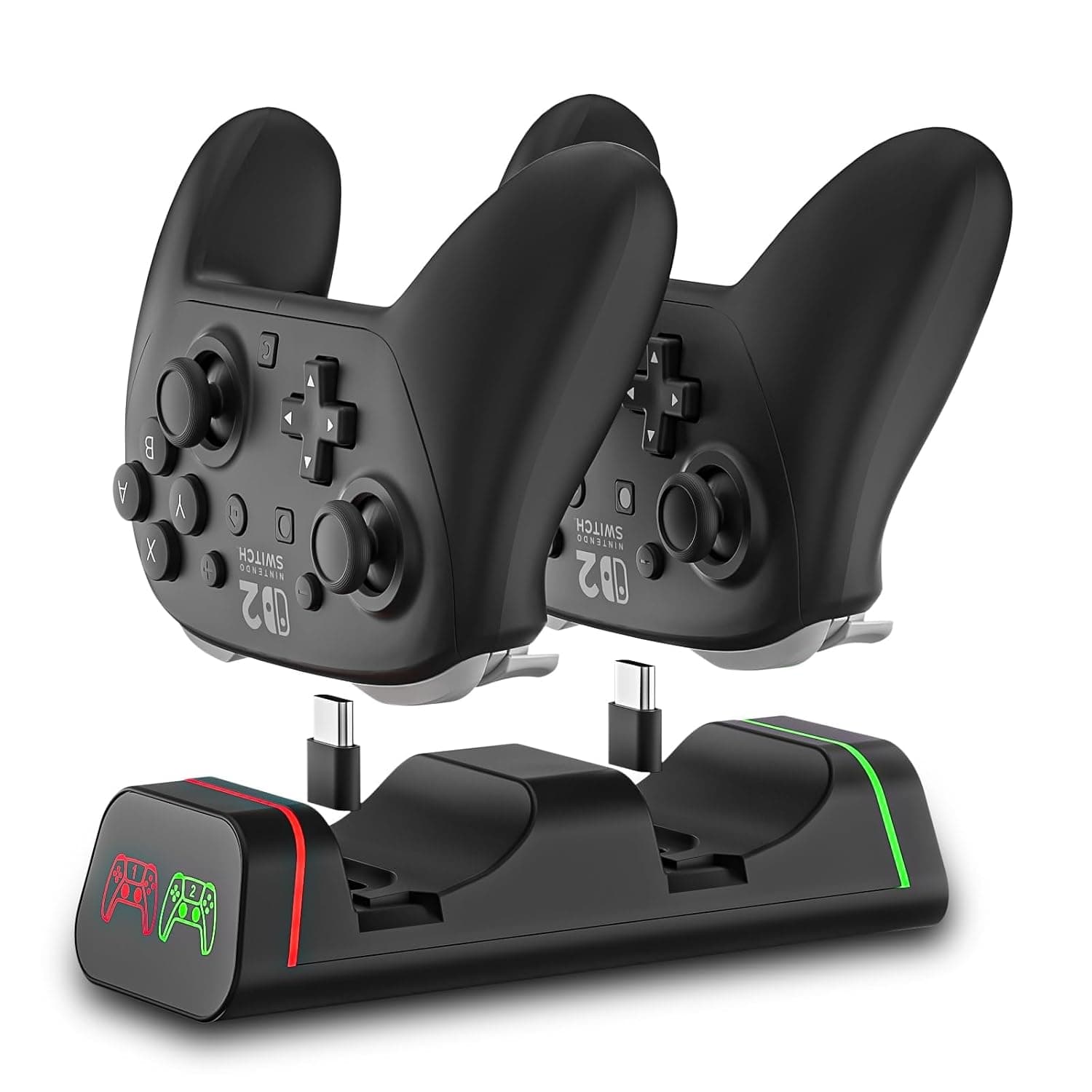
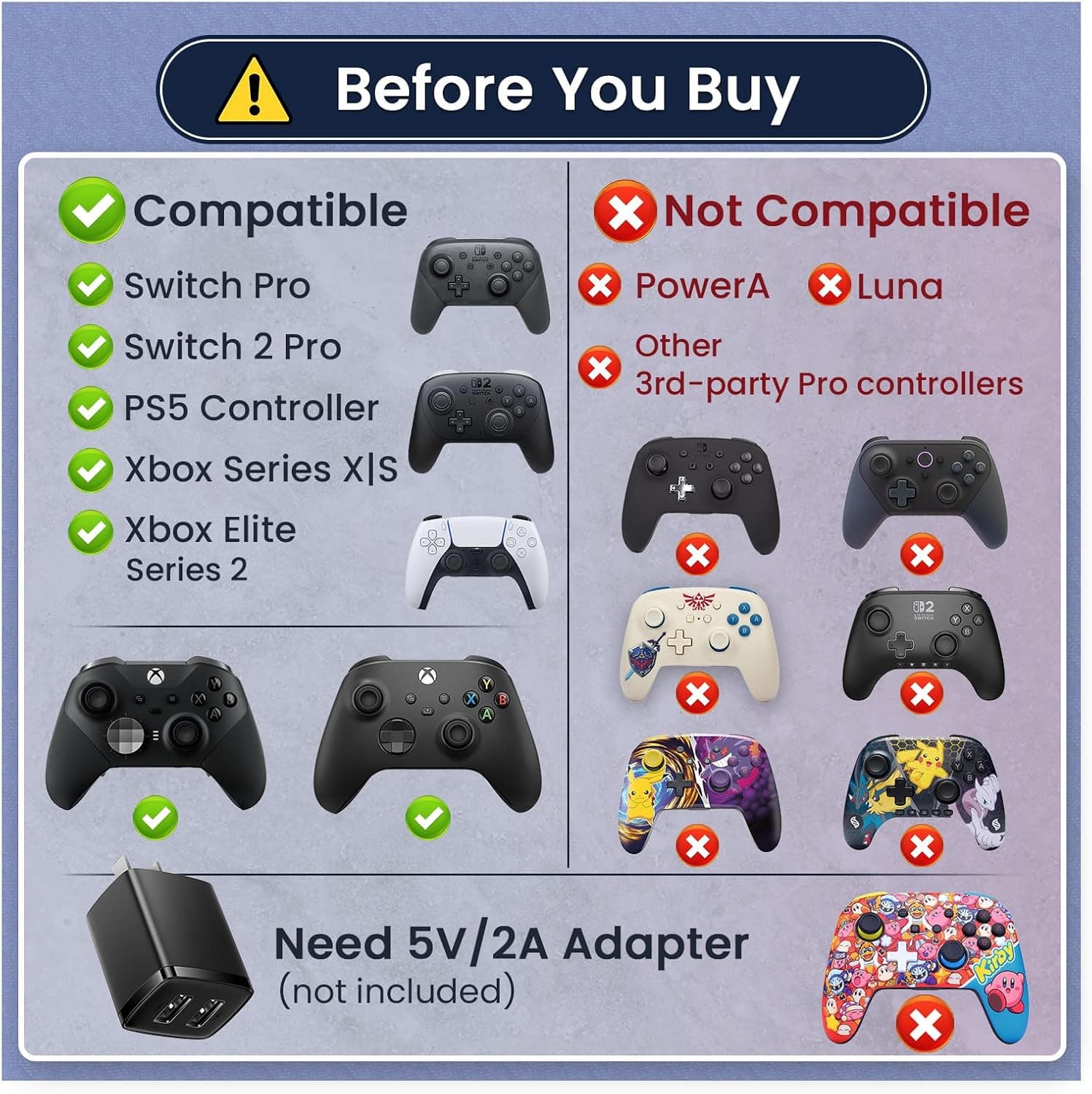
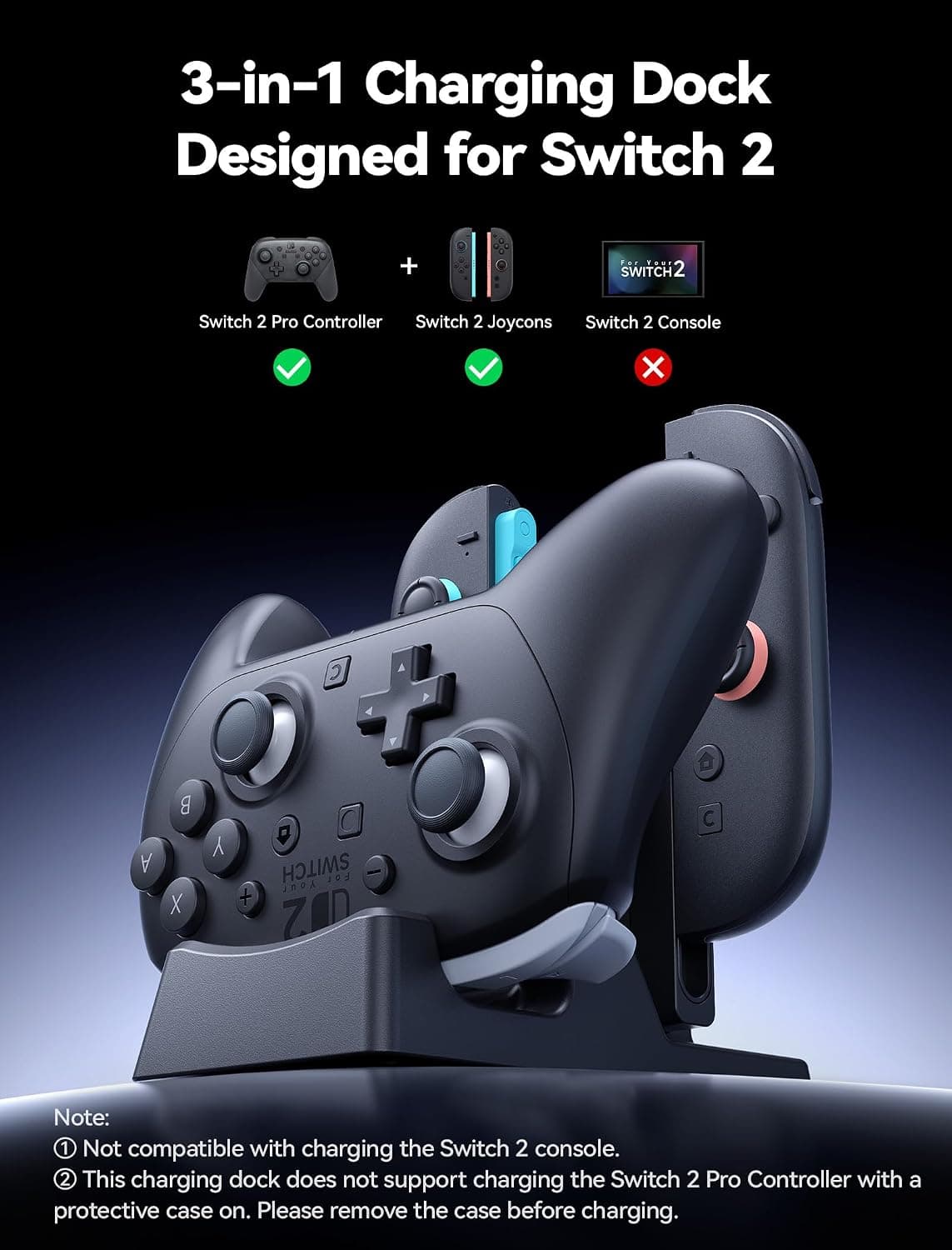
New2-Port Controller Charging Dock, USB-C for Switch Pro/Switch 2 Pro, PS5, Xbox Series X/S & Elite 2 (Not for PowerA/3rd-Party), 5V2A USB Adaptor Recommended
HEATFUN
£18.99
 New
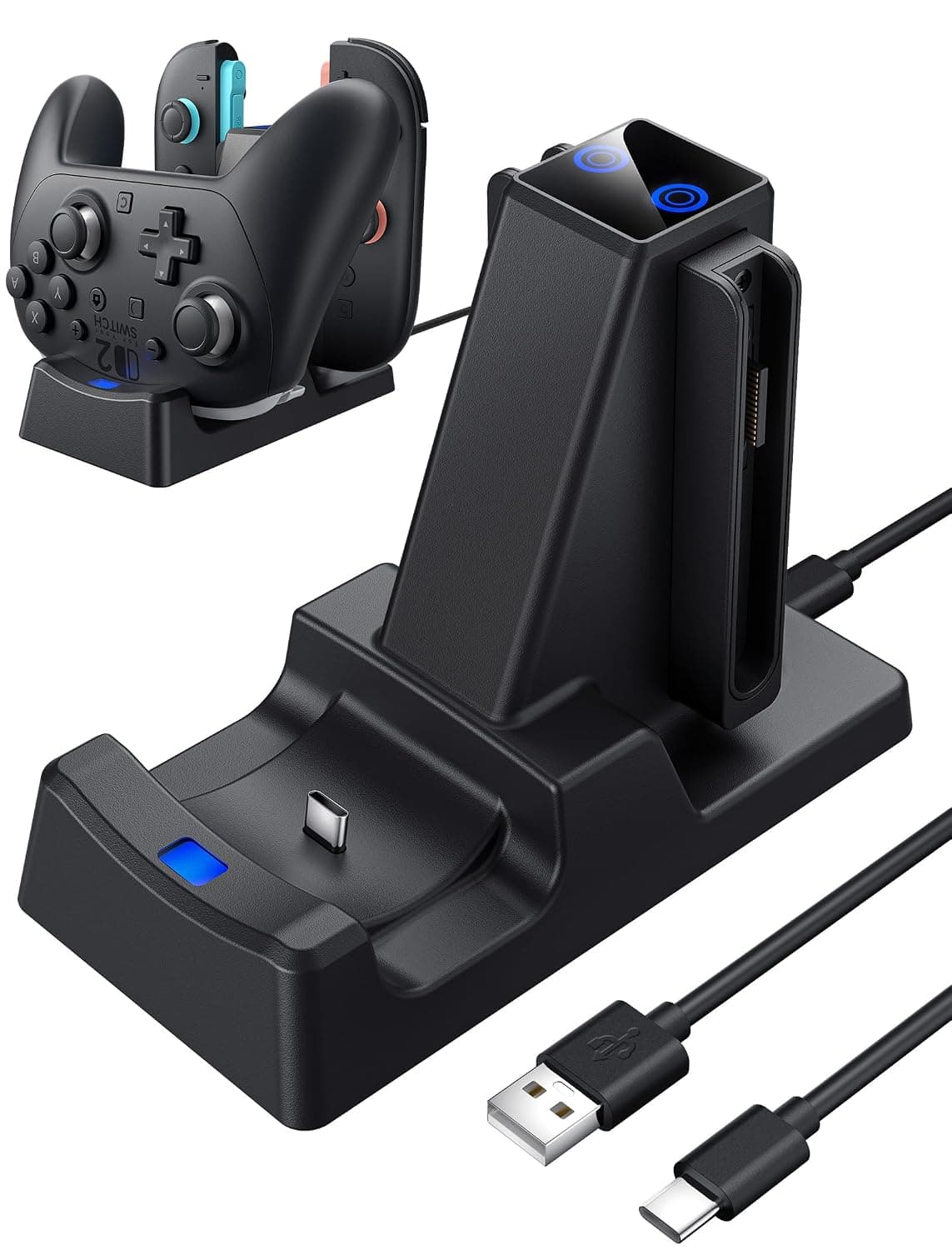
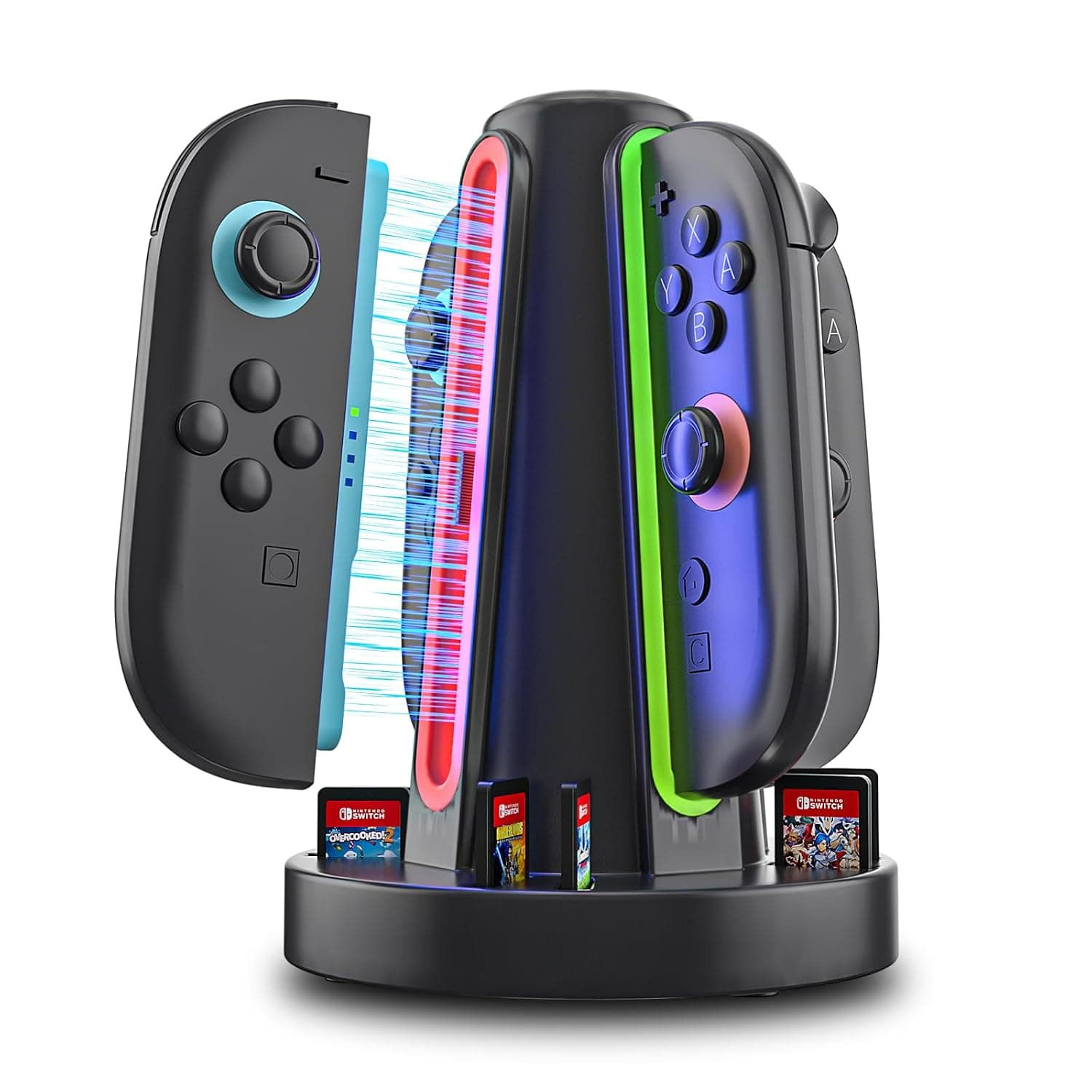
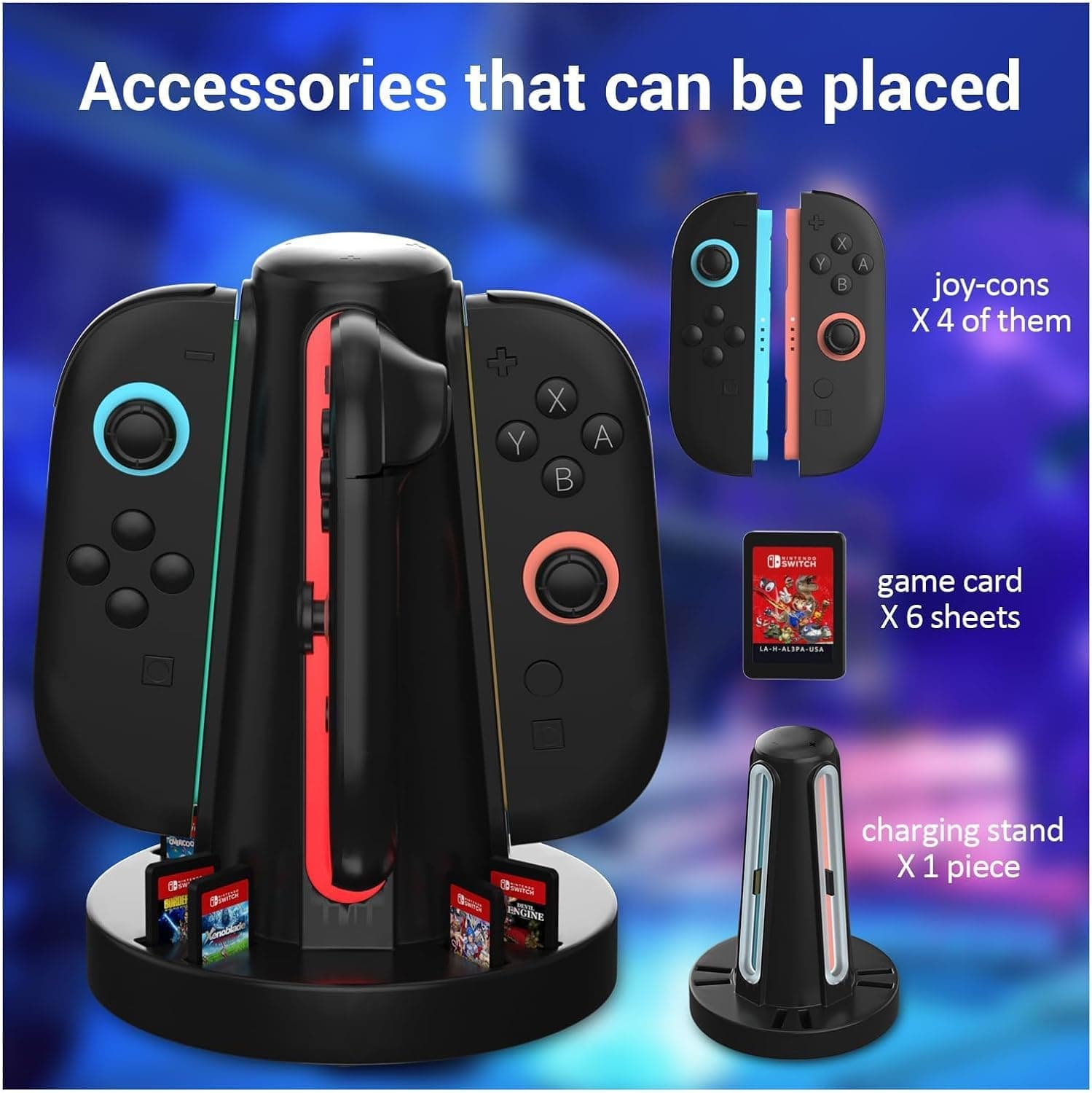
New3 in 1 Charging Dock for Nintendo Switch 2 JoyCon and Pro Controller, WEOTOO Controller Charger with LED Indicator Space-Saving Storage Stand Accessories for Switch2 (2025)
£25.99
 New
New4-Port Switch 2 Controller Charger Dock, 6-Card Storage & LED Indicators | Switch 2 controller charger powers four controllers in 2.5 hours, with 6 card slots, LED status bars and magnetic snap-in fit
HEATFUN
£9.99
 New
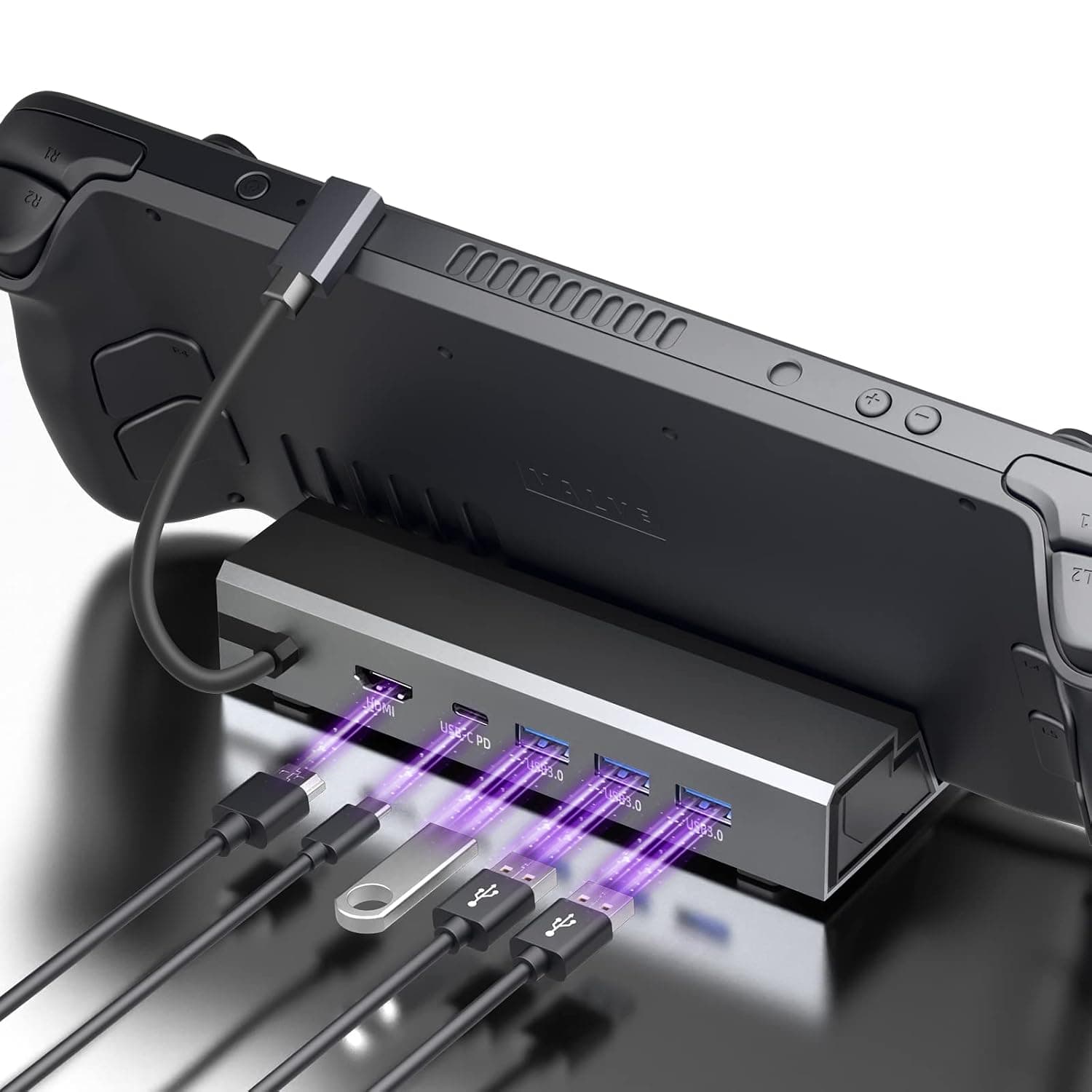
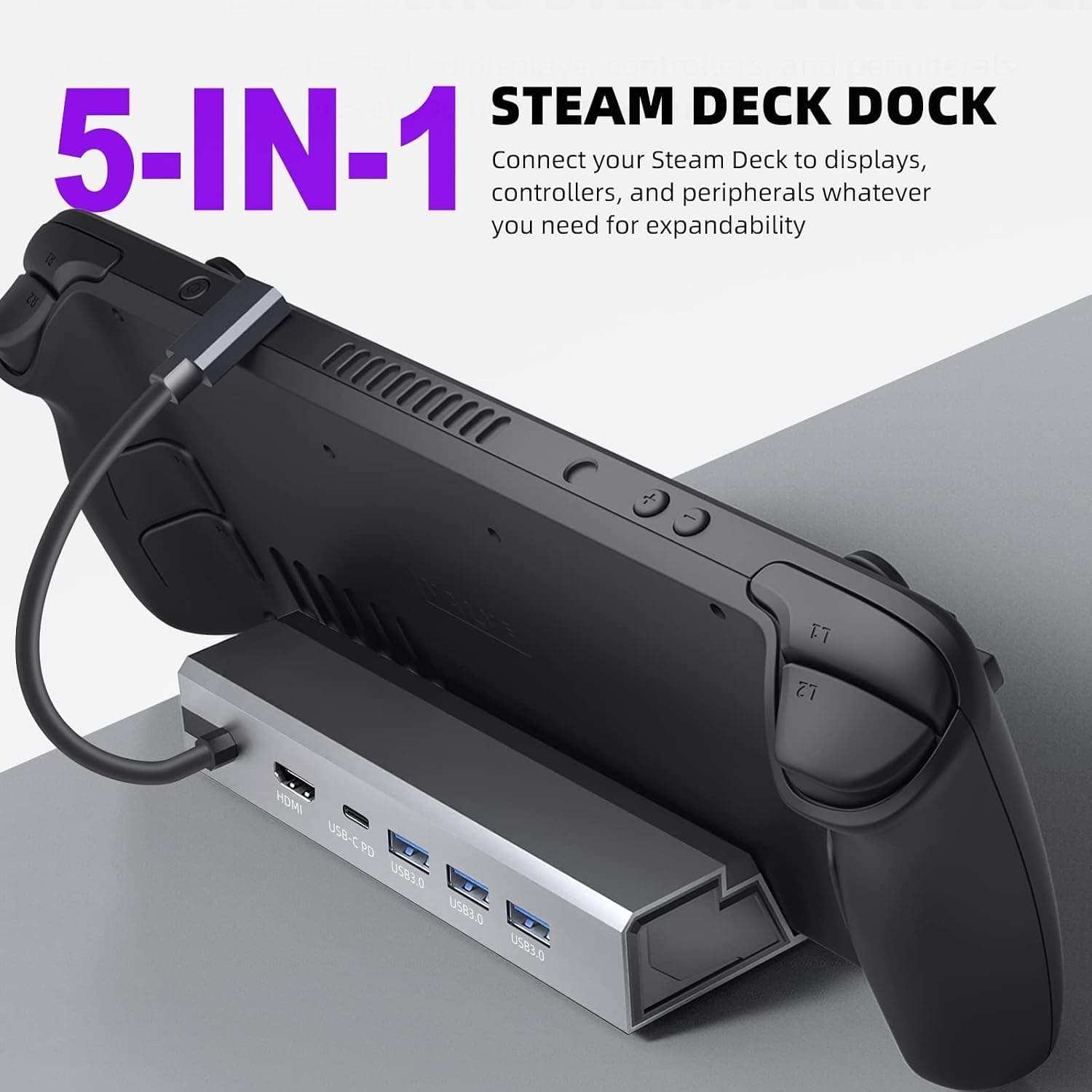
New5-in-1 Steam Deck Dock - Your Ultimate Gaming Hub for Steam Deck, High-Performance Steam Deck Docking Station with 4K@60Hz HDMI, 100W Type-C PD Fast Charging and 3 USB 3.0 Ports
£33.99