
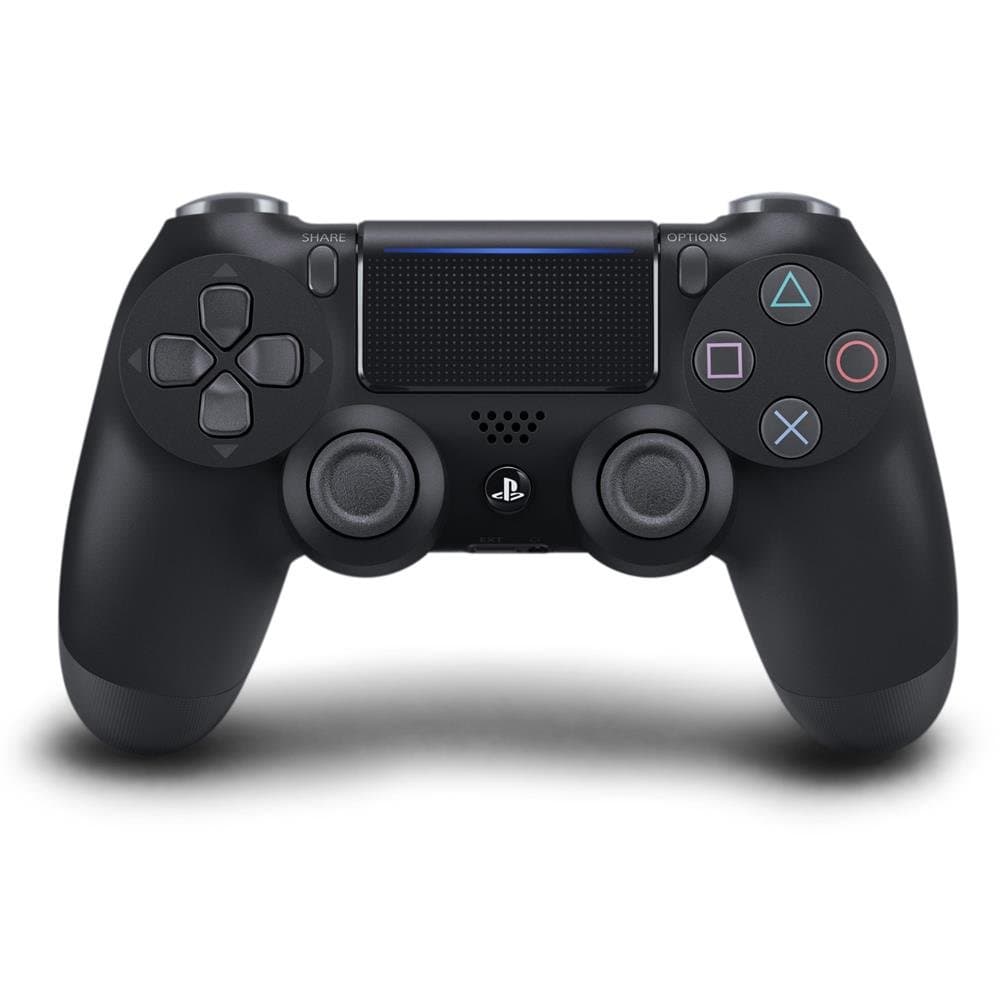
PlayStation Sony DualShock 4 Wireless Controller - Black
Brand: PlayStation
- Is discontinued by manufacturer
- No
- Batteries
- 1 C batteries required. (included)
- Rated
- Unknown
- Language
- German
About this product
If you're looking for a versatile gaming controller that lets you play your favorite PS4 games on the go or at home, the PlayStation Sony DualShock 4 Wireless Controller - Black is an excellent choice. This controller supports Remote Play, enabling seamless streaming to Windows PC or Mac, making it perfect for those who want to continue their gaming sessions without being tied to a TV. CUSTOMISATION IS KEY with this controller; you can tailor it to your preferences by adjusting the speaker volume, disabling vibrations, and managing light bar brightness to extend battery life. Whether you prefer Bluetooth connectivity or a USB cable for PS4, this versatile controller offers multiple options to fit your gaming style.
Highlights
- Remote Play: stream your PS4 games to a Windows PC or Mac so you can keep on playing even when you're away from the TV, the dualshock four USB Wireless Adaptor makes Remote Play on your computer even better, allowing you to play wirelessly
- customised control: prepare your DualShock four wireless controller just the way you like it - Set the speaker volume, disable vibrations, plus adjust the light bar brightness to conserve battery life when not required
- you can also choose to communicate data via Bluetooth or by using a USB cable connected to your PS4
Specifications
- Is discontinued by manufacturer
- No
- Batteries
- 1 C batteries required. (included)
- Rated
- Unknown
- Language
- German
- Product Dimensions
- 7.7 x 17.7 x 20.1 cm; 210 g
- Release date
- 1 Jan. 2024
- Item model number
- 9870050
- Guaranteed software updates until
- unknown
Is this the right pick for you?
This DualShock 4 Wireless Controller is a solid choice for gamers who are looking to continue their gaming sessions on the go. The Remote Play feature allows you to stream your PS4 games to a Windows PC or Mac from anywhere, as long as you have the dualshock four USB Wireless Adaptor. This makes it perfect for those who prefer to game at home but want the flexibility of playing on different devices when they're out and about. The controller offers extensive customization options that cater to personal preferences. You can adjust settings like speaker volume, vibration intensity, and light bar brightness to your liking. This level of personalization ensures a comfortable and enjoyable gaming experience tailored to individual needs. Additionally, you have the flexibility to communicate data via Bluetooth or through a USB cable connected directly to your PS4. Before making your purchase, it's important to consider a few practical aspects. The controller requires 1 C battery (included), so you'll want to ensure you have a spare on hand for extended gaming sessions. While the controller is not discontinued by the manufacturer and guarantees software updates until an unknown date, it’s worth noting that its compatibility with newer PS4 models might be limited due to the release date of January 1st, 2024.
Frequently asked questions
Is this controller compatible with my PS4 and PS5?
This DualShock 4 wireless controller is compatible with both your PS4 and PS5 consoles. However, for the best experience on a PS5, ensure you have the latest firmware updates installed.
Can I use it to stream games from my PS4 to my PC or Mac?
Yes, you can use Remote Play to stream your PS4 games to a Windows PC or Mac. For wireless streaming, connect the DualShock 4 USB Wireless Adaptor to your computer; for Bluetooth streaming, ensure both devices support Bluetooth.
How do I set up this controller?
Setting up is straightforward. First, charge the controller by connecting it to your PS4 via USB. Then, pair it with your console using the settings menu. You can customize controls and preferences through the system settings on your PlayStation device.
You might also like
 New
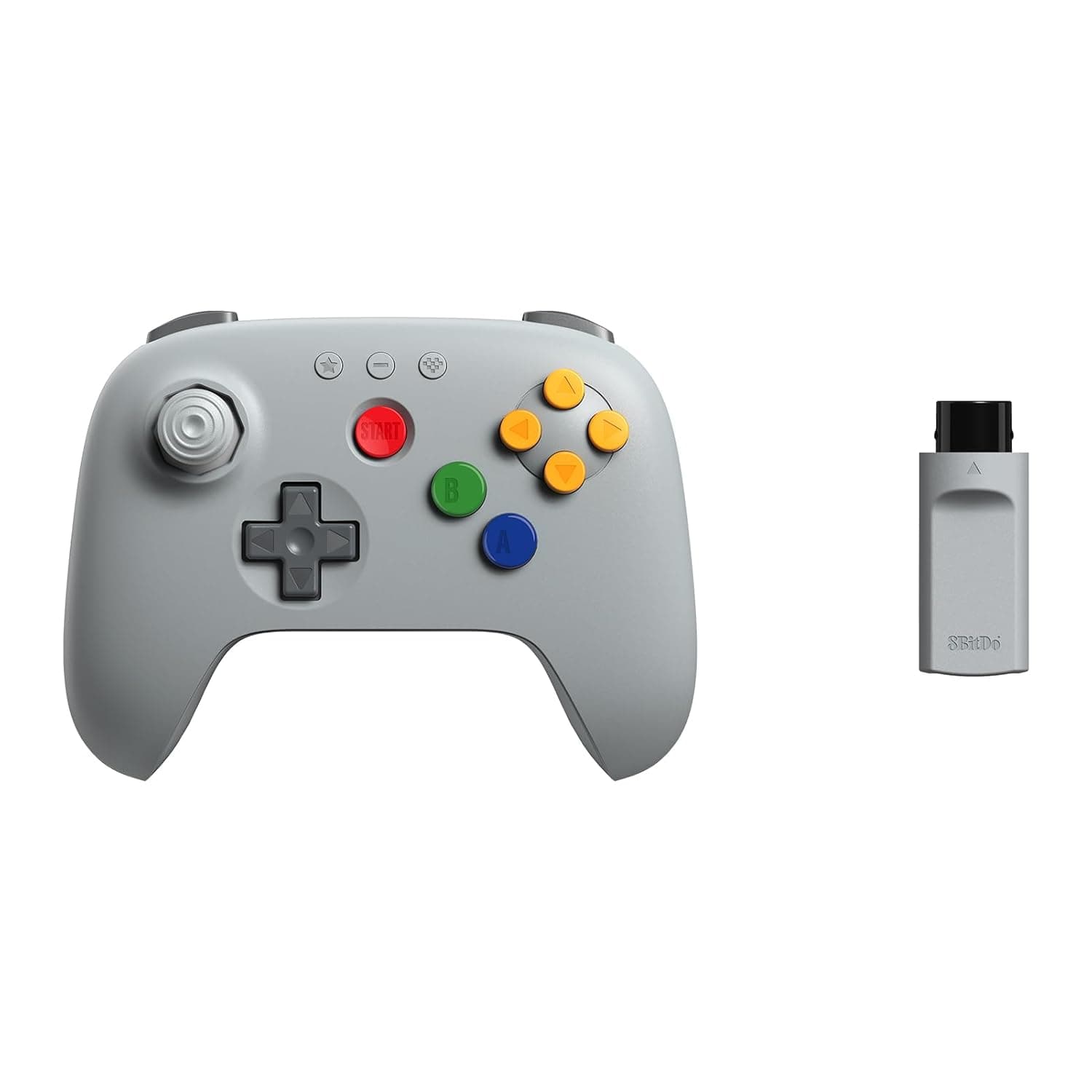
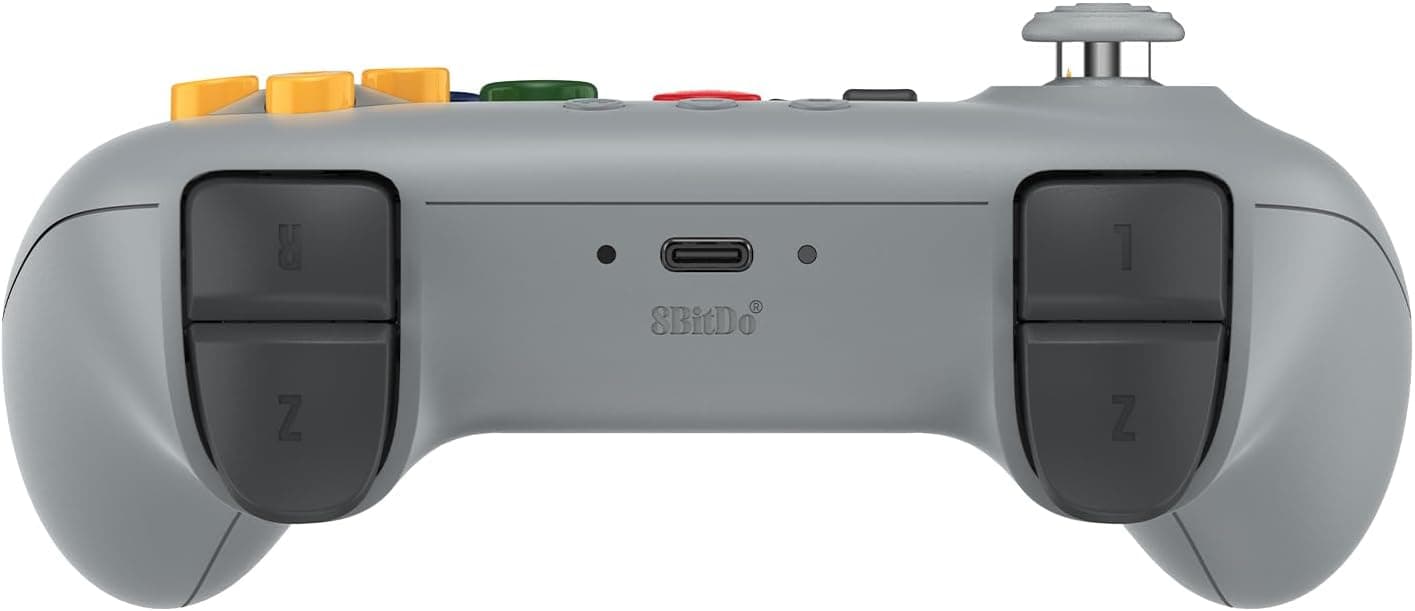
New8BitDo 64 2.4G Wireless Controller for Original N64 Console, Analogue 3D, and Windows (Grey)
8Bitdo
£34.99
 New
New8Bitdo Adapter Switch Controller Adapter 2 USB Wireless for Windows, Mac & Raspberry Pi, Compatible with Xbox Series X & S Controller, Xbox One Bluetooth Controller, PS5/PS4/PS3 Controller
8Bitdo
£13.50
 New
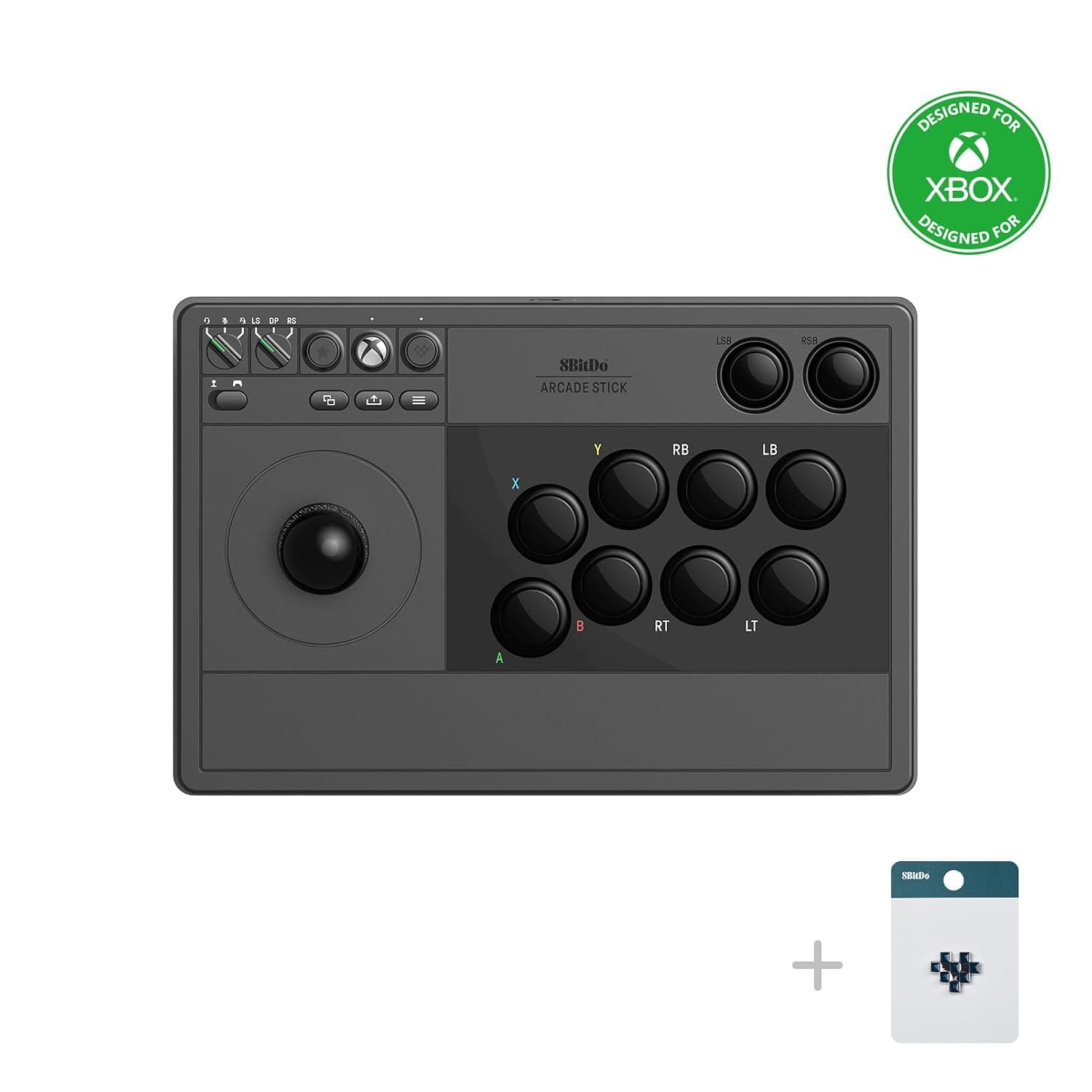
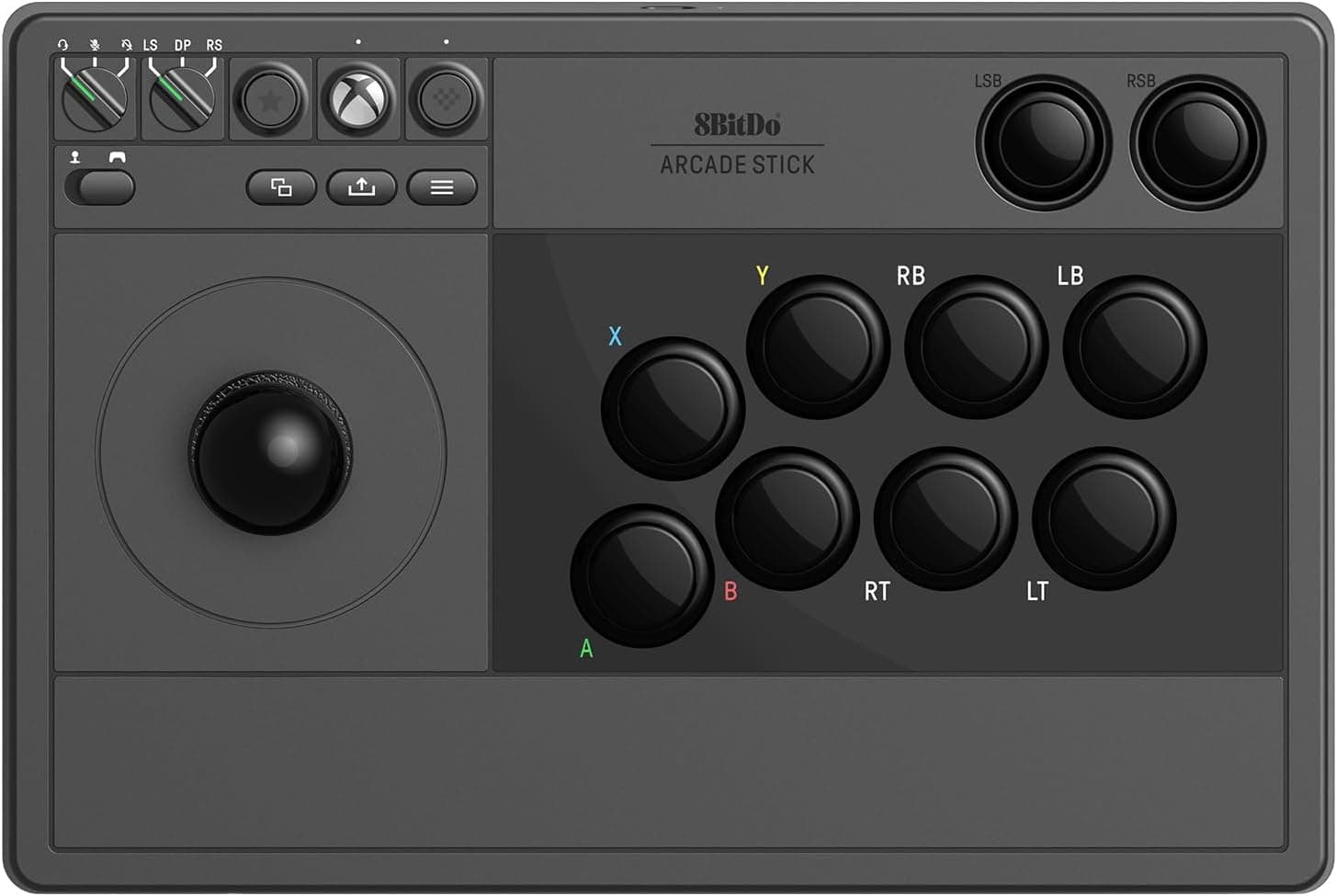
New8BitDo Arcade Stick For Xbox & PC (Windows 10) - Black
8Bitdo
£99.00
 New
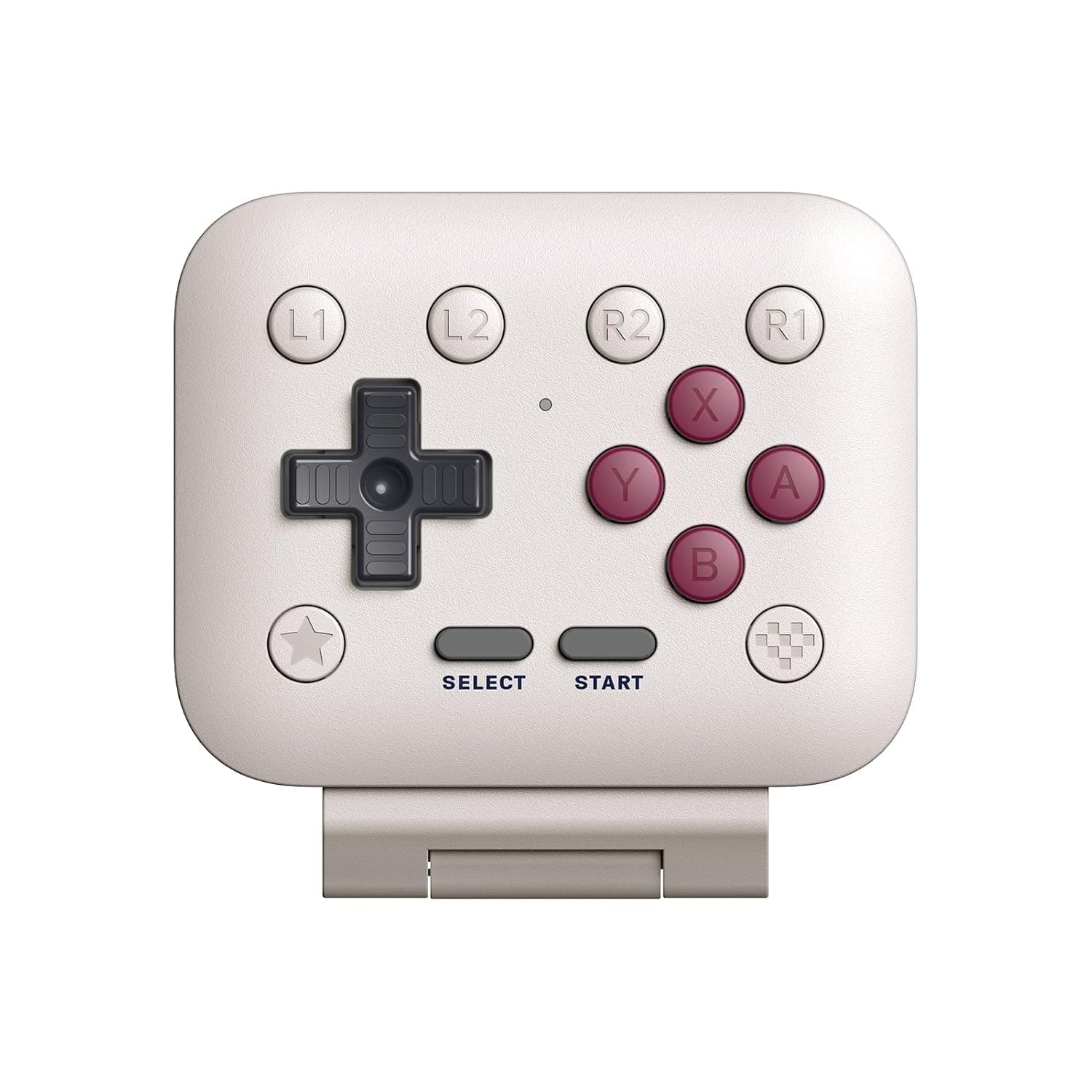
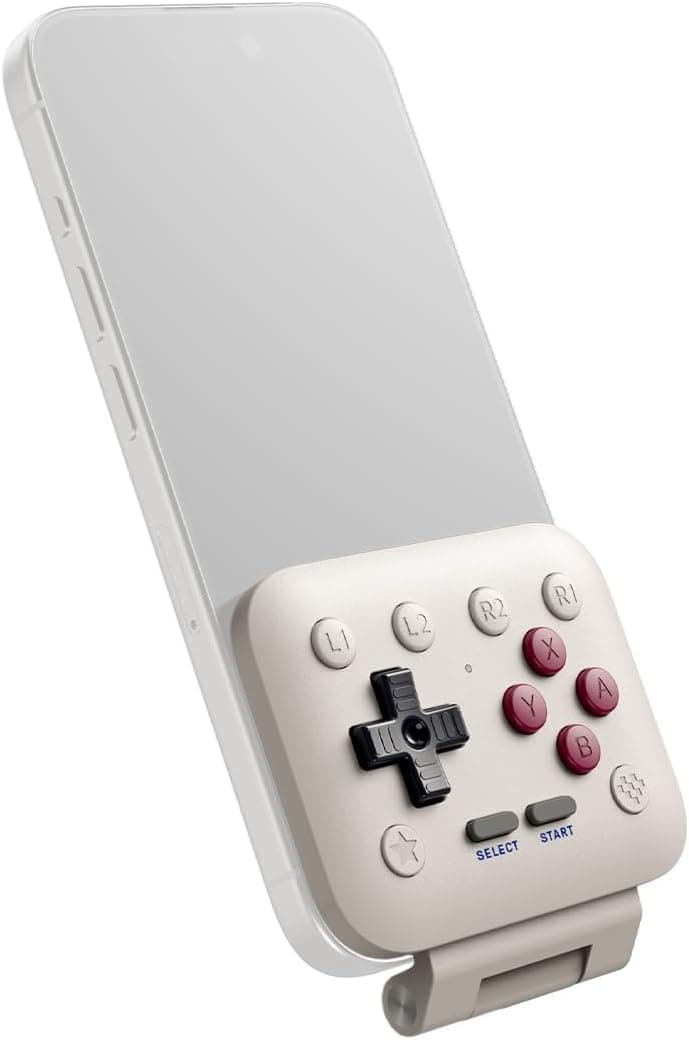
New8BitDo FlipPad Mobile Gaming Controller for iPhone and Android, Flip-Style USB-C Gamepad for Vertical Mobile Gaming, G Classic Edition
8Bitdo
£24.99