
WUYANSE HOTAS PC Game PXN-2119II USB Interface Computer Game Flight Joystick with Vibration Controller, Black Red
Brand: WUYANSE
About this product
If you're looking to enhance your gaming experience, especially for flight simulators or complex PC games, the WUYANSE HOTAS PXN-2119II is a top choice. This ergonomic joystick offers an immersive interactive flight experience with its 7-axis controls and 8-direction hat switches, providing precise control over every aspect of your game. The vibration motor adds to this realism, making each moment more engaging. Designed for gamers who demand the best in comfort and functionality, this HOTAS includes both a rocking unit and a bottleneck unit, allowing for versatile gameplay. Its compatibility with Windows XP through 10 ensures it works seamlessly across different systems. With its robust design and detailed controls, it stands out as an essential tool for those serious about their gaming setup.
Highlights
- Ergonomic design: combine a superior technical design to offer a true interactive flight experience.
- Excellent focus: it consists of a rocking unit and a bottleneck unit. It has 2 7 axis 2 direction 8 direction hat switches and 16 independent motion control buttons. It can extend 16 x 3 key functions via driver.
- Joystick buttons: The joystick can be used independently, with 4 axis and 8 direction key switches and 12 independent motion control buttons.
- Powerful motor: built-in dual vibration motor allows the joystick to reproduce the realistic feel of the game, with the motor switching control.
- Map function: players can set the keyboard mapping function by freely controlling the edition.
Is this the right pick for you?
This WUYANSE HOTAS is ideal for gamers who are serious about their flight simulation experiences. Its ergonomic design and extensive control options make it perfect for those who want to immerse themselves in a highly detailed and responsive virtual cockpit. The 27-axis controls, including the rocking unit and bottleneck unit, provide a wide range of motion that can simulate various aircraft movements and actions. This setup is particularly suited for players who engage in complex flight simulations or use HOTAS (Heads-Up Throttle And Stick) configurations to enhance their gaming experience. On the other hand, this joystick might not be the best fit for casual gamers or those who prefer simpler controllers with fewer buttons and axes. While it offers a detailed and realistic setup, beginners may find it overwhelming due to its complexity. The extensive number of controls means that players need to spend time familiarizing themselves with each button's function, which can take some getting used to. When setting up the WUYANSE HOTAS, ensure you have enough space for the joystick and gas controller, as both components are relatively large. The main cable is 2 meters long, providing ample flexibility while still being manageable. However, the secondary line of the rocker is shorter at 1.6 meters, which might limit your movement range slightly. This setup works best on a desk or table with enough clearance to avoid accidental button presses. In terms of care and maintenance, it's important to handle the joystick gently to preserve its longevity. The dual vibration motor can provide an immersive experience but should be used judiciously to prevent overheating. Regular cleaning is recommended to keep the controls responsive and free from dust or debris. Always unplug the device before cleaning to avoid any electrical hazards.
Frequently asked questions
Is this HOTAS compatible with my PC?
This HOTAS is compatible with Windows 10, 8, 7, and Vista. Make sure your operating system meets the requirements before purchasing to ensure a smooth setup.
How many buttons does it have in total?
The joystick has 16 independent motion control buttons, along with 4 axis and 8 direction key switches. This gives you extensive control over your game actions.
Can I use this for both flight simulators and other games?
Yes, the ergonomic design allows it to be used in various applications beyond just flight simulations, providing a versatile gaming experience across different genres.
You might also like
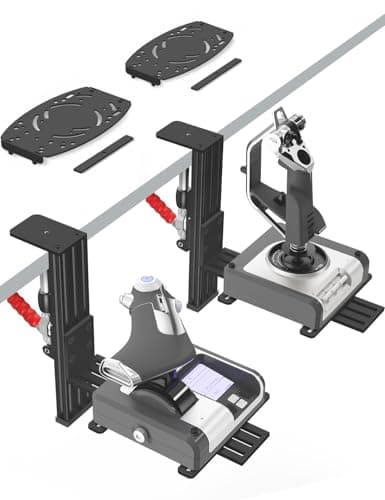
2 Pack Hotas Desk Mount for Flight Sim Hand-Controllers Compatible with Logitech X52 X56 Hotas, Thrustmaster Hotas Warthog, Sol-R2, SimTask Farmstick, T. Flight Hotas, T.16000M, TCA, Winwing,VKB, VPC
VTUIFBT
£64.88
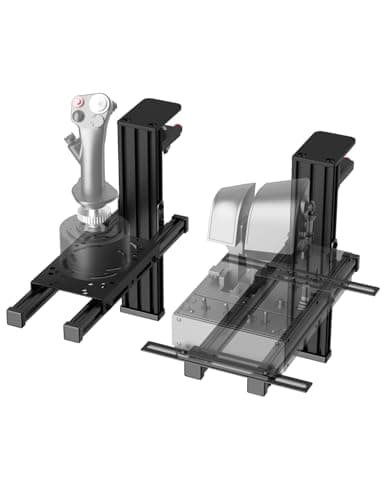
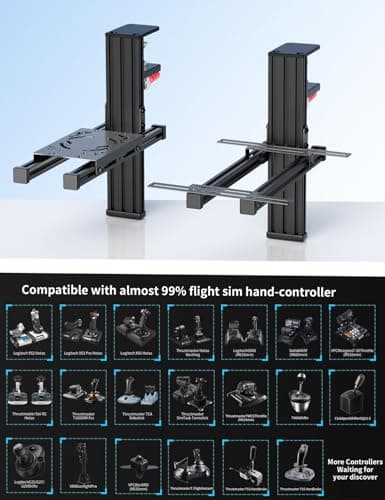
2 Pack Hotas Desk Mount For Flight Sim Joystick Compatible with Logitech X56/X52/X52 Pro, Thrustmaster Hotas Warthog/ T.16000M/ T-Flight Hotas 4/X/ SimTask Farmstick/ Sol-R2, Winwing, VPC, VKB Hotas
VTUIFBT
£59.99
Aerosoft Honeycomb Alpha Flight Controls Flugsimulator-Steuerhorn USB PC black
Honeycomb Aeronautical
£301.16
Alpha Rider Universal Motorcycle 22MM Black Throttle Mounted
Alpha Rider
£8.99
